Price
Unknown
A script by FzD-Scripts
Price
UnknownIntroducing the FzD Hud – the ultimate dynamic HUD designed to enhance your server experience!
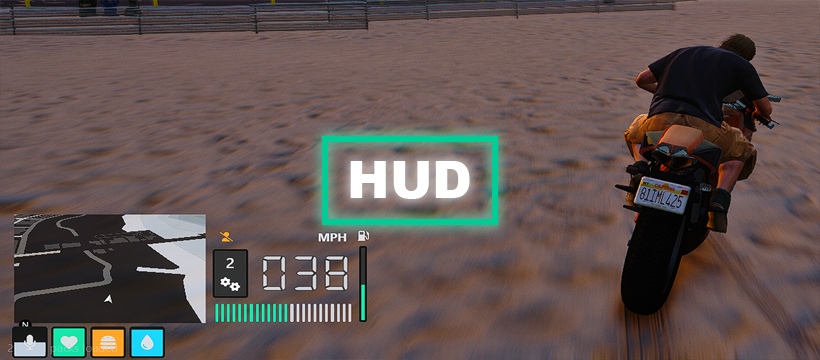
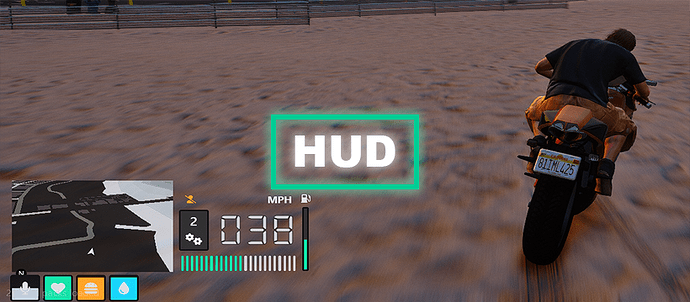
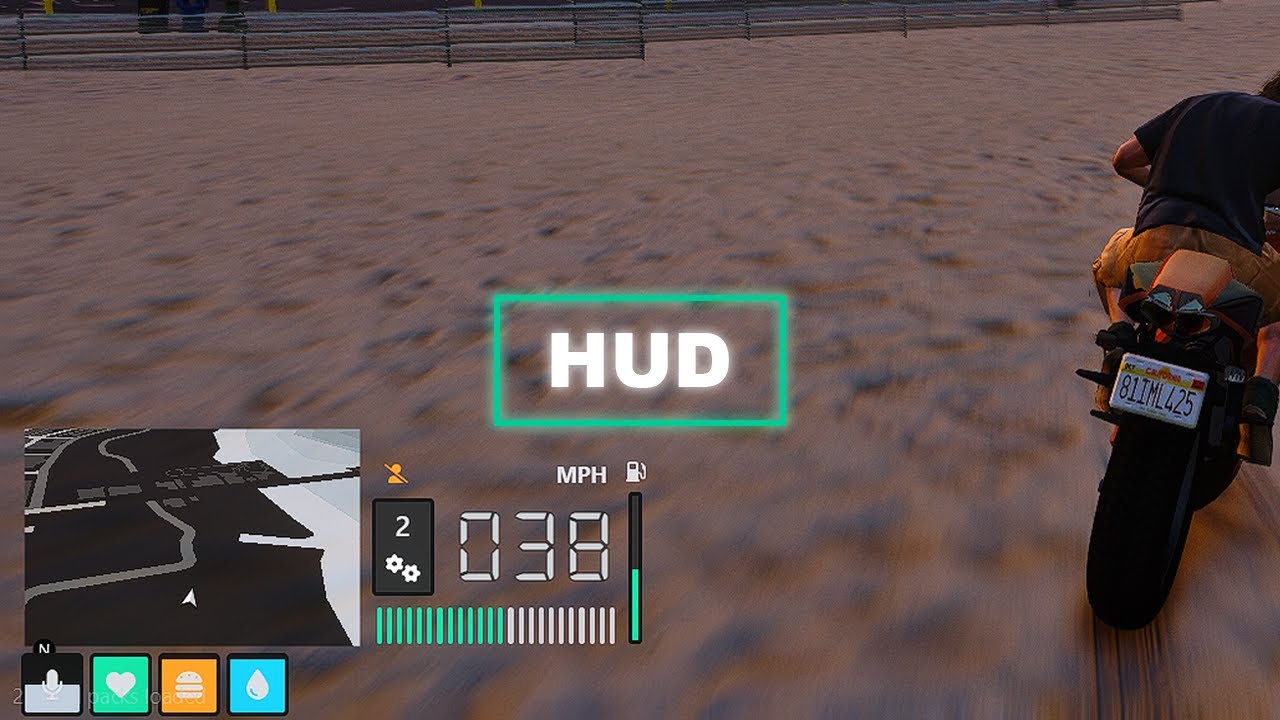
With FzD Hud, you gain unparalleled customisation options, enabling you to add and adjust indicators to meet your server’s specific needs. The HUD’s positioning and sizing are automatically adjusted using the minimap location, ensuring flawless alignment across all resolutions. Whether you’re working with a small screen or a large display, FzD Hud effortlessly adapts to provide a consistently engaging and visually pleasing experience.
 Preview
 Feature List
The script is standlone, however comes setup for QBCore/QBX (all modules/indicators are editable and can be customised to fit servers framework/needs).
The HUD’s positioning and sizing are automatically adjusted using the minimap location, ensuring flawless alignment across all resolutions.
Provide a consistently engaging and visually pleasing experience
 Links
Links
Purchase FzD Hud
Video Showcase
Docs
 Extra Information
Config = {}
Config.Debug = false -- set to true to enable debug mode

Config.UseMPH = true -- set to true to use MPH, false to use KMH

Config.Compass = {}
Config.Compass.Enabled = true -- set to true to enable compass
Config.Compass.ShowOnlyInVehicle = true -- set to true to only show compass when in vehicle
Config.Compass.FollowCamera = false -- set to true to make compass follow camera rotation```
local health = nil

local function updateHealth()
  local isDead = false

  if IsEntityDead(cache.ped) or QBX.PlayerData.metadata["inlaststand"] or QBX.PlayerData.metadata["isdead"] then
    isDead = true
  else
    isDead = false
  end

  local newValue = not isDead and math.ceil(GetEntityHealth(cache.ped) - 100) or 100
  local newIcon = not isDead and "heart" or "skull-crossbones"
  local newColor = not isDead and "teal" or "red"

  if health ~= nil then
    health:update('value', newValue)
    health:update('icon', newIcon)
    health:update('color', newColor)
  end

  SetTimeout(500, updateHealth)
end

local function init()
  health = hud.indicator({
    icon = "heart",
    color = "green",
    value = 100,
    position = 2
  })

  updateHealth()
end

RegisterNetEvent('QBCore:Client:OnPlayerLoaded', function()
  init()
end)

AddEventHandler('onResourceStart', function(resourceName)
  if resourceName ~= GetCurrentResourceName() then
    return
  end

  Wait(2000)

  if LocalPlayer.state.isLoggedIn then
    init()
  end
end)
local stamina = nil

local function updateStamina()
  local staminaValue = 0

  if not IsPedSwimmingUnderWater(cache.ped) then
    staminaValue = (100 - GetPlayerSprintStaminaRemaining(cache.playerId))
  end

  if IsPedSwimmingUnderWater(cache.ped) then
    staminaValue = (GetPlayerUnderwaterTimeRemaining(cache.playerId) * 10)
  end

  if stamina ~= nil then
    stamina:update('value', staminaValue)

    if staminaValue == 100 then
      stamina:hide()
    else
      stamina:show()
    end
  end

  SetTimeout(500, updateStamina)
end

local function init()
  stamina = hud.indicator({
    icon = "lungs",
    color = "yellow",
    value = 100,
    position = 6
  })

  updateStamina()
end

RegisterNetEvent('QBCore:Client:OnPlayerLoaded', function()
  init()
end)

AddEventHandler('onResourceStart', function(resourceName)
  if resourceName ~= GetCurrentResourceName() then
    return
  end

  Wait(2000)

  if LocalPlayer.state.isLoggedIn then
    init()
  end
end)
| Code is accessible | No (all modules/indicators are open and editable) |
| Subscription-based | No |
| Lines (approximately) | 1000 |
| Requirements | None, configure to server preference |
| Support | Yes |
See what others are saying about this script.
Share your experience and help others.
