![[PAID] - [STANDALONE / ESX / QBCORE / QBOX] Rc vehicles + script main image](https://forum-cfx-re.akamaized.net/optimized/5X/5/c/2/b/5c2bf65fd64ed16f6be1b7cb7af426f7467c6344_2_690x388.jpeg)
![[PAID] - [STANDALONE / ESX / QBCORE / QBOX] Rc vehicles + script thumbnail 2](https://forum-cfx-re.akamaized.net/optimized/5X/e/9/2/5/e925872acf4e2d482cf02305438e14718ca32f08_2_345x156.jpeg)
![[PAID] - [STANDALONE / ESX / QBCORE / QBOX] Rc vehicles + script thumbnail 3](https://forum-cfx-re.akamaized.net/optimized/5X/0/0/b/a/00ba324a8435c709d2b4680303e613f76fa2052f_2_345x194.jpeg)
![[PAID] - [STANDALONE / ESX / QBCORE / QBOX] Rc vehicles + script thumbnail 4](https://forum-cfx-re.akamaized.net/optimized/5X/1/7/c/b/17cbded02ef2c70dc75a16ab9161015e5327f2d2_2_345x194.jpeg)
![[PAID] - [STANDALONE / ESX / QBCORE / QBOX] Rc vehicles + script thumbnail 5](https://forum-cfx-re.akamaized.net/optimized/5X/5/e/a/1/5ea165f7cb12e92bdda4382aea33faf42c57ef51_2_345x194.jpeg)
![[PAID] - [STANDALONE / ESX / QBCORE / QBOX] Rc vehicles + script thumbnail 6](https://forum-cfx-re.akamaized.net/optimized/5X/8/7/6/3/8763ad5f101a811106062d6bc2280133df5e2835_2_345x194.jpeg)
![[PAID] - [STANDALONE / ESX / QBCORE / QBOX] Rc vehicles + script thumbnail 7](https://forum-cfx-re.akamaized.net/optimized/5X/f/6/f/4/f6f497e2677de4997b4ebeb33dd3bfa20bb304ce_2_345x194.jpeg)
![[PAID] - [STANDALONE / ESX / QBCORE / QBOX] Rc vehicles + script thumbnail 8](https://forum-cfx-re.akamaized.net/optimized/5X/5/6/d/d/56dd64a86d07e5f93a25e9197929b41ecf312fb8_2_345x194.jpeg)
![[PAID] - [STANDALONE / ESX / QBCORE / QBOX] Rc vehicles + script thumbnail 9](https://forum-cfx-re.akamaized.net/optimized/5X/c/f/9/8/cf98ca76f8901efb655156a1f4e81342eaab3676_2_345x194.jpeg)
![[PAID] - [STANDALONE / ESX / QBCORE / QBOX] Rc vehicles + script thumbnail 10](https://forum-cfx-re.akamaized.net/optimized/5X/1/2/b/a/12bacb3ce52157bfe5b1a14852176fd837e0cc82_2_345x194.png)
![[PAID] - [STANDALONE / ESX / QBCORE / QBOX] Rc vehicles + script thumbnail 11](https://forum-cfx-re.akamaized.net/optimized/5X/5/6/3/7/56377a4a9d6d6eb622270afc487f4f2686688a67_2_345x194.jpeg)
![[PAID] - [STANDALONE / ESX / QBCORE / QBOX] Rc vehicles + script thumbnail 12](https://forum-cfx-re.akamaized.net/optimized/5X/6/6/e/2/66e263ed92600691a62e10784c4db47de45ac8bd_2_345x194.jpeg)
![[PAID] - [STANDALONE / ESX / QBCORE / QBOX] Rc vehicles + script thumbnail 13](https://forum-cfx-re.akamaized.net/optimized/5X/1/6/d/8/16d8b3cb050a7b8f32b045fc876ecb4b8b3e8de0_2_345x194.jpeg)
Price
Unknown
A script by Tiwabs
Price
Unknown
This script adds remote-controlled (RC) vehicles to your FiveM server.
Watch the video here  Youtube
Purchase here tebex store
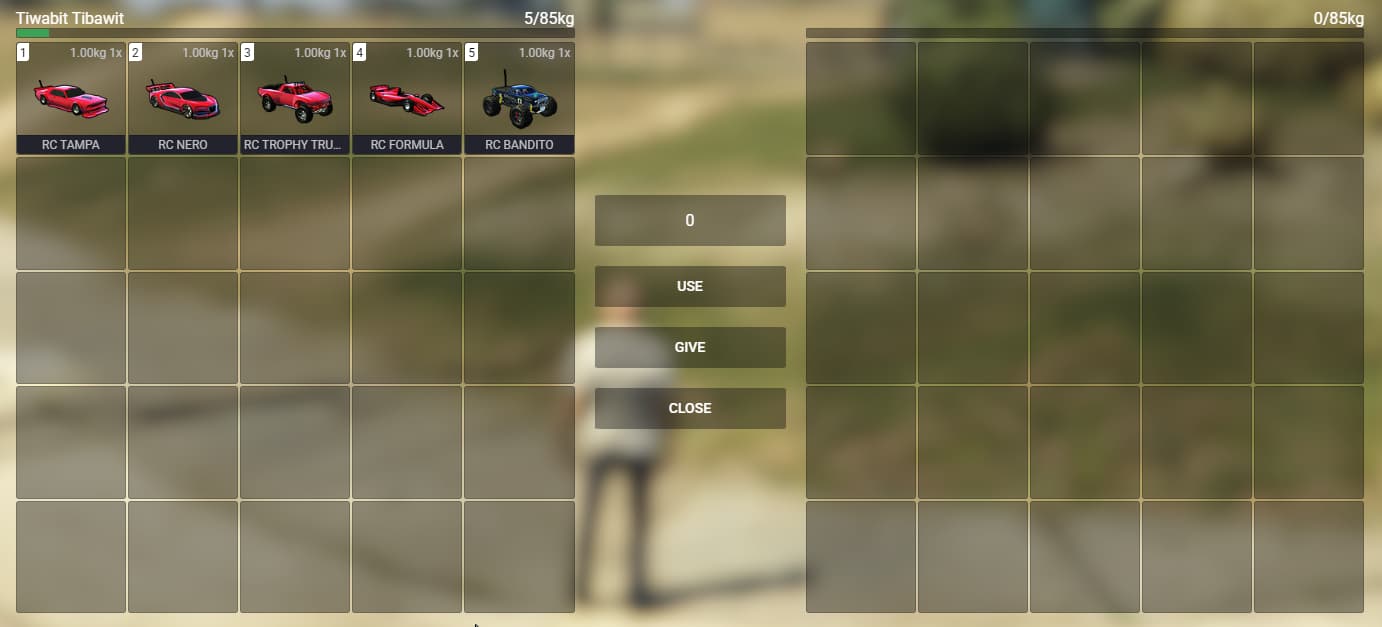
Inventory items
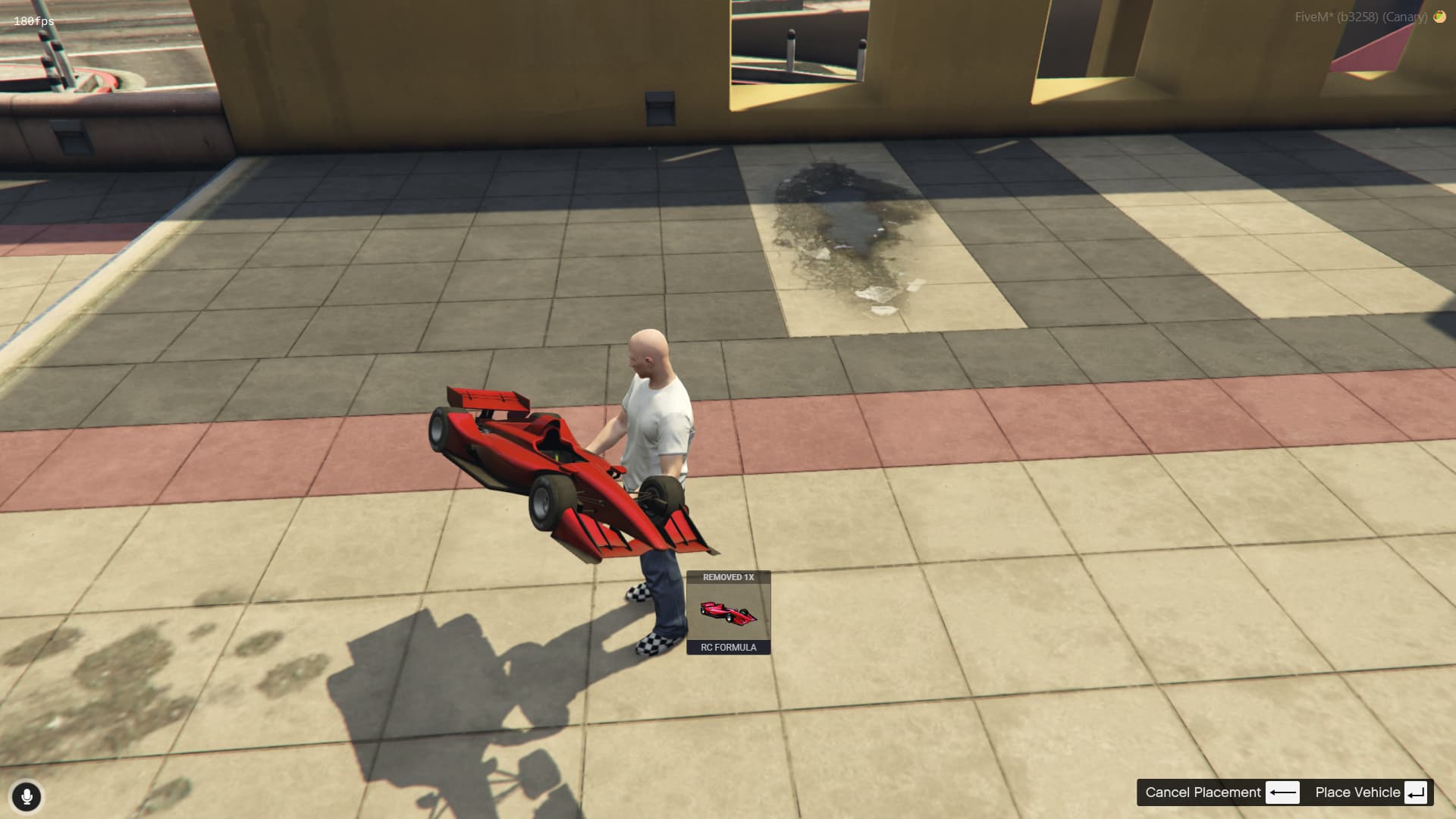
Object placed on hands when using the item
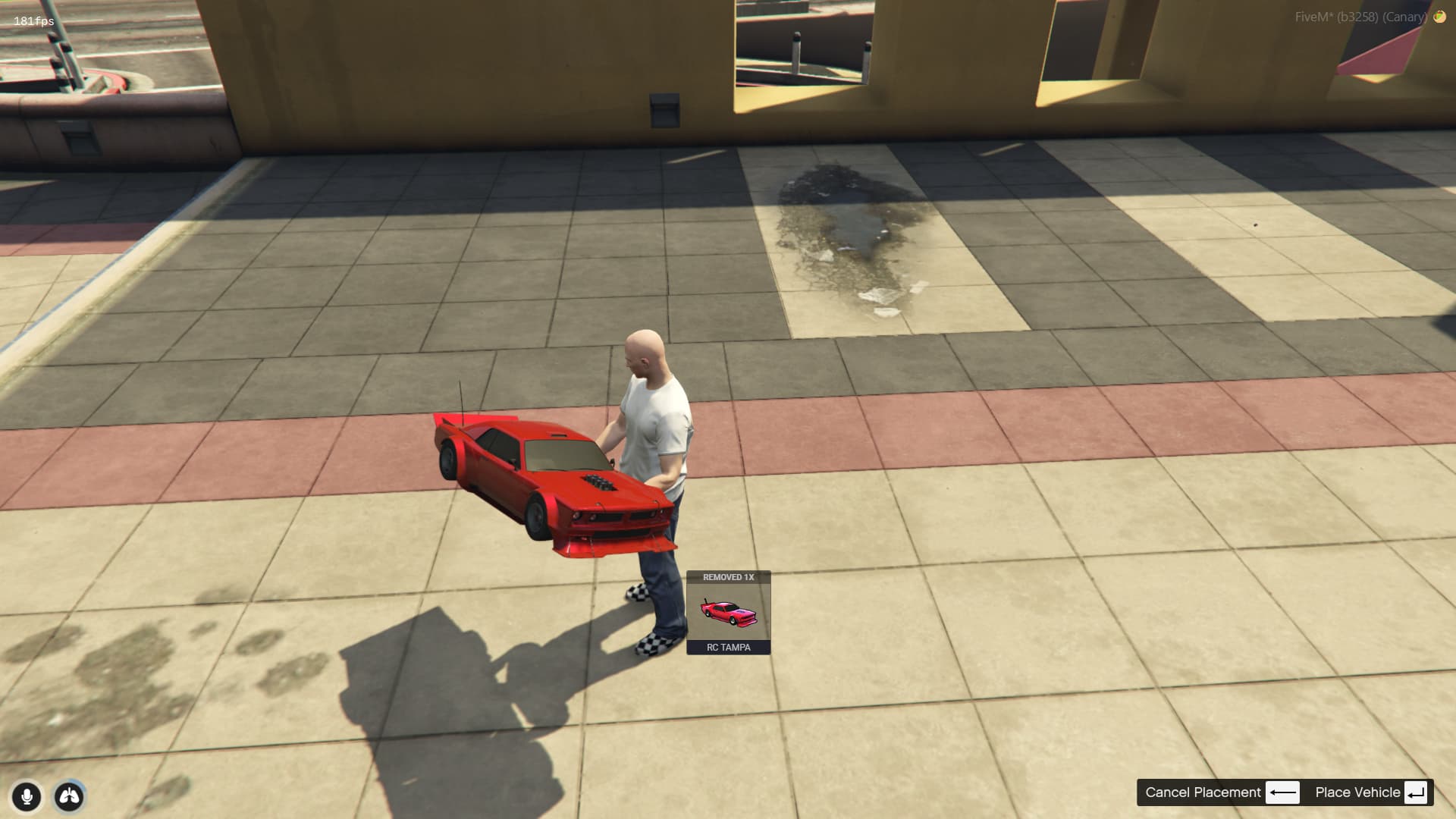
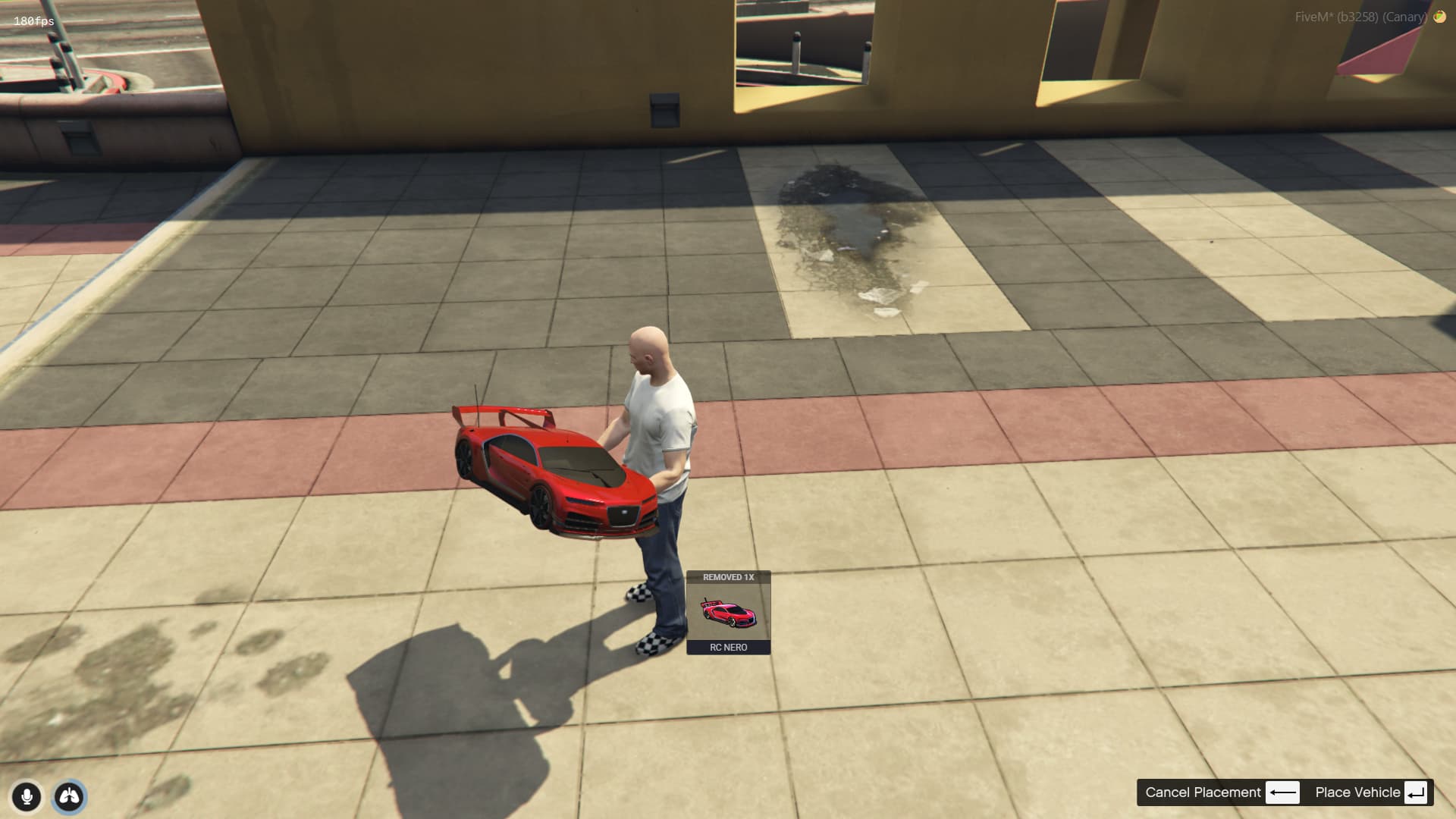
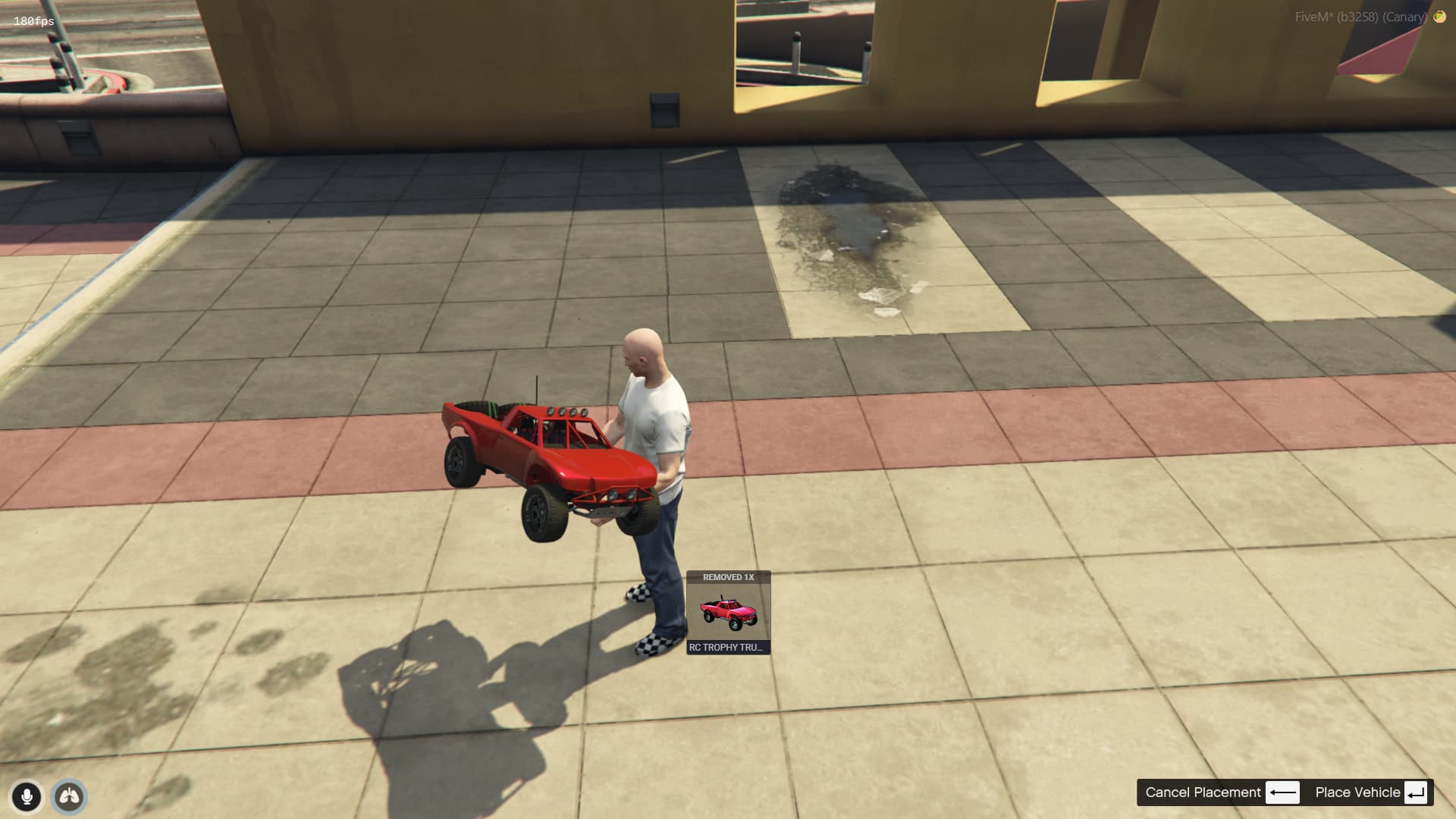

List of availables vehicles

You see your clone on the minimap while driving
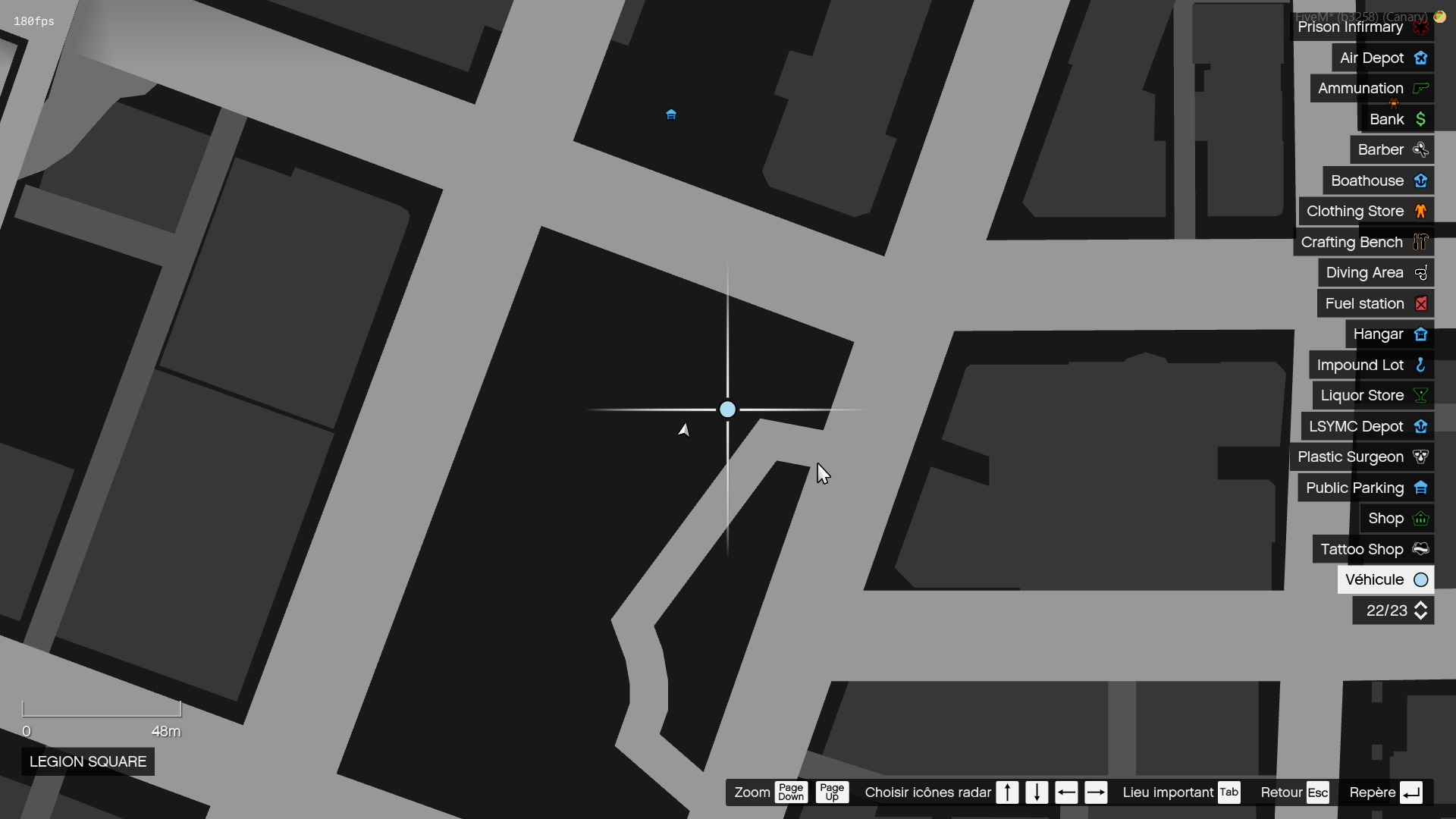
You see your vehicle on the minimap when not driving
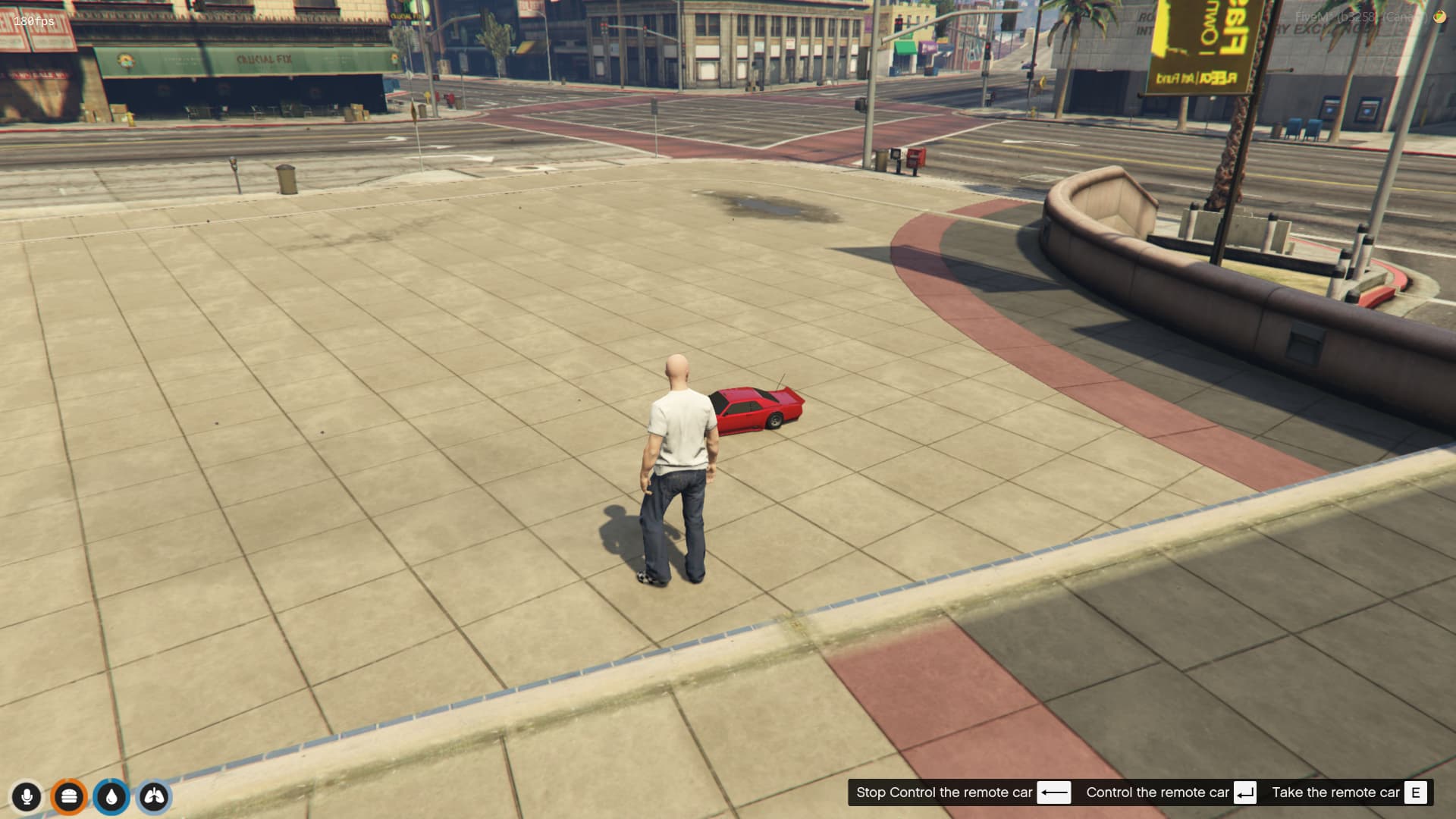
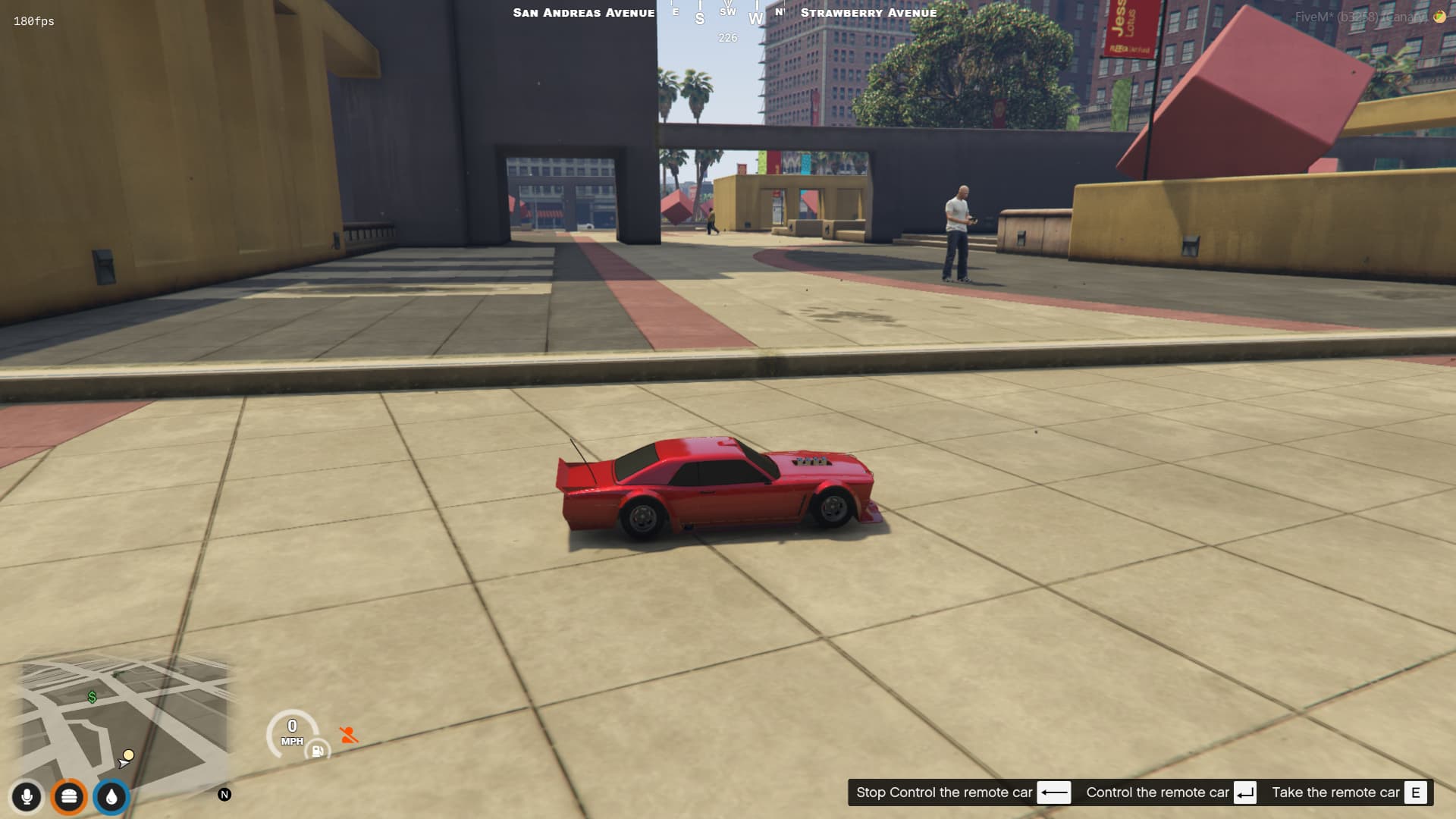
Starting loosing the signal

Signal loss
(ESX / QBCore / QBOX / Standalone)This script allows players to control remote-controlled (RC) vehicles in a game environment. Here’s how it works:
This script provides a realistic and immersive RC vehicle experience, with features like signal loss and visual effects adding depth to the gameplay.
Everything is ./bridge folder comes preconfigured and not encrypted so you can edit as needed.
Standalone is configured with minimal functionnality (command /rc <model> to use the rc).
For standalone framework Call this export in regard to use the script correctly:
exports['twRc']:useRcItem(model)
ox_inventory/data/items.lua["rctampa2"] = {
label = "Rc Tampa",
weight = 1000,
stack = false,
close = true,
description = "Control remotely a little rc car",
client = {
image = "rctampa2.png",
export = 'twRc.useRcItem'
}
},
["rcnero2"] = {
label = "RC NERO",
weight = 1000,
stack = false,
close = true,
description = "Control remotely a little rc car",
client = {
image = "rcnero2.png",
export = 'twRc.useRcItem'
}
},
["rcopenwheel2"] = {
label = "RC Formula",
weight = 1000,
stack = false,
close = true,
description = "Control remotely a little rc car",
client = {
image = "rcopenwheel2.png",
export = 'twRc.useRcItem'
}
},
["rctrophytruck"] = {
label = "RC Trophy Truck",
weight = 1000,
stack = false,
close = true,
description = "Control remotely a little rc car",
client = {
image = "rctrophytruck.png",
export = 'twRc.useRcItem'
}
},
["rcbandito"] = {
label = "RC Bandito",
weight = 1000,
stack = false,
close = true,
description = "Control remotely a little rc car",
client = {
image = "rcbandito.png",
export = 'twRc.useRcItem'
}
},
./setup folder to ox_inventory/web/images/.qb-core/shared/items.lua. -- RC Vehicles
rctampa2 = { name = 'rctampa2', label = 'RC Tampa', weight = 1000, type = 'item', image = 'rctampa2.png', unique = true, useable = true, shouldClose = true, description = 'Control remotely a little rc car' },
rcnero2 = { name = 'rcnero2', label = 'RC NERO', weight = 1000, type = 'item', image = 'rcnero2.png', unique = true, useable = true, shouldClose = true, description = 'Control remotely a little rc car' },
rcopenwheel2 = { name = 'rcopenwheel2', label = 'RC OpenWheel', weight = 1000, type = 'item', image = 'rcopenwheel2.png', unique = true, useable = true, shouldClose = true, description = 'Control remotely a little rc car' },
rctrophytruck = { name = 'rctrophytruck', label = 'RC Trophy Truck', weight = 1000, type = 'item', image = 'rctrophytruck.png', unique = true, useable = true, shouldClose = true, description = 'Control remotely a little rc car' },
rcbandito = { name = 'rcbandito', label = 'RC Bandito', weight = 1000, type = 'item', image = 'rcbandito.png', unique = true, useable = true, shouldClose = true, description = 'Control remotely a little rc car' },
./setup folder to qb-inventory/html/images../setup folder.|-------------------------------------|-----------------------------------|
| Assets are accessible | No |
| Code is accessible | Partialy (bridge only) |
| Subscription-based | No |
| Lines (approximately) | 1300 |
| Requirements | OneSync, ox_lib |
|Support | Yes|
See what others are saying about this script.
Share your experience and help others.
