![[Qbox/ESX/QBCore] Hydex-Bossmenu V2 - Premium Boss Menu System for FiveM main image](https://forum-cfx-re.akamaized.net/optimized/5X/e/a/e/2/eae2d813889812978da68866707652bf1ebab1d1_2_690x388.png)
![[Qbox/ESX/QBCore] Hydex-Bossmenu V2 - Premium Boss Menu System for FiveM thumbnail 2](https://forum-cfx-re.akamaized.net/optimized/5X/5/3/8/0/5380bdad20874a275e00806d4b44140f20cf25e4_2_690x483.jpeg)
![[Qbox/ESX/QBCore] Hydex-Bossmenu V2 - Premium Boss Menu System for FiveM thumbnail 3](https://forum-cfx-re.akamaized.net/optimized/5X/1/c/d/f/1cdf62a5d8833f140557e27e123b36f2fbc590f4_2_690x480.jpeg)
![[Qbox/ESX/QBCore] Hydex-Bossmenu V2 - Premium Boss Menu System for FiveM thumbnail 4](https://forum-cfx-re.akamaized.net/optimized/5X/1/5/1/c/151c0d9ed658211df569ce9f95f7218577e5e95c_2_690x482.jpeg)
![[Qbox/ESX/QBCore] Hydex-Bossmenu V2 - Premium Boss Menu System for FiveM thumbnail 5](https://forum-cfx-re.akamaized.net/optimized/5X/9/f/9/e/9f9eaf3908e1963211c9d741393cffac547151a1_2_690x479.jpeg)
![[Qbox/ESX/QBCore] Hydex-Bossmenu V2 - Premium Boss Menu System for FiveM thumbnail 6](https://forum-cfx-re.akamaized.net/optimized/5X/0/b/1/5/0b151de59d34fca0f77353041f72b7919077a639_2_690x478.jpeg)
![[Qbox/ESX/QBCore] Hydex-Bossmenu V2 - Premium Boss Menu System for FiveM thumbnail 7](https://forum-cfx-re.akamaized.net/optimized/5X/5/4/4/9/54494166c3f307af2c442e021616cbb2511f6e11_2_688x499.jpeg)
![[Qbox/ESX/QBCore] Hydex-Bossmenu V2 - Premium Boss Menu System for FiveM thumbnail 8](https://forum-cfx-re.akamaized.net/optimized/5X/c/f/a/f/cfaf74ced2a1bc1c7c1ac5090d6141c093072ed8_2_690x482.jpeg)
Price
Unknown
A script by HydexDevelopments
Price
Unknown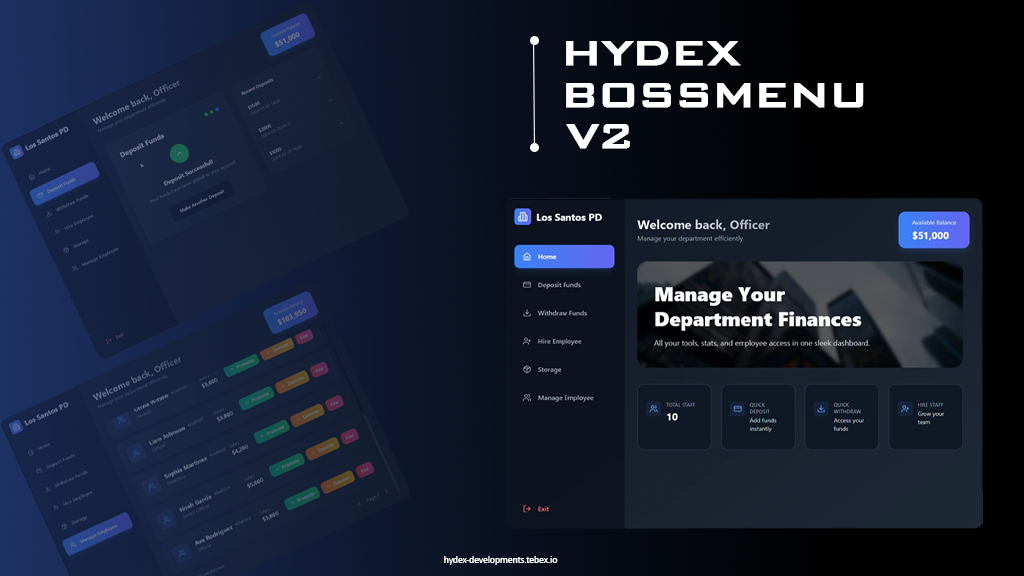
We’re excited to introduce Hydex-Bossmenu V2 — a complete overhaul of the classic boss menu system for FiveM. Designed with modern, smooth UI and advanced features, it’s built to enhance your server’s job management like never before.
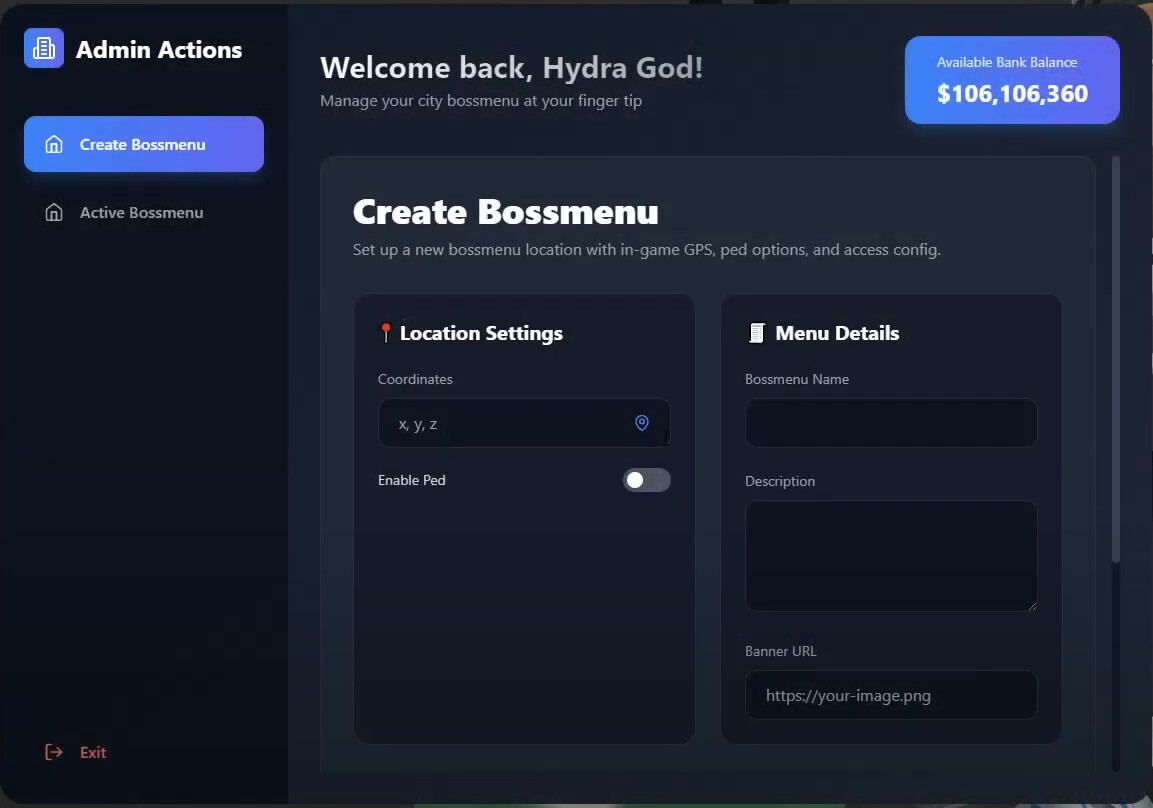
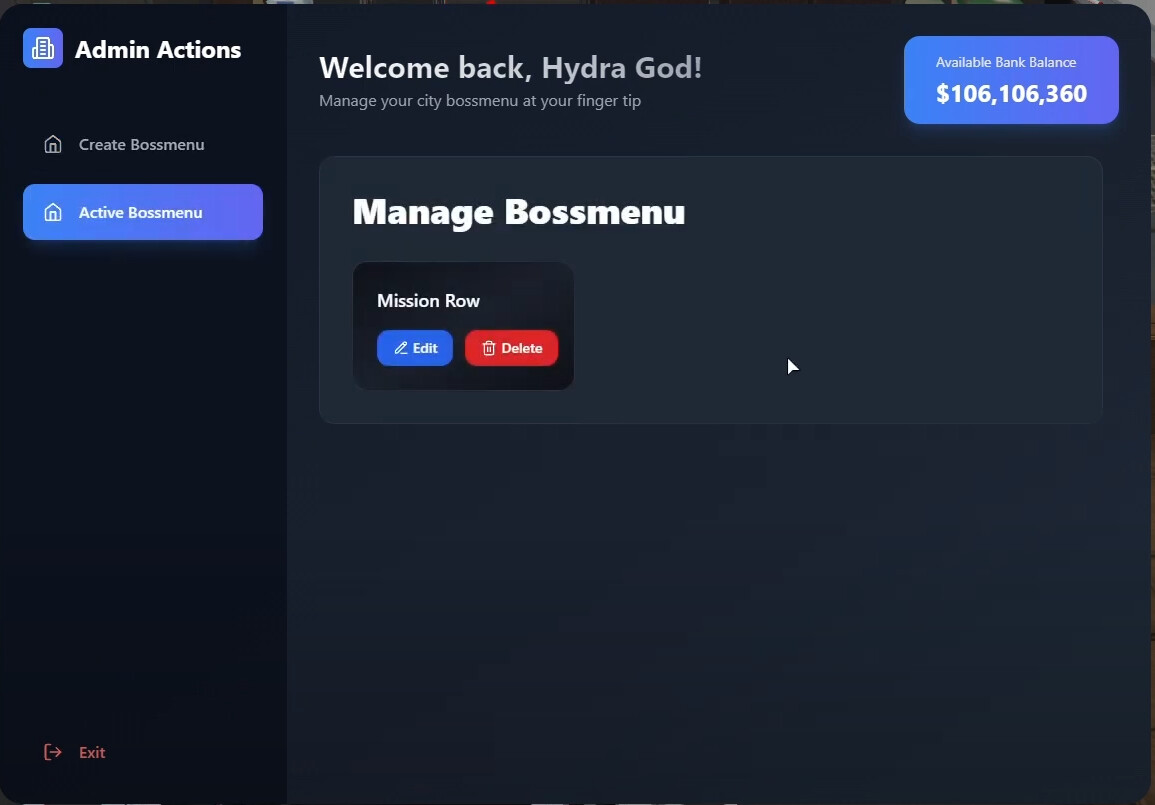

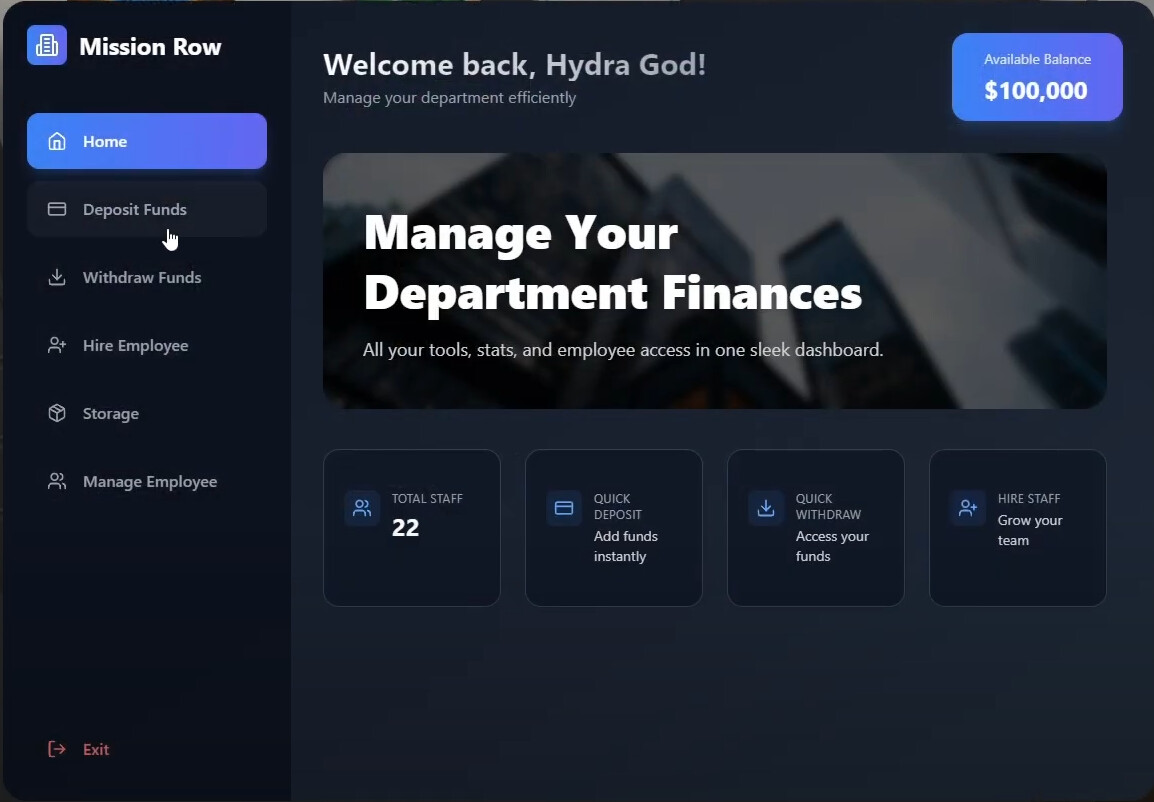

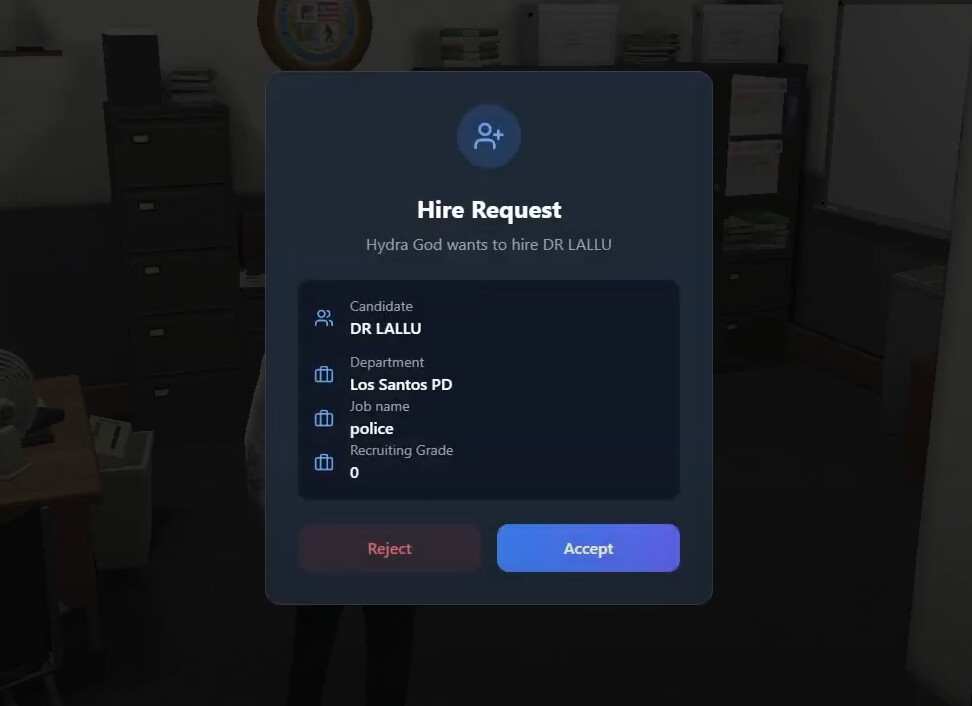

 For Players:
ox_target, qb-target, or textui — whichever suits your server best. For Admins:
config.lua.Config = {}
Config.Framework = 'qb' -- qb or esx or qbx
Config.AdminAccessCommand = 'createbossmenu' -- command to createbossmenu ( for admins)
Config.Account = 'bank' -- bank or money (the account that we use for deosit and withdraw)
Config.Inventory = 'qb' -- (qb, ox are prebuilt configurations) ( check sv_function and cl_functions.lua for more info)
Config.PlayerLoadEvent = 'QBCore:Client:OnPlayerLoaded' -- (QBCore:Client:OnPlayerLoaded for qb and qbx) (esx:playerLoaded for esx)
Config.DefaultJob = { -- DefaultJob that set player fired
grade = 0,
name = 'unemployed'
}
Config.InventoryConfig = { -- inventory configuration
slot = 50, -- 50 slots
maxweight = 1000000, -- 1000kg
}
Config.PedConfig = { -- if u set ped enabled , then this config will be used
animation = {
enabled = true, -- if u set this to false, then ped will not play any animation
dict = 'amb@world_human_hang_out_street@male_a@idle_a', -- animation dict
anim = 'idle_d', -- animation name
}
}
Config.BossMenuSprites = { -- if u set ped disabled then this config will be used
enabled = true, -- if u set this to false, then bossmenu will not show any sprites
sprite = 21, -- sprite number https://docs.fivem.net/docs/game-references/markers/
color = { -- sprite color ( RGBA )
r = 255, -- red
g = 0, -- green
b = 0, -- blue
a = 255 -- alpha
},
scale = 0.6, -- sprite scale
bowUpandDown = true, -- if u set this to true, then sprite will move up and down
}
Config.Interaction = 'textui' -- textui, ox_target, qb-target
You can grab Hydex-Bossmenu V2 now from Hydex Developments Tebex Store. For any questions or support, feel free to join our Discord. Our team is always here to help you with setup, configuration, and any other inquiries you have
| Code is accessible | Non-Escrow version Available |
| Subscription-based | No |
| Lines (approximately) | 1000 + |
| Requirements | ox_lib |
| Support | Yes |
See what others are saying about this script.
Share your experience and help others.
