

Price
Unknown
A script by hollywoodiownu
Price
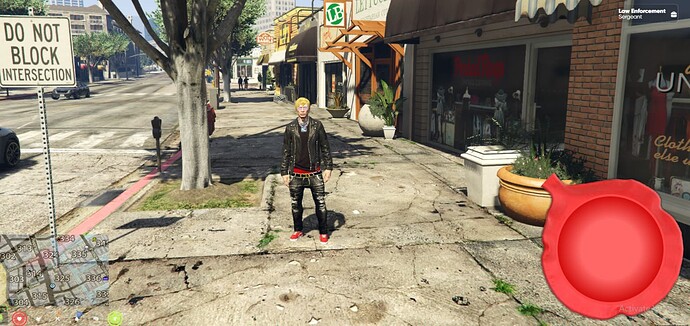
UnknownA fun and interactive FiveM script to toggle a draggable UI and play various sounds/animations in the game world.
OVER 25 FART SOUNDS
ADD ON PACKS ARE COMING!
 Features
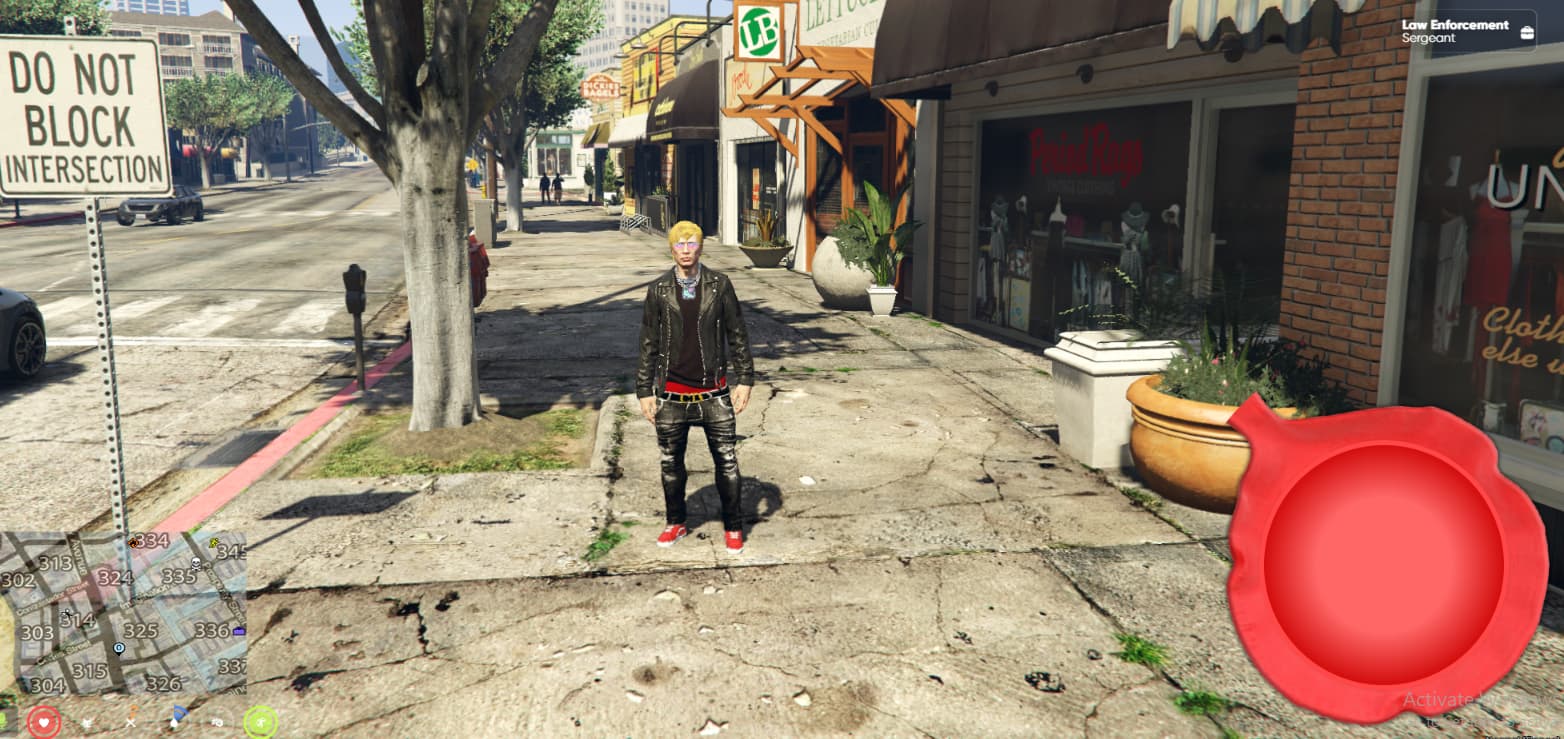
Toggle UI: Easily toggle a user interface with a command or usable item.
Vomiting Animations: Make nearby players/NPCs play vomiting animations with a certain chance.
Sound Effects: Play a variety of sound effects in the game world. - Interact Sounds
Configurable: Easily enable/disable features using the config.lua.
 Installation
Download & Extract: Download the script and extract it to your resources directory.
Configure: Adjust settings in config.lua as per your requirements.
Restart Server: Restart your server to see the script in action!
 Configuration
 config.lua
-- Define sound options
Config.SoundOptions = {
    -- Add more sound options as needed
}

Config.VomitChance = {
    -- Define the chance for each vomiting animation set
    {
        AnimationDict = "anim@scripted@ulp_missions@injured_agent@",
        AnimationName = "idle",
        Chance = 0.02,  -- 20% chance for this animation set 0.02 super rare 200+ farts 0.09 rare 20+ 1.0 all the time vomits
    },
    -- Add more animation sets with chances as needed
}

Config.CooldownTime = 1000 -- The cooldown time in milliseconds (5 seconds in this case)

-- Set to true to enable the command /togglewhoopee, false to disable it
Config.UseCommand = true
Sound Options: Define various sound options to be played.
Vomit Animations: Define animations and their chances to be played.
Cooldown Time: Set the cooldown time for sound effects.
Use Command: Enable/disable the command /togglewhoopee. to switch from usable to command
 client.lua
Toggle UI: Functionality to toggle UI visibility.
Vomiting Logic: Logic to make nearby players/NPCs vomit.
Animation Handling: Functions to handle vomiting animations.
 Usage
Usage
Toggle UI: Use /togglewhoopee (if enabled in config.lua) or use the defined usable item.
Toggle UI With QBCORE Usable: Use Whoopee Item
 Customization
Add Sounds: Add more sound options in Config.SoundOptions.
Adjust Chances: Modify the Chance values in Config.VomitChance to adjust the likelihood of animations.
Modify Cooldown: Adjust Config.CooldownTime to set the cooldown between sound effects.
 Disclaimer
“Whoopee Script” is an unofficial modification for FiveM, not affiliated with Rockstar Games.
Use it responsibly within the game’s rules and regulations.
The creators of “Whoopee Script” are not responsible for in-game consequences or misuse.
Embrace the immersive experience of “Whoopee Script,” but remember to
exercise caution in the virtual world! 


|Code is accessible |YES (Escrow)|
|Subscription-based |No|
|Lines (approximately) |1342|
|Requirements |FiveM Server|Qbcore|
|Support |Yes|
See what others are saying about this script.
Share your experience and help others.

