

Price
Unknown
A script by ThaC
Price
Unknown
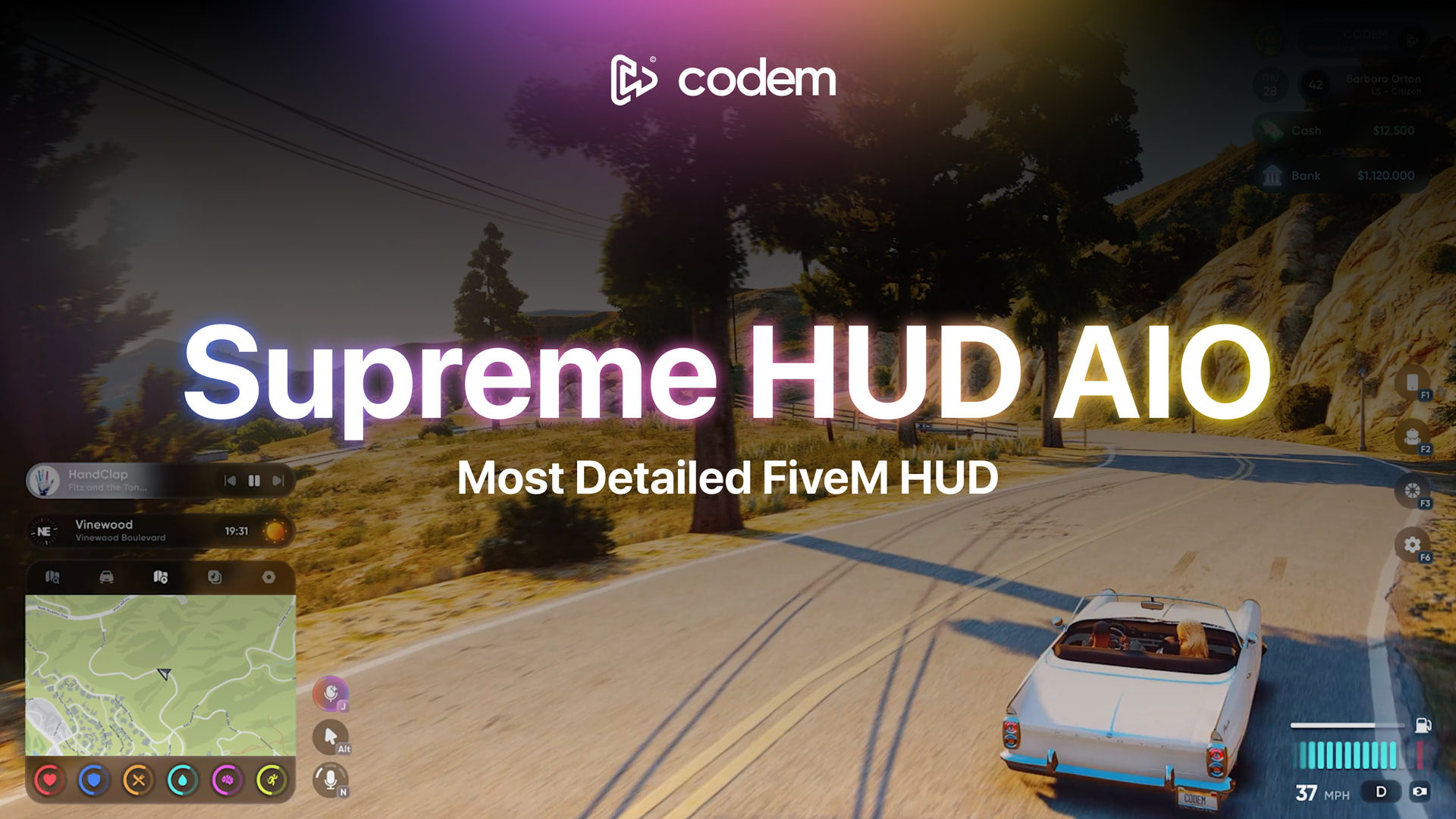
The most complete FiveM HUD system. One resource. Zero compromises.
 OVERVIEW
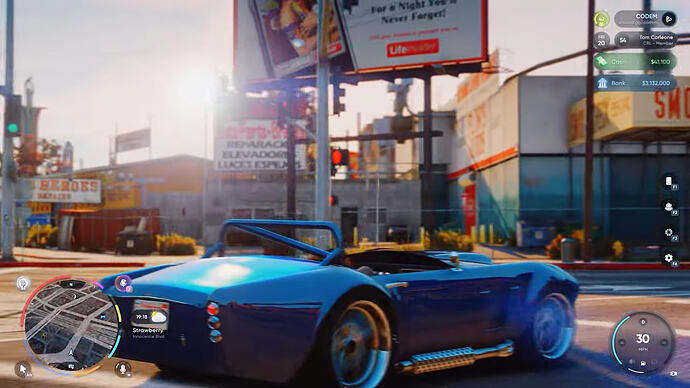
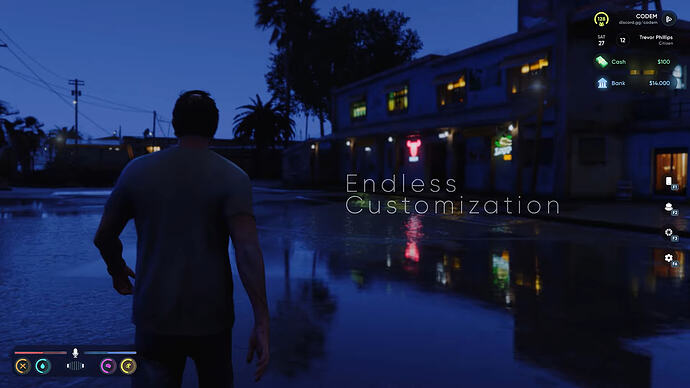
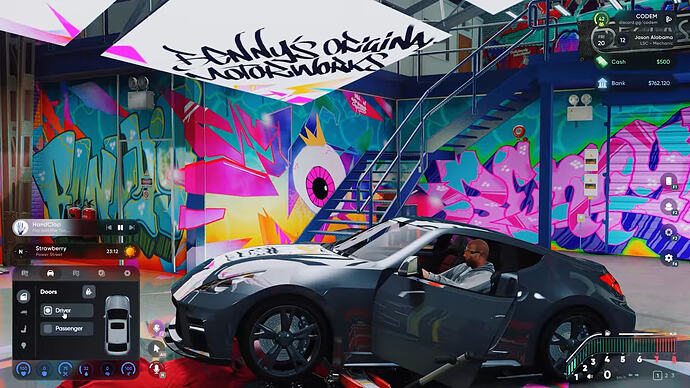
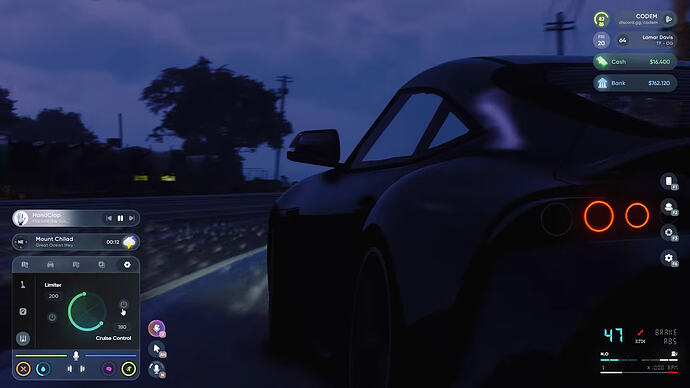
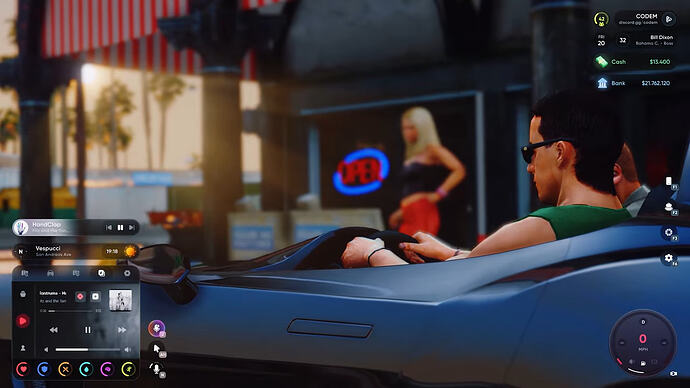
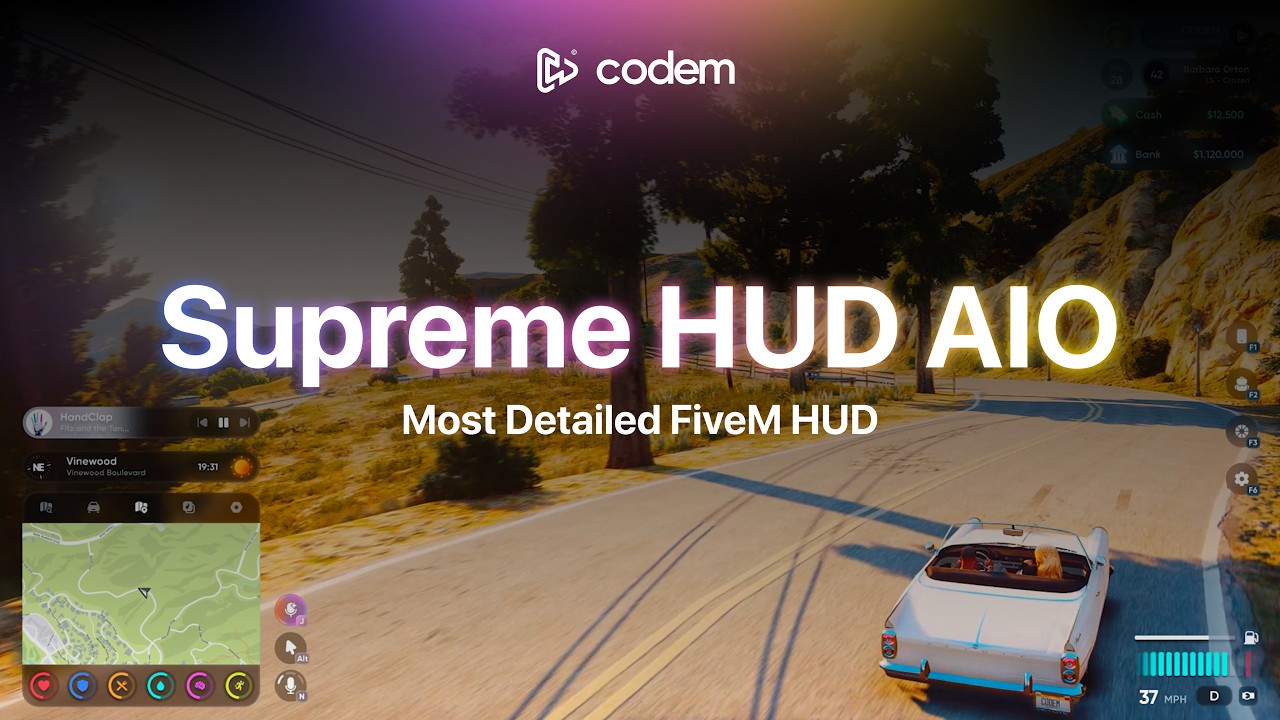
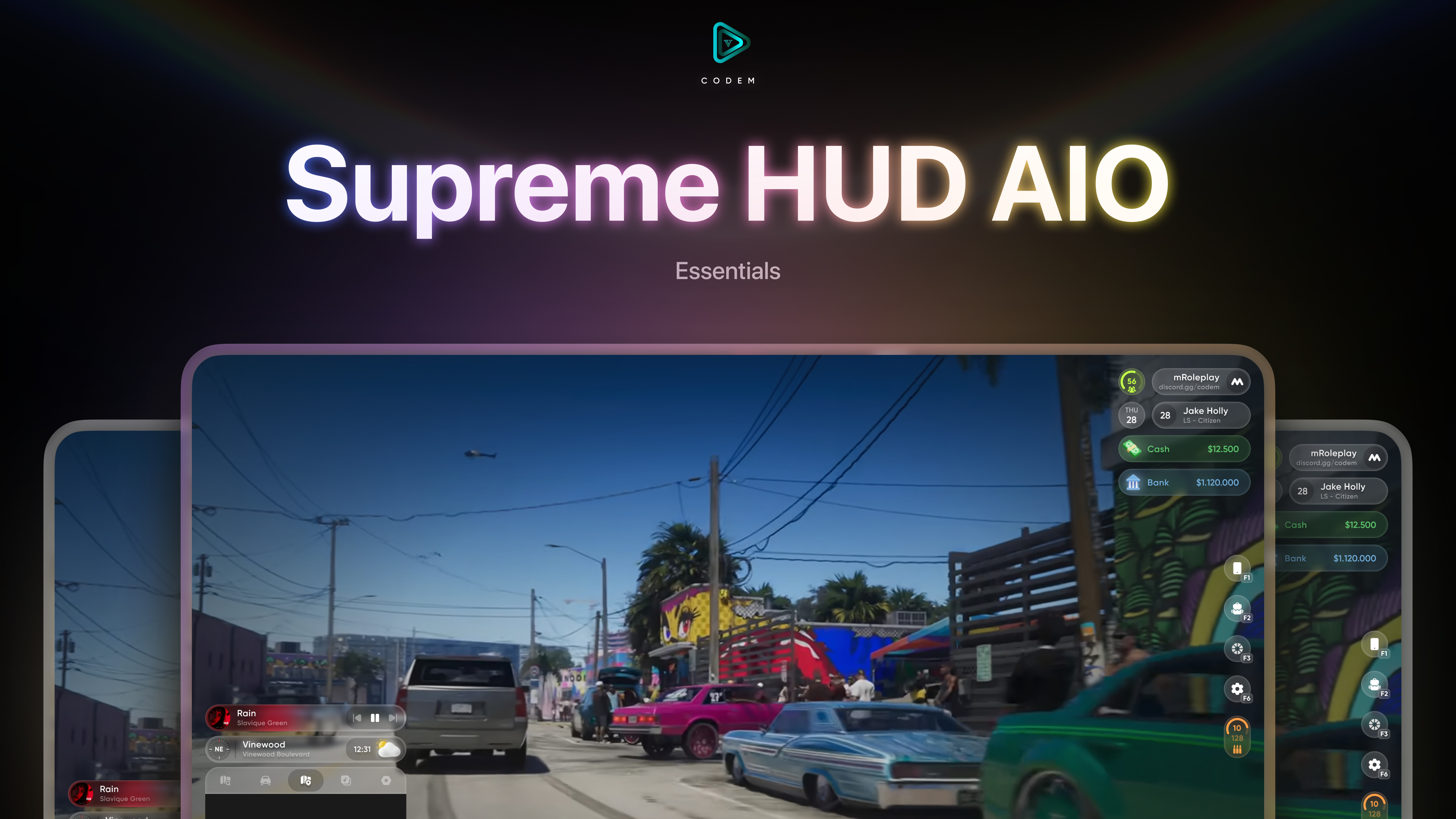
Supreme HUD AIO is a production-ready, all-in-one heads-up display system for FiveM roleplay servers. Instead of managing five separate HUD resources, Supreme HUD consolidates every essential system — status bars, speedometers, stress mechanics, FLIR camera, nitro, vehicle mods, seatbelt, turn signals, music player, and navigation — into a single, deeply optimized resource.
Every element is fully player-configurable through an in-game settings panel with drag-and-drop positioning, per-element color theming, and layout preset import/export. Two complete HUD layouts are included. Supports ESX Legacy, ESX Modern, QBCore (old & new), QBox, and more — with bridge support for virtually every popular subsystem.

 CORE HUD SYSTEM
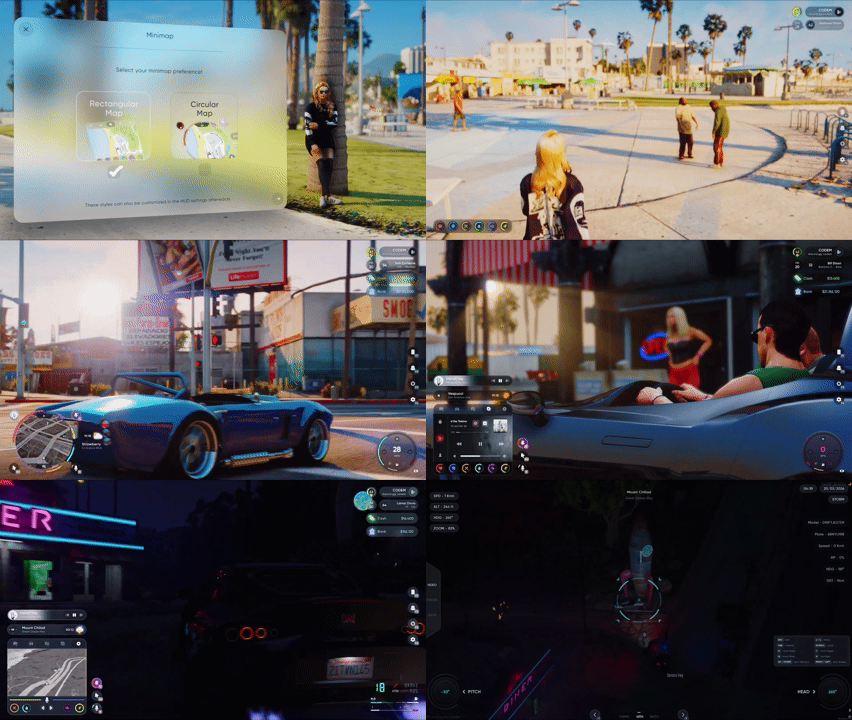
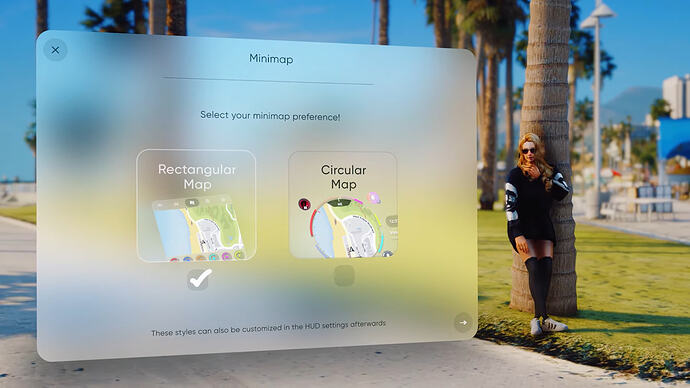
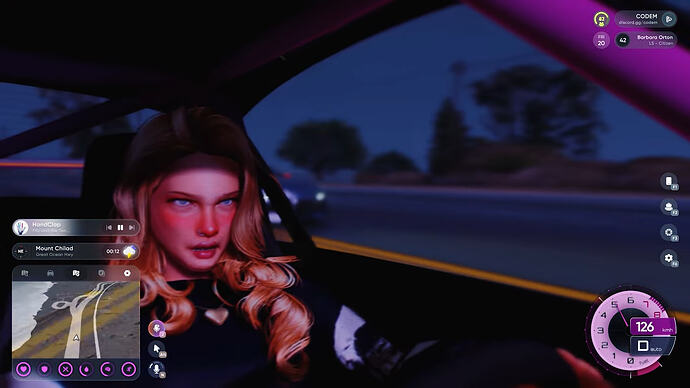
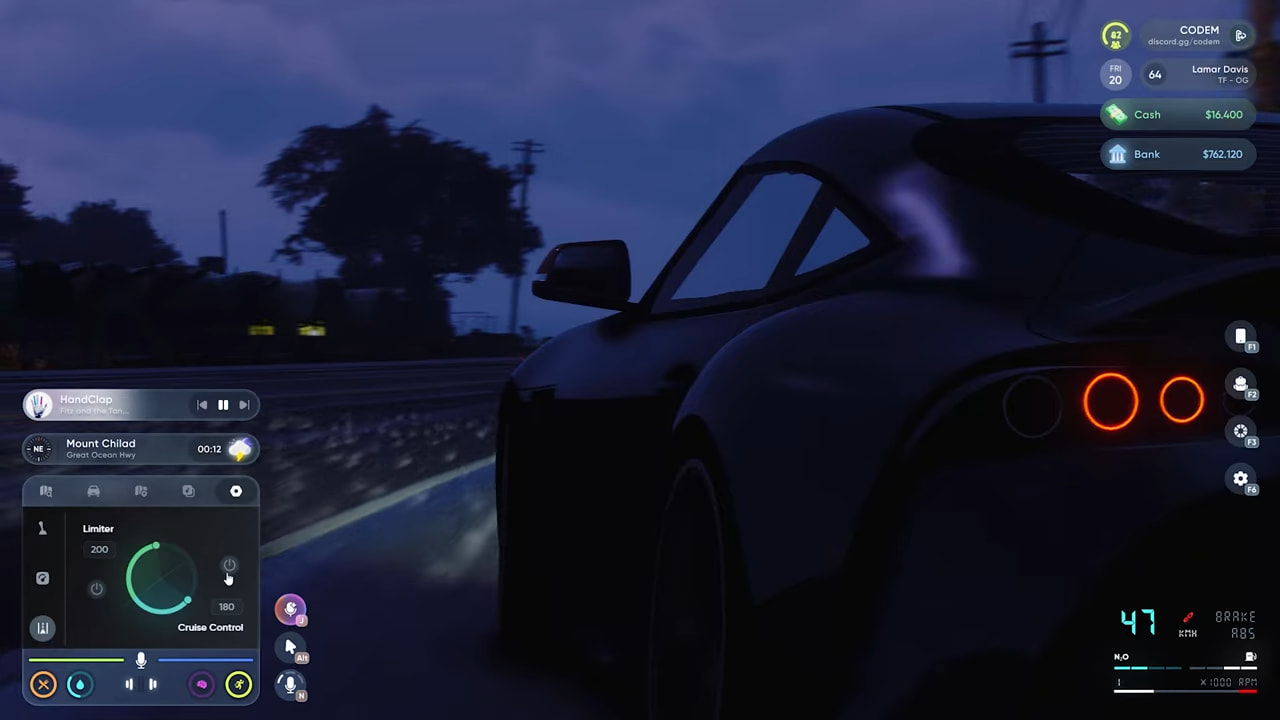
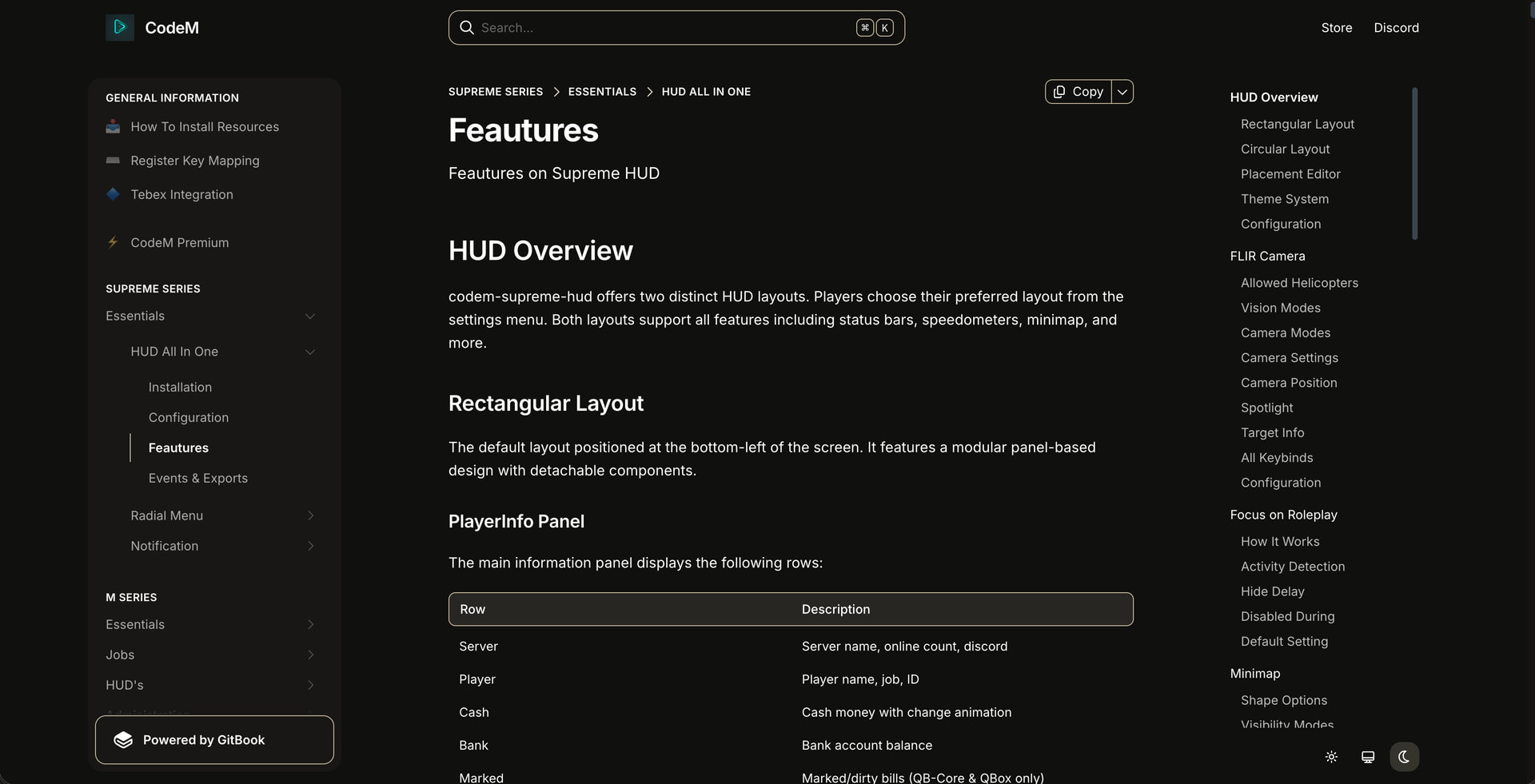
Choose between a Rectangular layout (modular, detachable info panel + keybind panel) or a Circular layout (page-based navigation across Vehicle, Music, Nav, and Settings pages). Players set their preference in-game.
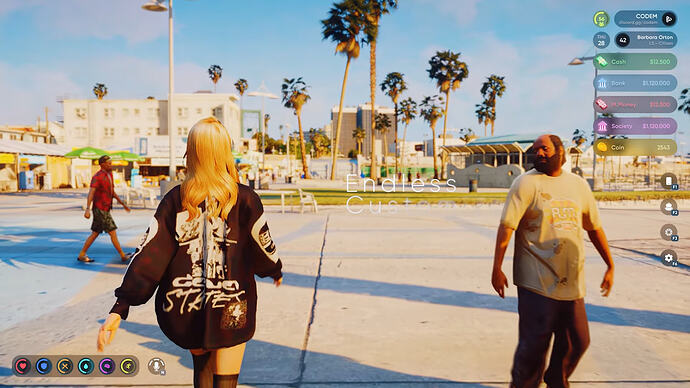
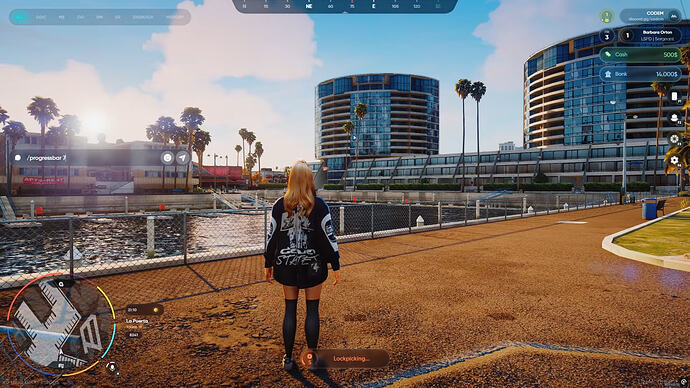
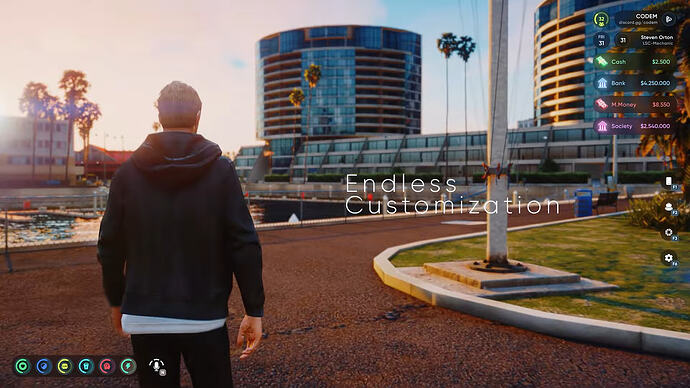
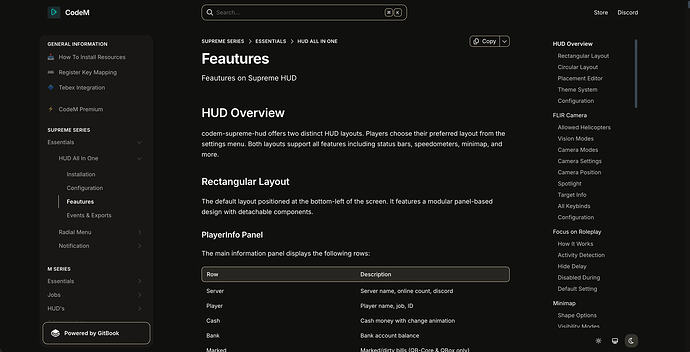
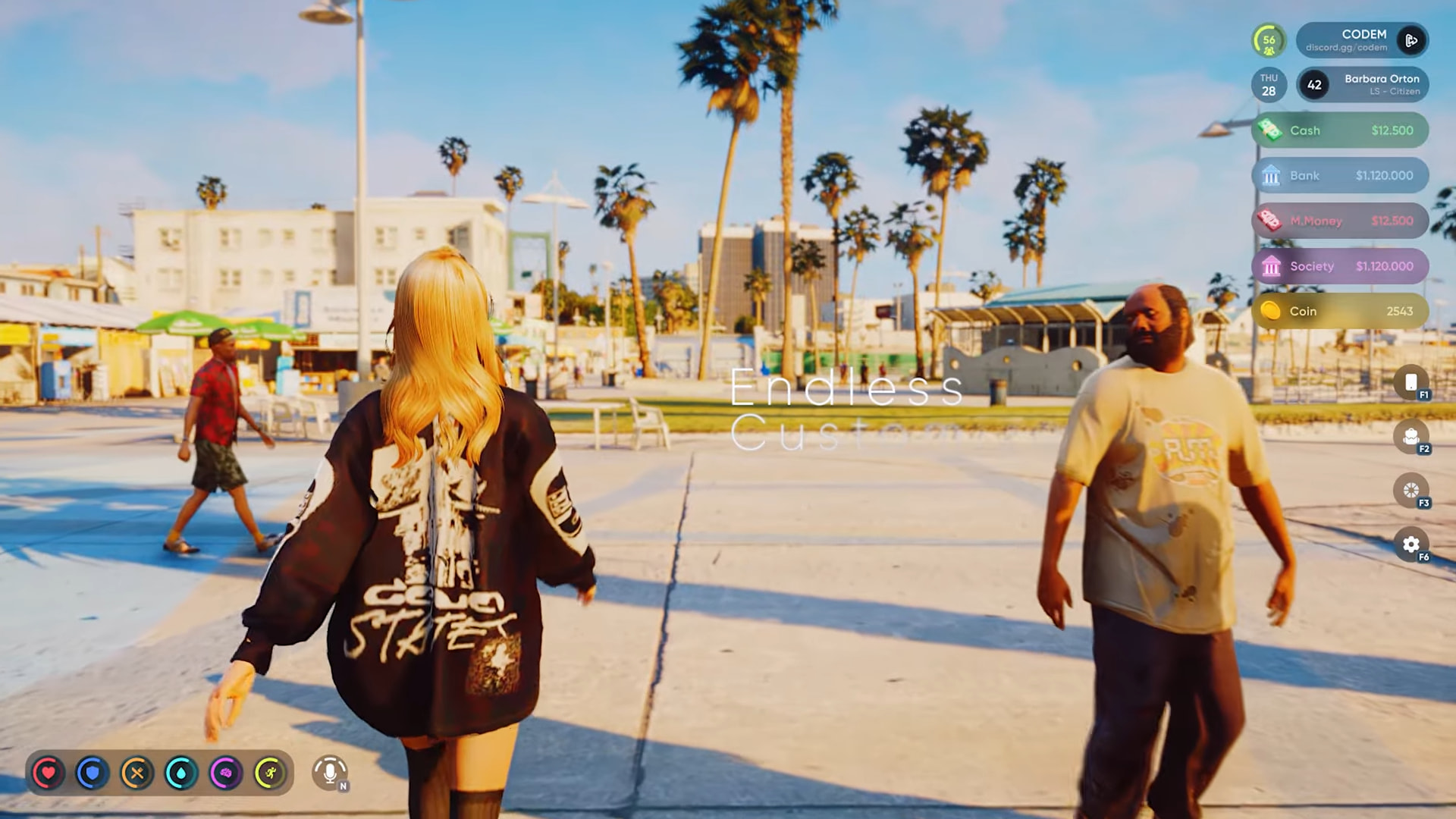
Displays server name, player count, Discord, player name, job, server ID, cash, bank balance, marked/dirty bills (QBCore/QBox), society/boss account balance, and a custom coin counter. Every row is individually toggleable. The panel is fully detachable — each row becomes independently draggable.
Every HUD element is movable. Scale elements up or down, right-click for a context menu, save positions per HUD type, and export or import full layout presets as shareable codes.
Dark, Light, and Dynamic themes. Dynamic mode automatically switches based on in-game time of day.
Optionally fades the HUD after a configurable idle period (default: 10 seconds). Reappears automatically on keyboard/mouse input, vehicle entry, weapon draw, or money changes.
 DYNAMIC SPEEDOMETER TYPES
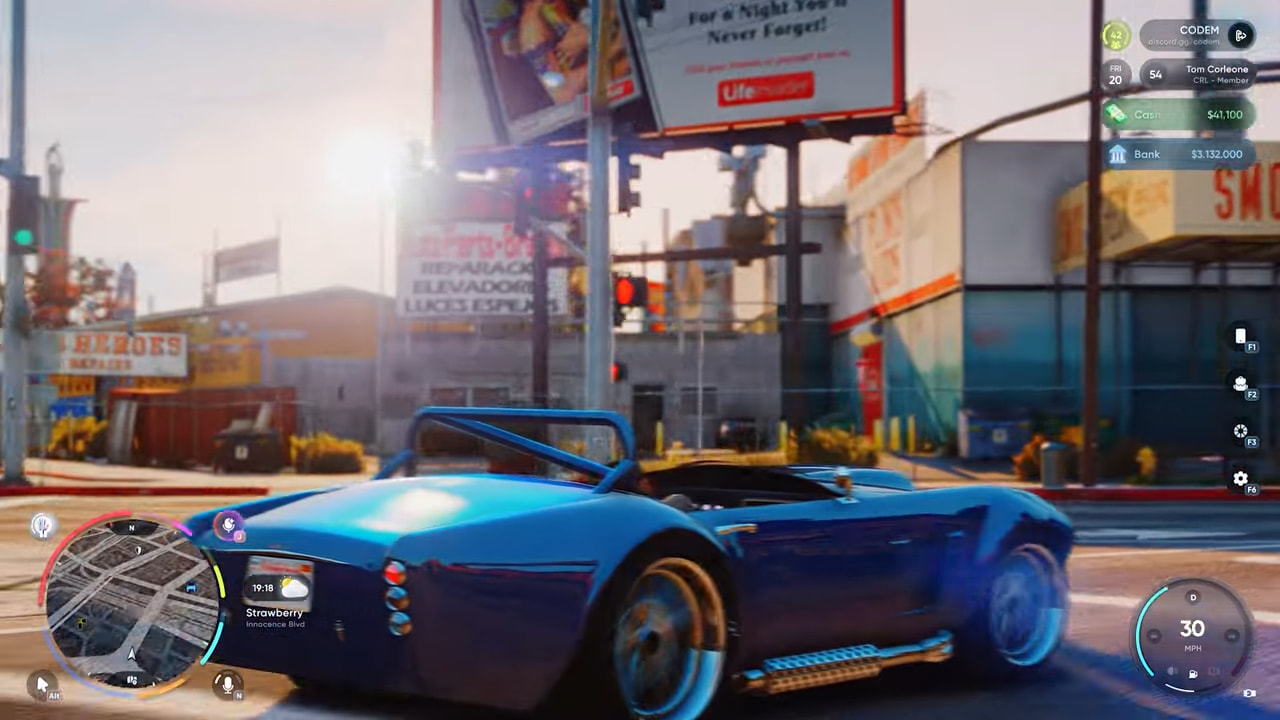
The active speedometer switches automatically based on what you’re driving or what mods are installed. No manual switching required.
Each type supports KMH/MPH, independent color customization, saved position per type, glassmorphism blur toggle, and 30/45/60 FPS refresh rate.
 STRESS SYSTEM
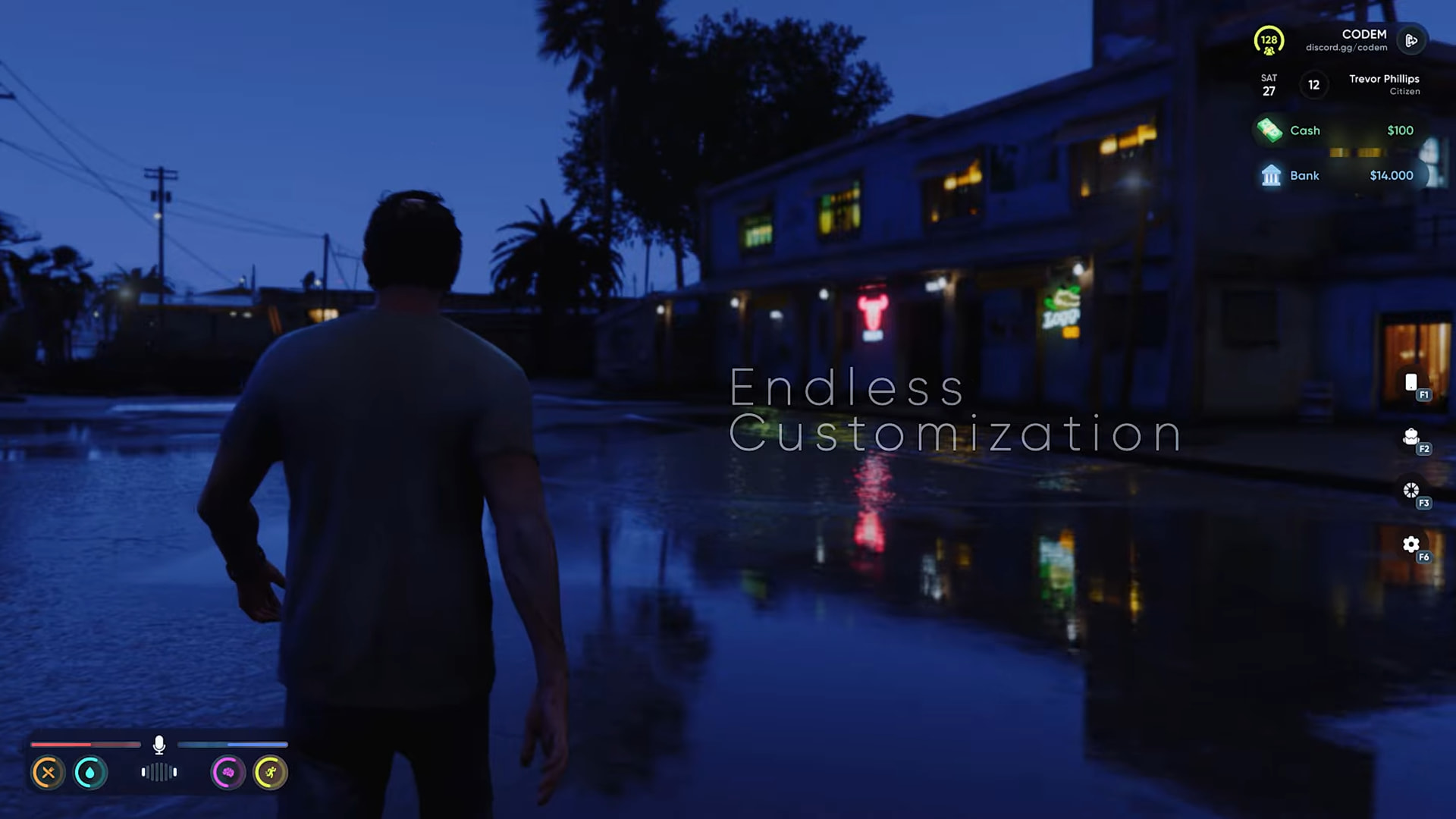
Realistic stress mechanics with configurable gain sources: shooting, getting shot, melee combat, speeding, crashes, falling, ragdoll, low health, and drowning. Passive and item-based decrease supported.
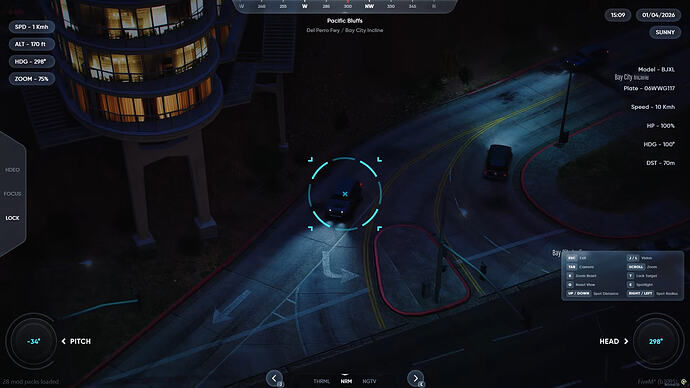
 FLIR CAMERA SYSTEM
A full Forward Looking Infrared camera system for law enforcement helicopters.

 VEHICLE SYSTEMS
Four performance modes with real physics modifications, saved per license plate in the database if configured item base:
Hold LSHIFT to boost. Exhaust flames, backfire sparks, and purge effects. Electric vehicle detection disables exhaust effects automatically. Requires nitrous item.
Toggle between automatic and manual gearbox from the vehicle settings panel. In manual mode, shift up with E and down with Q. Current gear displays on the speedometer. Also has exhaust flames on down shifts.
Toggle with B. Audible beep above 30 km/h. Four configurable ejection difficulty levels: low (~45), medium (~72), realistic (~60), or high (~126 km/h).
Left/right indicators and hazard lights. Automatic siren indicator for police and EMS vehicles.
Adjust cruise control and limiter with unique interface on the vehicle menu.

 VOICE ASSISTANT
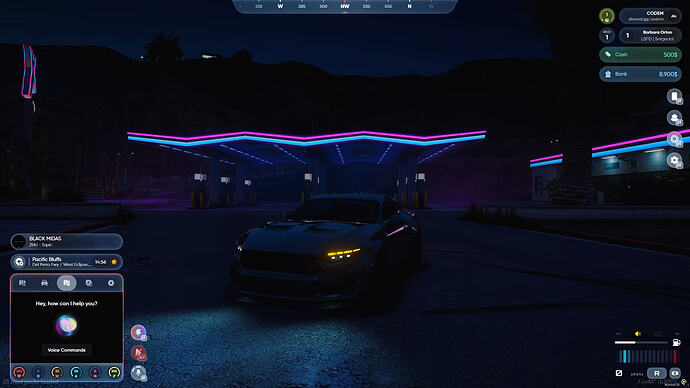
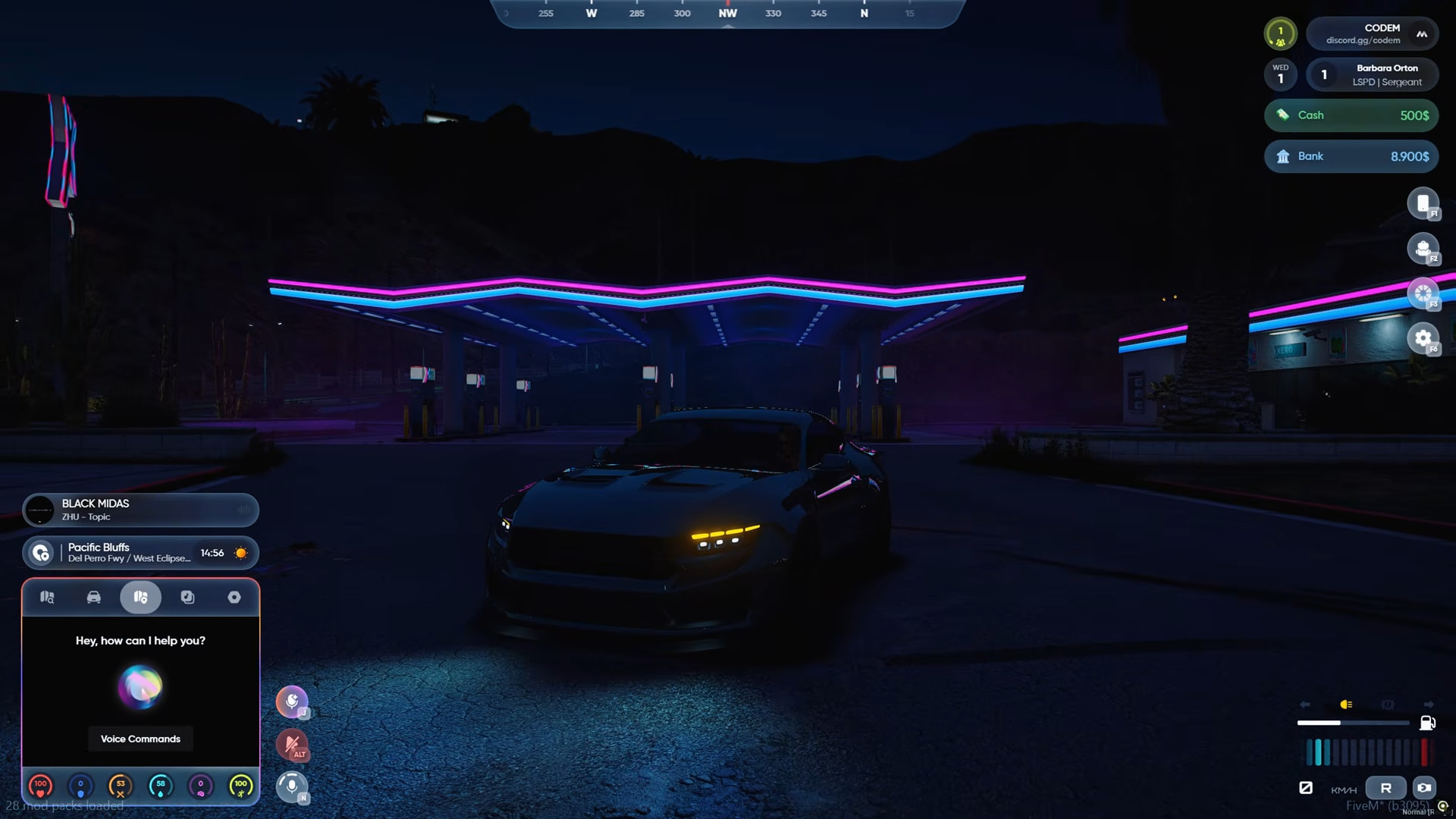
AI-powered voice command system built directly into the HUD. Speak a phrase — the game responds. No typing, no extra keybinds.
Supports engine start/stop, hazard lights, inventory, phone, and window controls out of the box. English command sets included. All commands are fully configurable and custom intents can be added freely.
 3D SPATIAL AUDIO
Music playing through the in-vehicle music menu is fully positional. Nearby players hear it from the direction of the vehicle — volume fades with distance, and the sound pans left or right as you move around it. Closed windows muffle the audio for players outside.
 CUSTOMIZATION
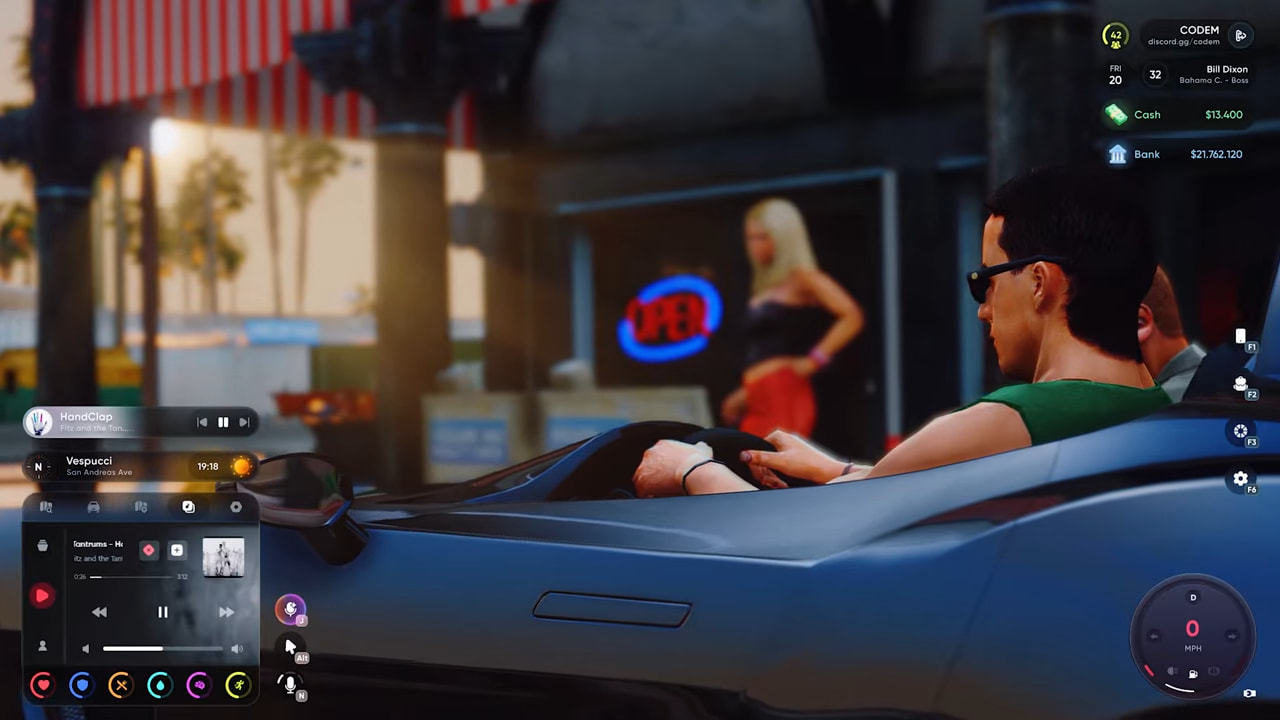
Supreme HUD is built around the idea that every player should be able to make it their own — without touching a config file.
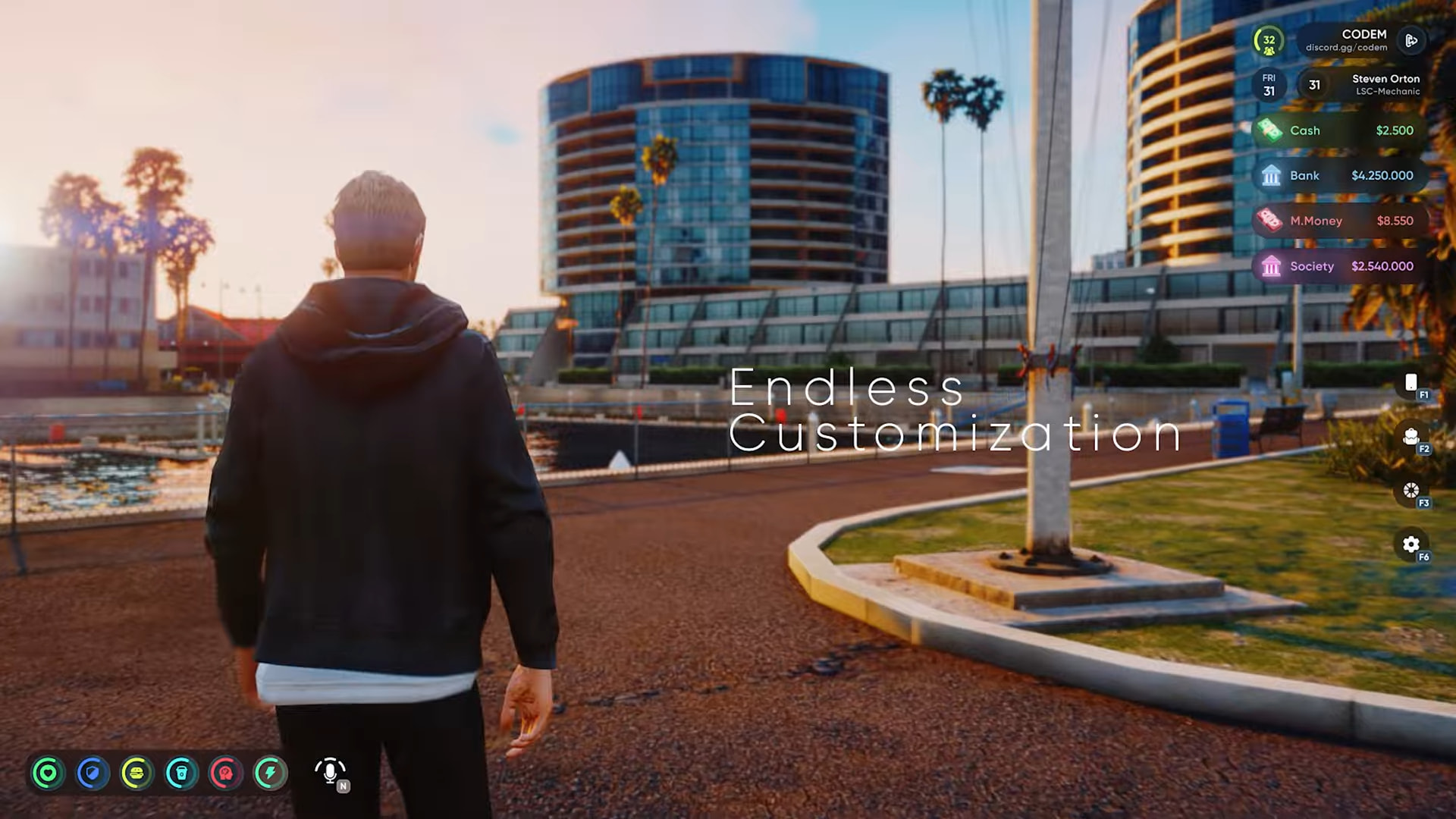
Every HUD element has its own color picker. Status bars, speedometer accents, info panel text, minimap border, voice indicator — all individually colored. Changes apply live in-game.
Three visual styles for health, armor, hunger, thirst, stress, stamina, and oxygen bars:
Optional frosted glass blur behind HUD elements. Toggle per element or disable server-wide via config for performance-sensitive servers.
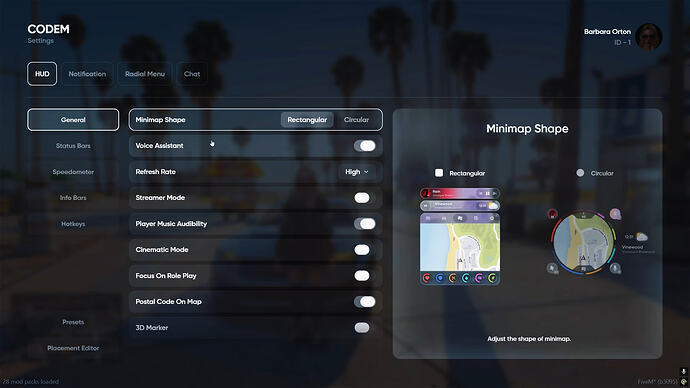
Round or square minimap. Configurable visibility: always show, require an item (e.g. phone), or vehicle-only.
Choose 30, 45, or 60 FPS update intervals per speedometer type — balance visual smoothness against resource impact.
Export your full HUD layout (all element positions, scales, colors, and settings) as a share code. Import another player’s preset instantly. Servers can ship a default layout for new players.
Admins can set the default bar style, theme, speedometer type, and minimap shape for new players via config — ensuring a consistent first impression.
Force-disable individual info bar rows server-side. Locked elements are hidden from the player’s settings panel and cannot be toggled.

 HUD SETTINGS PANEL
Open with F7 or /hudsettings. Every HUD option lives here — layout, theme, bar style, speedometer type, minimap shape, streamer mode, cinematic mode, refresh rate, postal code display, and more.
What makes the settings panel different is its scope. Supreme HUD ships with two free companion scripts — Codem Notification and Codem Radial Menu — and their UI preferences are managed directly inside this same panel. No separate menus, no extra commands.
This is the foundation of the Supreme ecosystem. Every future Supreme Series script with configurable UI will plug its settings into this panel as well. One place to reach every option across every script running on your server — no more jumping between menus to find a single toggle.

 PLACEMENT EDITOR
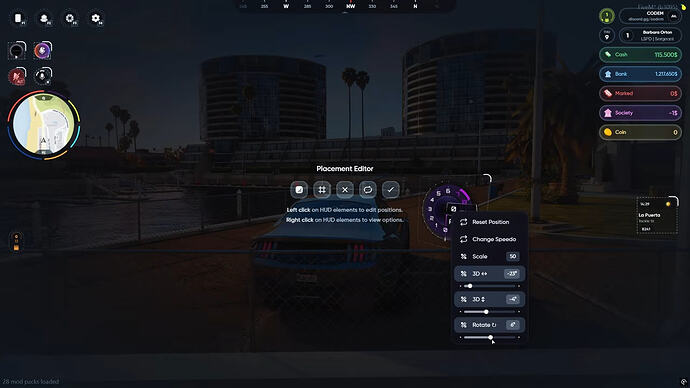
A full in-game layout editor for placing, scaling, and fine-tuning every HUD element — no NUI coordinates to edit, no resource restarts.
Click and drag any HUD element anywhere on screen. Positions are saved per HUD type (on-foot, in vehicle, etc.) so your in-car speedometer and your on-foot status bars can live in completely different spots.
Resize any element up or down directly from the editor. Scaling snaps to clean increments for precision.
The placement editor and all HUD elements are fully compatible with ultrawide resolutions (21:9 and beyond). Elements position accurately across the full screen width with no clipping or offset.
Both rectangular and circular minimap shapes are fully draggable in the placement editor. Place the minimap anywhere on screen.
Right-click any element in the editor to access: reset to default position, lock element in place, or open its color/style settings directly.
Right-click any element in the editor to access its 3D transform options. Each element can be independently tilted on the vertical axis, tilted on the horizontal axis, or rotated — giving your HUD a custom angled look without affecting functionality. Settings are saved per element alongside position and scale.
Position memory is tied to HUD type. Switch from car to motorcycle and the speedometer jumps to wherever you placed it for motorcycles — independently from your car layout.
Your full layout — all positions, scales, and colors across all element types — compresses into a short share code. Paste someone else’s code to instantly mirror their setup.

 BUILT-IN PROGRESS BAR
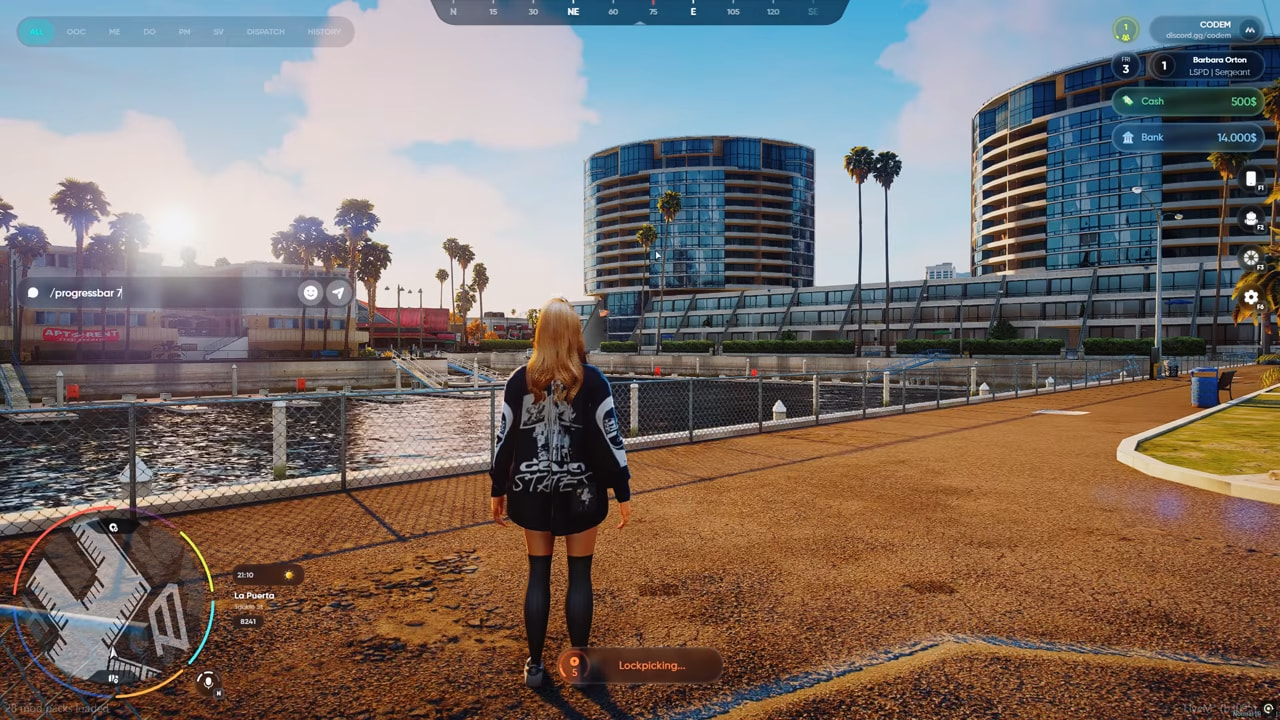
Supreme HUD ships with a fully integrated progress bar — no separate resource needed. Trigger it from any script via export, with cancel support, completion and cancellation callbacks, and an isDoingSomething check to prevent overlapping actions.
exports['codem-supreme-hud']:Progress(data, onComplete, onCancel)
exports['codem-supreme-hud']:CancelProgress()
exports['codem-supreme-hud']:isDoingSomething()
ox_lib and QBCore progress bar exports are included as compatibility wrappers, so existing scripts that already call those work without any changes.
 FULL COMPATIBILITY
QBCore (Old & New) | QBox | ESX Legacy | ESX Modern | vRP
oxmysql | mysql-async | ghmattimysql
ox_inventory | qb-inventory | ESX default | qs-inventory | codem-inventory | tgiann-inventory
pma-voice | SaltyChat | mumble-voip | toko-voip
Auto-detect (recommended) | LegacyFuel | qb-fuel | ps-fuel | ox_fuel | cdn-fuel | lc_fuel | okokGasStation
qb-vehiclekeys | wasabi_carlock | Renewed-Vehiclekeys | mk_vehiclekeys | vehicles_keys | custom bridge
Auto-detect: qb-banking | renewed-banking | esx_society | esx_addonaccount | okokBanking | codem-bossmenuv2 | mBossmenu | custom bridge | codem-mBankv2
 DEVELOPER API
Full export and event API for deep server-side integration.
-- TextUI
exports['codem-supreme-hud']:ShowTextUI(text, options)
exports['codem-supreme-hud']:HideTextUI()
exports['codem-supreme-hud']:IsTextUIVisible()

-- Progress Bar
exports['codem-supreme-hud']:Progress(data, onComplete, onCancel)
exports['codem-supreme-hud']:CancelProgress()
exports['codem-supreme-hud']:isDoingSomething()

-- HUD Visibility
exports['codem-supreme-hud']:ShowHud()
exports['codem-supreme-hud']:HideHud()
exports['codem-supreme-hud']:ToggleHud()

-- Server Events
TriggerClientEvent('codem-hud:client:ShowHud', source)
TriggerClientEvent('codem-hud:client:HideHud', source)
TriggerClientEvent('codem-hud:client:ShowTextUI', source, text, options)
QB-Core and ox_lib TextUI compatibility exports included out of the box.
| Code is accessible | No |
| Subscription-based | No |
| Lines (approximately) | 7000-10000 |
| Requirements | ESX - QB - QBox - vRP |
| Support | Yes |
See what others are saying about this script.
Share your experience and help others.
