![[DEV TOOL] [PAID] GFG Ped Menu [STANDALONE] main image](https://forum-cfx-re.akamaized.net/optimized/4X/4/8/7/48725a60c1ddc359db831eabea1019f246befa3b_2_690x388.jpeg)
![[DEV TOOL] [PAID] GFG Ped Menu [STANDALONE] thumbnail 2](https://forum-cfx-re.akamaized.net/optimized/4X/3/b/1/3b172b0ea871b03307e879d8a18d502facbf905e_2_397x374.jpeg)
Price
Unknown
A script by GFG_Development
Price
Unknown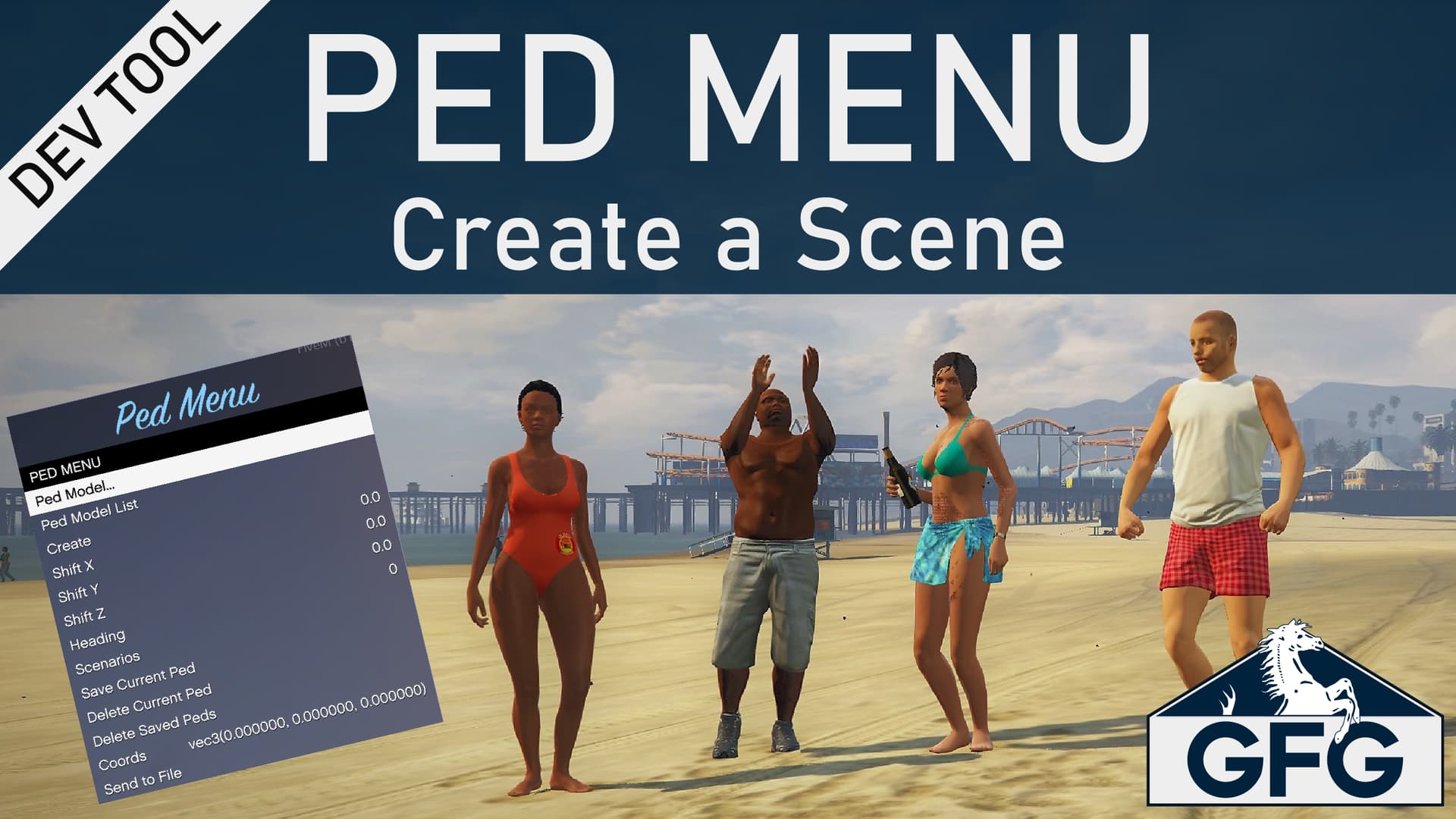
 About
AboutThe GFG Ped Menu allows you to place multiple peds in the game world and fine tune the positioning and heading of those peds without having to re-write your script to get it perfect. It also allows you to task a scenario to the ped to create interesting and dynamic scenes. A table of the created peds can be sent to an “output” file of your choice that contains the ped model, coordinates, and the selected scenario, as well as sample code you can use to create those peds in your script.
 Video Preview
 Features
Place any Ped loaded in the server into the world.
Adjust the X, Y, Z, and Heading of the ped position.
Add a Scenario to the Ped.
Give the ped a weapon.
Save your Ped and it’s attributes to a table.
Output the table of saved Peds and code used to create them to a file.
 How to Install
Place the gfg-pedmenu folder into your /resources folder.
Add ensure gfg-pedmenu to your server.cfg and restart the server.
Edit the shared/Config.lua to change the command and keybind used to open the menu as well as the output file path.
 Purchase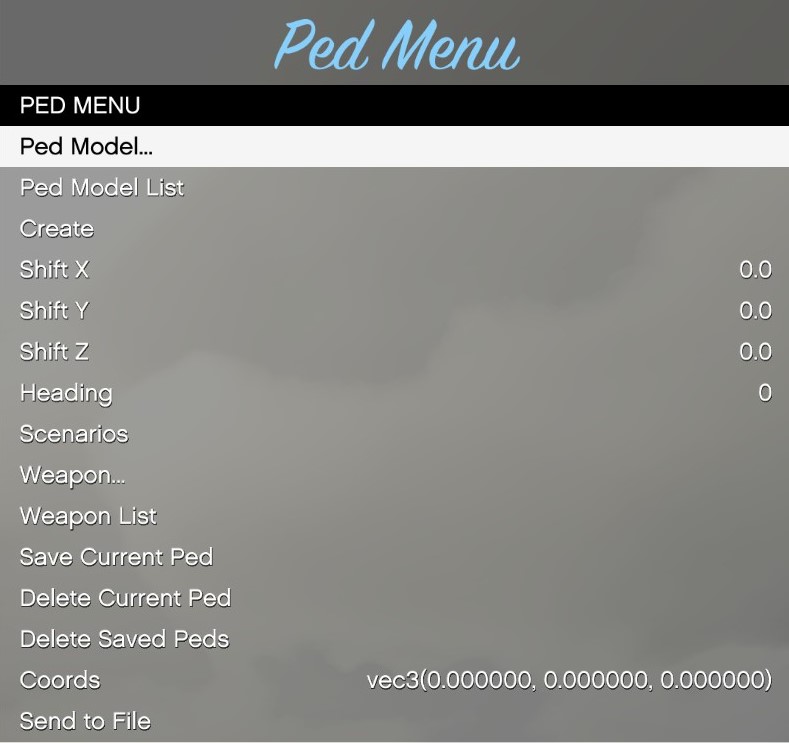
| Code is accessible | Only Config |
| Subscription-based | No |
| Lines (approximately) | 993 |
| Requirements | N/A |
| Support | Yes |
See what others are saying about this script.
Share your experience and help others.
