Price
Unknown
A script by JayMontana36
Price
UnknownInterested in having a way to load XML maps that were created for Map Editor or Menyoo, without using (or converting to) YMAPs for one reason or another (the typical reason being that certain maps either do not load correctly or do not load at all as YMAPs), without risking (crashing or tanking framerate or stability issues) from having too many maps (especially large maps) loaded at once?
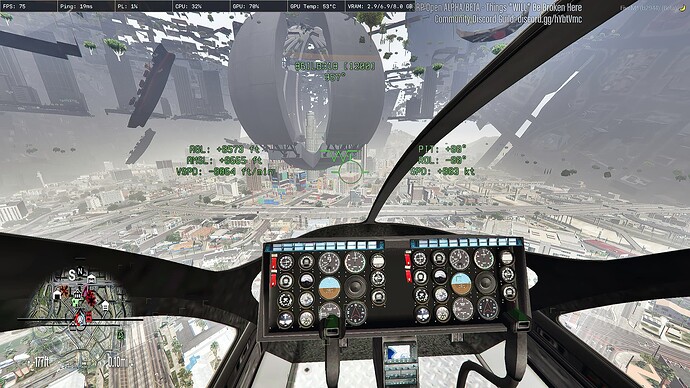
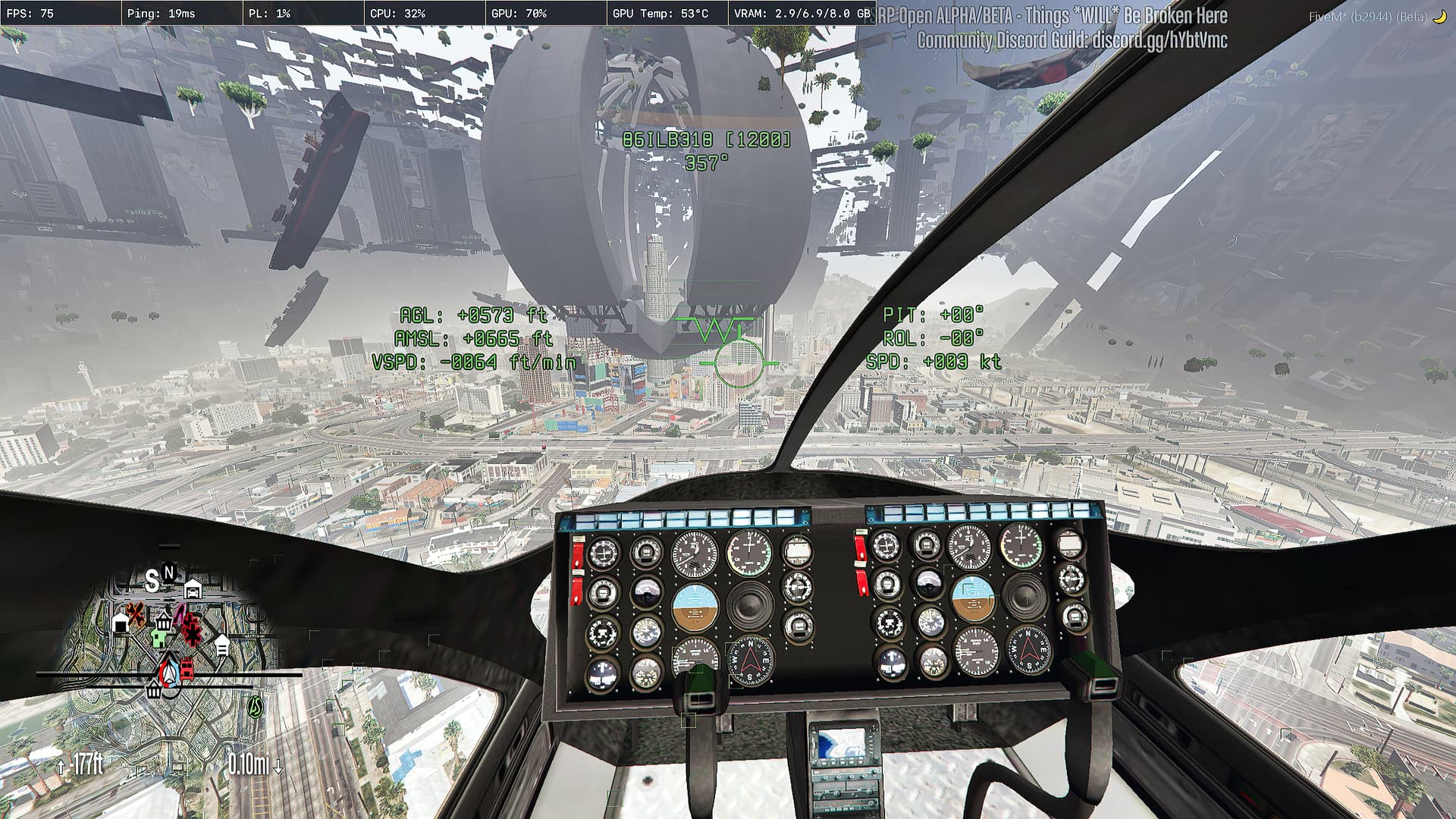
Introducing MLAM (Map Loader and Manager), the script resource that revolutionizes the way that XML maps created for Map Editor and Menyoo are loaded and managed in FiveM! With MLAM, you can enjoy seamless integrations of all those XML maps simultaneously, without much worry regarding game crashes or stability issues or an excessive framerate drop due to the overload of maps.
You do not need to manually load and unload (aka manage) individual maps; MLAM takes care of everything for you, automatically and efficiently. Simply install the script resource, and it will work its magic in the background, ensuring that all of your XML maps are loaded (and managed), without requiring any inputs nor interactions from you.
MLAM’s innovative approach ensures that even multiple large maps of different varieties that are in close proximity of one another are handled well using it’s smart management system which does it’s best not to overload nor crash the game (depending upon your particular configuration that is). While I can’t promise too much for lower-end PCs, there are several tunable configuration options (currently globally controlled on the server side, but maybe individually per client in the future), allowing MLAM to be tuned for different requirements and preferences.
Usage:
MAP_XML 'Some XML Map.xml'”) into the “fxmanifest.lua”Where:
https://jaymontana36.tebex.io/package/5837583 | (Regular Subscription)
https://jaymontana36.tebex.io/package/5837597 | (Trial - 2 Days)
https://jaymontana36.tebex.io/package/5853169 | (One Time Purchase)
| Code is accessible | Configuration Parameters + libraries used |
| Subscription-based | Yes |
| Lines (approximately) | 778 (Code) - 2298 (Code + Libs) |
| Requirements | A file editor for “fxmanifest.lua”, and XML Map files from Menyoo or Map Editor |
| Support | Limited: Either via this thread or via DMs |
See what others are saying about this script.
Share your experience and help others.
