![[PAID] Advanced Radio Bundle [QBCORE/QBOX/ESX] main image](https://forum-cfx-re.akamaized.net/optimized/5X/0/1/f/e/01fe641a7f2088dceb10693612201b6f0aba05af_2_690x460.jpeg)
![[PAID] Advanced Radio Bundle [QBCORE/QBOX/ESX] thumbnail 2](https://forum-cfx-re.akamaized.net/optimized/5X/9/b/0/d/9b0d78c81f5f05a43646cd11868577e72bb48c32_2_690x388.jpeg)
![[PAID] Advanced Radio Bundle [QBCORE/QBOX/ESX] thumbnail 3](https://forum-cfx-re.akamaized.net/optimized/5X/9/e/8/4/9e84b37d927906c34a7ddec3e2c17da348773132_2_690x388.jpeg)
![[PAID] Advanced Radio Bundle [QBCORE/QBOX/ESX] thumbnail 4](https://forum-cfx-re.akamaized.net/optimized/5X/9/7/9/9/9799ec042a35474fd71e606718bd03518d4ab41e_2_690x388.jpeg)
![[PAID] Advanced Radio Bundle [QBCORE/QBOX/ESX] thumbnail 5](https://forum-cfx-re.akamaized.net/optimized/5X/0/3/e/6/03e65062b25108a5e7253d865e645f46dc736a3f_2_690x388.jpeg)
![[PAID] Advanced Radio Bundle [QBCORE/QBOX/ESX] thumbnail 6](https://forum-cfx-re.akamaized.net/optimized/5X/9/0/9/a/909aa8ac6e6fd4462421157016d6847ad6451fc7_2_690x388.jpeg)
![[PAID] Advanced Radio Bundle [QBCORE/QBOX/ESX] thumbnail 7](https://forum-cfx-re.akamaized.net/optimized/5X/1/2/e/2/12e21d00d16d3c57e0d5083802f358e62b5a4d5a_2_690x388.jpeg)
![[PAID] Advanced Radio Bundle [QBCORE/QBOX/ESX] thumbnail 8](https://forum-cfx-re.akamaized.net/optimized/5X/3/f/7/a/3f7ae760a5b30e6ad986329d20ce62d315d33531_2_690x387.jpeg)
Price
Unknown
A script by _SavageX
Price
Unknown Take your server’s communications to the next level with this Advanced Radio Bundle. This all-in-one package combines three powerful scripts designed to enhance roleplay, improve immersion, and provide complete control over radio communications.
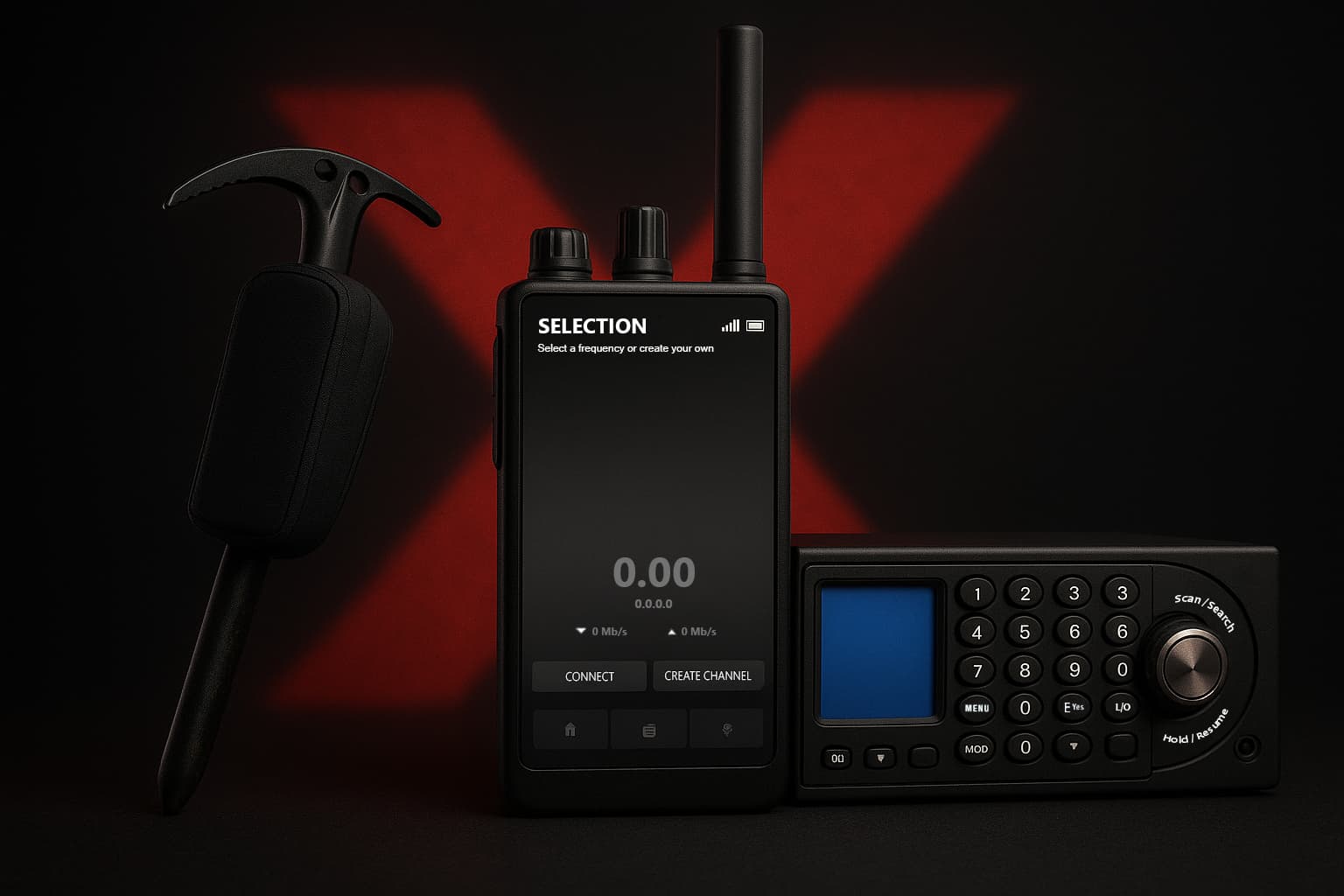
 Radio Features
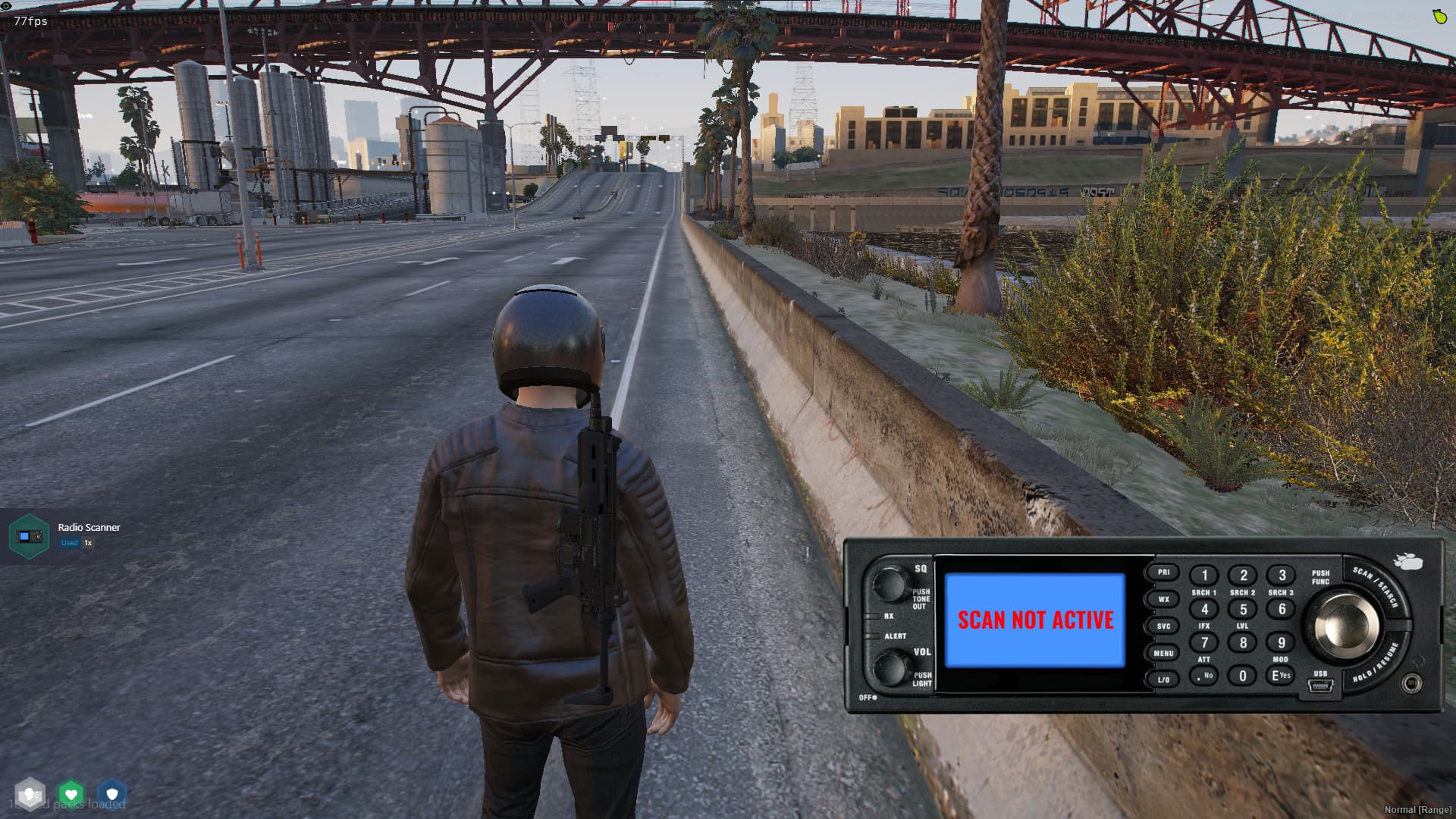
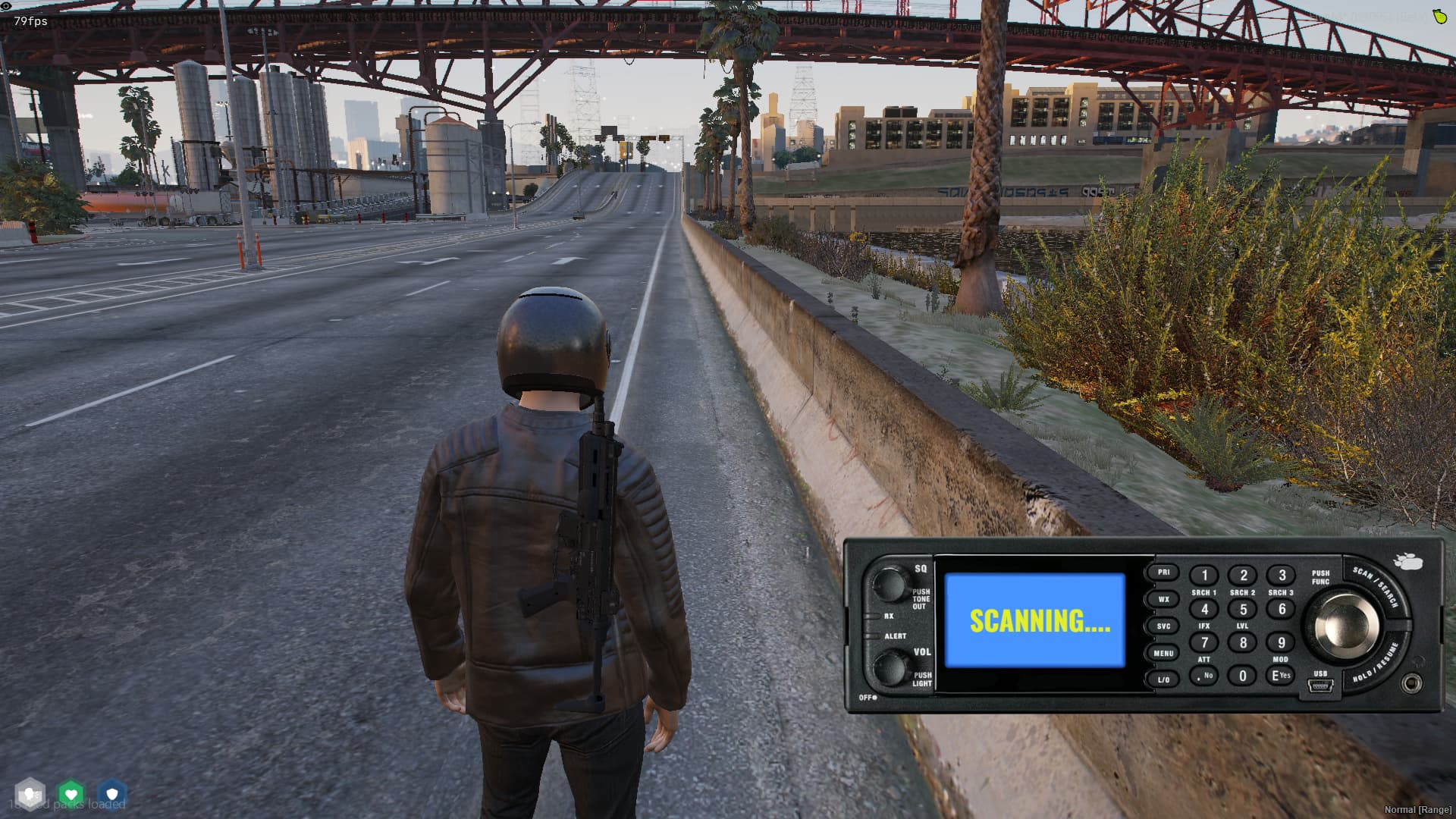
 Radio Scanner Features
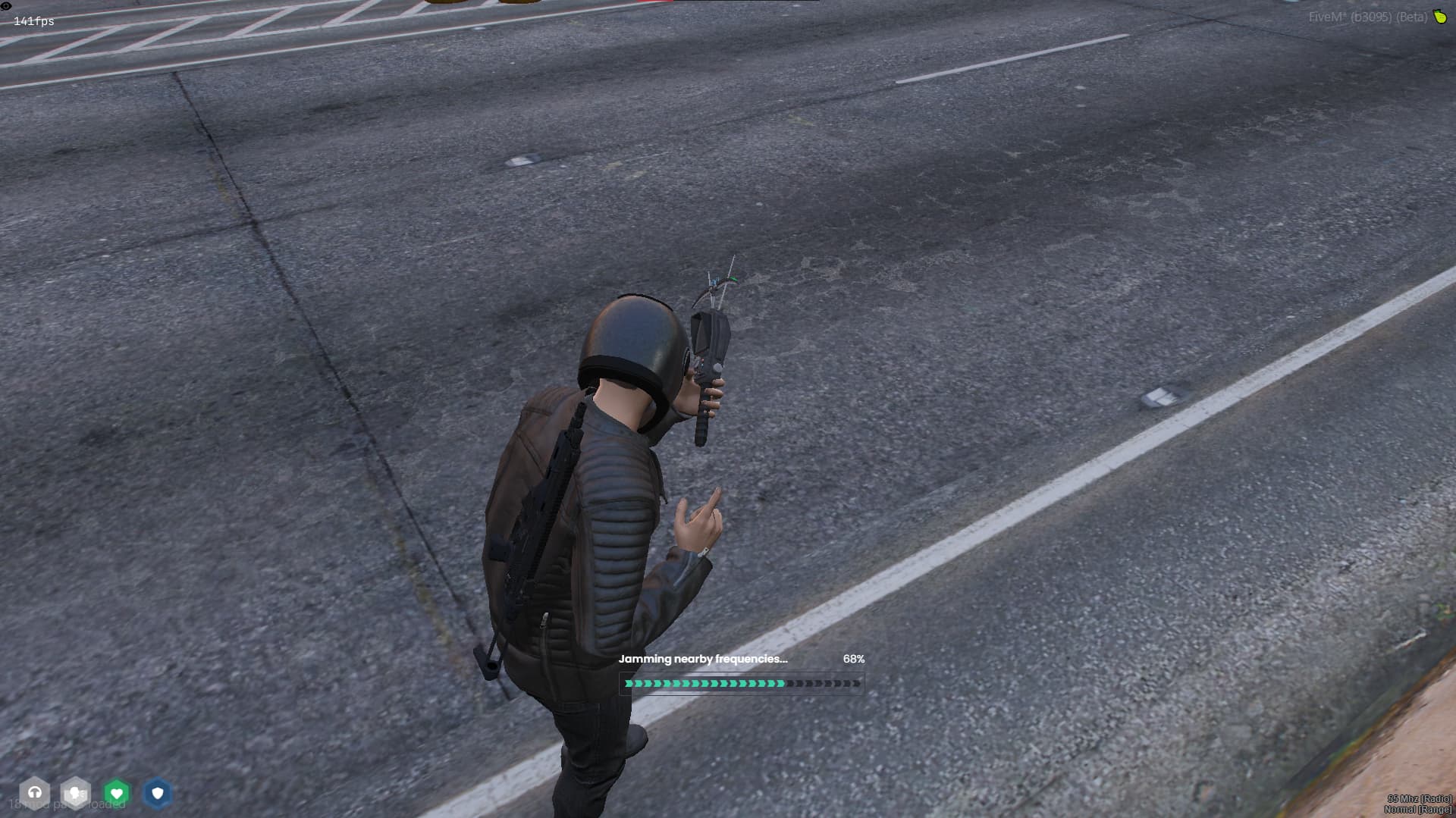
 Radio Jammer Features
 Dependencies
ox_lib.pma-voice, salty-chat, or mumble-voip.ox_inventory. Why Choose Our Advanced Radio Bundle?
 Ultra-optimized (0.00 RESMON 99% of the time). Covers all aspects of radio roleplay: communication, scanning, and jamming. Drag & Drop – no coding knowledge required. Config files are well-documented and highly customizable. Secure: Escrowed with CFX escrow system (with open configs + some functions). Reliable Discord support always available. Showcase available for preview.
Config.Framework = "auto" -- auto, esx or qb
Config.Inventory = "qb" -- qb or ox, this is used to get the item from the inventory
Config.radioName = "radio" -- radio item name registered in your database/framework
Config.Key = "F7" -- key to open the radio, you can change it to any key you want
Config.defaultVolume = 50 -- default volume of the radio, 0 - 100
Config.Language = "en" -- en, de, fr, ru, es
Config.radioNameCommand = "radioname" -- /radioname 'your name'
Config.talkingLoopTime = 500 -- time in ms to update talking status make sure this is not too low to avoid performance issues, RECOMMENDED 500ms or higher
Config.RadioProp = 'prop_cs_hand_radio'
Config.jobChannels = { -- channels where only designated jobs can participate
[1] = {
frequency = { -- Keep the same format and add as many frequencies/jobs/objects as you want
"1",
"2",
"3",
"4",
"5",
},
jobs = {
"police",
}
},
[2] = {
frequency = {
"6",
"7",
},
jobs = {
"ambulance",
}
},
[3] = {
frequency = {
"8",
"9",
"10"
},
jobs = {
"doj",
}
},
}
[
  {
    "name": "LEO Primary",
    "frequency": "1"
  },
  {
    "name": "LEO Secondary",
    "frequency": "2"
  },
  {
    "name": "LEO Tertiary",
    "frequency": "3"
  },
  {
    "name": "TAC 1",
    "frequency": "4"
  },
  {
    "name": "TAC 2",
    "frequency": "5"
  },
  {
    "name": "LSPD",
    "frequency": "6"
  },
  {
    "name": "SASP",
    "frequency": "7"
  },
  {
    "name": "LSSD",
    "frequency": "8"
  },
  {
    "name": "FIRE",
    "frequency": "9"
  },
  {
    "name": "EMS",
    "frequency": "10"
  },
  {
    "name": "DOT",
    "frequency": "11"
  },
  {
    "name": "Lost MC",
    "frequency": "68"
  }
]
Config.Debug = true -- Enable debug mode for debugging messages
Config.itemName = 'radiojammer'
Config.Framework = 'qb' -- qb or esx
Config.Inventory = 'qb' -- qb or ox
Config.Progressbar = 'qb' -- qb or ox
Config.Notify = 'qb' -- qb or ox or custom
Config.jammerRadius = 50.0 -- The radius of the jammer in meters
Config.jammerDuration = 5000 -- The duration of the jamming effect in milliseconds
Config.jobRequired = 'leo' -- The job name (police) or type (leo) required to use the jammer or set to false
Config.itemCoolDown = 10 -- The cooldown time in minutes for using the jammer item

Config.whitelistedChannels = { -- Whitelisted Frequencies that cannot be jammed
    1,
    2,
    3,
    4,
    5,
    6,
    7,
    8,
    9,
    10,
}
Config.Debug = true -- Enable debug messages
Config.Framework = 'qb' -- qb or esx
Config.Inventory = 'qb' -- qb or ox
Config.scanTime = 1000 -- Scanning time in milliseconds
Config.scannerRange = 100.0 -- Maximum Scanning Range
Config.minimumScanRange = 0.0 -- Minimum Scanning Range
Config.scannerItem = 'radioscanner' -- Item Name
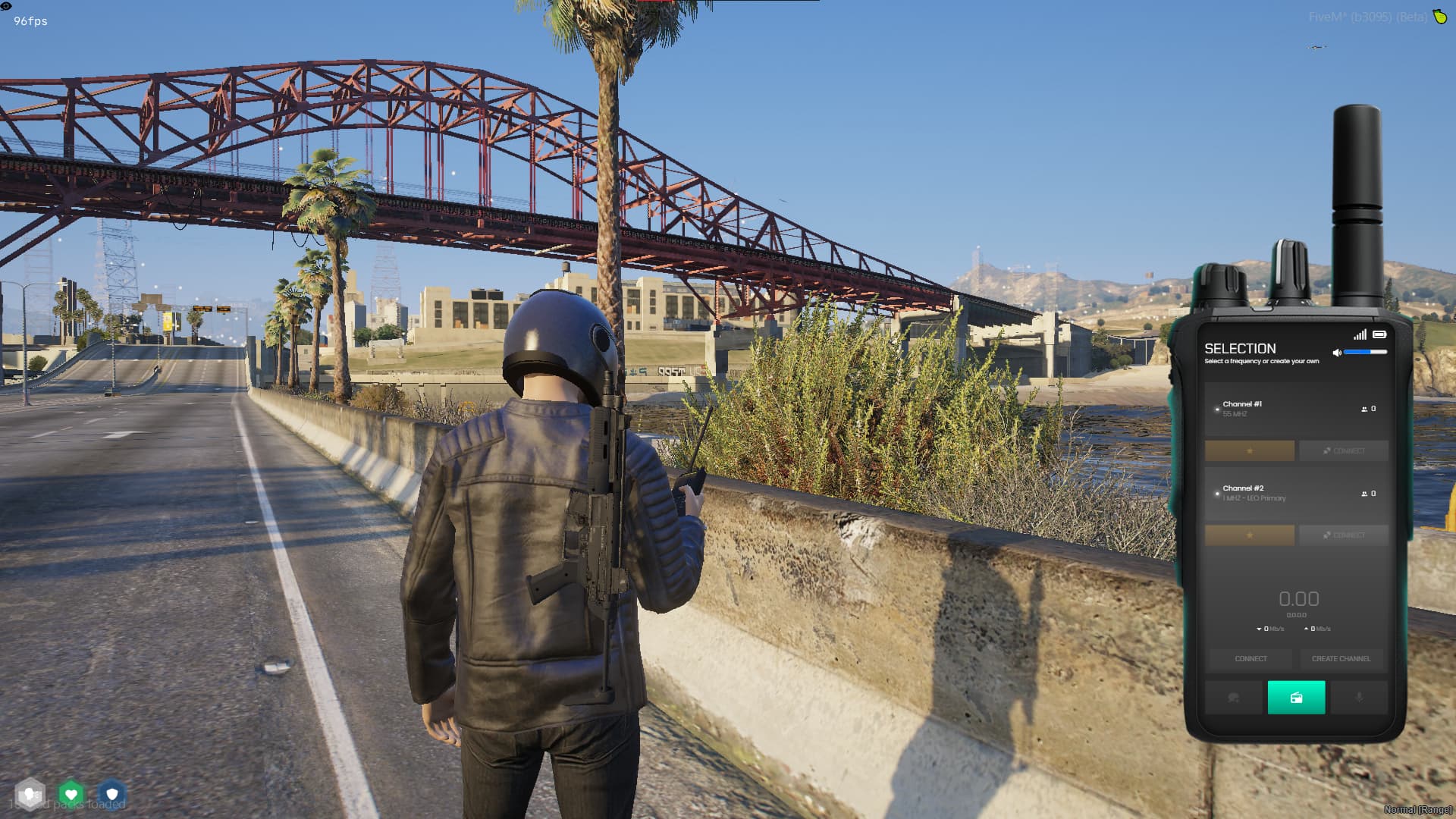
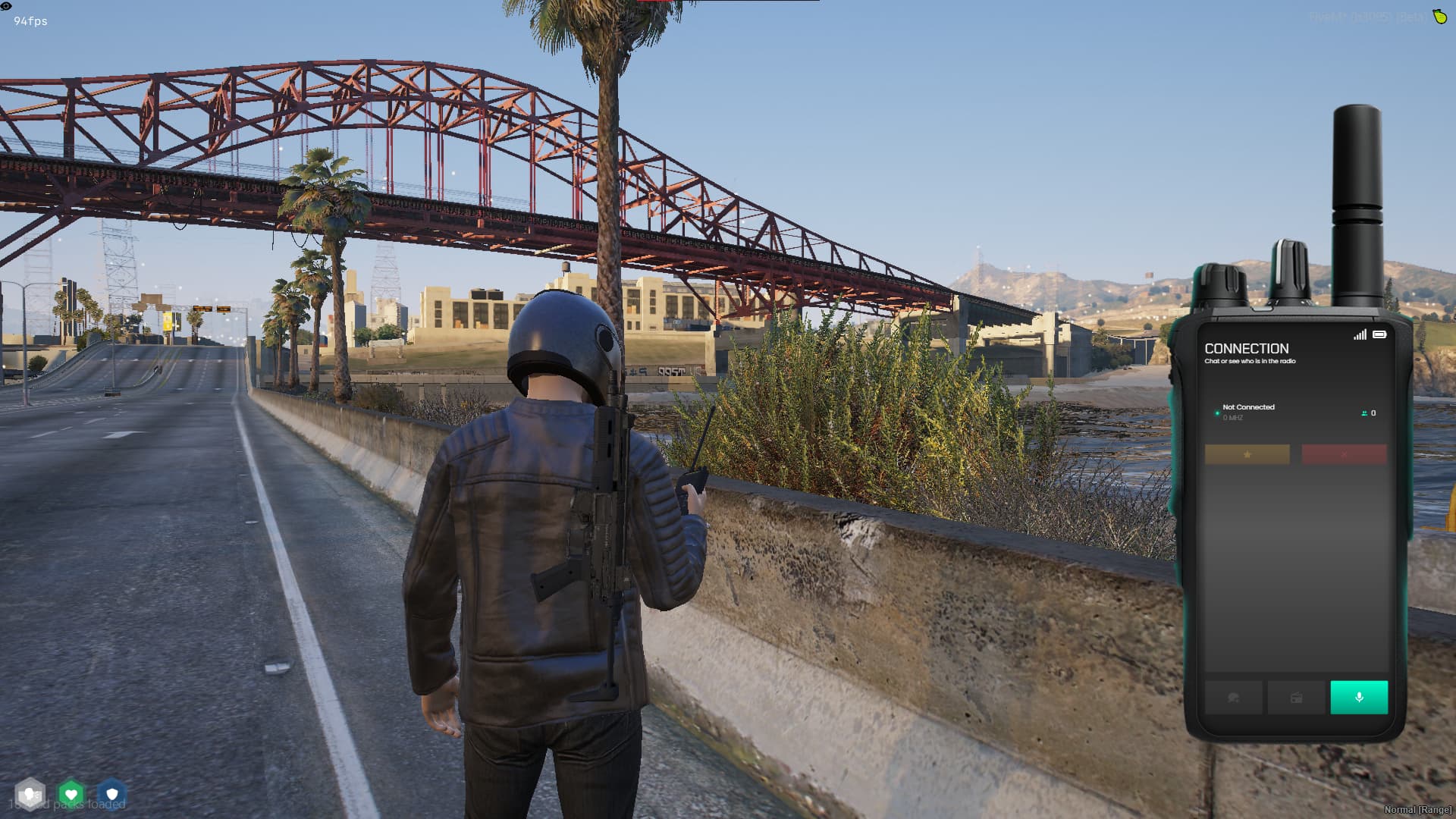
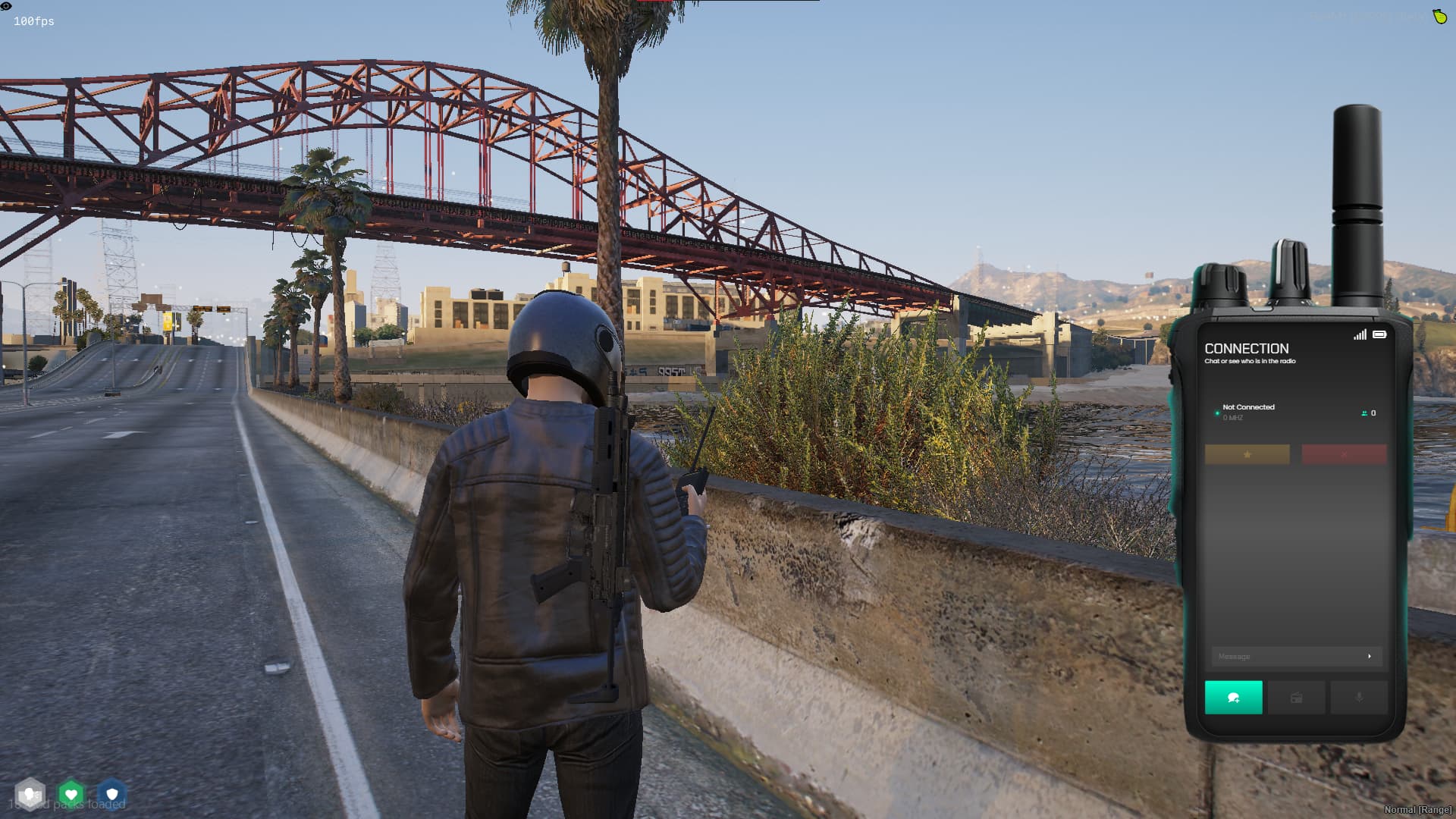

| Code is accessible | Partially |
| Subscription-based | No |
| Lines (approximately) | 2000+ |
| Requirements | QBCORE/ESX/QBOX |
| Support | Yes |
See what others are saying about this script.
Share your experience and help others.
