![[STANDLONE] PerformanceSentry main image](https://forum-cfx-re.akamaized.net/optimized/5X/2/b/8/3/2b8384a4fe938ef68d428fc332723bedd251e88f_2_690x345.jpeg)
![[STANDLONE] PerformanceSentry thumbnail 2](https://dunb17ur4ymx4.cloudfront.net/wysiwyg/1411970/541bf0c7354a23603690c5d219818c8ec769f457.png)
Price
Unknown
A script by Nekzerd
Price
Unknown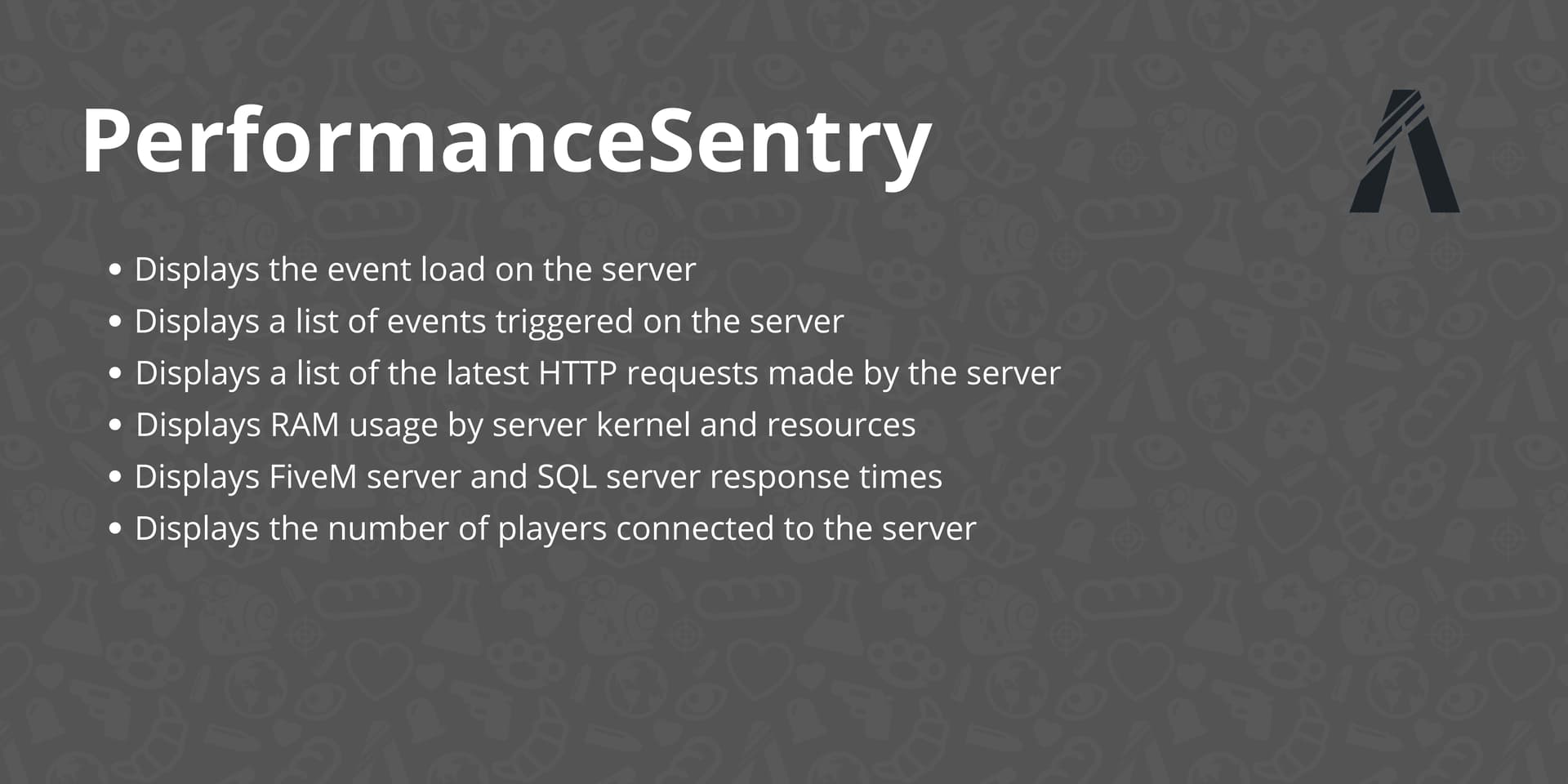
PerformanceSentry is now available on Tebex! You can visit our Tebex store for more information and to purchase the script.
Server Dashboard is a script for FiveM that provides a real-time dashboard for monitoring server and resource status and performance. It can help administrators and developers quickly identify and resolve problems.
Displays RAM usage by server kernel and resources.
Displays the event load on the server.
Displays a list of events triggered on the server.
Displays a list of the latest HTTP requests made by the server.
Displays the number of players connected to the server.
Displays FiveM server and SQL server response times.

Download the script and place it in your FiveM resources folder.
Add start PerformanceSentry to your server.cfg file.
Configure the script by modifying the config.lua file as required.
To ensure the script functions correctly, you also need to modify the “scheduler.lua” file in the FiveM artifact. Add the following line in the “TriggerClientEvent”, “TriggerLatentClientEvent”, “TriggerServerEvent”, and “TriggerLatentServerEvent” functions, right after the line “local payload = msgpack_pack_args(…)”:
TriggerEvent("PerformanceSentry:TriggerClientServerEvents", GetCurrentResourceName(), eventName, playerId, payload:len(), bps)
You can configure the script by modifying the config.lua file. The following configuration options are available:
Webhook : The URL of the Discord webhook for dashboard notifications.
IDMessage : The ID of the Discord message to be updated with dashboard information. (For the IDMessage, simply use Discohook (for example) and send an embed with the same webhook. Once you’ve done that, copy the ID of the message you want to send with your webhook.)
| Code is accessible | No |
| Subscription-based | No |
| Lines (approximately) | 600 |
| Requirements | Nothing |
| Support | Yes |
See what others are saying about this script.
Share your experience and help others.
