![[PAID] Prop Attach Tool main image](https://forum-cfx-re.akamaized.net/optimized/5X/e/6/3/2/e632a0bb8b403a9dac6903e3f450fadb964d9a65_2_690x460.jpeg)
Price
Unknown
A script by Bysiu
Price
Unknown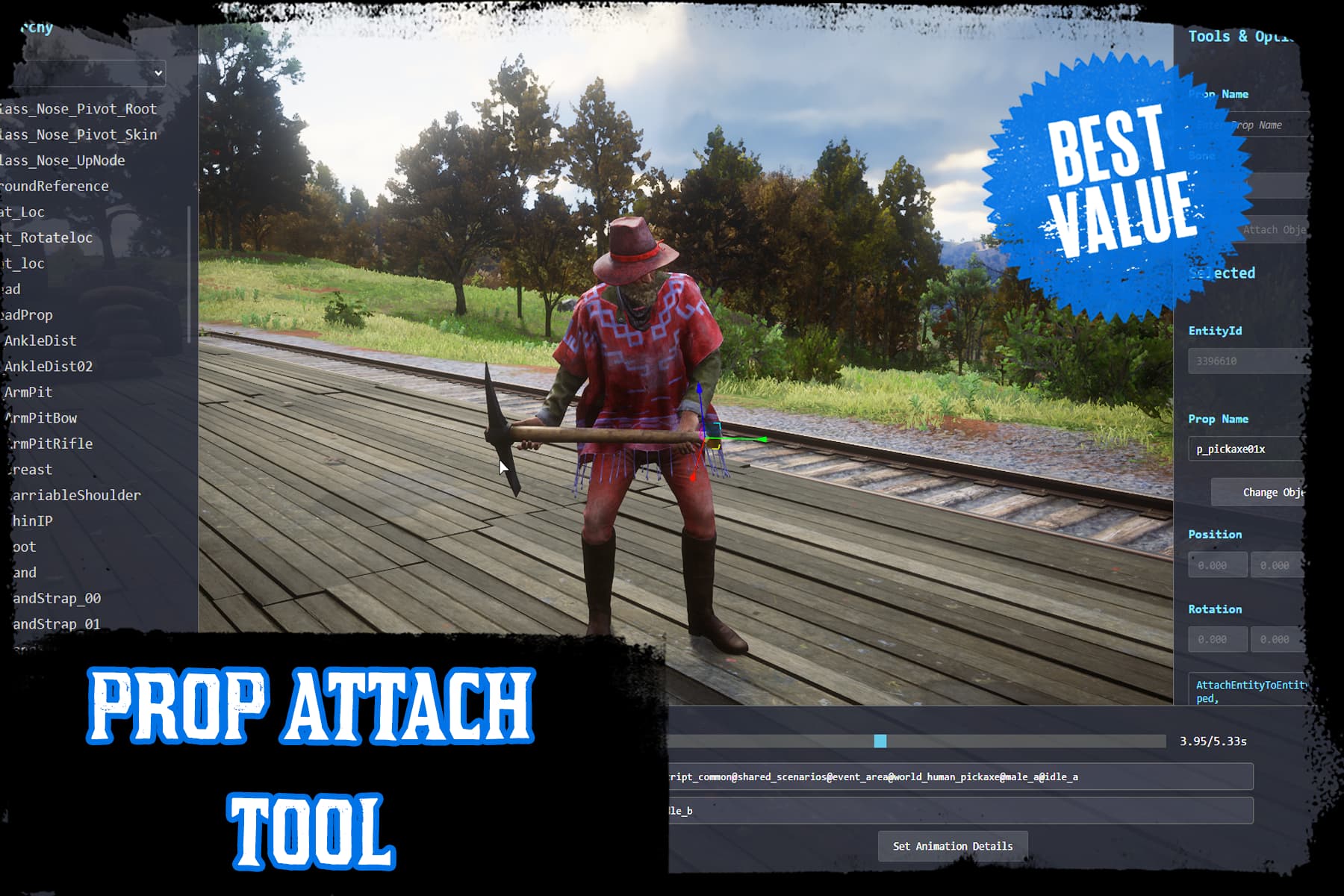
 Easily attach props to your character using this devtool in FiveM and RedM!
Video preview 1
Video preview 2
Tebex store
Prop Attach Tool is a developer tool that allows you to attach props to character bones in GTA V (FiveM) and Red Dead Redemption 2 (RedM). An ideal solution for roleplay server developers who want to enhance their scenarios with interactive elements and custom animations.
 Easy prop attachment – Assign items (e.g., tools, weapons, bags, accessories) to any character bone using an intuitive interface.
 Precise control – Adjust the position and rotation of props using interactive gizmos to fit your character perfectly.
 Real-time preview – Test the position and animation of props with live 3D scene rendering.
 Animation support – Synchronize props with specific animations (e.g., working, carrying, custom scenarios).
 Comprehensive bone hierarchy – Access all character bones including Body, IK, Physics, RigidBody, MechanicalHelpers, and Facial bones.
 Export ready code – Copy complete AttachEntityToEntity native code directly to clipboard.
 Modern UI – Clean, responsive React-based interface with 3D scene renderer.
/attach command to start the tool and Esc to close.SCROLL to toggle between UI control and camera movement.WASD + Page Up/Down for vertical movement.prop_tool_pickaxe for GTA V or p_pickaxe01x for RedM).R for rotation, W for position mode).Enter to select, Space to play/pause. Compatibility:
 Technical Features:
 Support:
| Code is accessible | No |
| Subscription-based | No |
| Lines (approximately) | 1250 |
| Requirements | Standalone |
| Support | Yes |
See what others are saying about this script.
Share your experience and help others.
