![Fast Scripts Multi Character V2 [ESX / QBCore / QBox] main image](https://forum-cfx-re.akamaized.net/optimized/5X/b/9/1/3/b913a37bf4f2cd488c795a1449b56de9370eaaef_2_690x387.jpeg)
![Fast Scripts Multi Character V2 [ESX / QBCore / QBox] thumbnail 2](https://forum-cfx-re.akamaized.net/optimized/5X/8/f/5/9/8f5964078df90d5ba601237f5cac56107326573f_2_690x387.jpeg)
![Fast Scripts Multi Character V2 [ESX / QBCore / QBox] thumbnail 3](https://forum-cfx-re.akamaized.net/optimized/5X/d/b/4/e/db4e56b53247dd7708cec4eb4bc3b02ab6971104_2_690x387.jpeg)
![Fast Scripts Multi Character V2 [ESX / QBCore / QBox] thumbnail 4](https://img.youtube.com/vi/M8LY_cSJFO0/maxresdefault.jpg)
Price
Unknown
A script by FastSC
Price
Unknown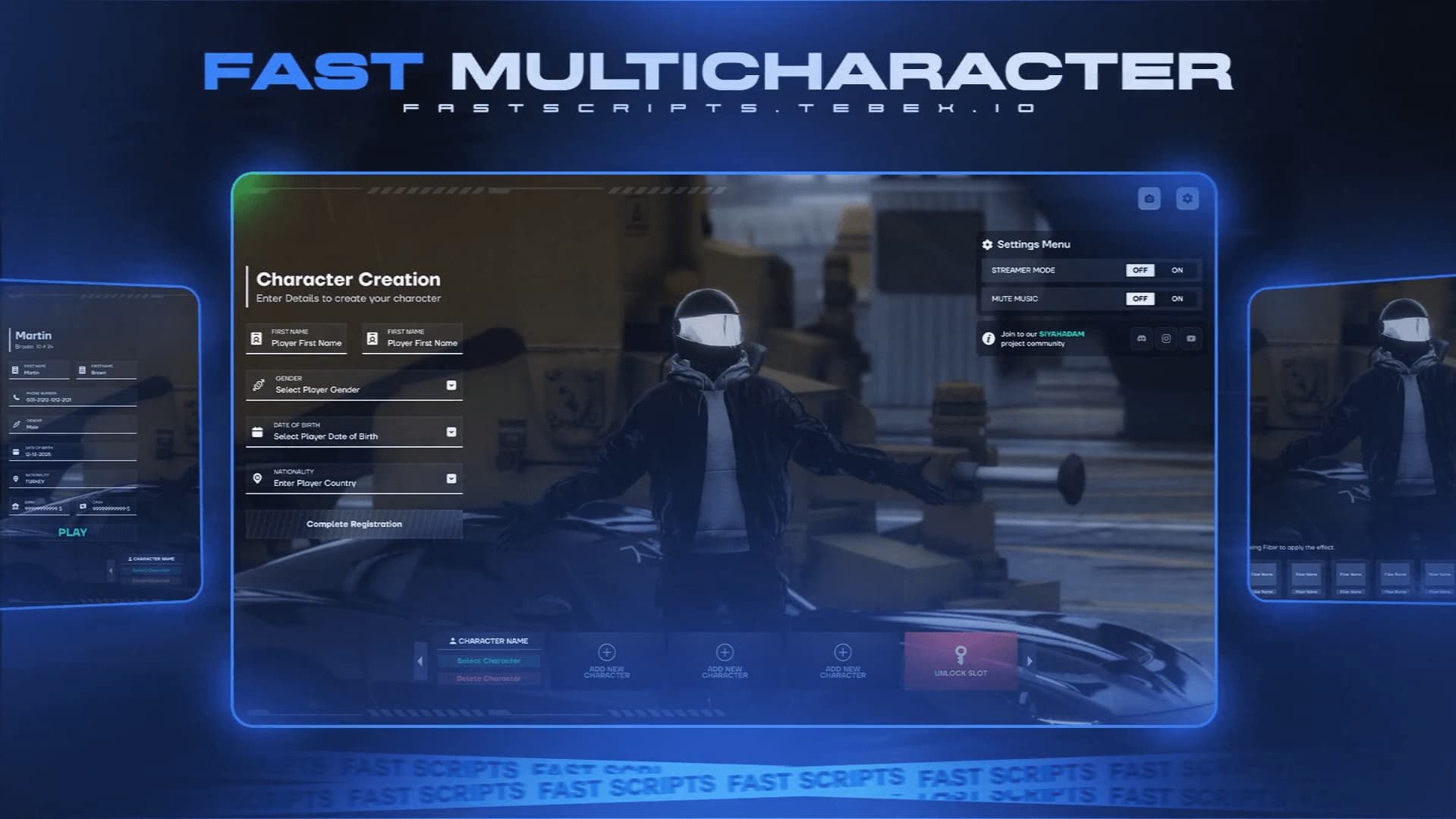
INGAME SCREEN
PREVİEW
TEBEX Purchase Links
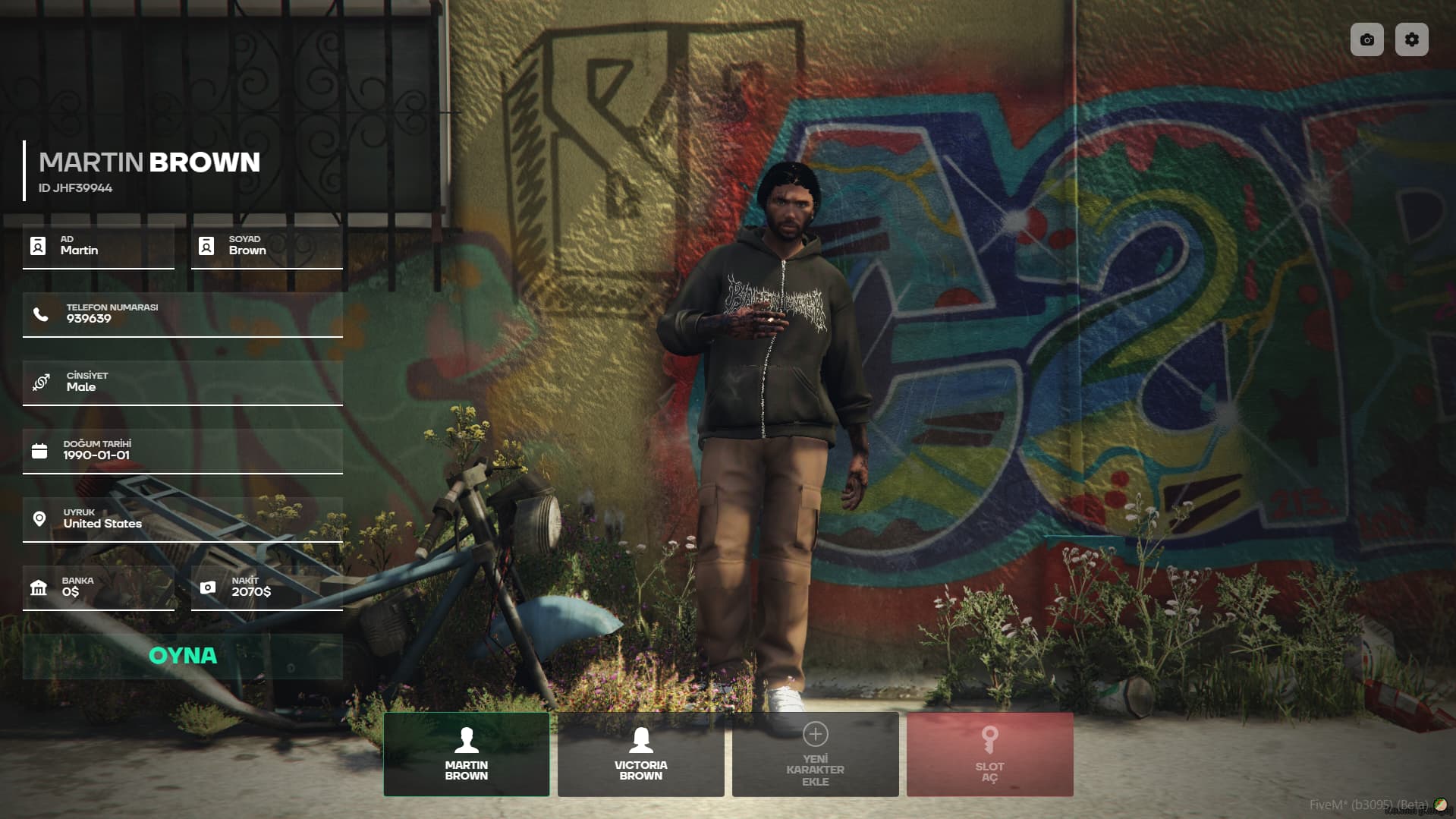
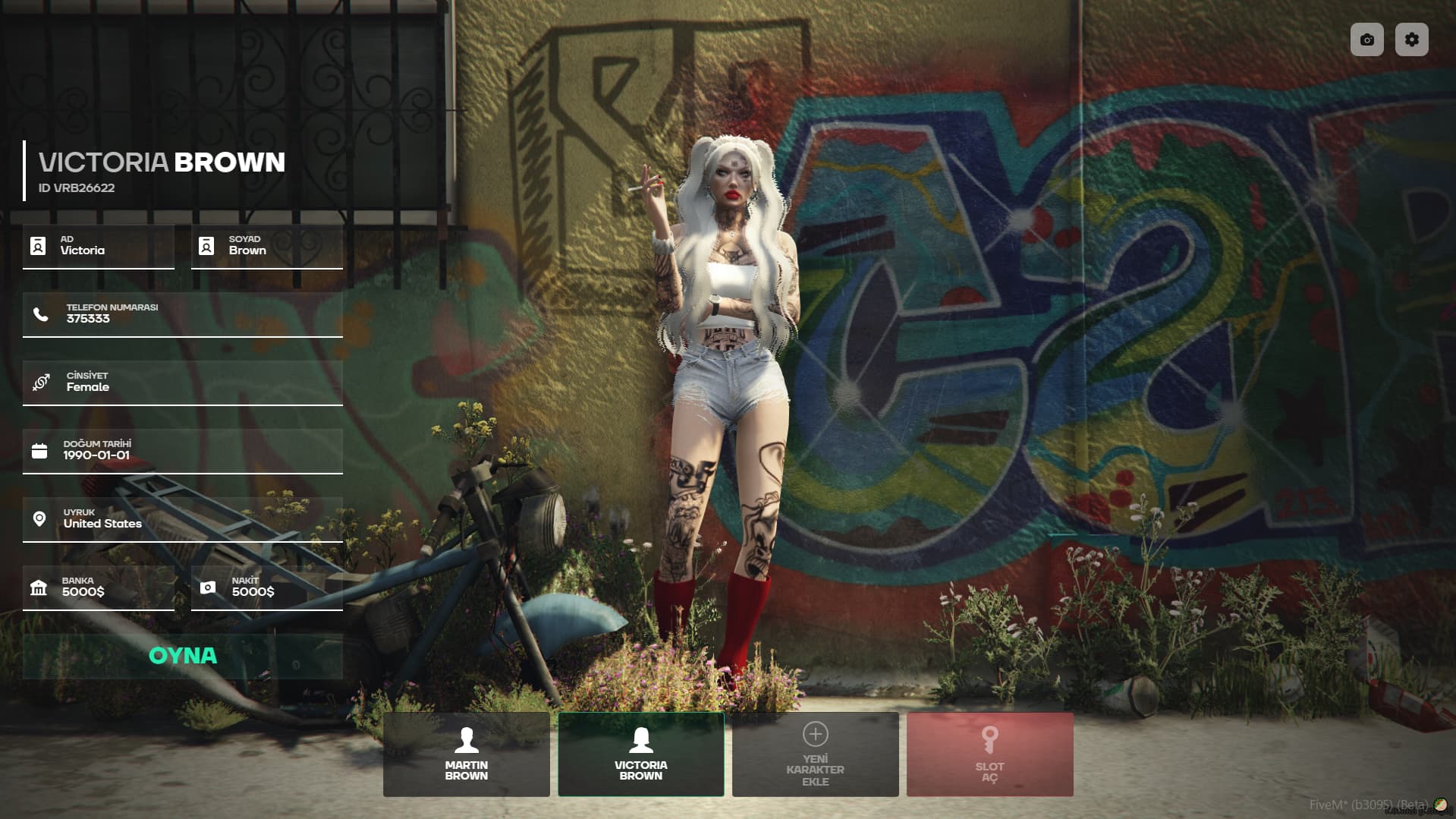
This system is fully compatible with FiveM QBCore & QBox ESX Scripts , allowing players to manage their characters, use slot-based systems, and personalize their gaming experience. It features a fast, smooth, and optimized interface.
 GENERAL FEATURES
 Compatible with FiveM QBCore & QBox
Smooth and optimized character selection animation
Photo mode for advanced character viewing
Slot-based character management (Permissions via Discord, Tebex, or License)
Detailed character information (Name, phone, cash, bank, gender, birthdate, nationality)
Streamer Mode & Mute Music options
 CHARACTER MANAGEMENT
 Select Character: Choose and start the selected character.
 Delete Character: Delete the selected character.
 Add New Character: Create a new character in available slots.
 Unlock Slot: Open additional character slots.
 Slot Management: Manage slot permissions via Discord, Tebex, or License.
 PHOTO MODE & EFFECTS
The photo mode allows players to view their characters in the selection screen with different effects.
 Photo Mode Features:
 Realistic effects:
Filter options: CLOTHING SYSTEM COMPATIBILITY
This system is fully compatible with the following clothing systems:
 illenium-appearance
bl_appearance
fivem-appearance
qb-clothing
crm-appearance
rcore_clothing
 USER EXPERIENCE & ANIMATIONS
 PRIVACY & CUSTOMIZATION
 Streamer Mode: Hides Citizen ID and phone number.
 Mute Music: Turns off background music in the menu.
 BOTTOM MENU (New Character & Slot Management)
The system’s bottom menu is designed for character and slot management:
Selected Character:
Delete Character:
Add New Character:
Unlock Slot:
Slot Management:
| Code is accessible | No |
| Subscription-based | No |
| Lines (approximately) | 2000 |
| Requirements | ESX - QBCore - QBox |
| Support | Yes |
See what others are saying about this script.
Share your experience and help others.
