

TGIANN Police Job (All in One)

A script by TGIANN

No reviews yet.
TGIANN Police Job (All in One) main image

Price

Unknown

Full Description

:video_game: Test Server :video_game:
:sos: Discord(Support) :sos:
:star: Updates :star:
tgiann-policejob | TGIANN Store


Main Features – Police Job System

  • Fully Configurable System – Every feature can be enabled or disabled through the config files.
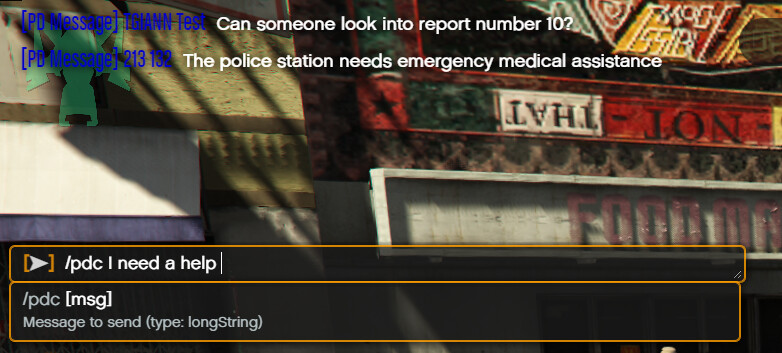
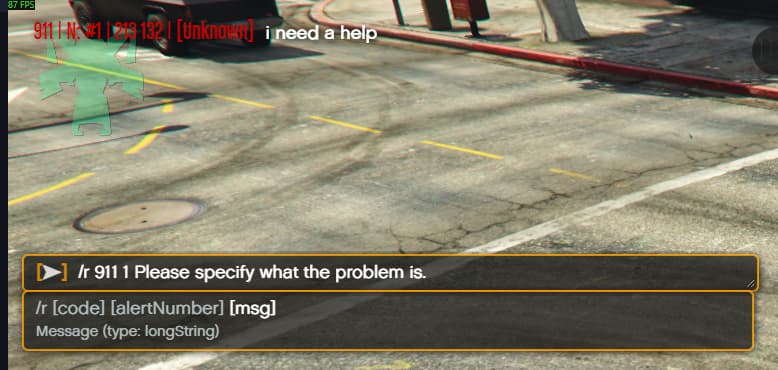
  • 911 Chat System – Players can send messages to the 911 emergency line, and police units can respond directly.
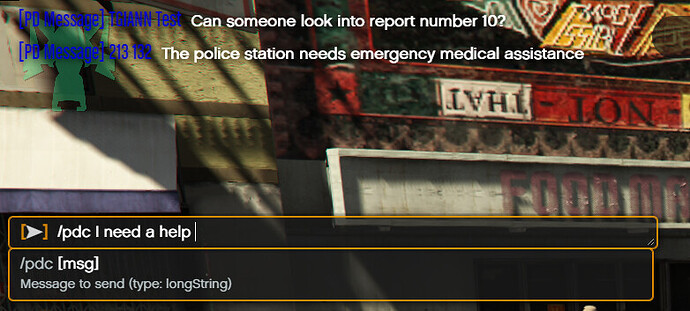
  • PD Chat – A dedicated communication channel for police officers to talk among themselves.
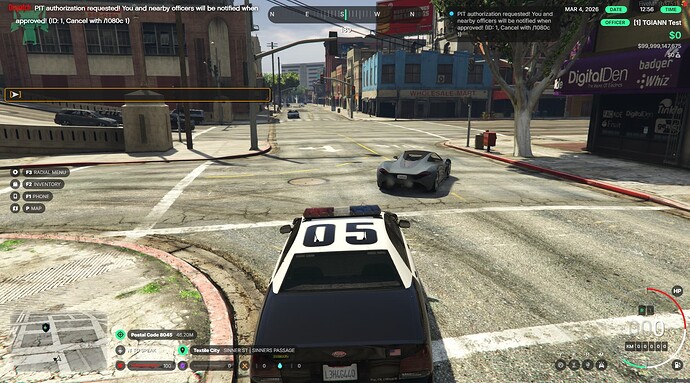
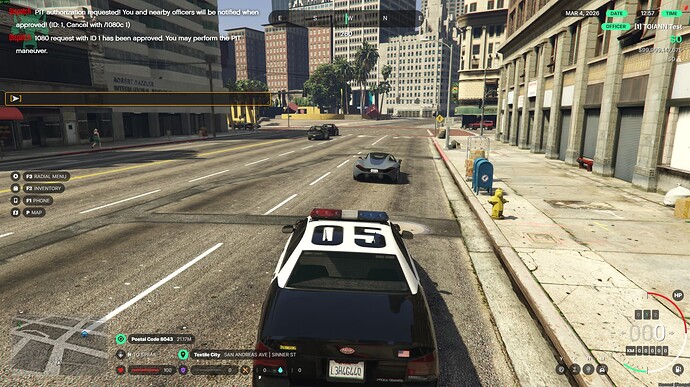
  • Code 1080 System – Officers can request PIT / RAM permission during pursuits; approval is automatically granted by the system after a short time.
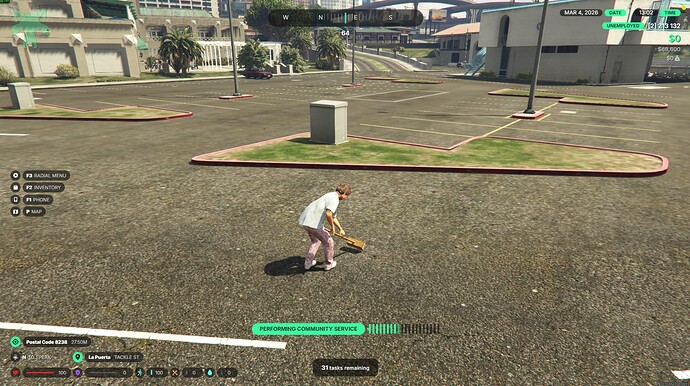
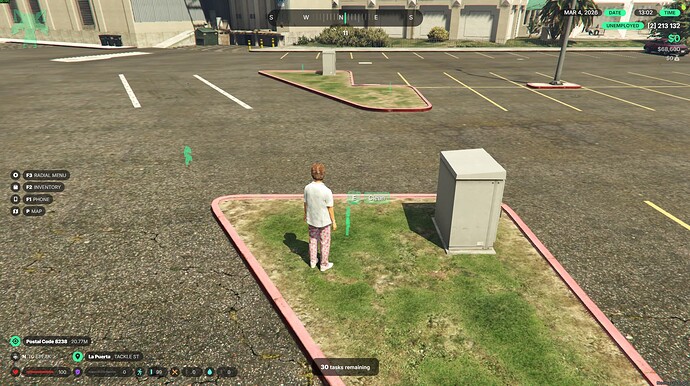
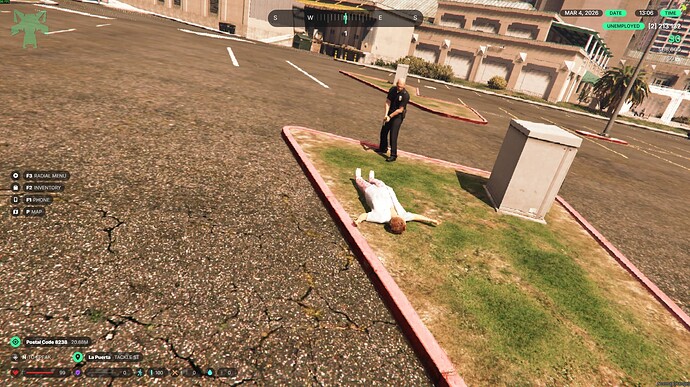
  • Community Service System – Allows officers to assign community service punishments to players.
  • Enhanced Stungun Features – Additional functionality for the taser weapon.
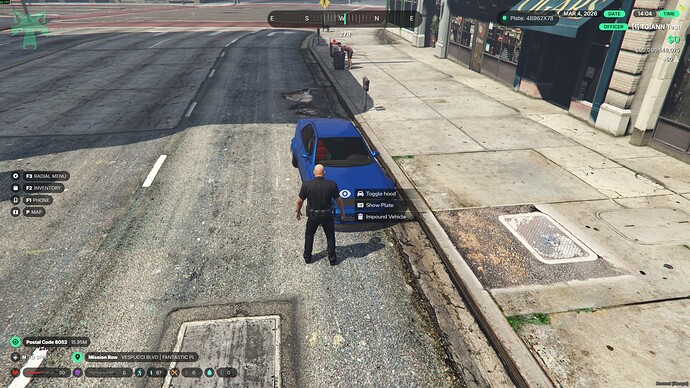
  • /impound Command – Remove nearby vehicles quickly with a command.
  • Department System – Multiple police departments with additional features and management options.
  • Fine / Ticket Menu – Issue fines and penalties through a dedicated interface.
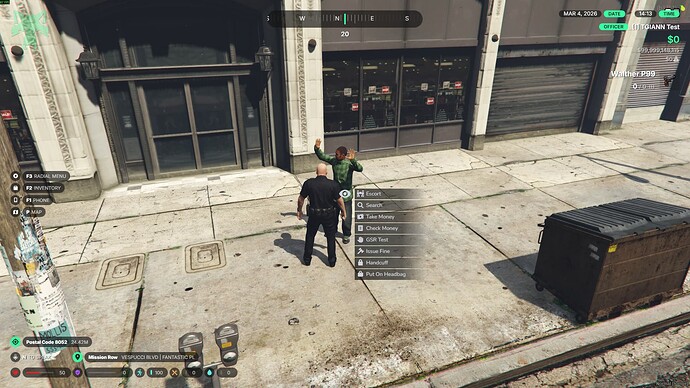
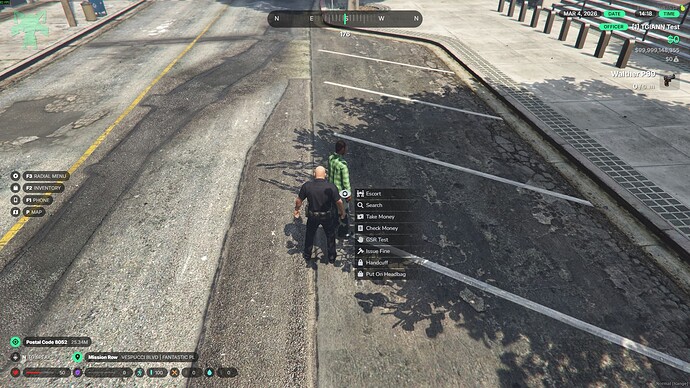
  • GSR Test System – Test players for gunshot residue.
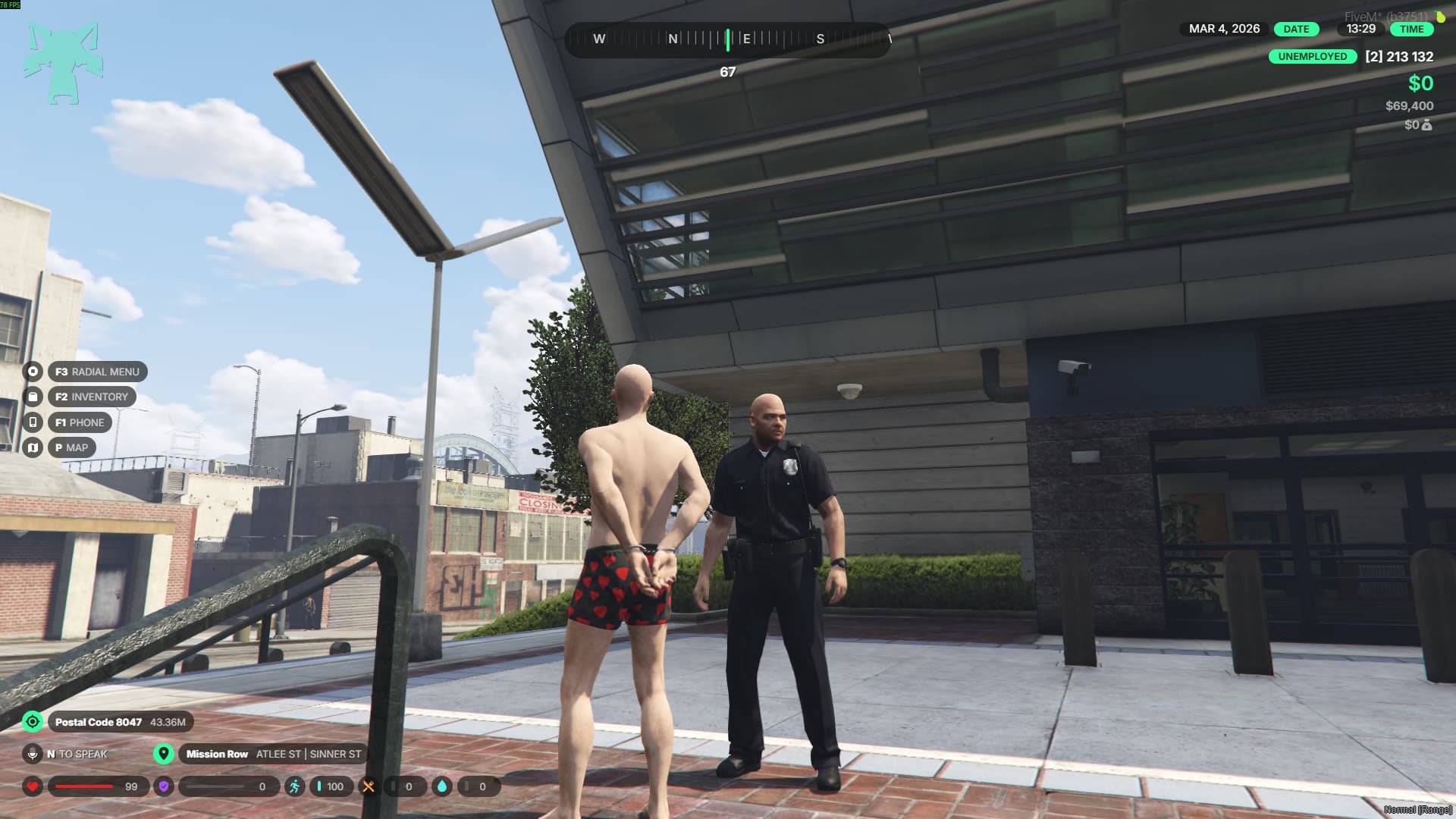
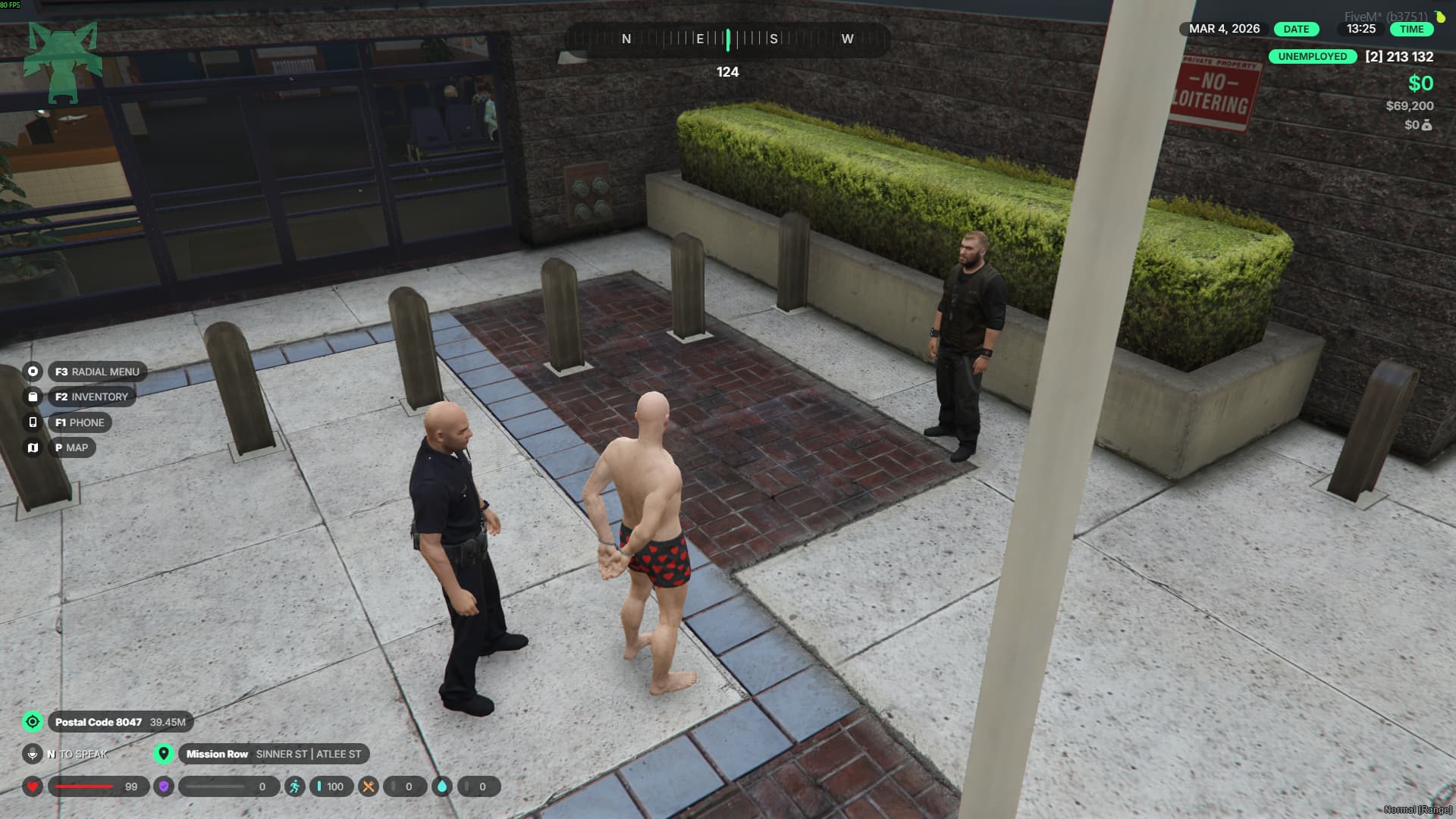
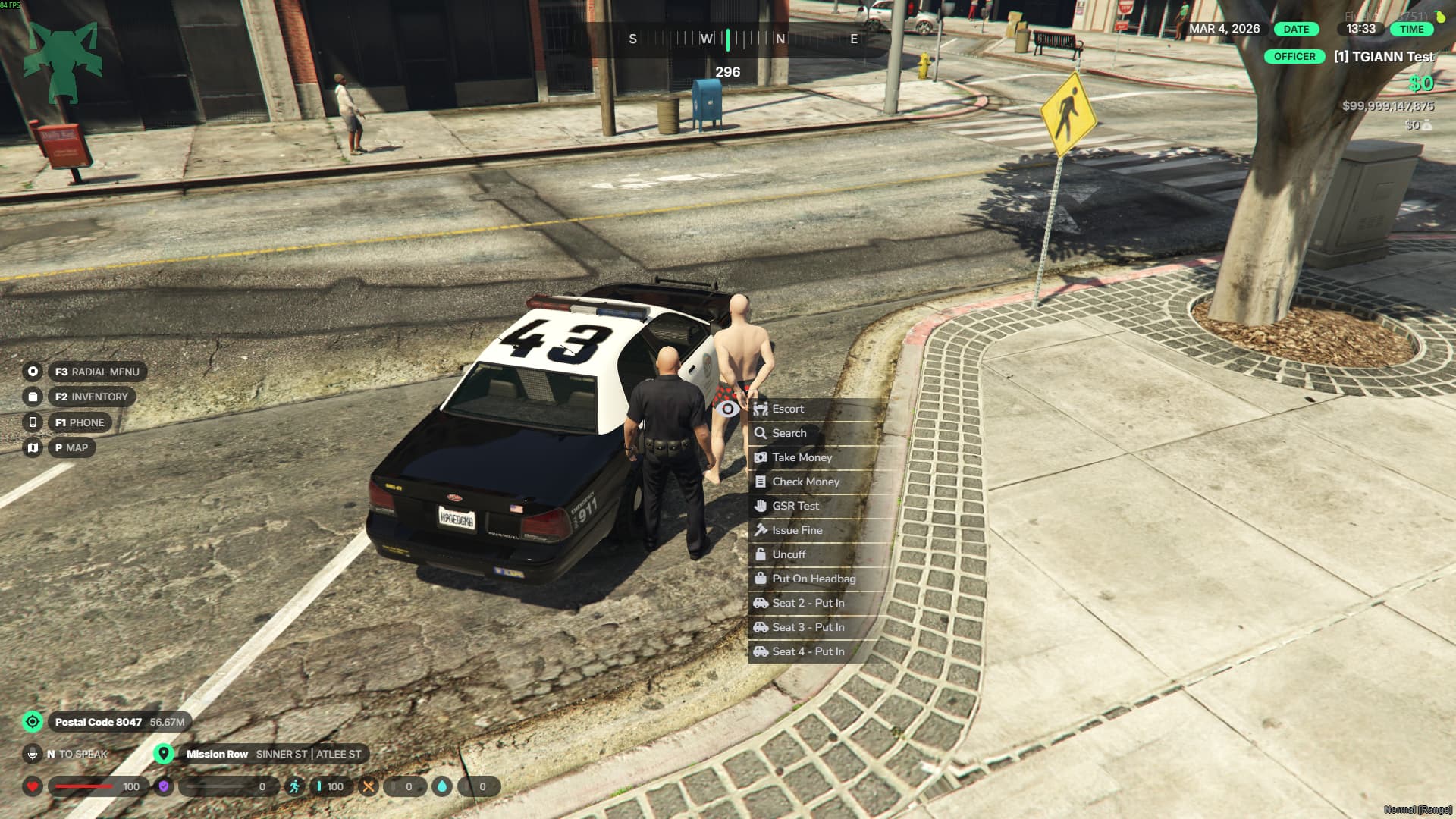
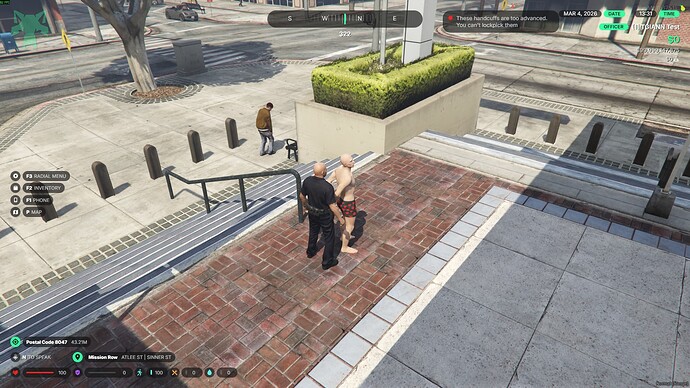
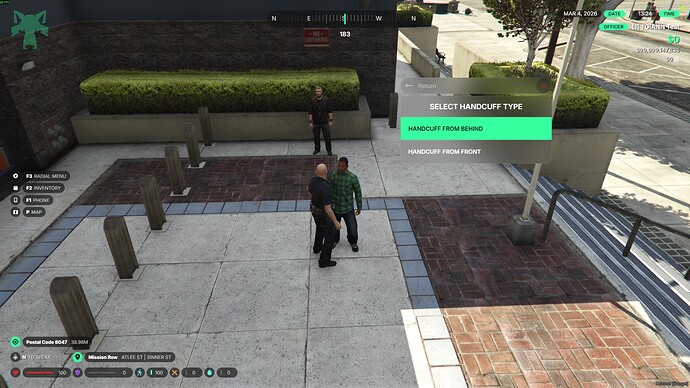
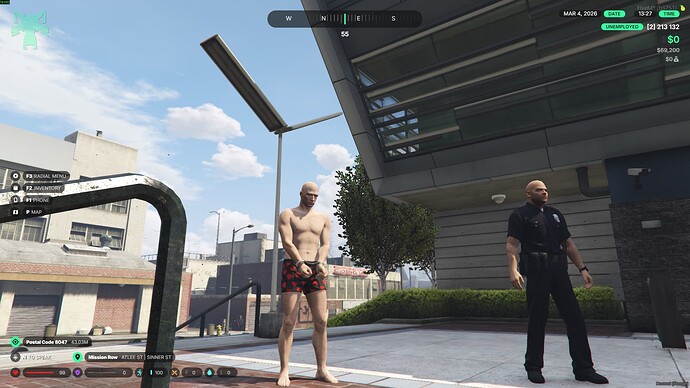
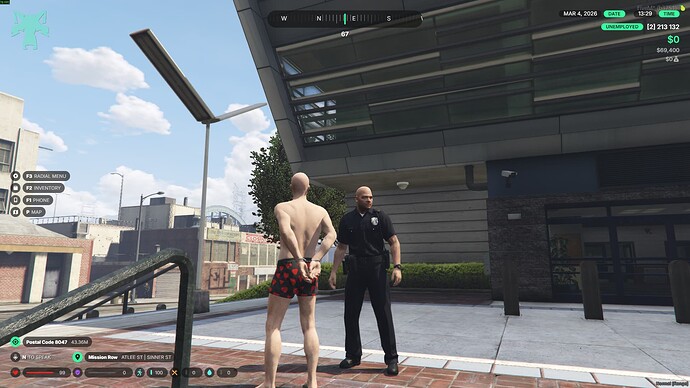
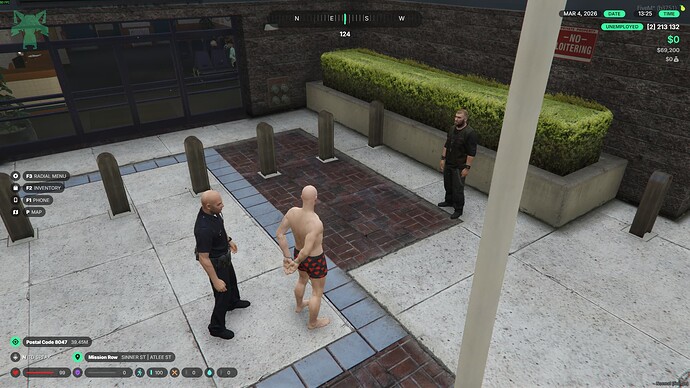
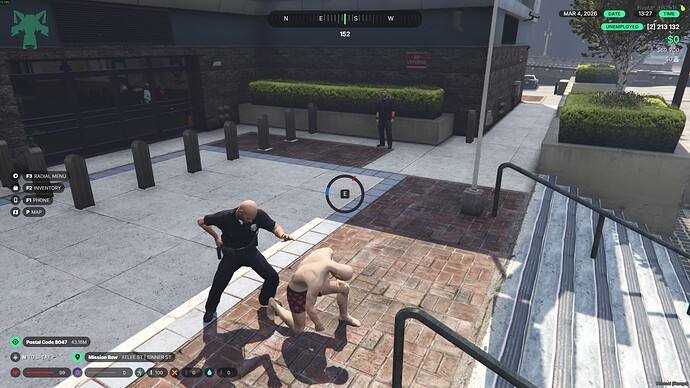
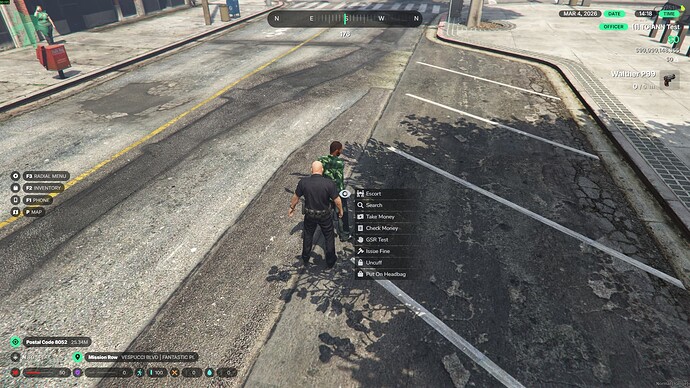
  • Handcuff System – Restrain suspects with a functional cuff system.
  • Headbag System – Place a bag over a suspect’s head.
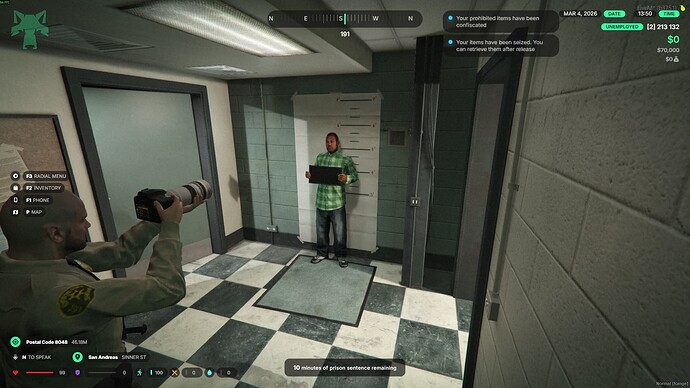
  • Prison System – Send players to jail through the police system.
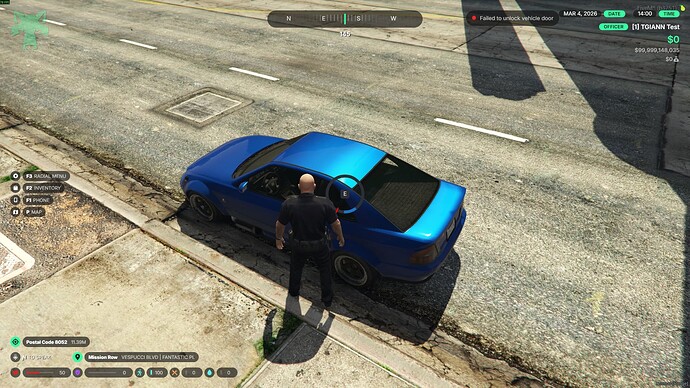
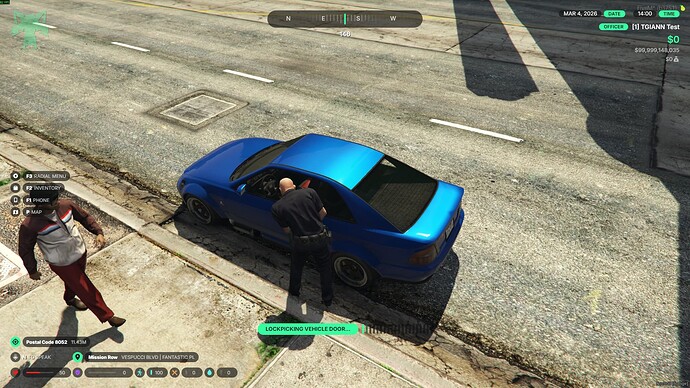
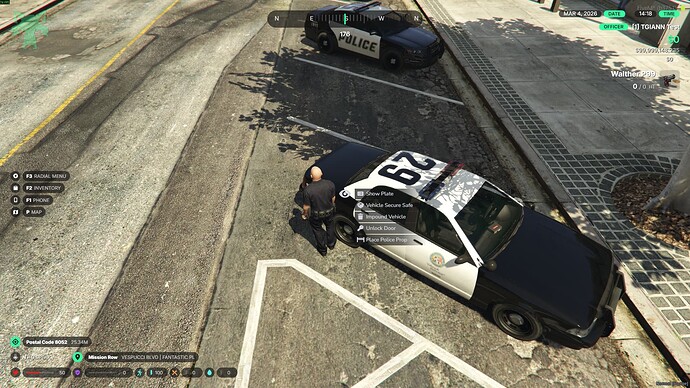
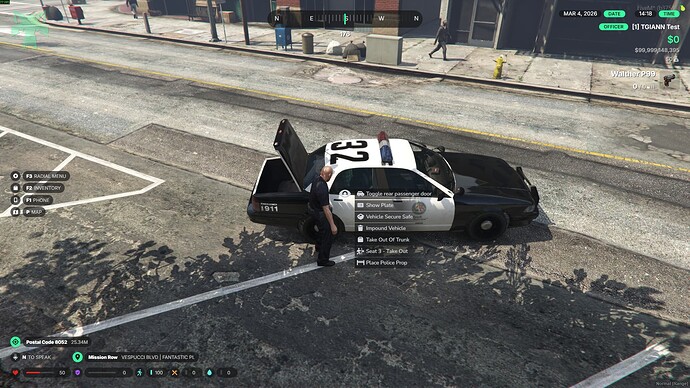
  • Vehicle Lock Override – Unlock locked vehicles when necessary.
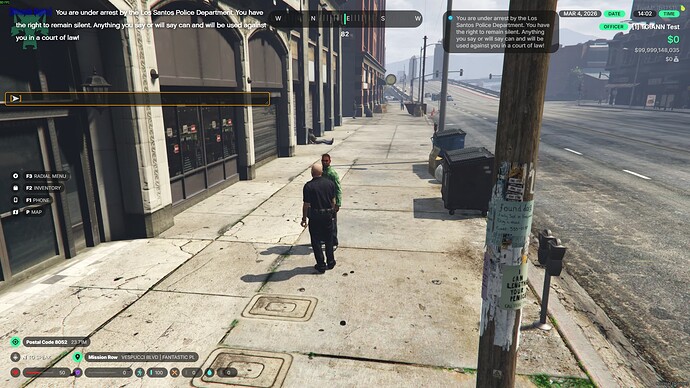
  • /miranda Command – Read Miranda rights through a command.
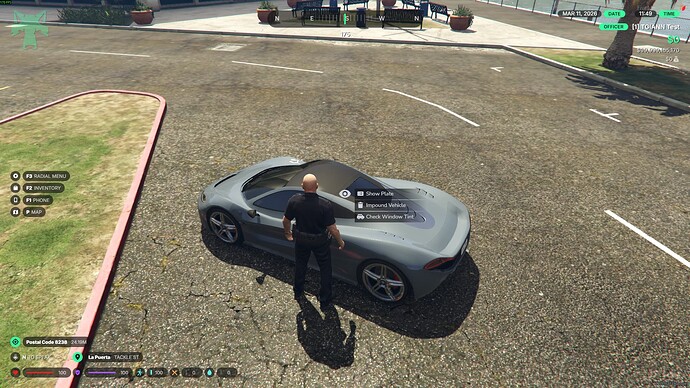
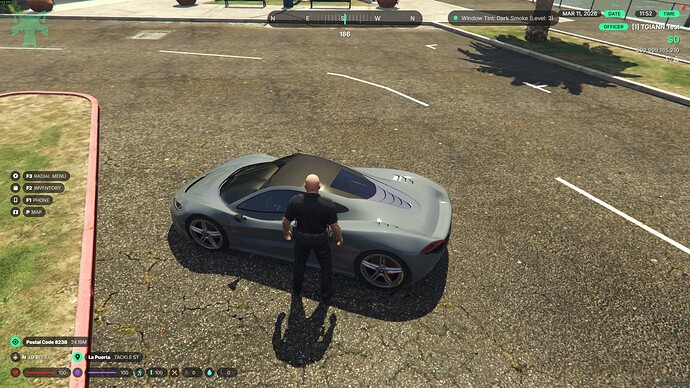
  • License Plate Check System – View the plate of nearby vehicles.
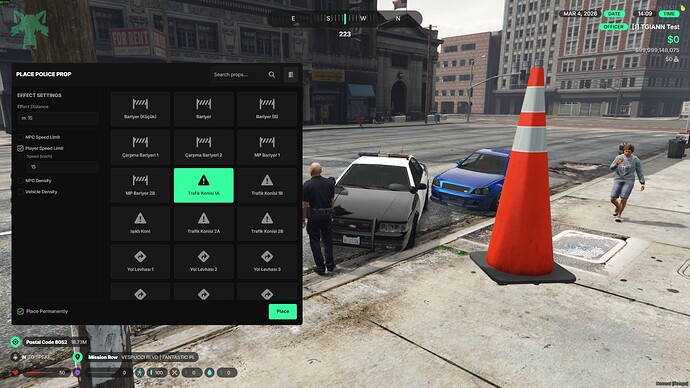
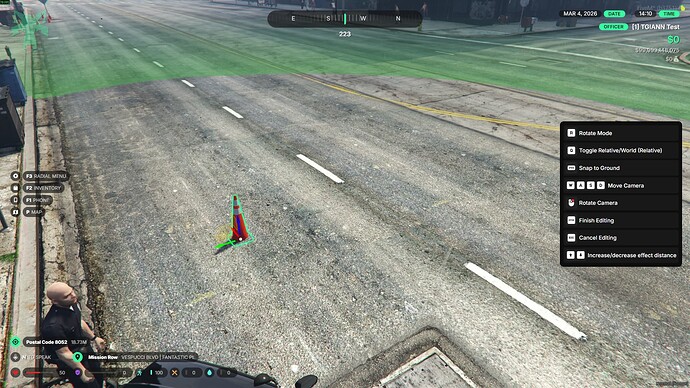
  • Advanced Object Placement System – Deploy police equipment and objects in the world.
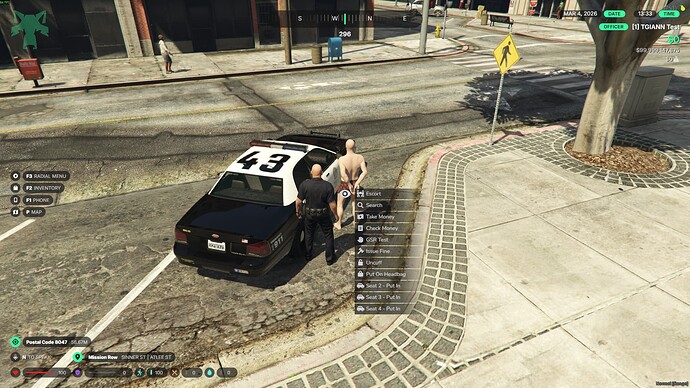
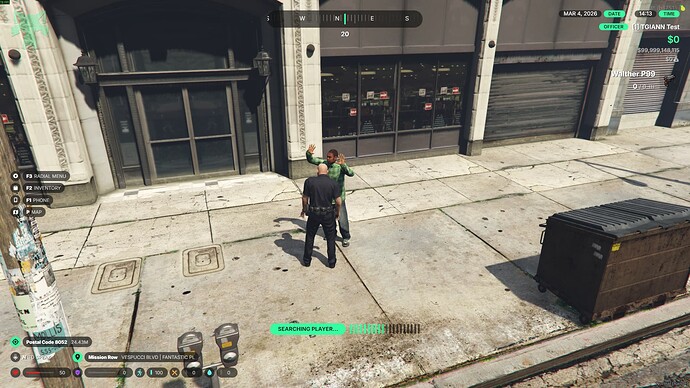
  • Player Search System – Search players and confiscate money if necessary.
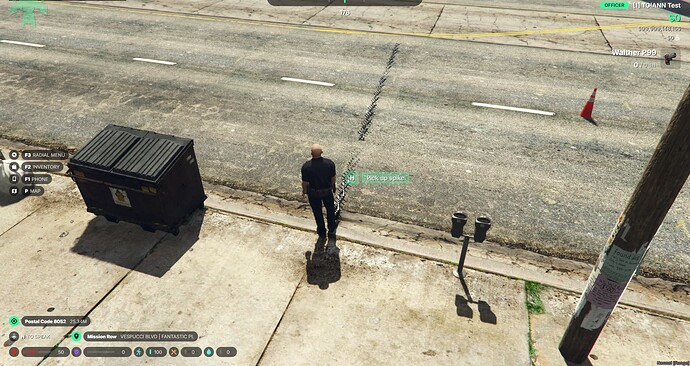
  • Spike Trap Item – Deploy spike strips to stop vehicles.
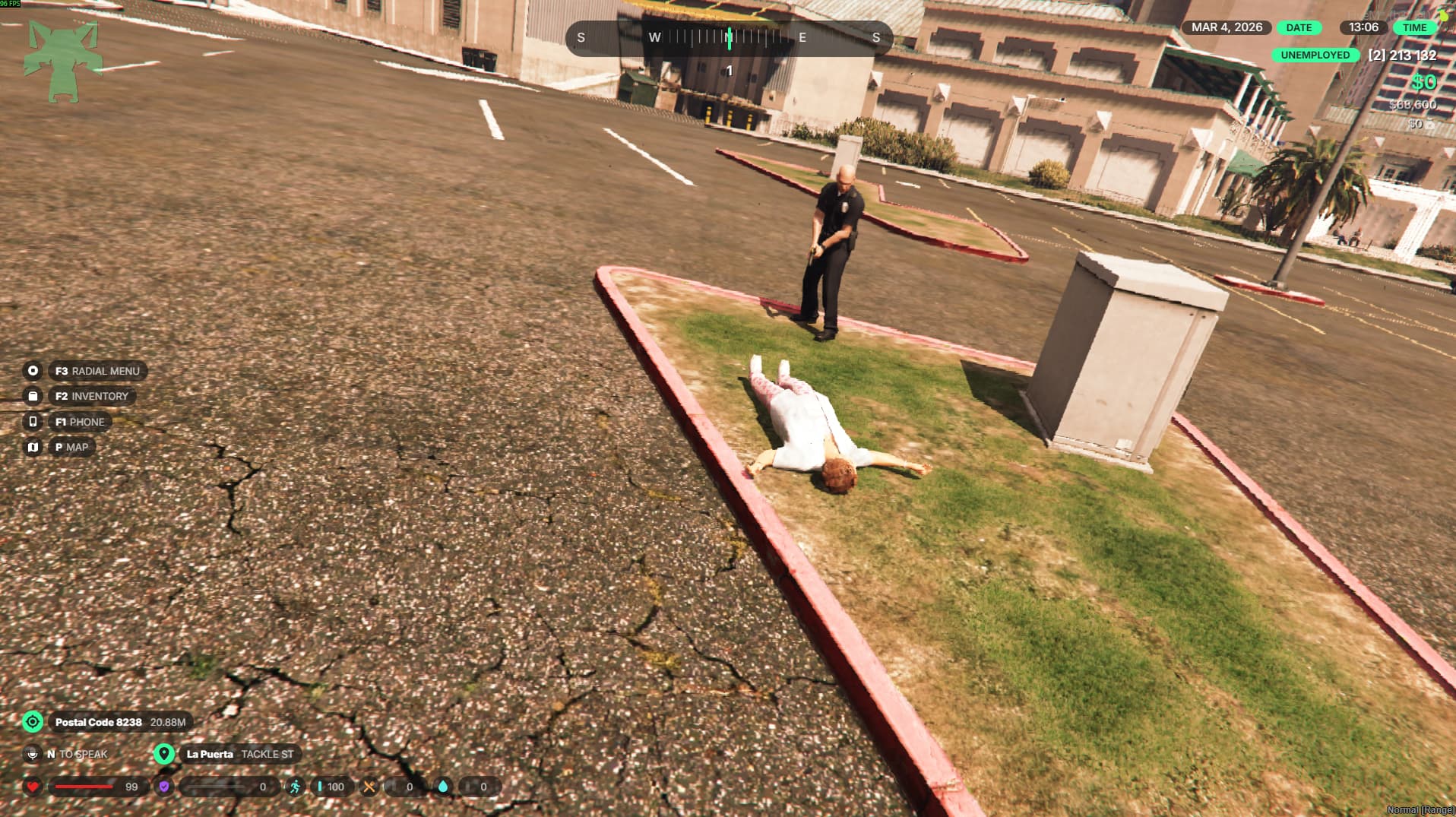
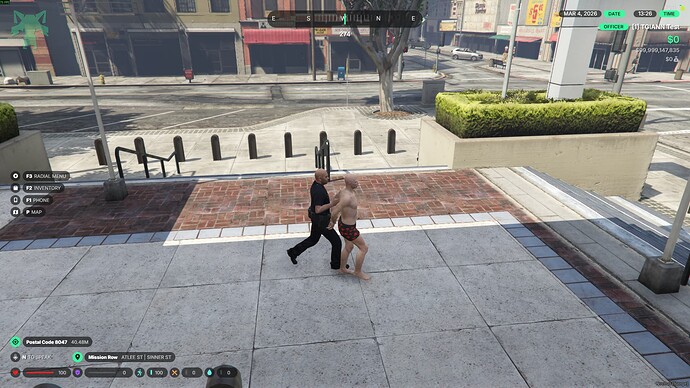
  • Tackle System – Officers can tackle suspects while chasing them.
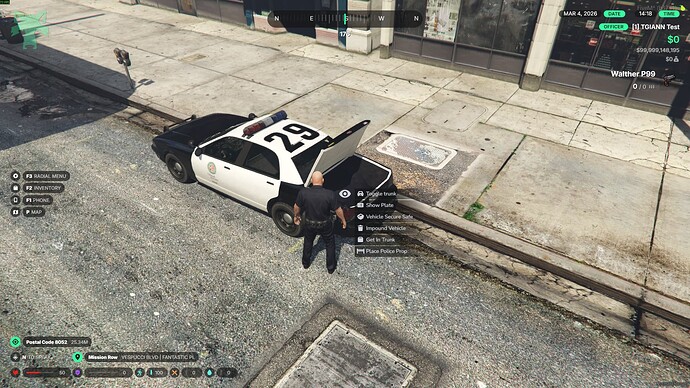
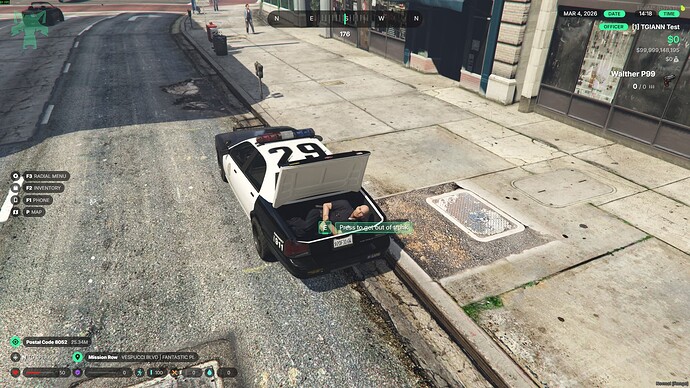
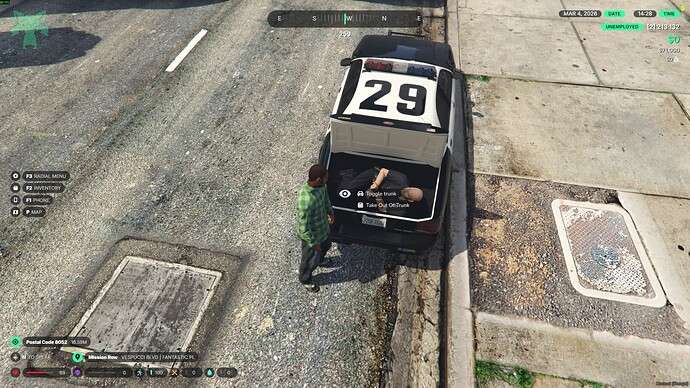
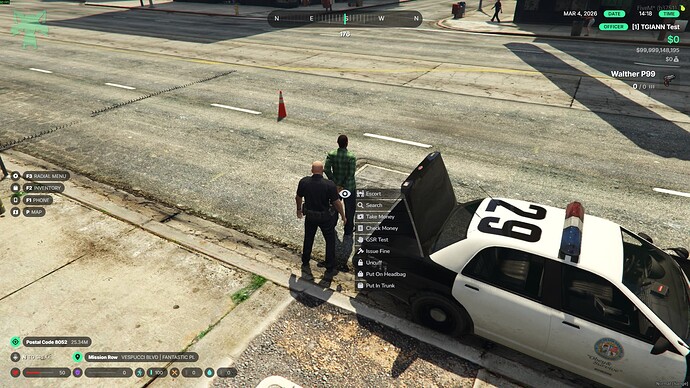
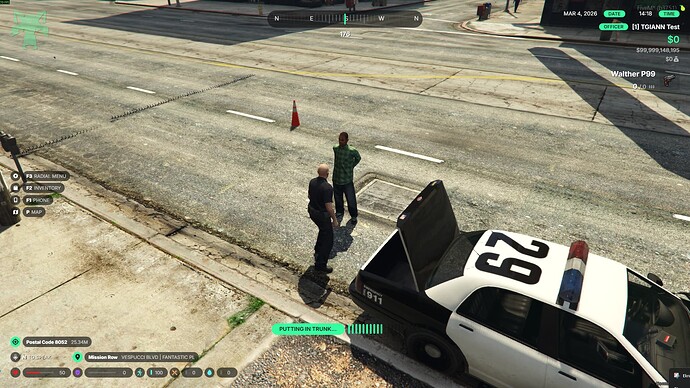
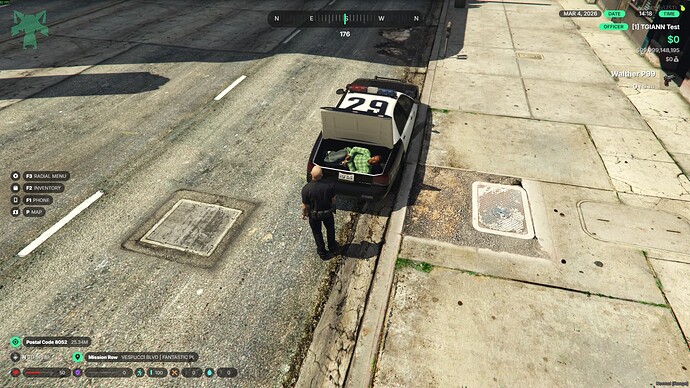
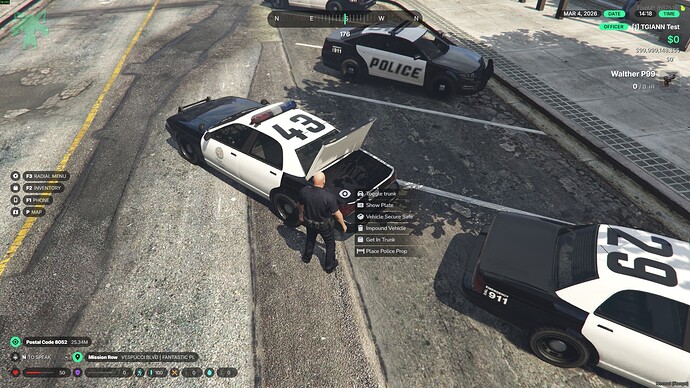
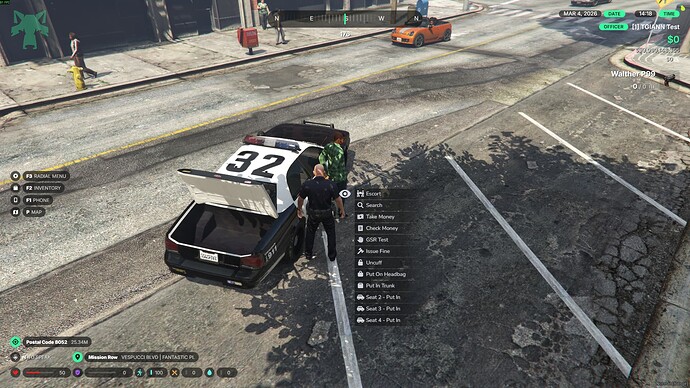
  • Vehicle Trunk System – Players can be placed inside vehicle trunks.
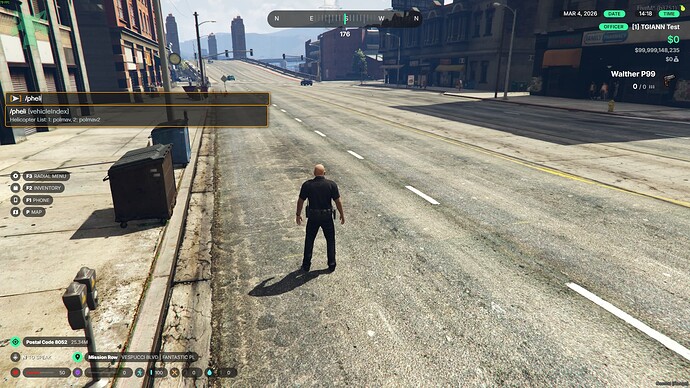
  • Vehicle Spawn Commands – Spawn police vehicles using commands.
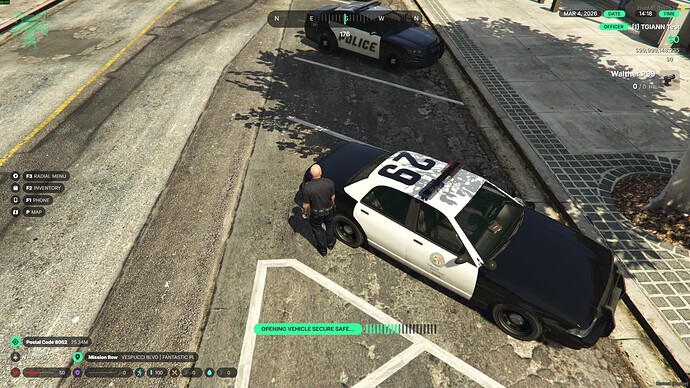
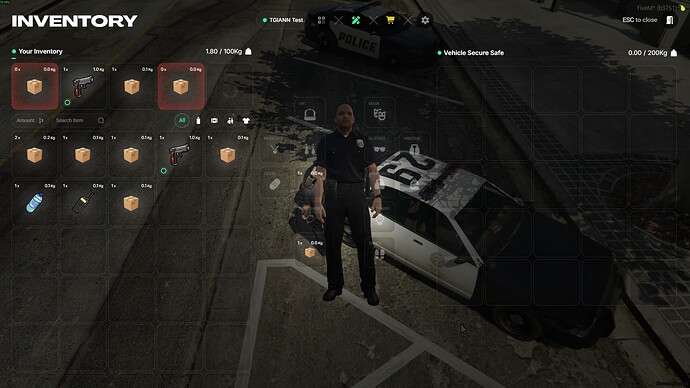
  • Vehicle Stash System – Store equipment inside police vehicles.

911 Chat System

  • Each job can be assigned its own communication number.
    For example, 911 for police, 999 for sheriffs, or you can combine multiple jobs into the same communication channel.
  • When a player sends a message using /911, the message is delivered to all jobs linked to that number.
  • Any officer who receives the message can reply directly to the player from the system.
  • Civilian messages can also include the sender’s name, surname, and phone number, allowing officers to quickly identify and contact the caller.


Job Chat System

  • A dedicated chat system can be configured for any job through the config file.
  • Multiple jobs can also be grouped to share the same communication channel if desired.
  • When a player sends a message in the job chat, it is delivered to all players who belong to the configured job, allowing them to communicate internally through that channel.


Code 1080 System

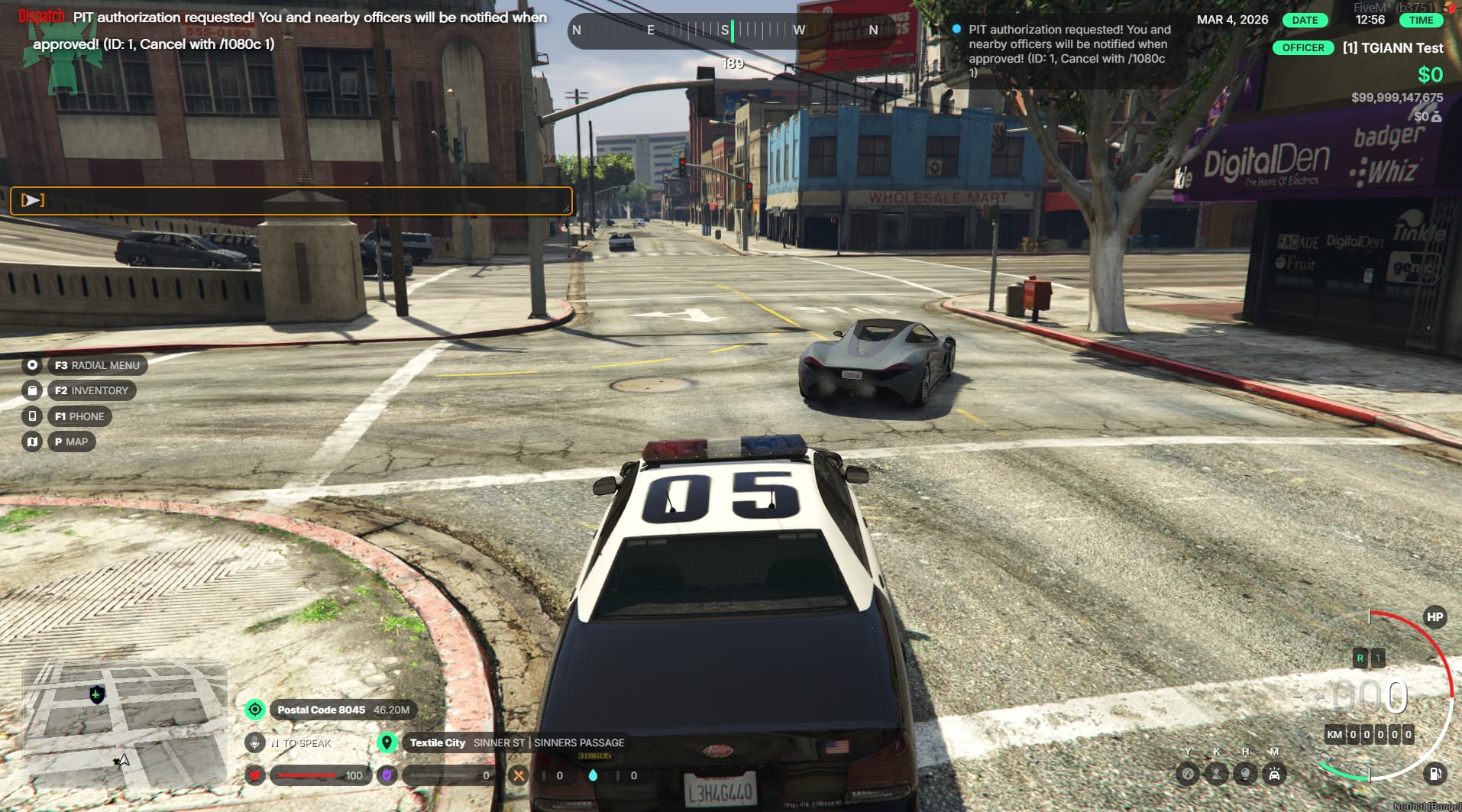
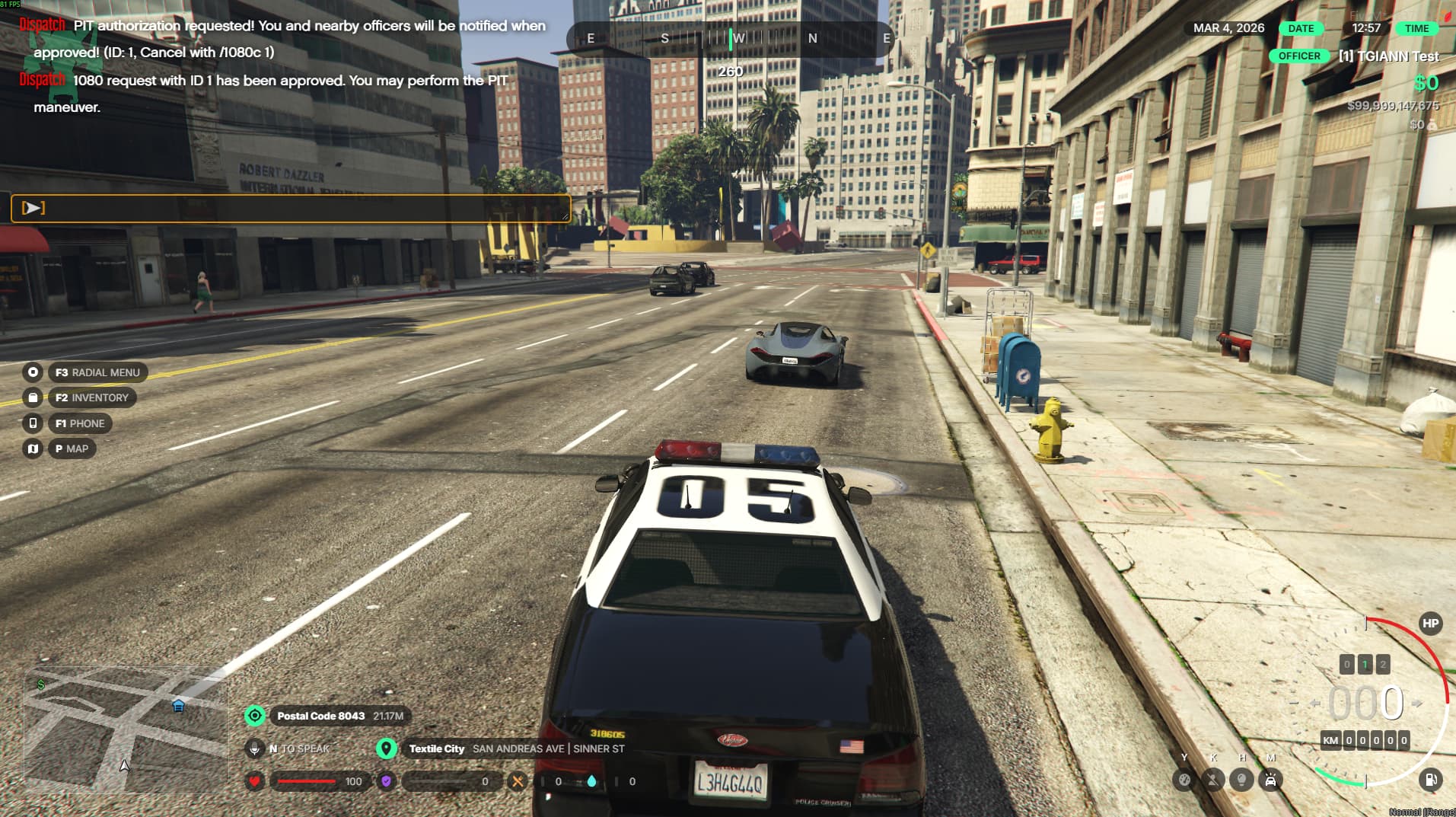
  • If officers have difficulty deciding when to perform a PIT or RAM maneuver during a pursuit, the Code 1080 system helps manage this process.
  • When the command is used, a countdown timer starts.
    Once the timer finishes, the officer who requested it receives both a visual and audio notification confirming that Code 1080 permission has been granted.
  • The command name and countdown duration can be fully customized through the config file.
  • When permission is granted, nearby officers can also see that the pursuit unit has received Code 1080 authorization.
  • If the permission was triggered by mistake, it can be canceled using a separate command.


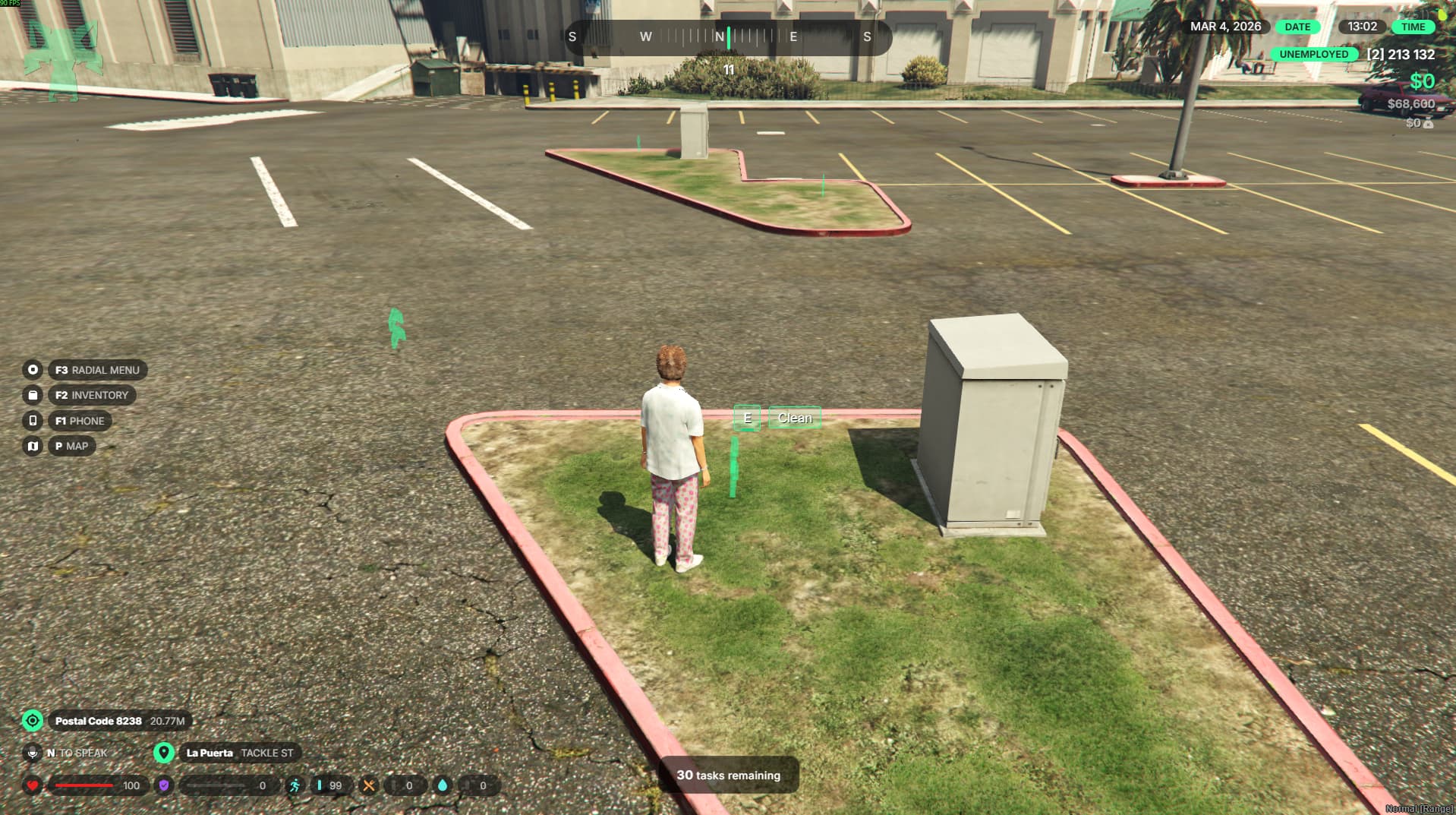
Community Service System

  • Officers can assign community service as a punishment to players.
  • When a player receives a community service sentence, they are automatically teleported to the community service area if they are not already there.
  • While serving community service, the player cannot use weapons or similar items.
  • If the player tries to leave the service area before completing their sentence, they are automatically teleported back and their remaining sentence is increased.
  • Players can check their current community service status through the UI.
  • Police officers can also view and manage players with active community service sentences through the UI, allowing them to adjust penalties if necessary.


Enhanced Stungun Features

  • You can configure how many seconds a player remains incapacitated after being hit by a stungun.
  • When a player is tased, their screen will show a visual effect and shaking effect to simulate the impact.
  • These visual effects can be enabled or disabled via the config file.


Impound / DV Command

  • This command allows officers to remove nearby vehicles quickly.
  • When the command is used, the nearest vehicle is deleted, helping clear abandoned or improperly parked vehicles.


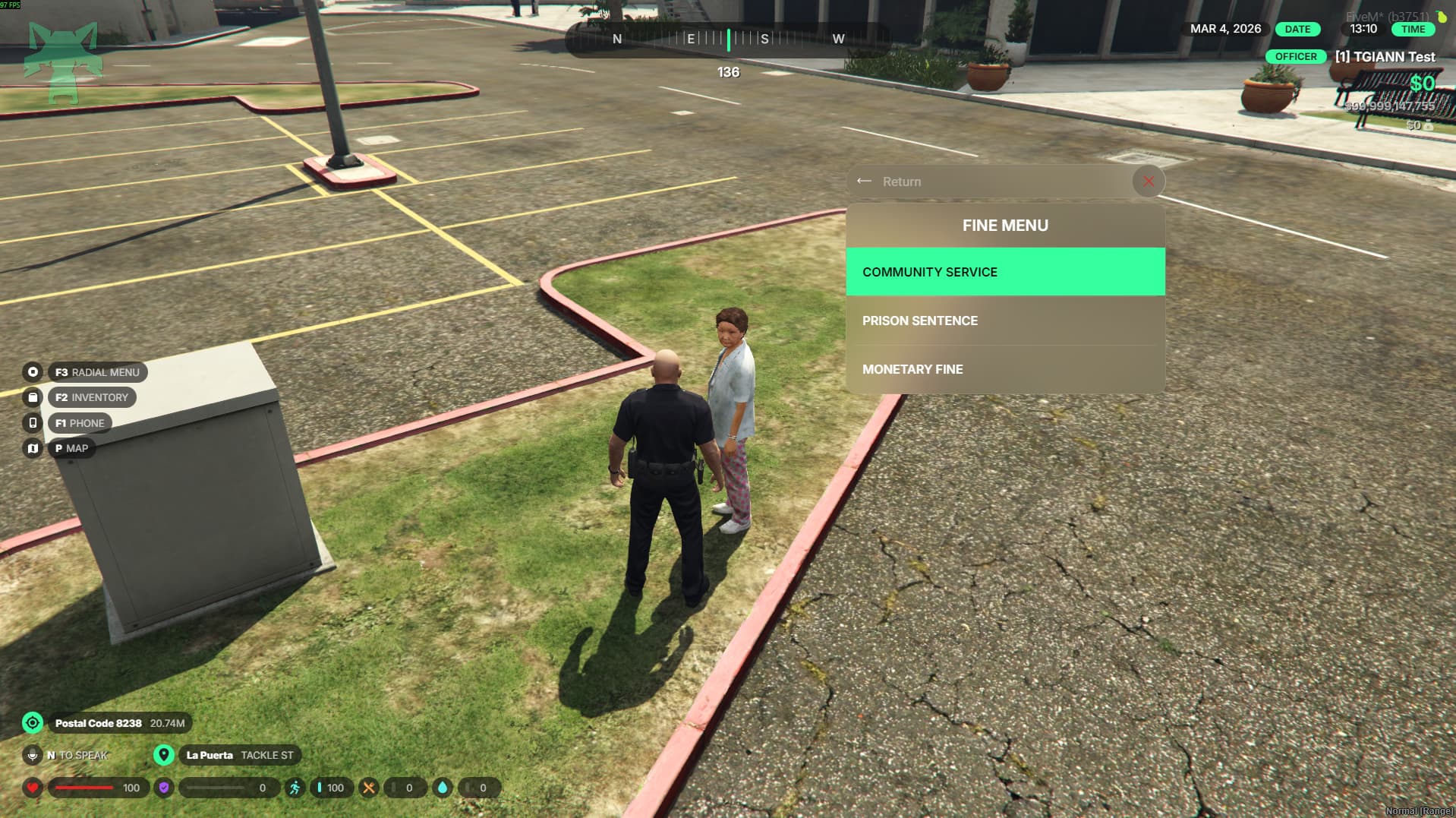
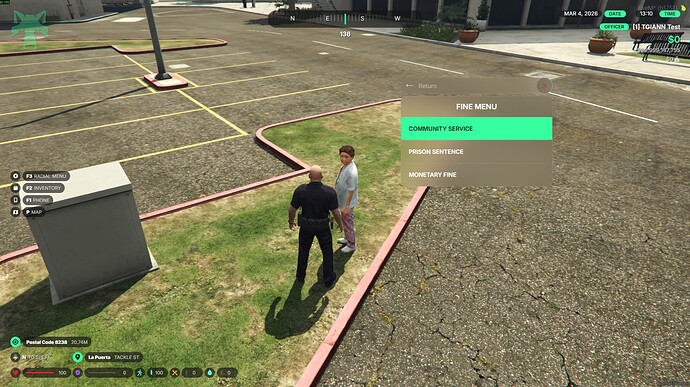
Penalty Menu

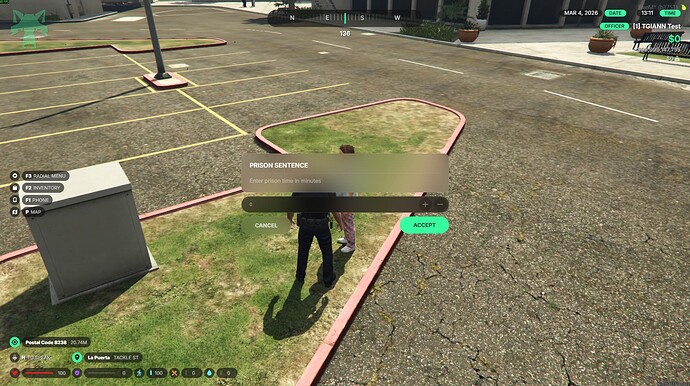
  • This menu allows officers to issue jail sentences, community service penalties, or monetary fines to nearby players.
  • It provides a user-friendly interface that brings actions normally done through commands into a single organized menu.


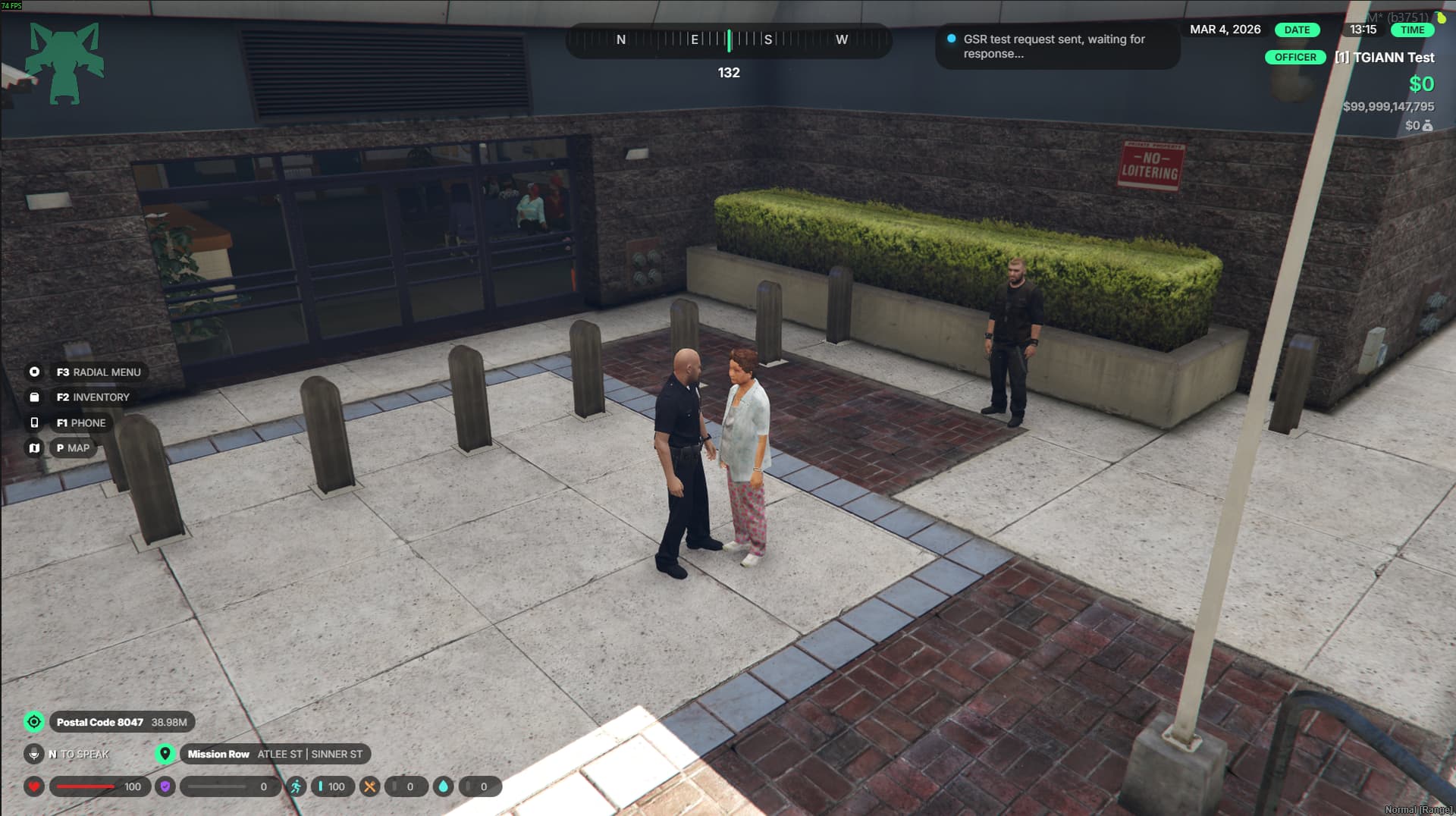
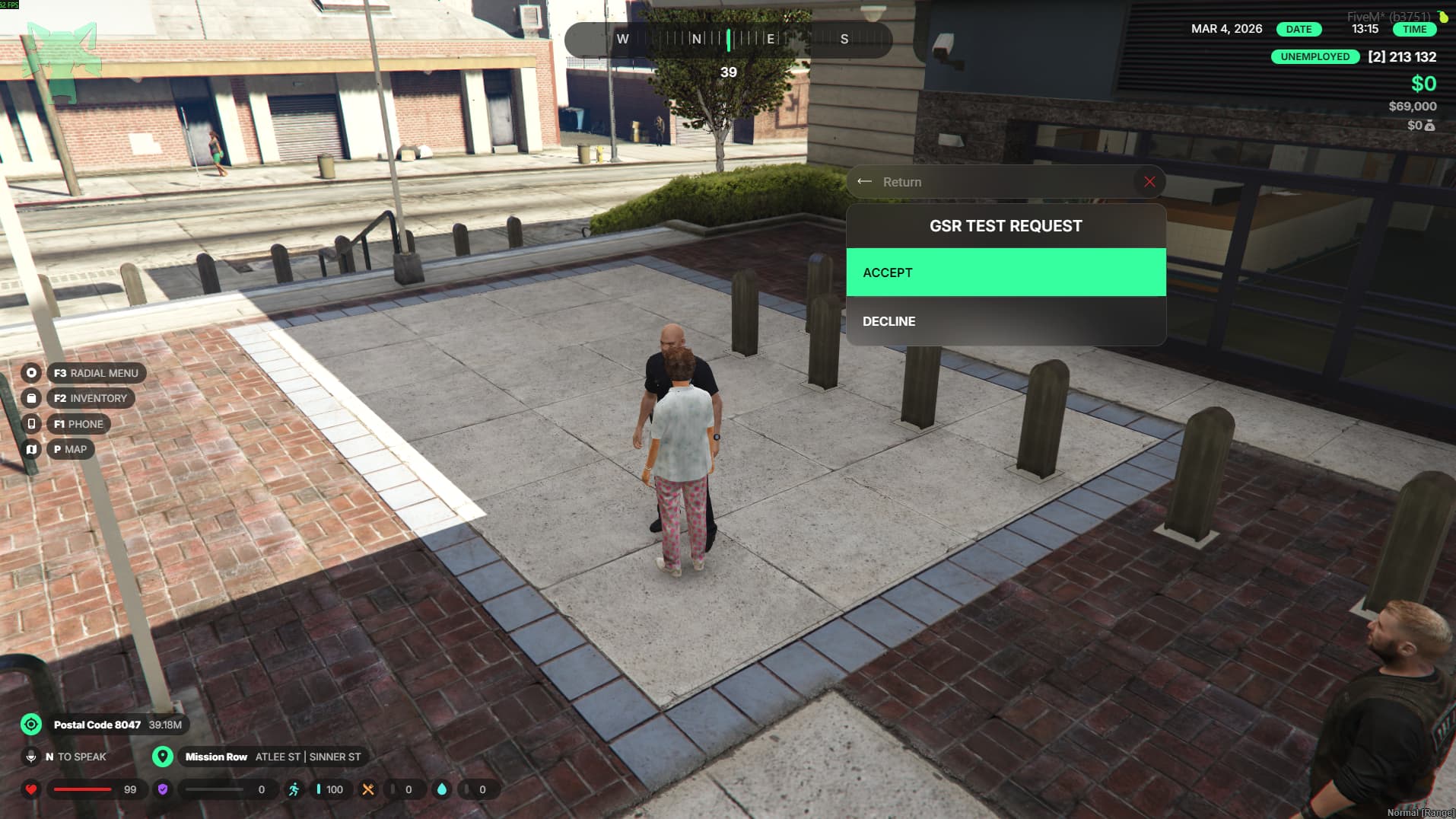
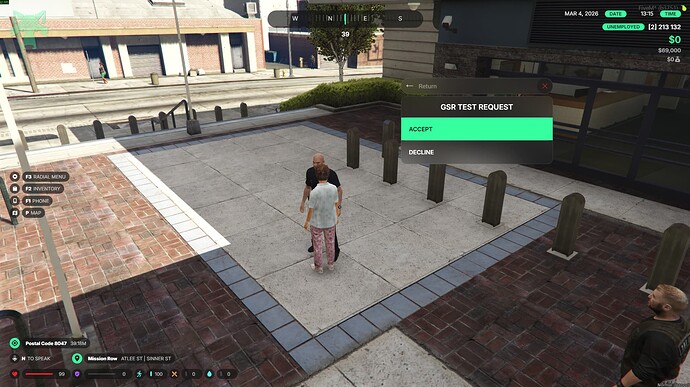
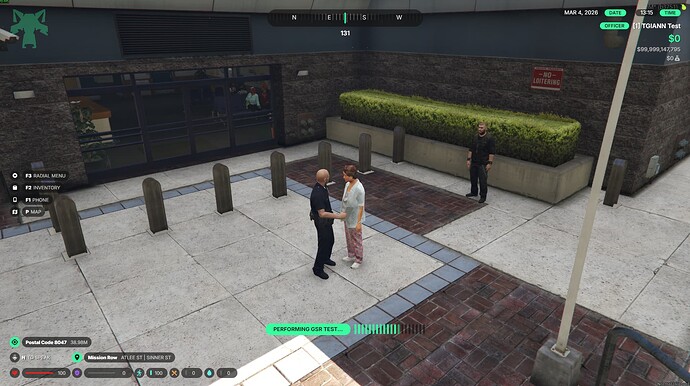
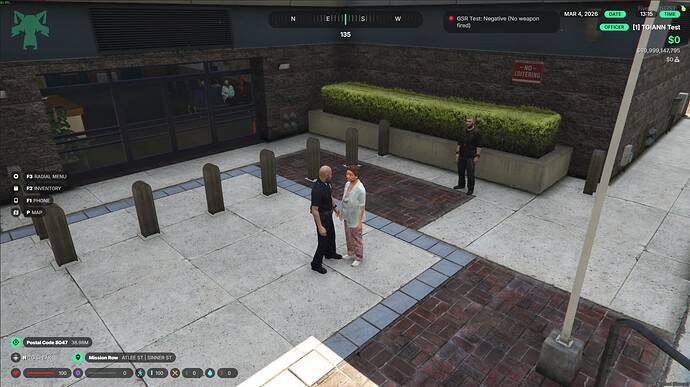
GSR / Gunshot Residue Test

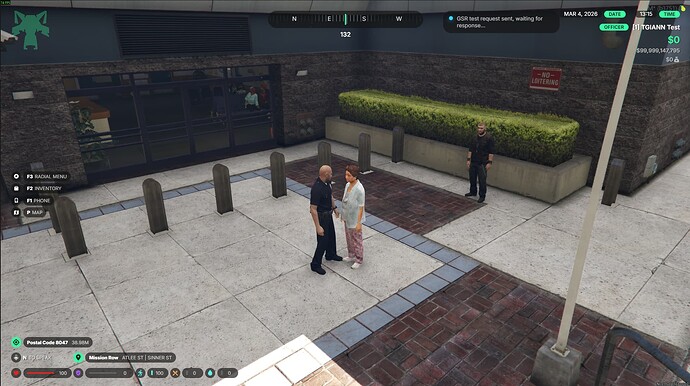
  • Officers can perform a GSR (Gunshot Residue) test to determine whether a player has recently fired a weapon.
  • Before the test begins, a request is sent to the target player. The test starts only if the player accepts the request.
  • After firing a weapon, gunpowder residue remains on the player’s hands for a certain period of time.
  • Players can remove this residue using specific cleaning items.
  • If the residue has not been cleaned or has not expired, the GSR test result will appear as positive.


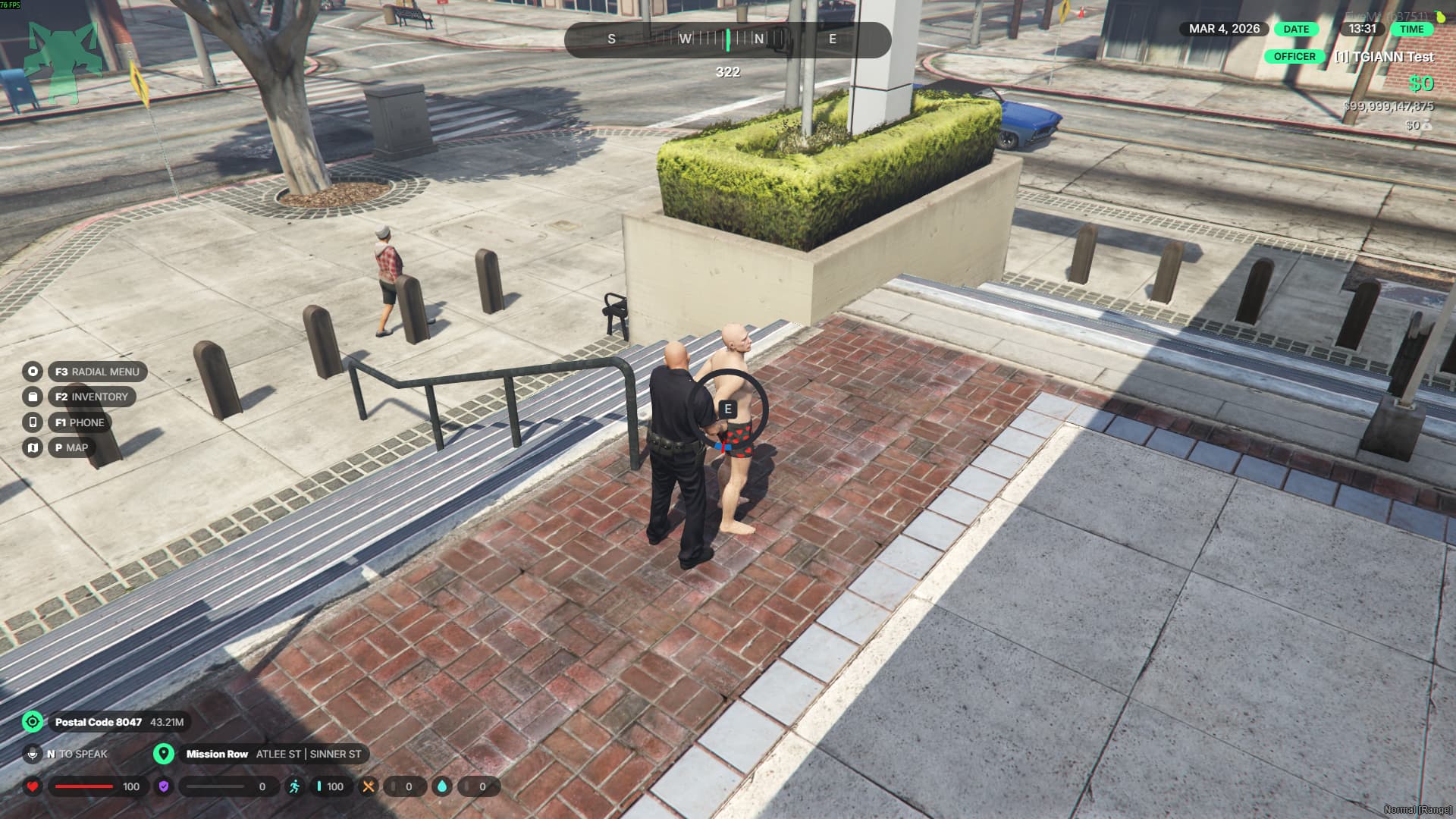
Handcuff System

  • The system is designed not only for police but for all players, allowing different roleplay scenarios.
  • You can add multiple types of handcuffs, each with customizable behavior.

Two Key Systems

  • Global Key System:
    A single key can unlock all handcuffs of the same type.
    This is typically used for police handcuffs.
  • Unique Key System:
    Each handcuff has its own unique key.
    When a player is cuffed, the officer who applies the cuffs receives the specific key required to unlock them.

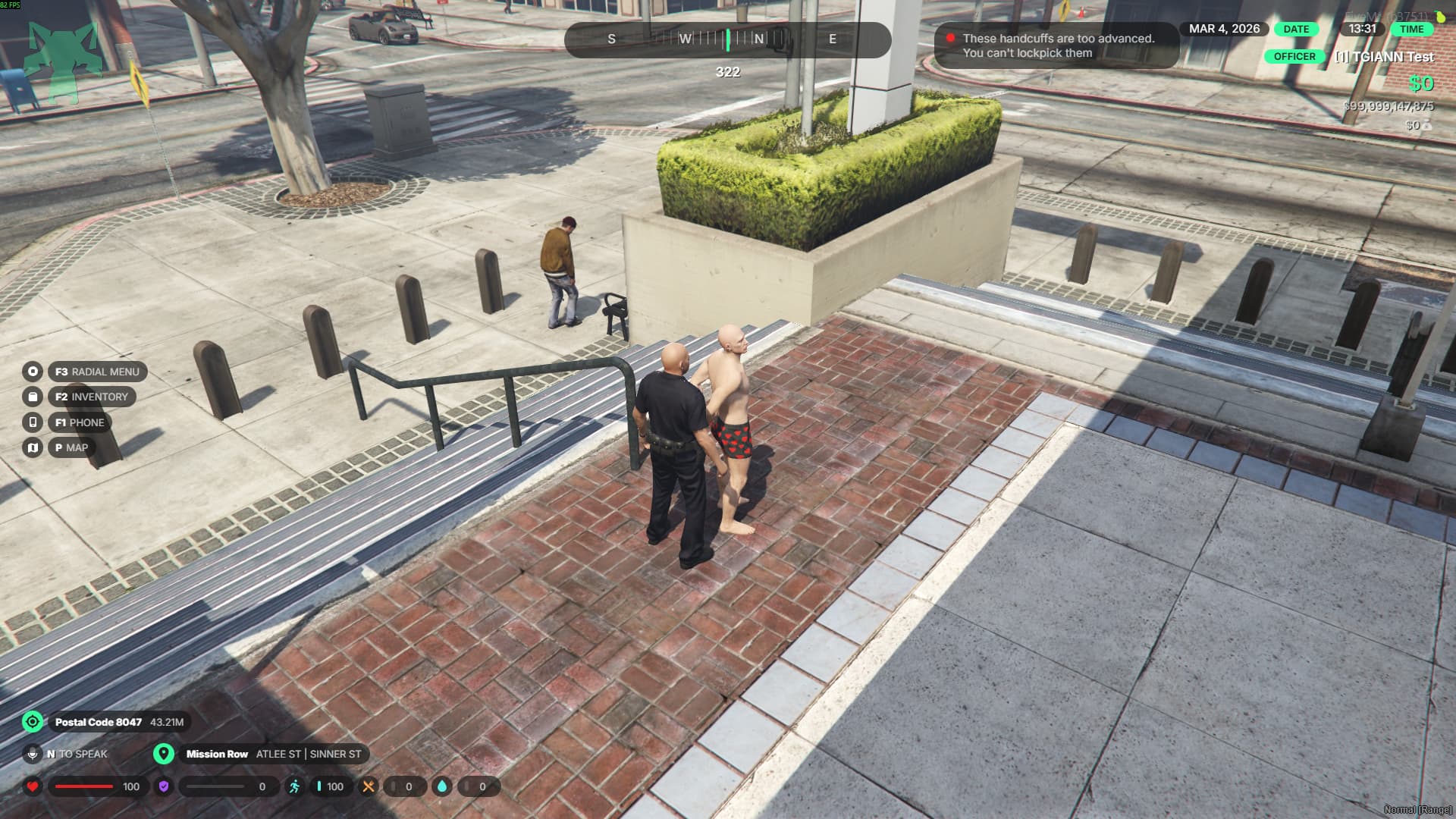
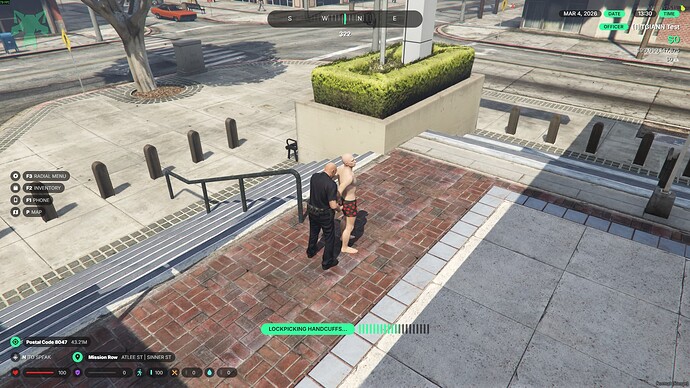
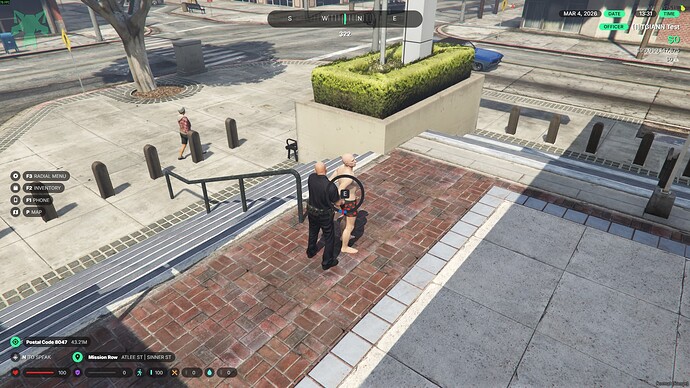
Lockpicking Support

  • If the key is missing or lost, handcuffs can be opened using lockpicks.
  • This feature can be customized per handcuff type or completely disabled.


Two Cuffing Styles

  • Front cuffing
  • Back cuffing


Visual & Interaction Features

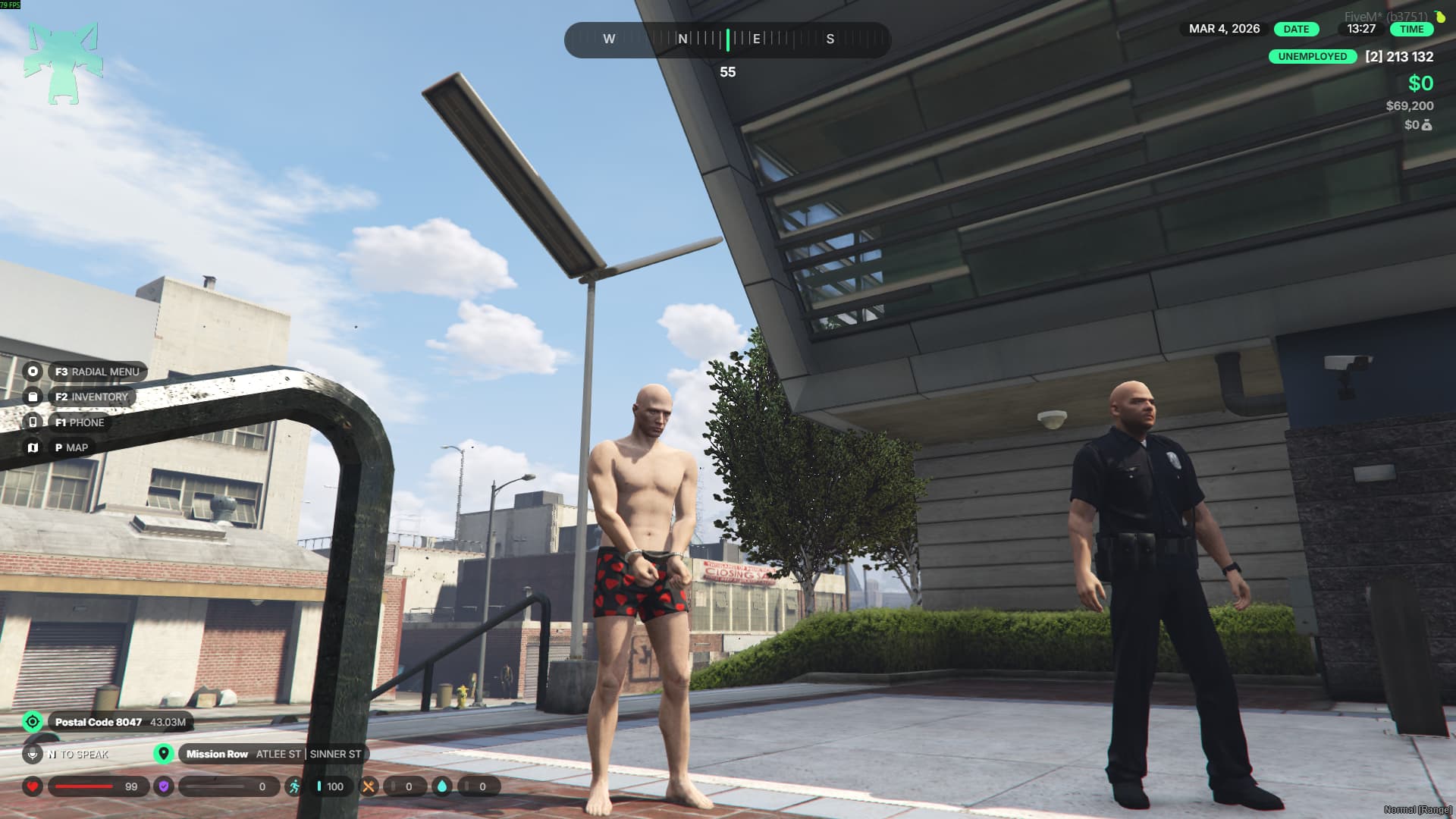
  • When a player is cuffed, the handcuffs appear with props and animations.
  • Officers can carry cuffed or injured players.
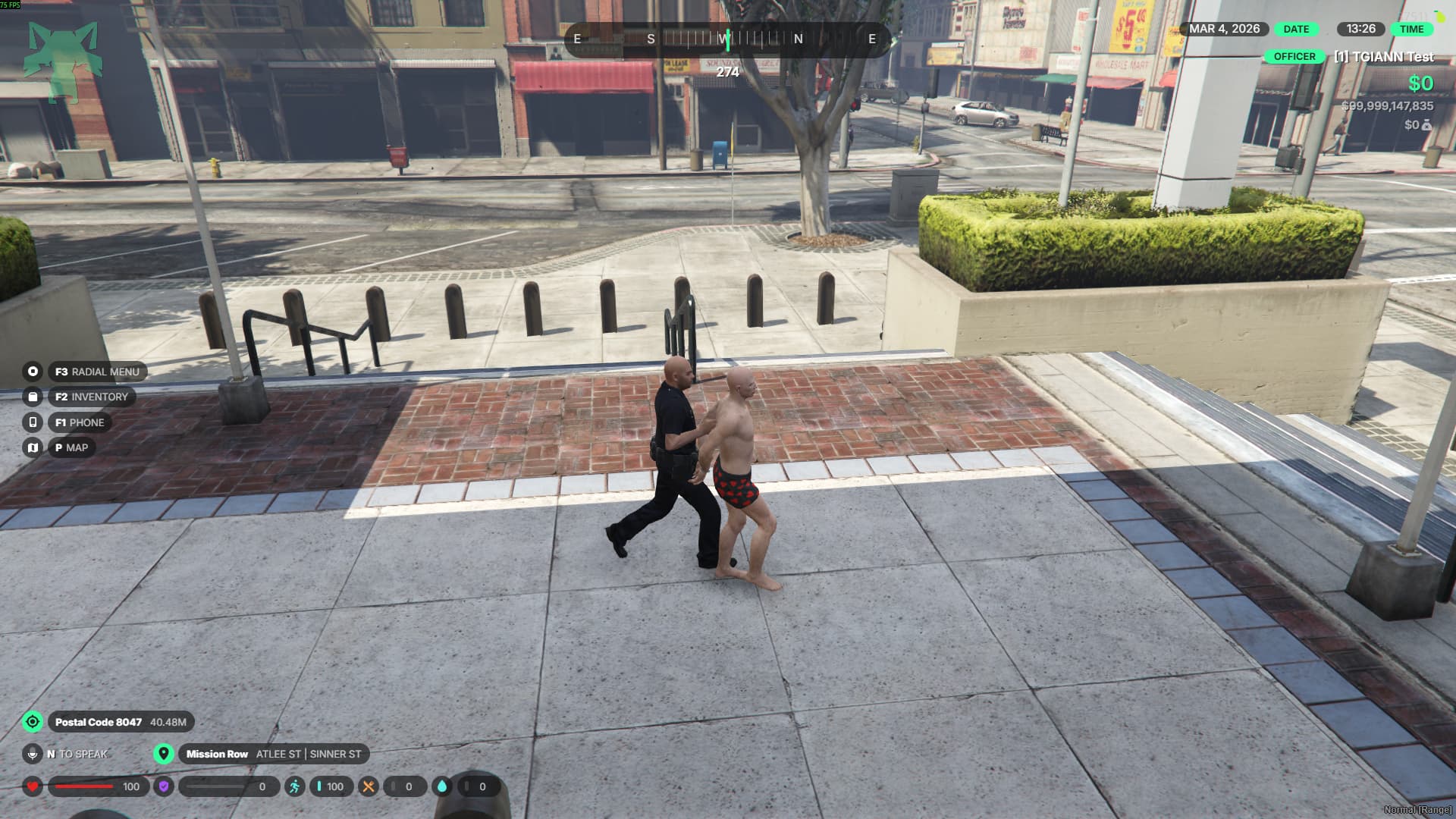
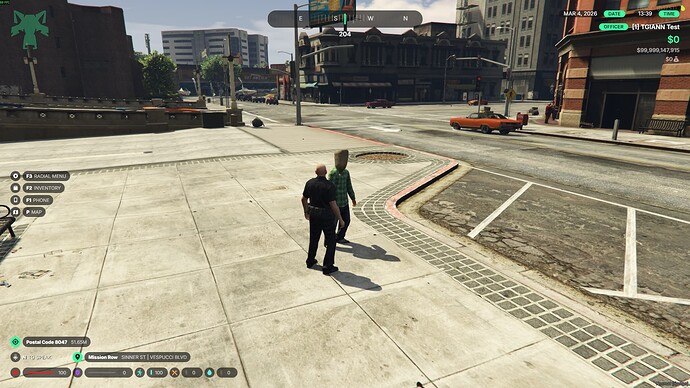
  • While escorting a cuffed player, the movement looks natural and realistic, as if you are walking them instead of dragging them.


Handcuff Break Minigame

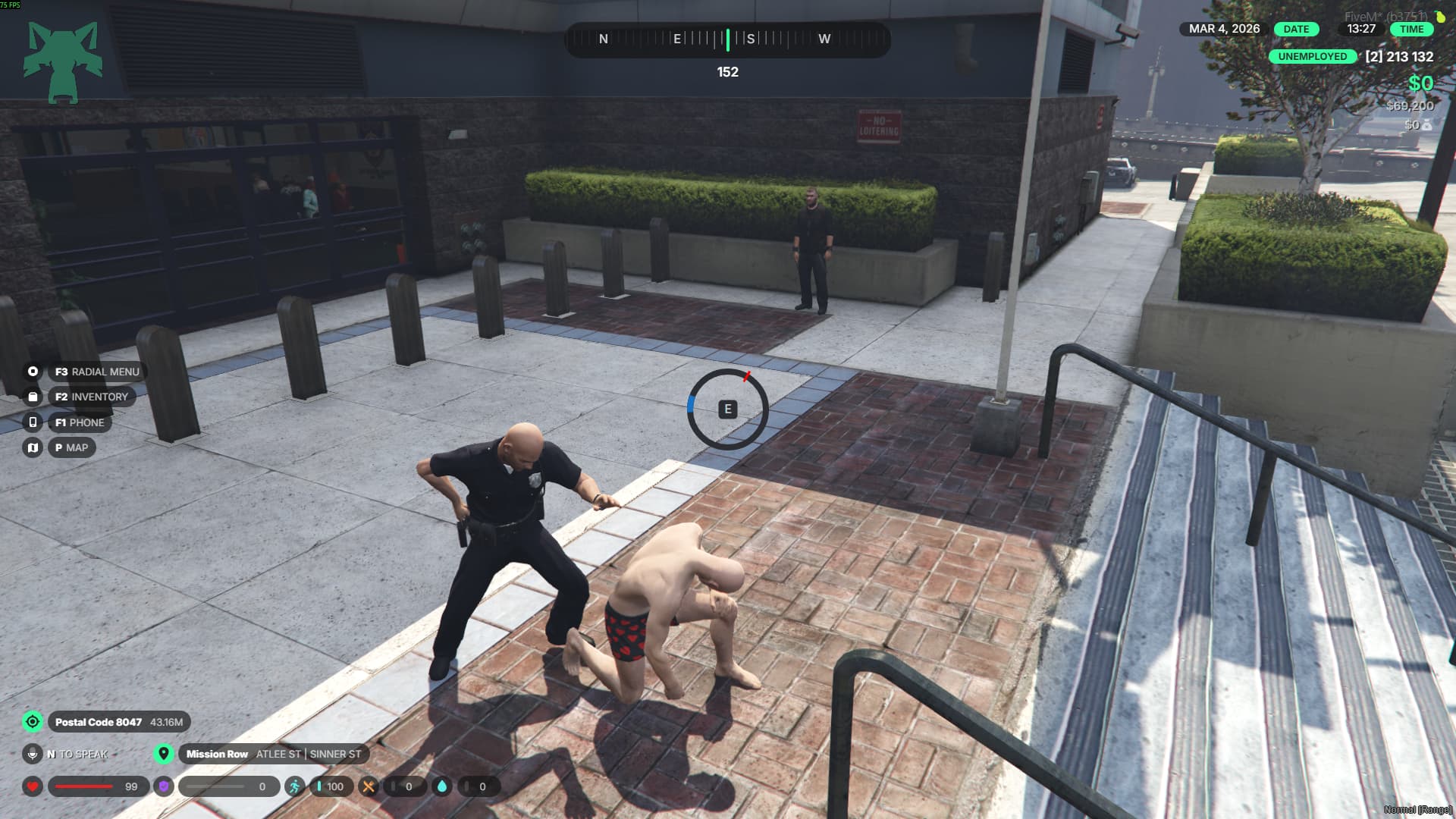
  • When a player is being cuffed, a minigame appears.
  • If the player successfully completes the minigame, they can prevent the handcuffs from being applied.

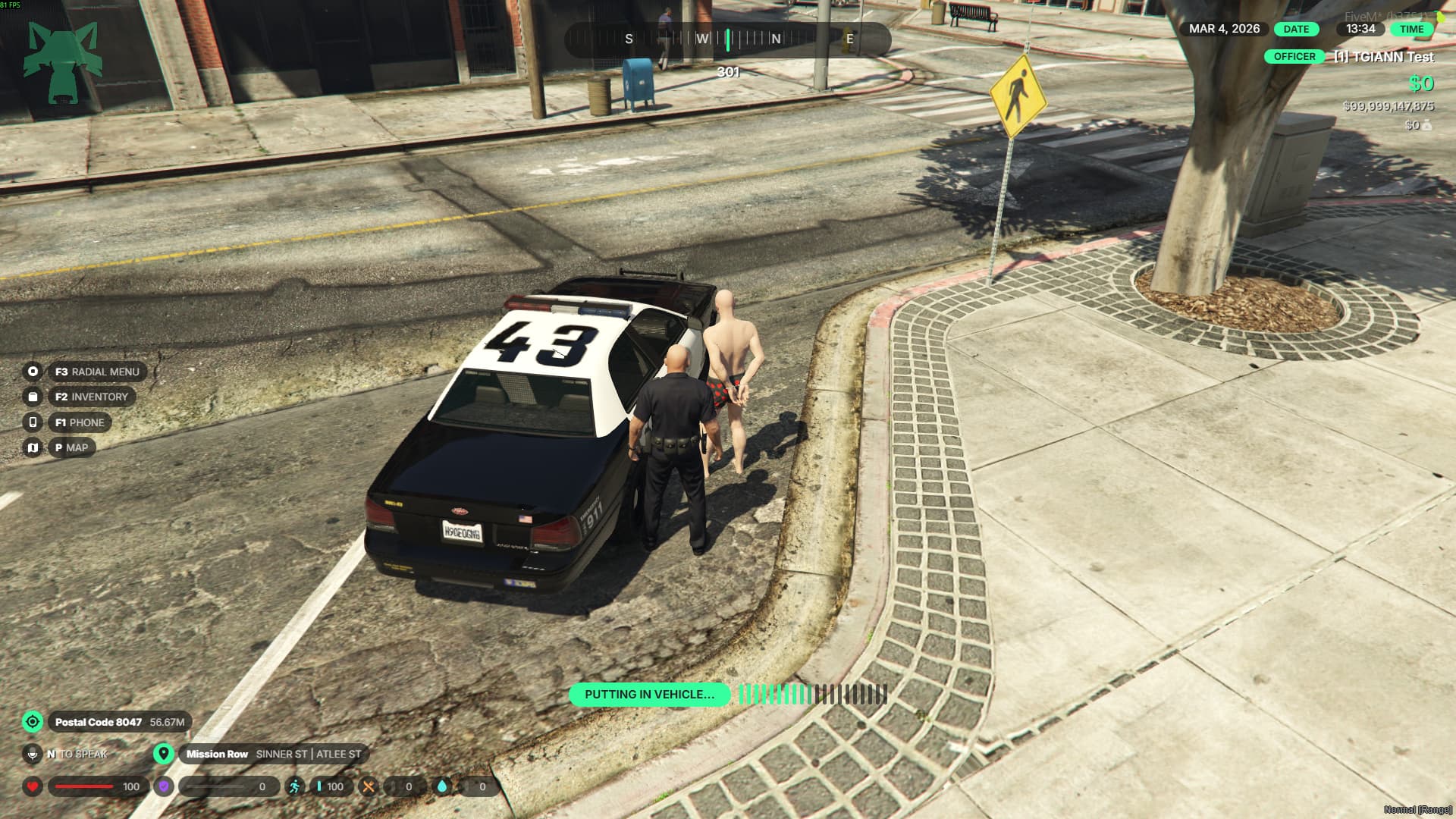
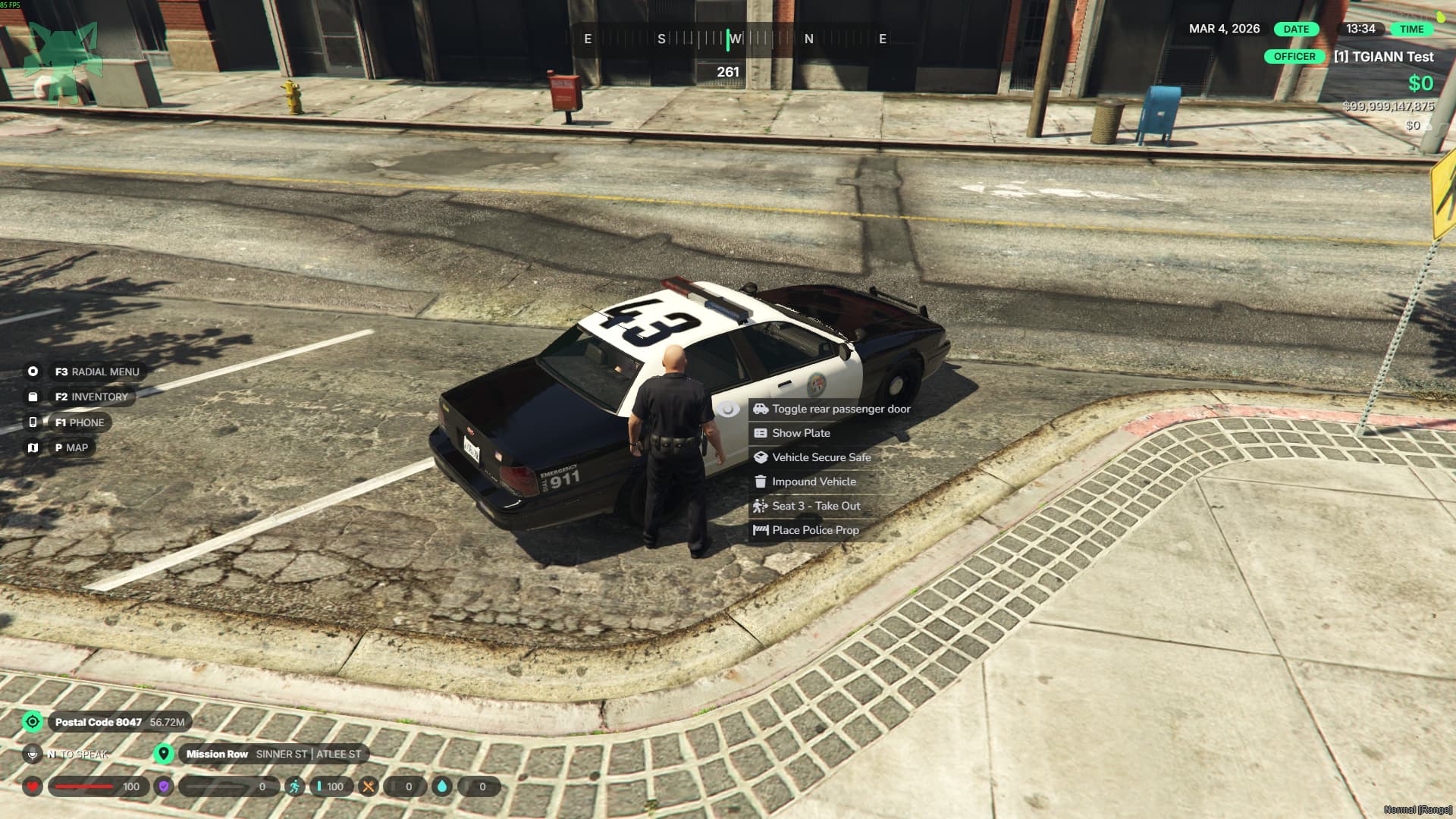
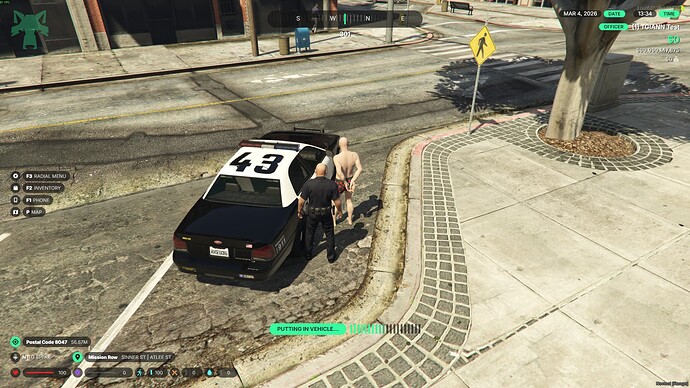
Put In / Take Out Vehicle Feature

  • This system is designed not only for police but for all players, enabling various roleplay scenarios.
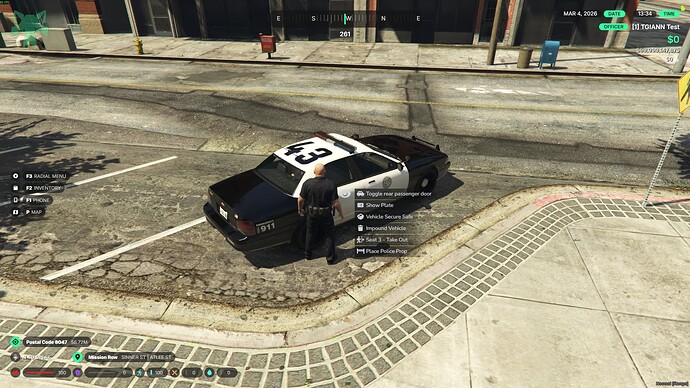
  • You can place cuffed or injured players into any seat of a nearby vehicle, and remove them from that seat when needed.
  • This can be done easily using either target interactions or commands, depending on your preference.


Headbag System

  • This system is designed not only for police but for all players, enabling various roleplay scenarios.
  • Players can place a headbag item over the head of someone who has their hands up or is handcuffed.
  • If a player is not handcuffed, they can remove the headbag themselves.
  • Handcuffed players cannot remove the headbag, making them dependent on others.
  • Players with a headbag over their head will have their vision heavily restricted, creating a more immersive experience.


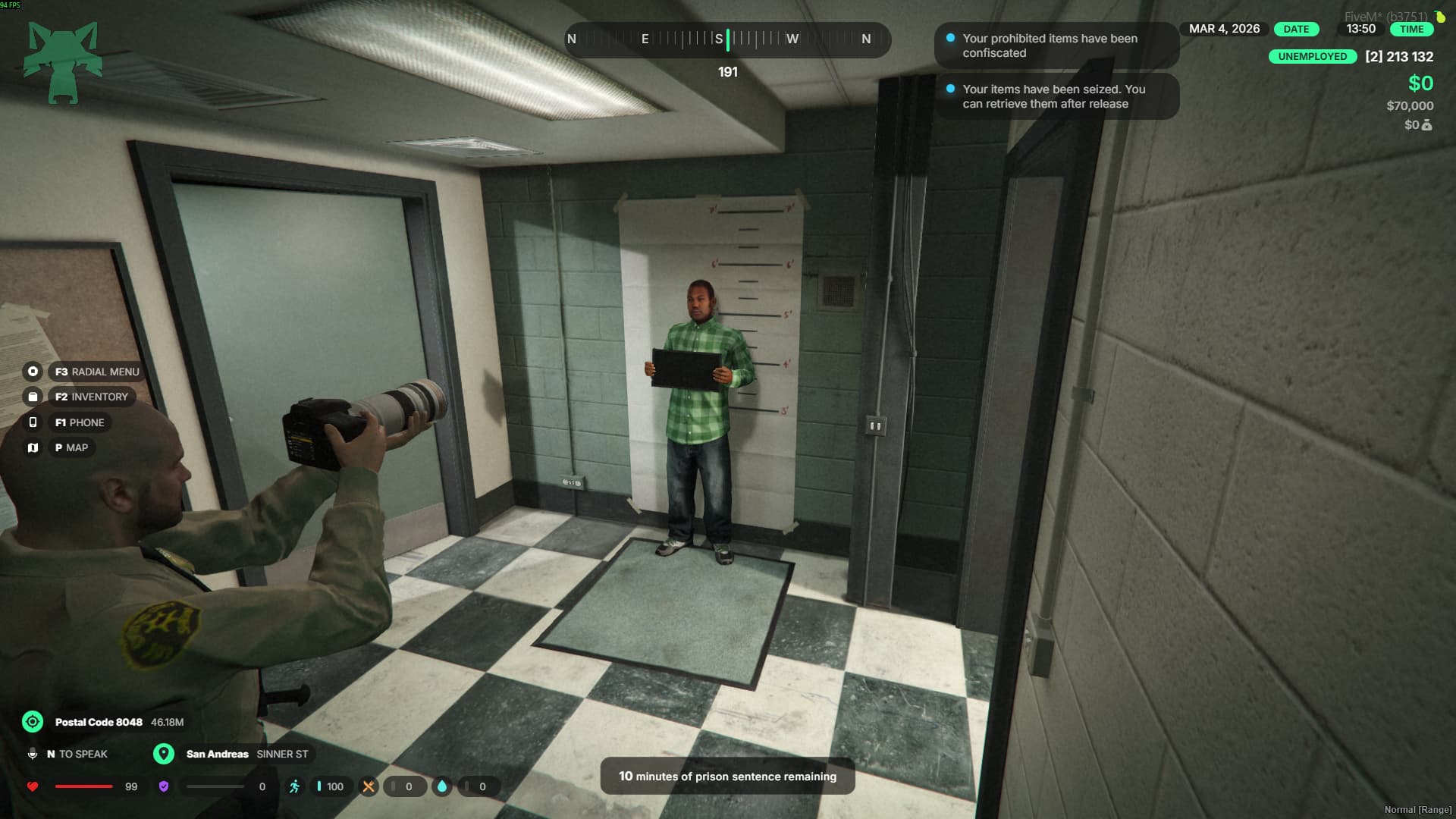
Jail System

  • A simple system that allows officers to send players to jail.
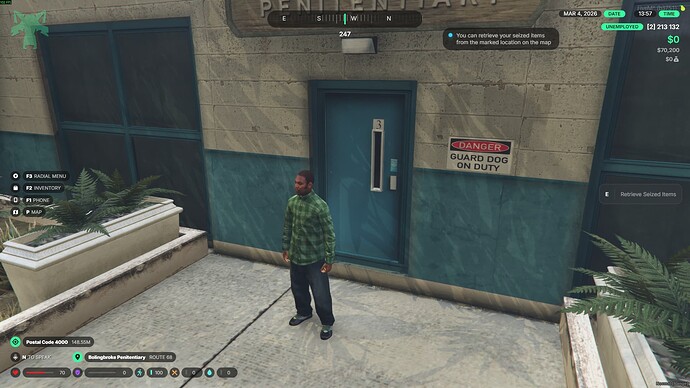
  • When a player is jailed, the script can automatically manage their items based on the config settings:
    • Some items can be deleted completely (e.g., weapons).
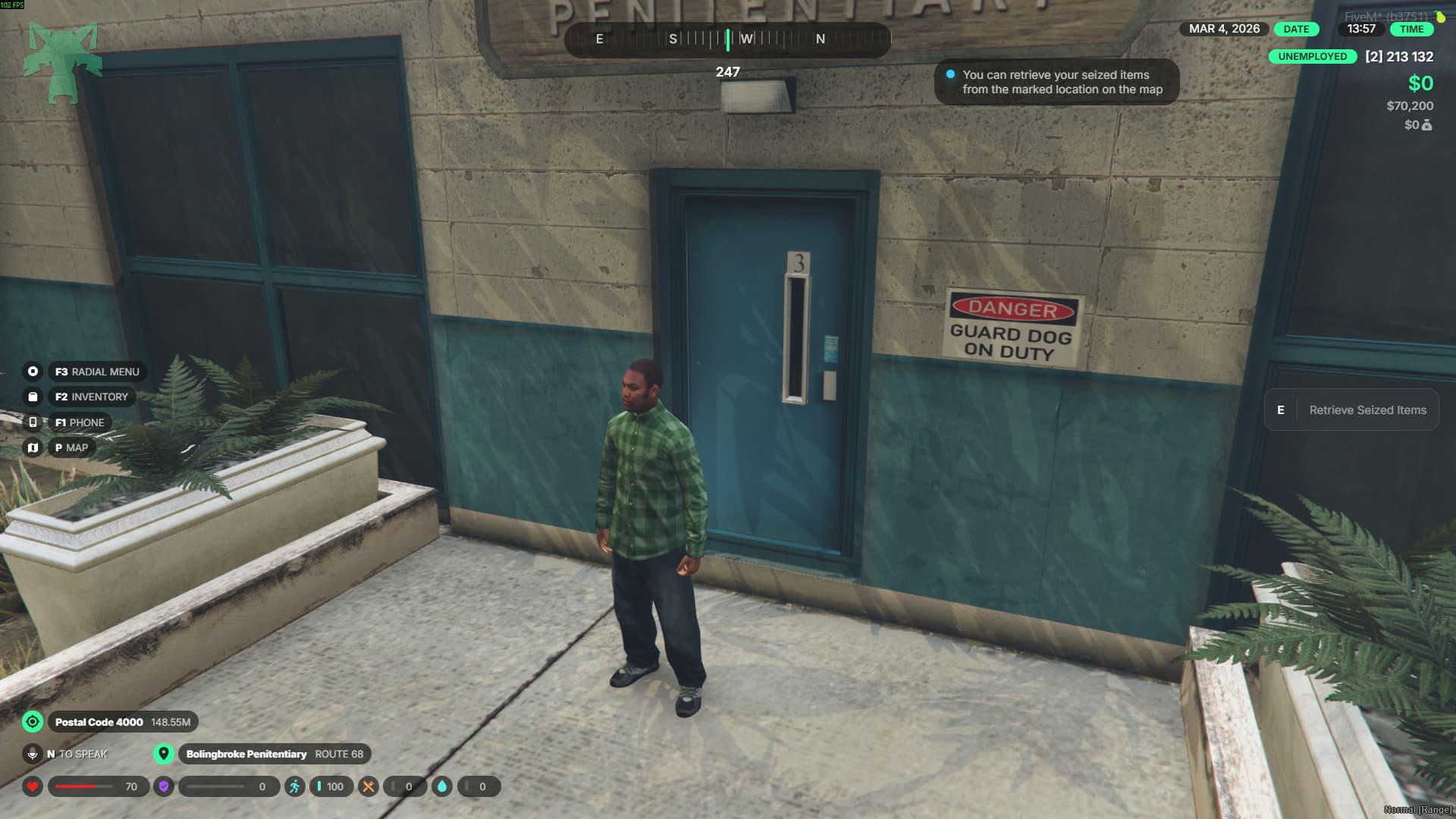
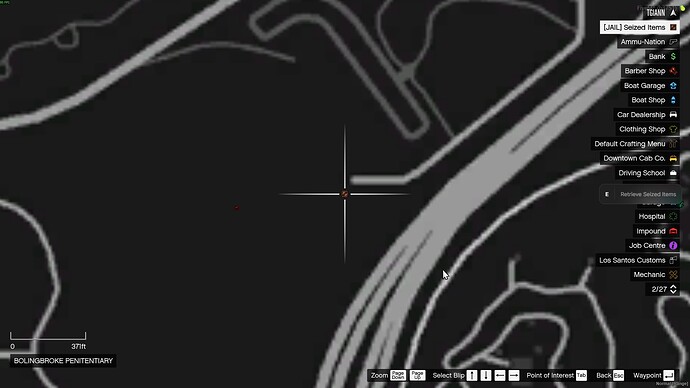
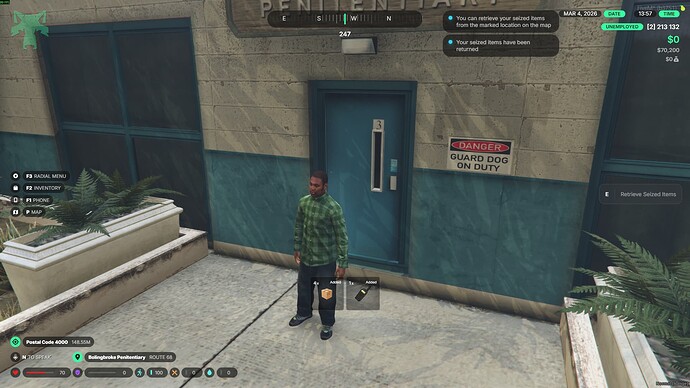
    • Some items can be stored in a stash to be retrieved after release (e.g., phones or personal belongings).
    • Certain items can be kept with the player inside jail (e.g., food).
      This entire process works automatically based on the configuration.


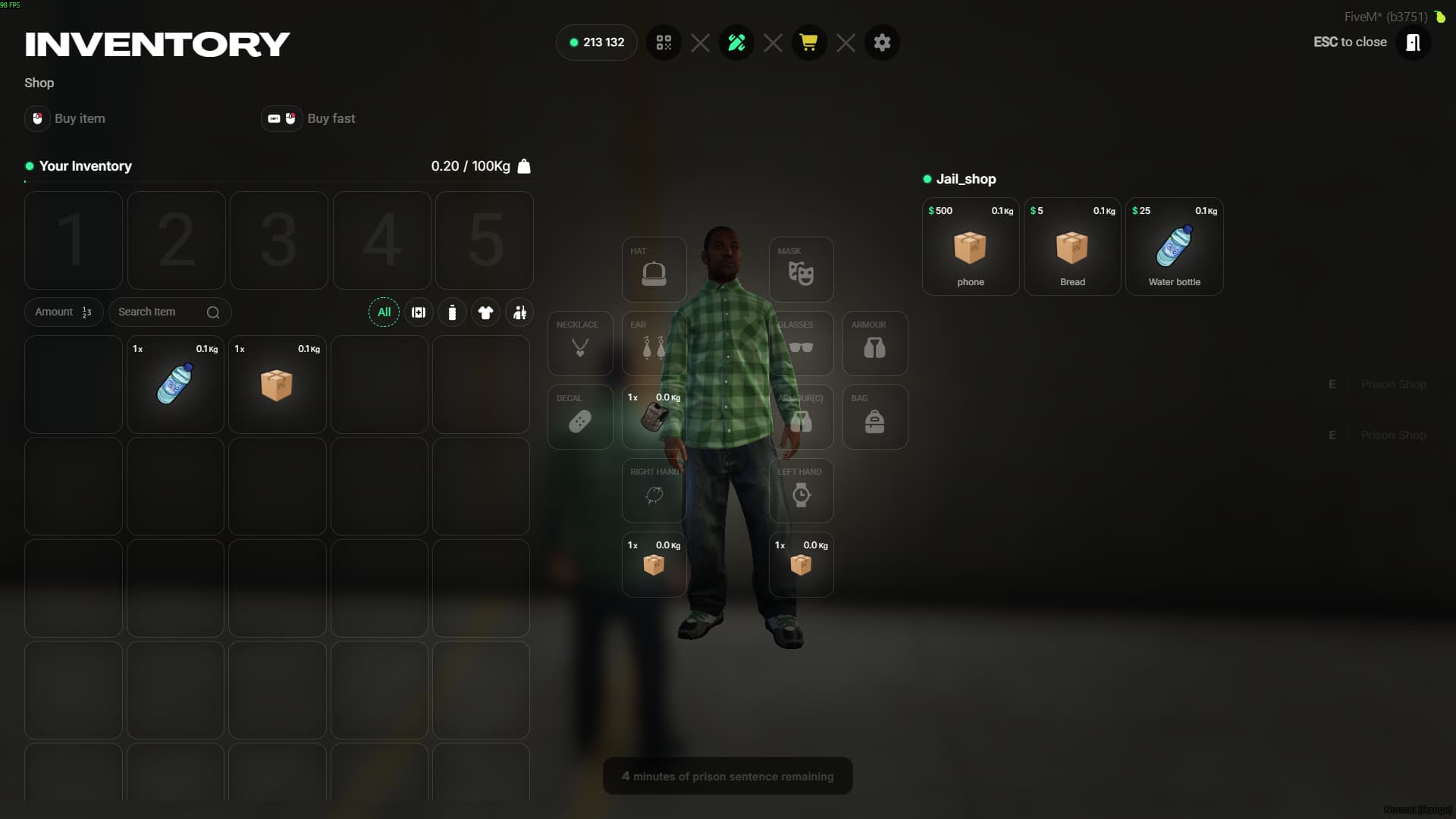
Prison Shop System

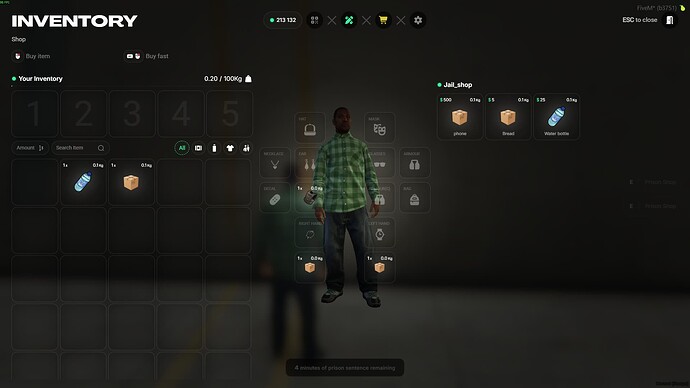
  • A shop system allows jailed players to purchase food or other items while serving their sentence.

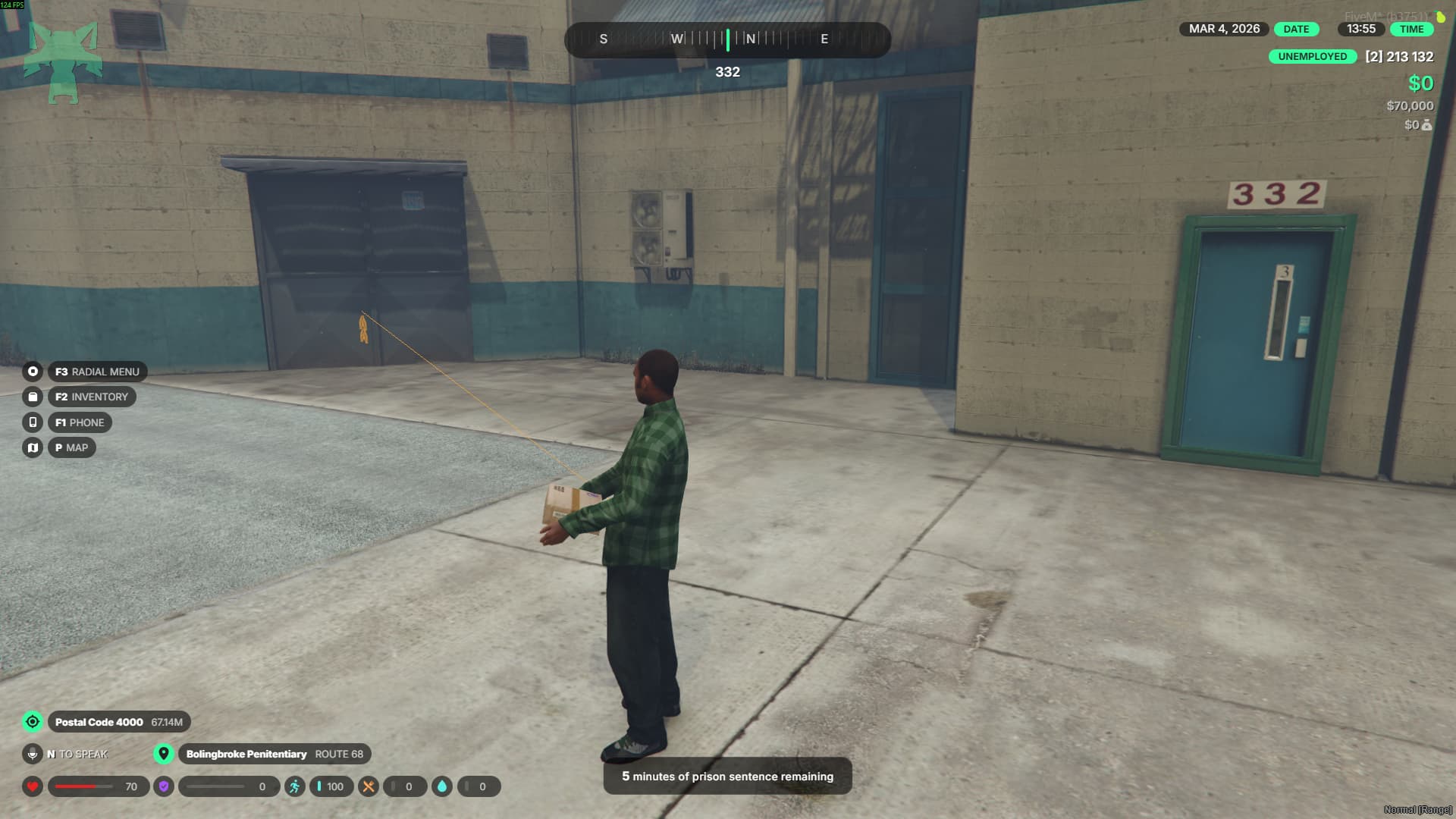
Prison Work System

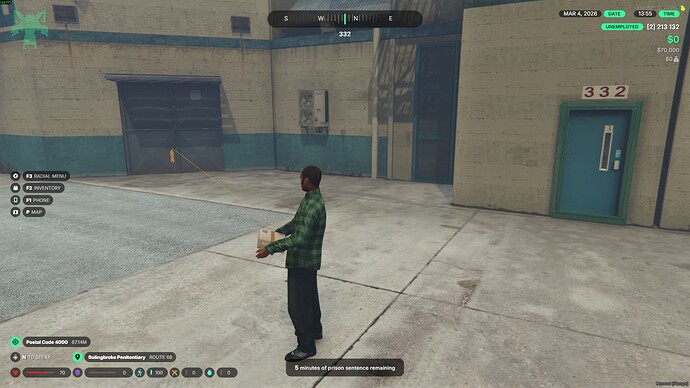
  • Includes a box-carrying prison job.
  • When players complete this job, their remaining jail time is reduced by a configurable amount.
  • This feature can be disabled via the config.


Automatic Jail Teleport & Escape Control

  • If a player is jailed while outside the prison area, they are automatically teleported to the prison.
  • If a player somehow escapes the prison area, they are automatically teleported back, and their sentence is increased.


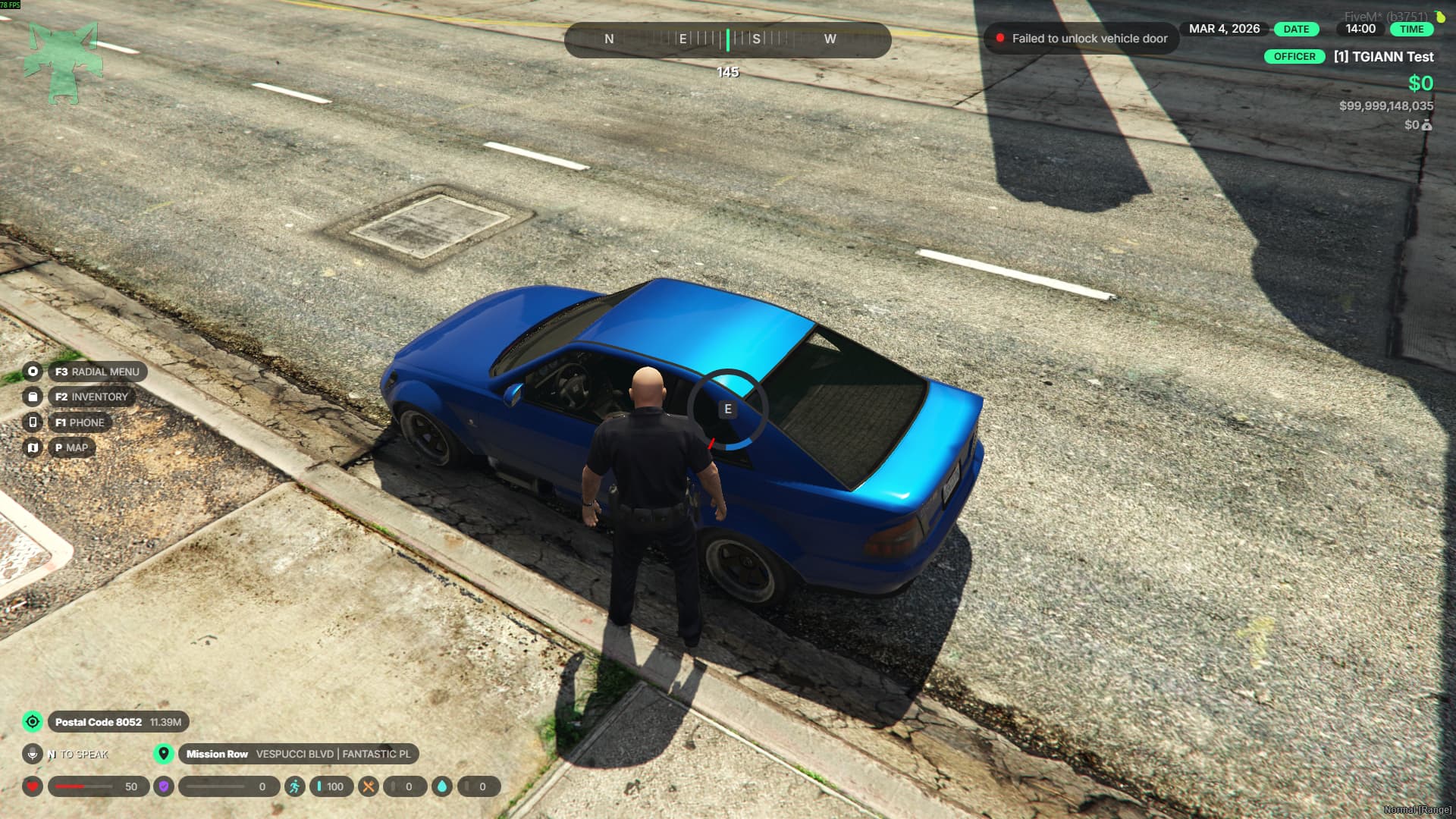
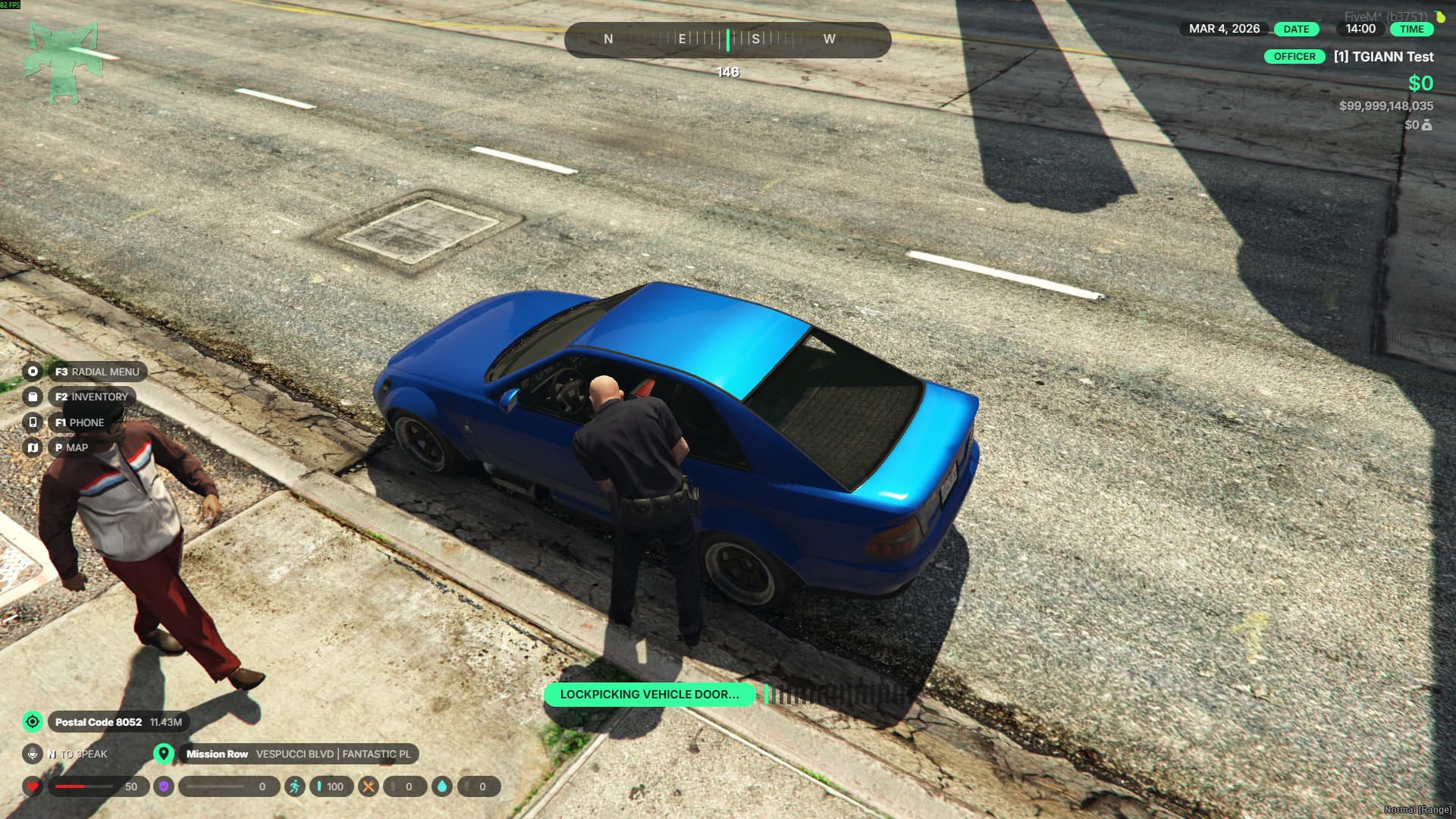
Vehicle Lockpick

  • Allows police officers to break the locks of vehicle doors when necessary.
  • A simple feature that enables officers to access locked vehicles during operations.


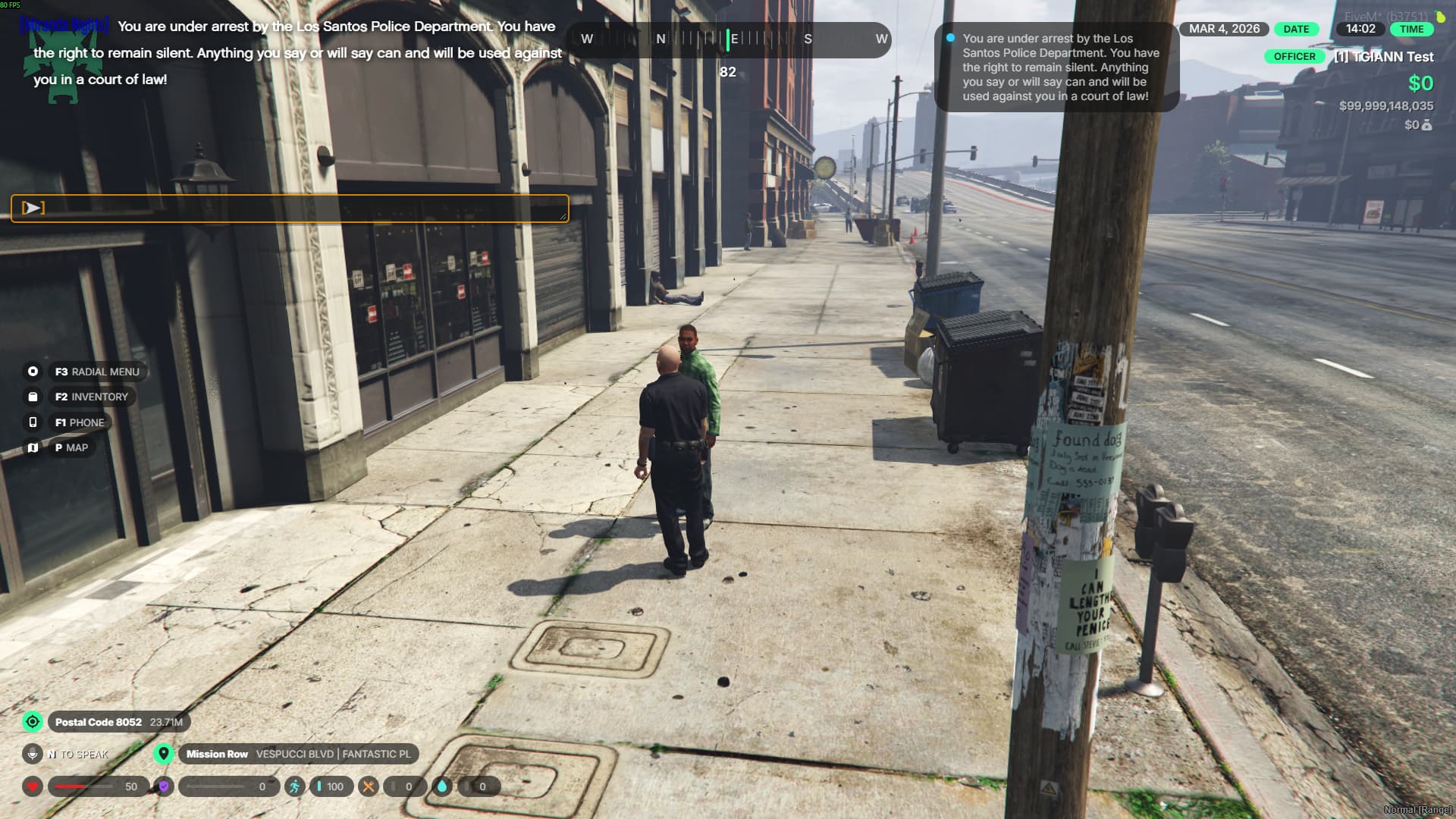
/miranda Command

  • This command allows officers to display the Miranda rights message.
  • Officers can read the displayed text to the suspect to inform them of their legal rights.

Config Merger
Have you tried Config Merger? Merge your configs easily