

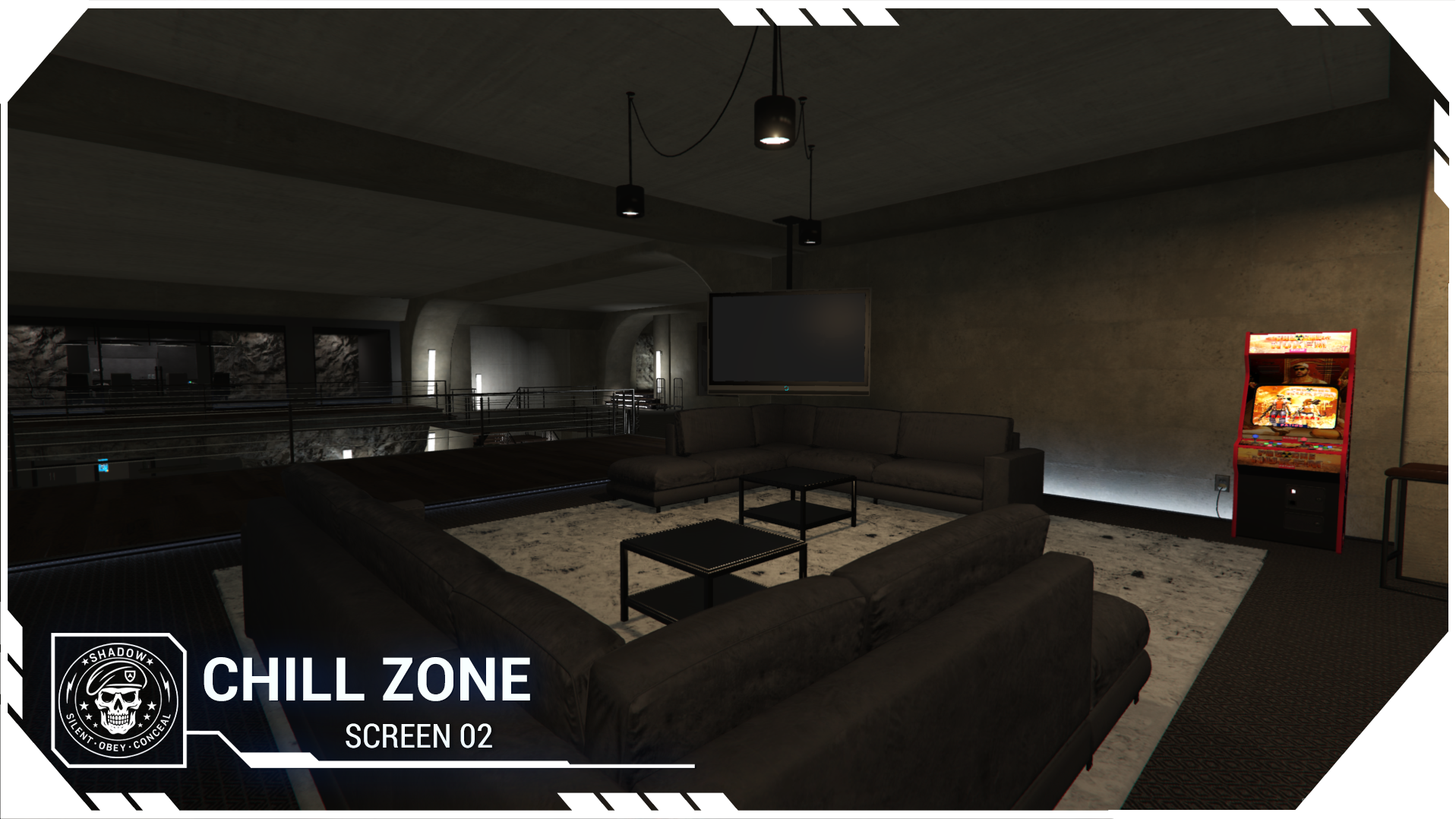
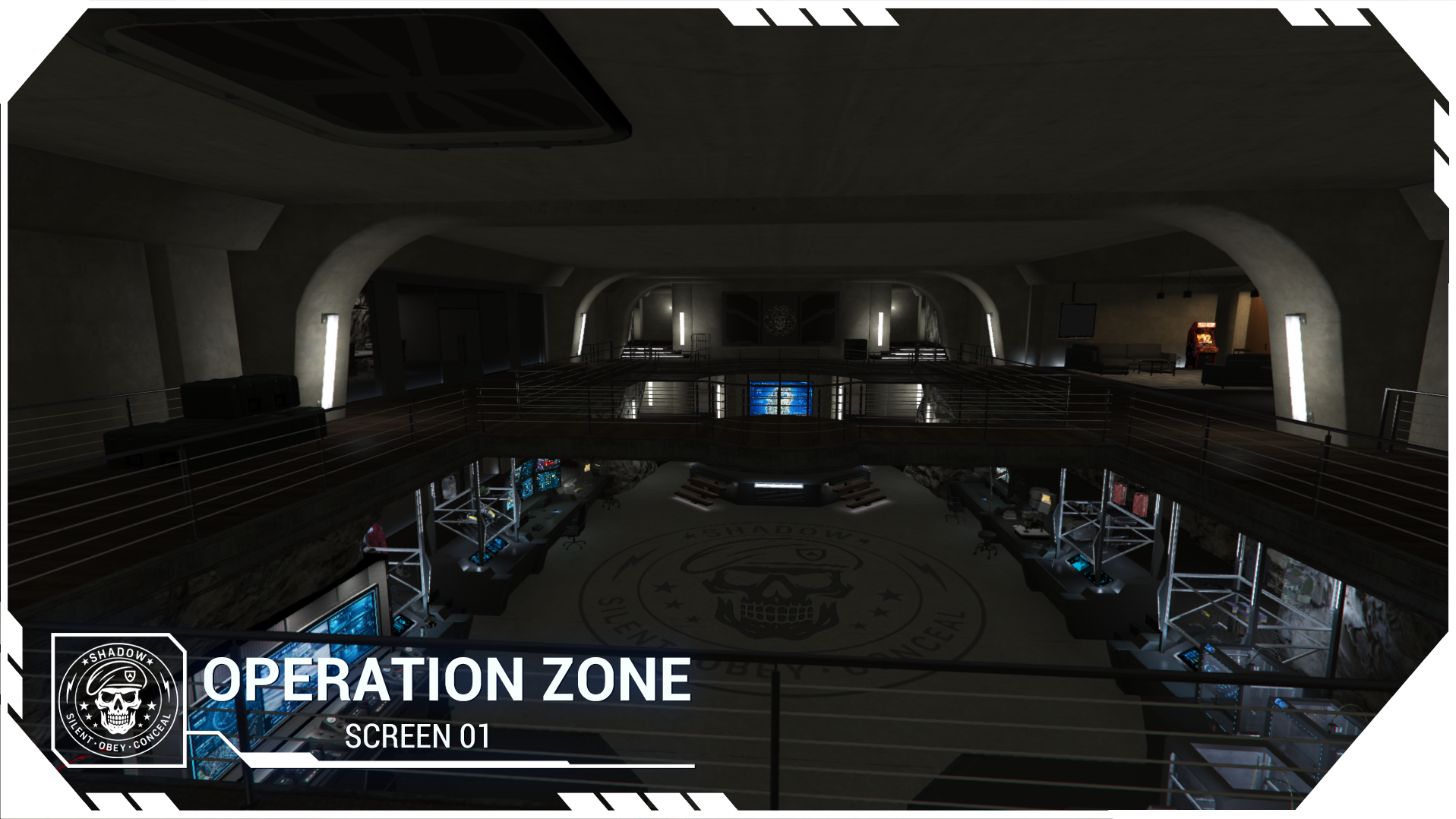
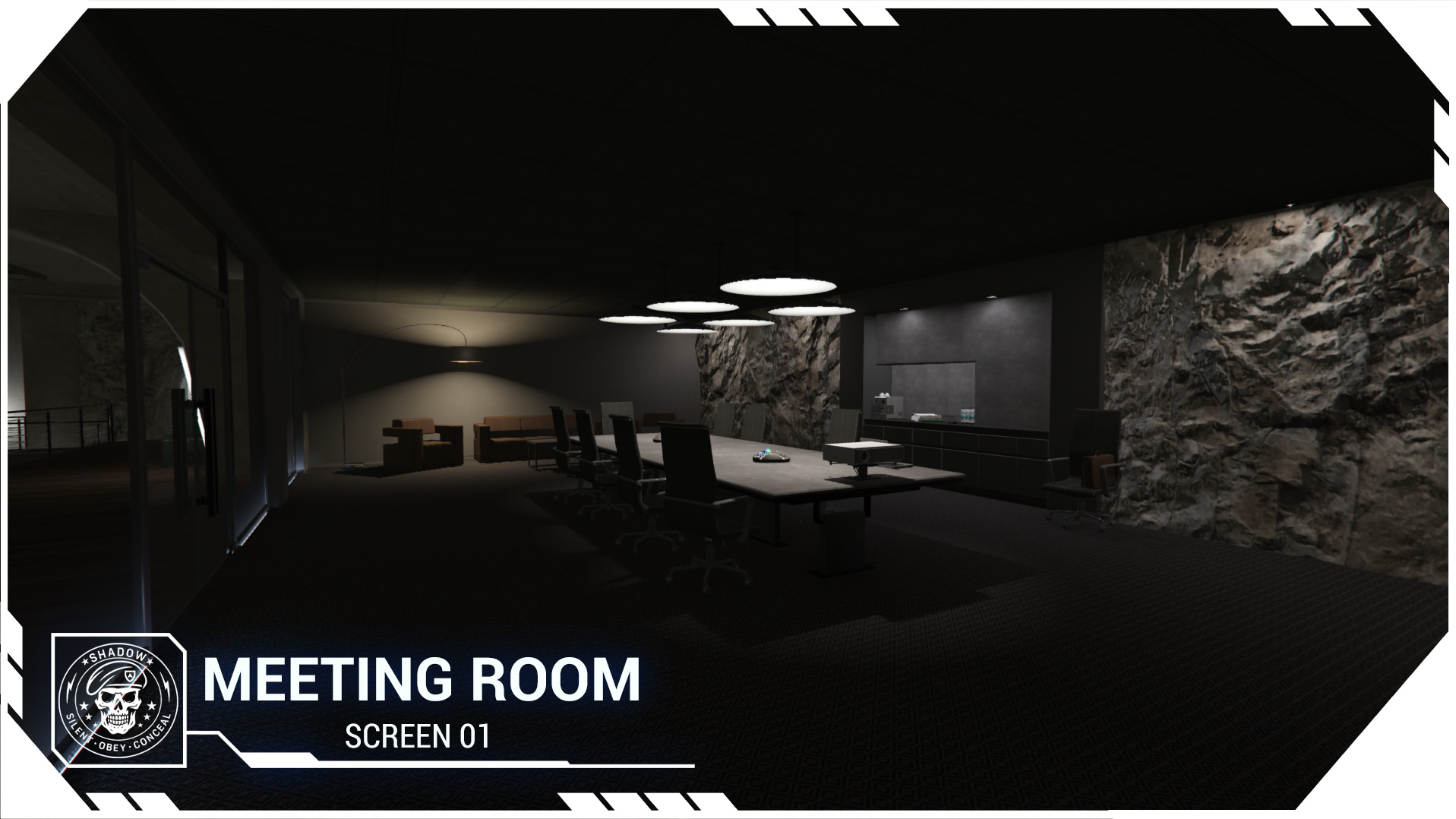
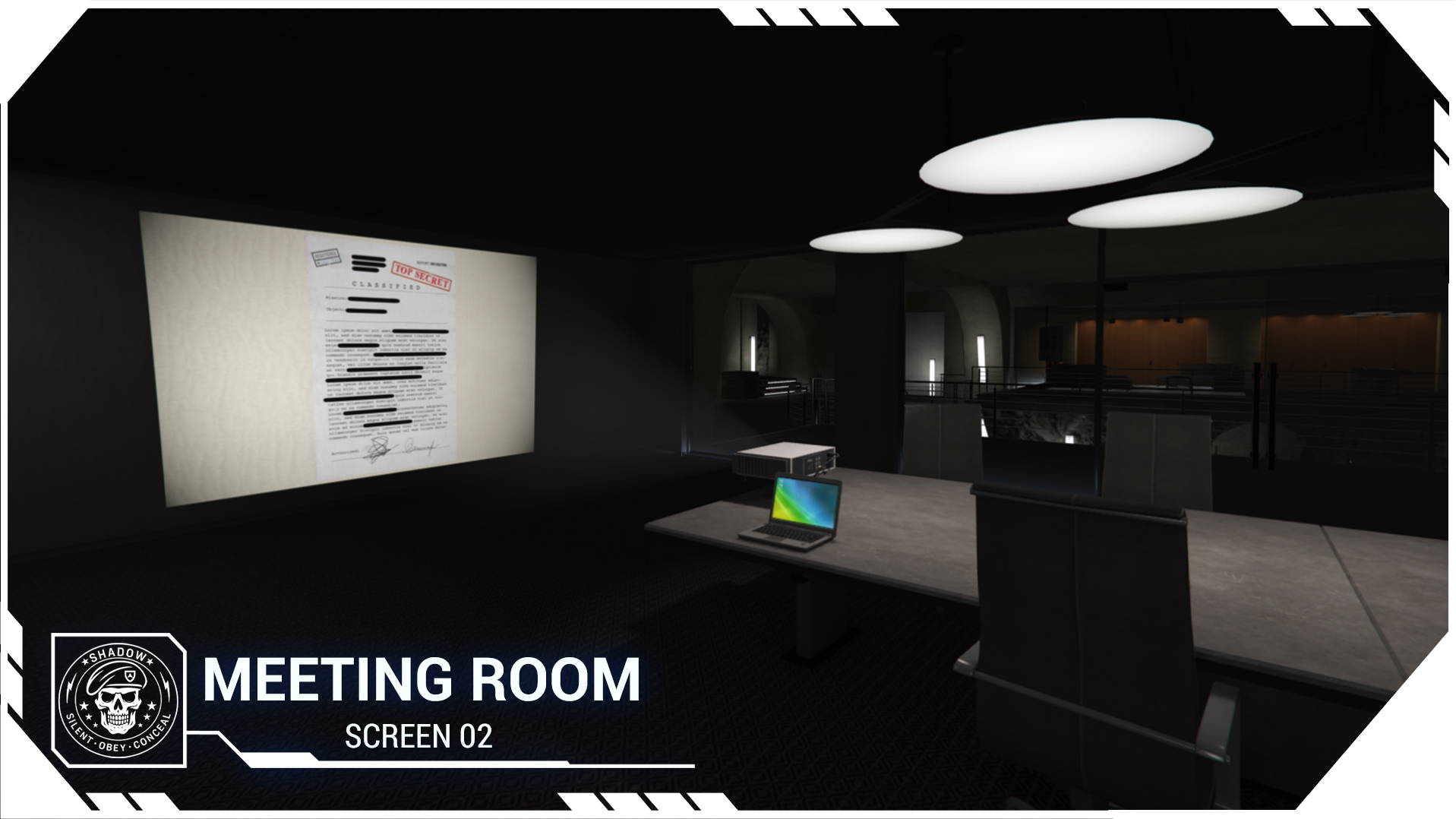

Price
$60.00
A script by Patoche-Mapping
Price
$60.00


Hello community!
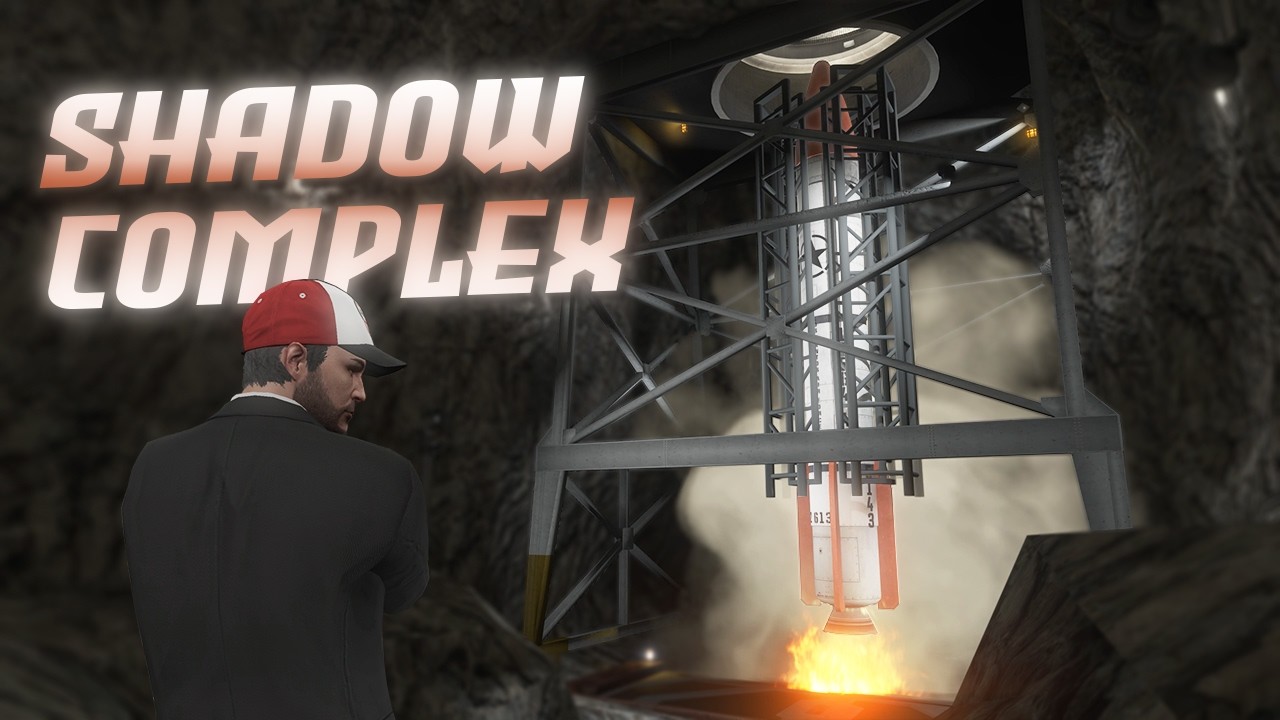
I’m proud to introduce my latest project: Patoche Shadow Complex.
Many of you loved my villa with its secret bunker, and it made me wonder what it would look like if I created an entire project focused on a massive underground bunker.
Today, I’m excited to present a unique bunker complex, straight from my imagination.
This project represents several months of work to deliver an innovative, spectacular, and comfortable RP experience.
Secret organization, government facility, rebel base… take control of the complex and use it however you want to create your own stories.
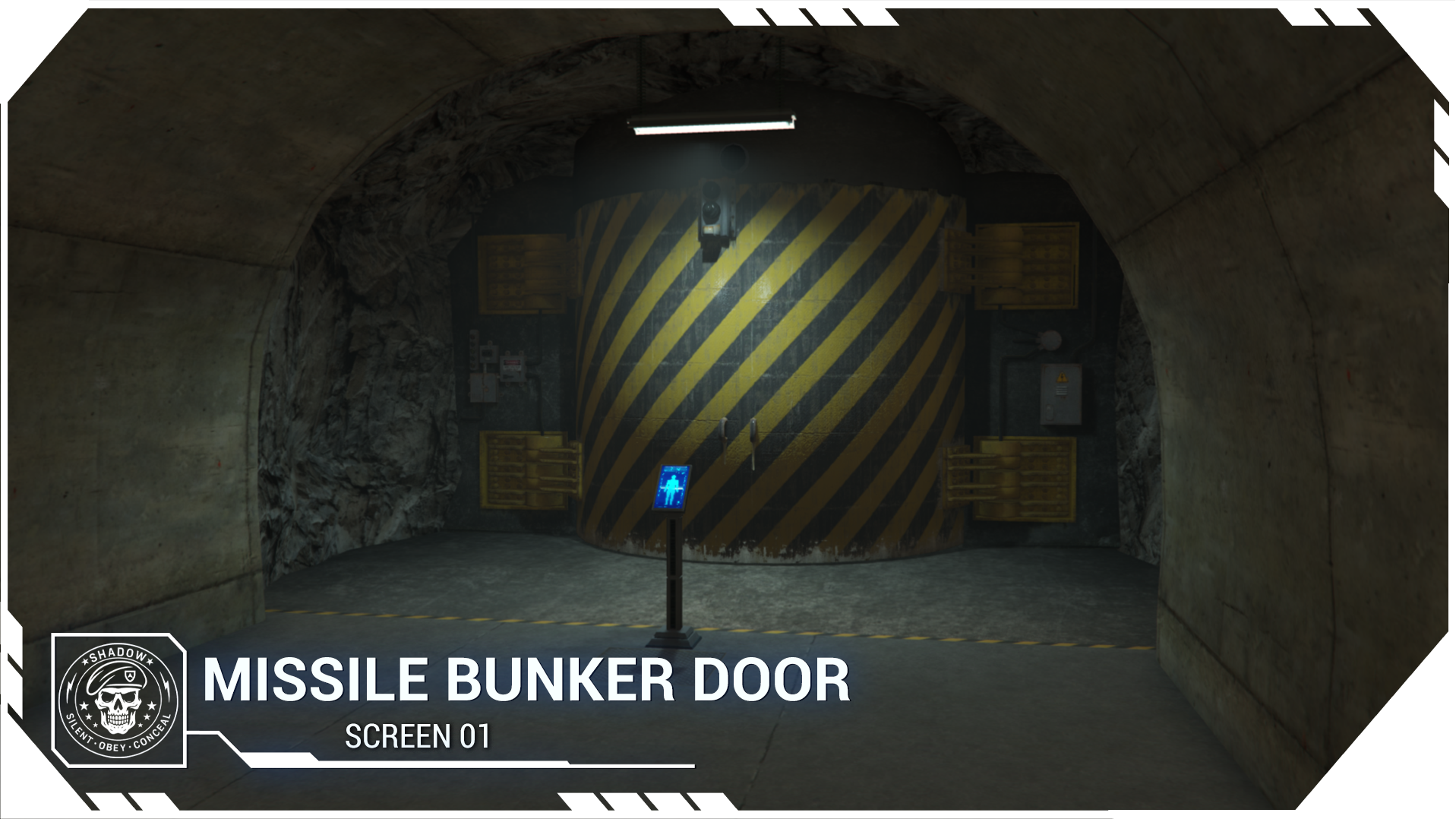
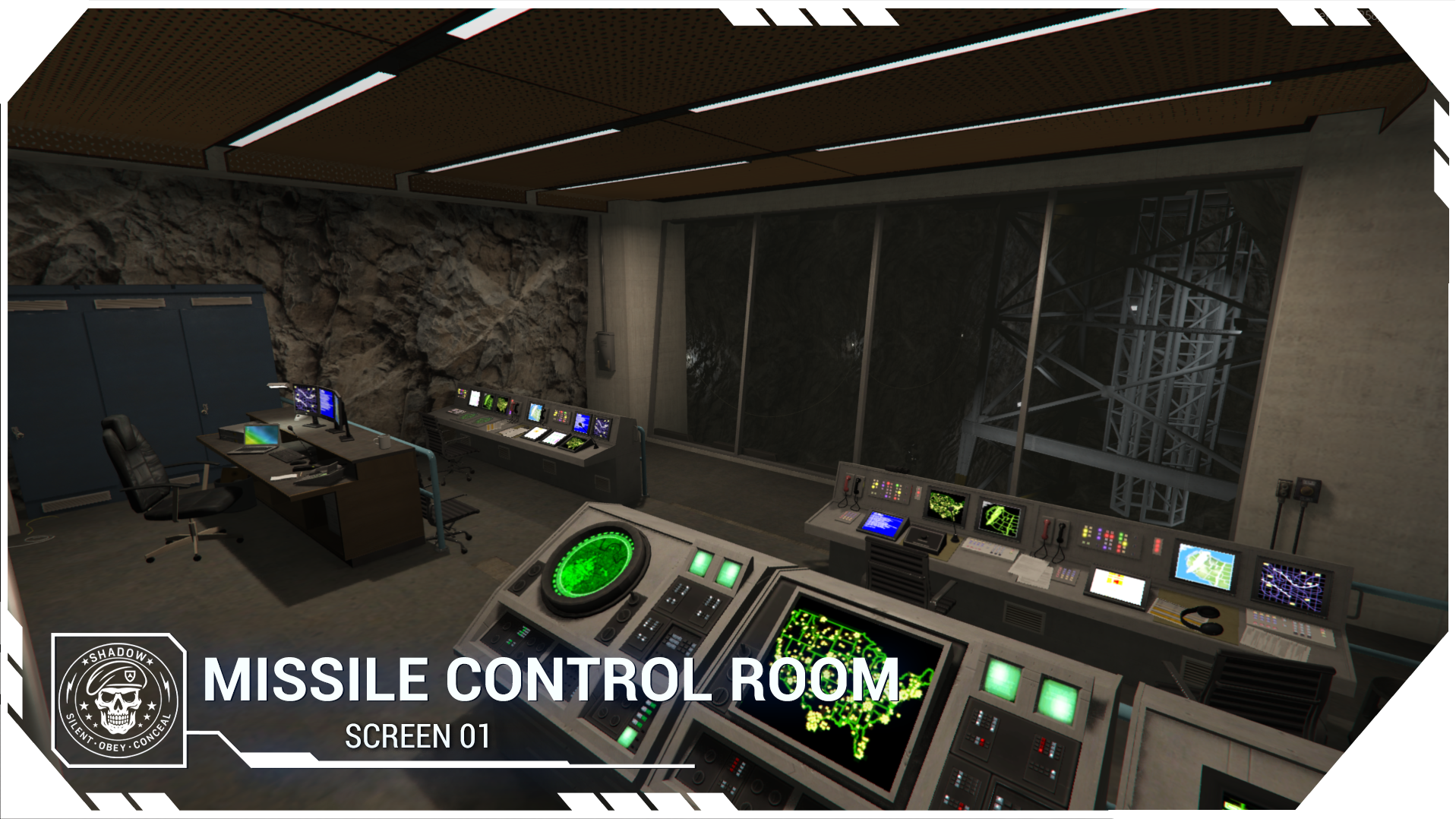
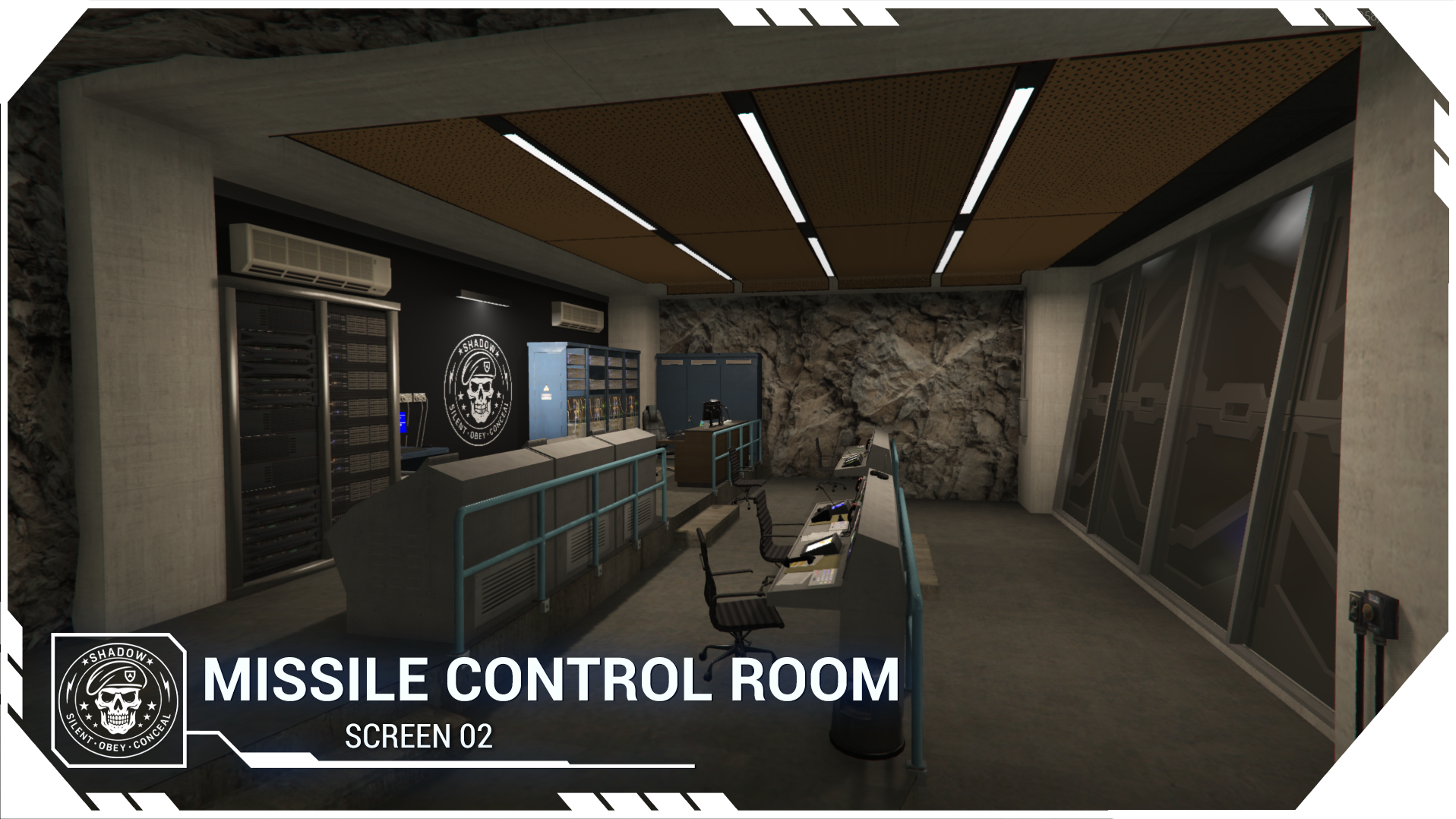
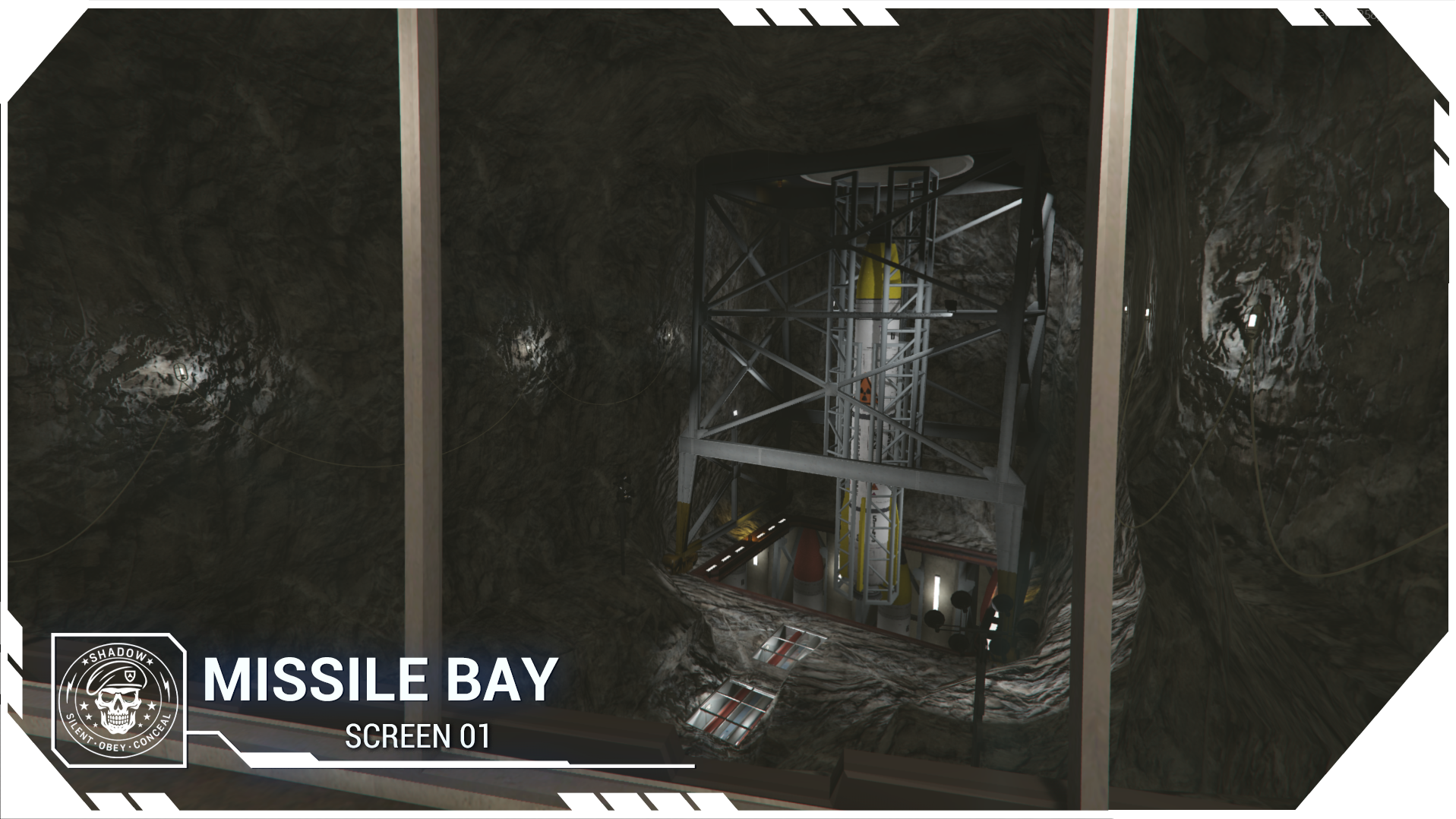
The complex includes a missile system, but if this feature is too powerful for your server, you can simply restrict access to the control room.
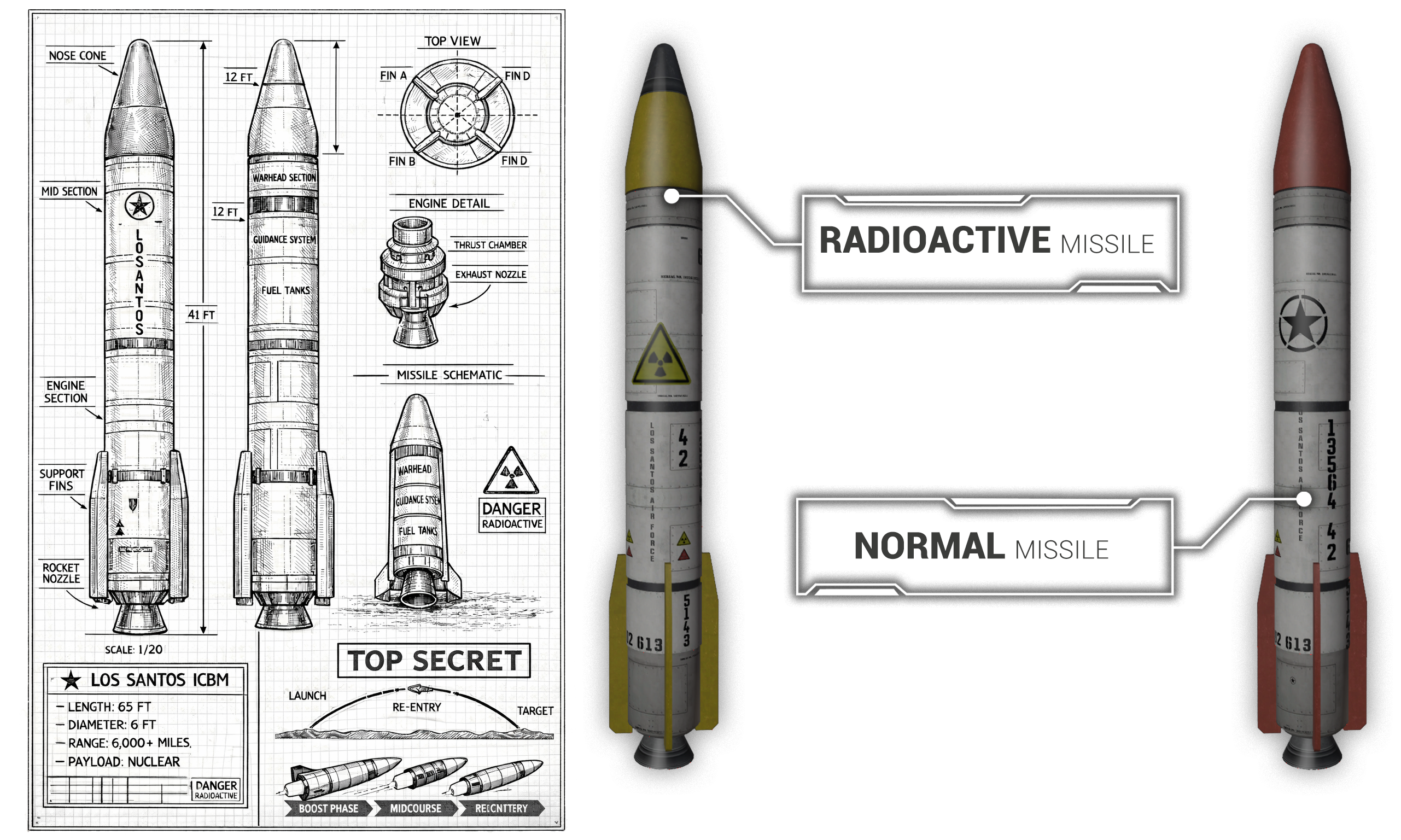
Two types of missiles are available:
Standard missile
Radioactive missile, allowing you to create dangerous or restricted zones on your server.
Don’t worry though: you can also protect important areas of your server such as police stations, hospitals, or public locations.
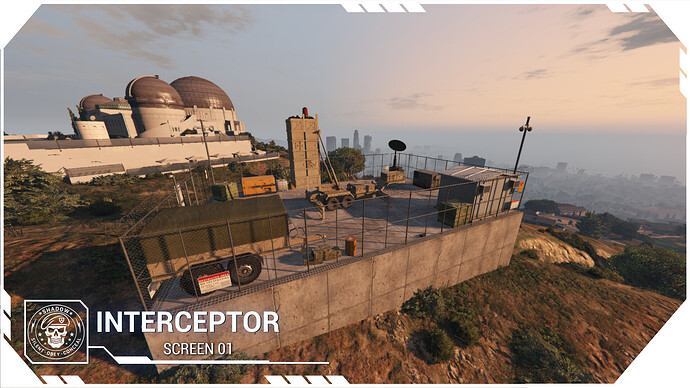
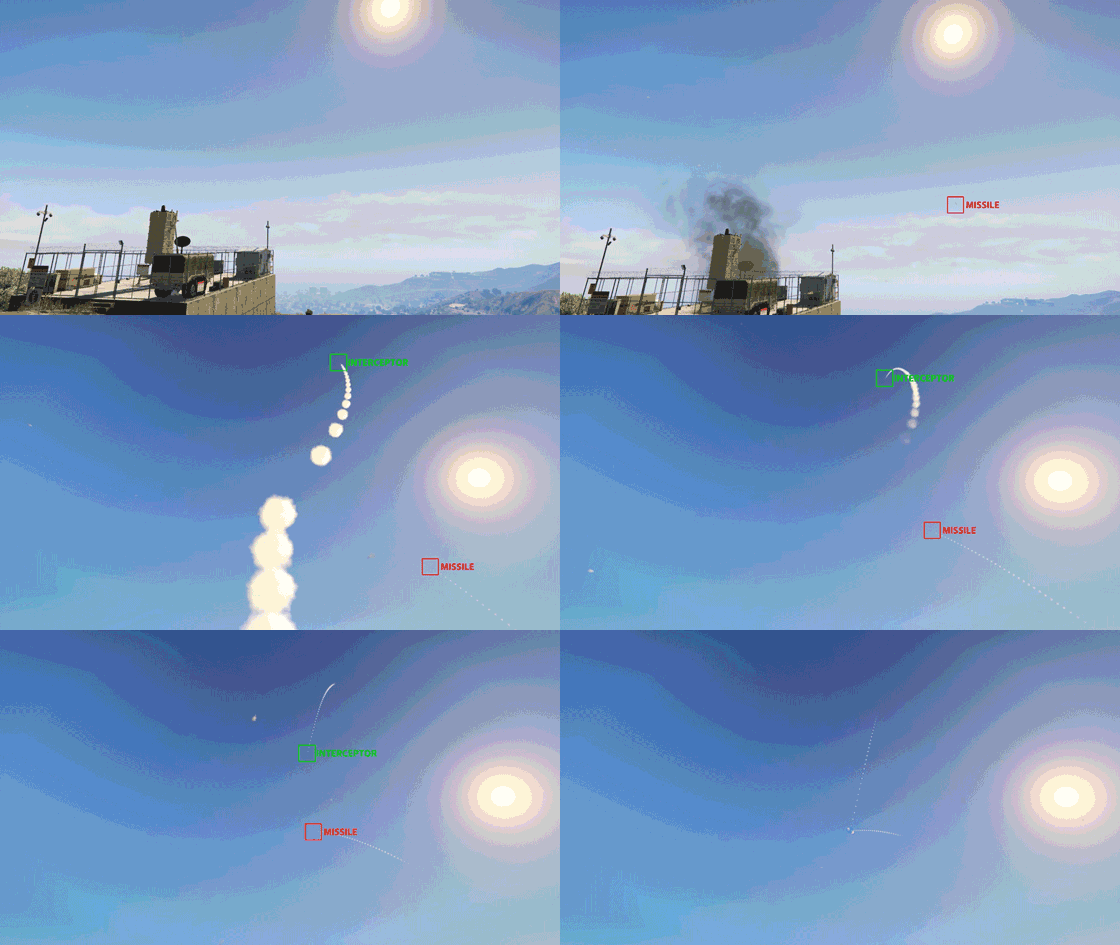
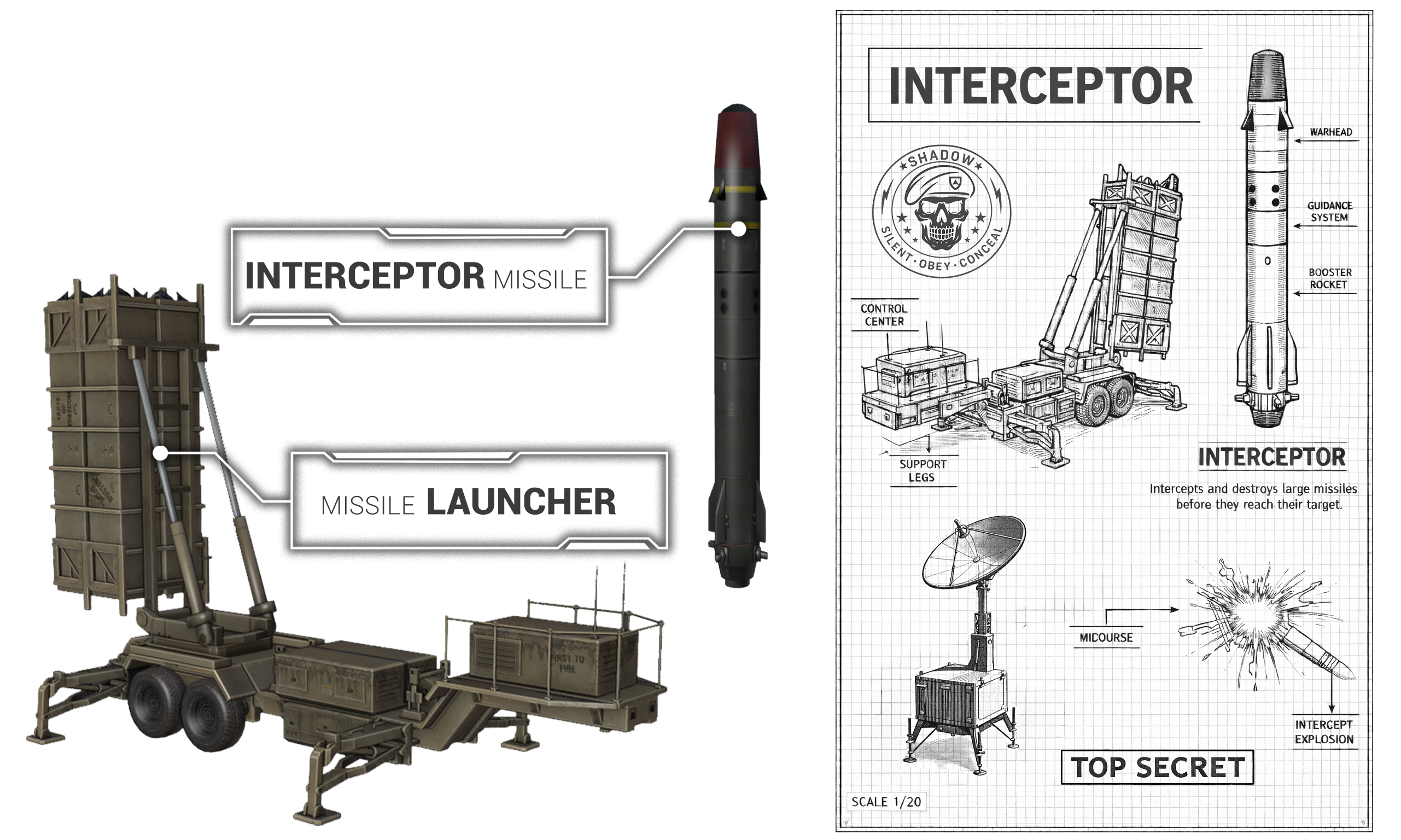
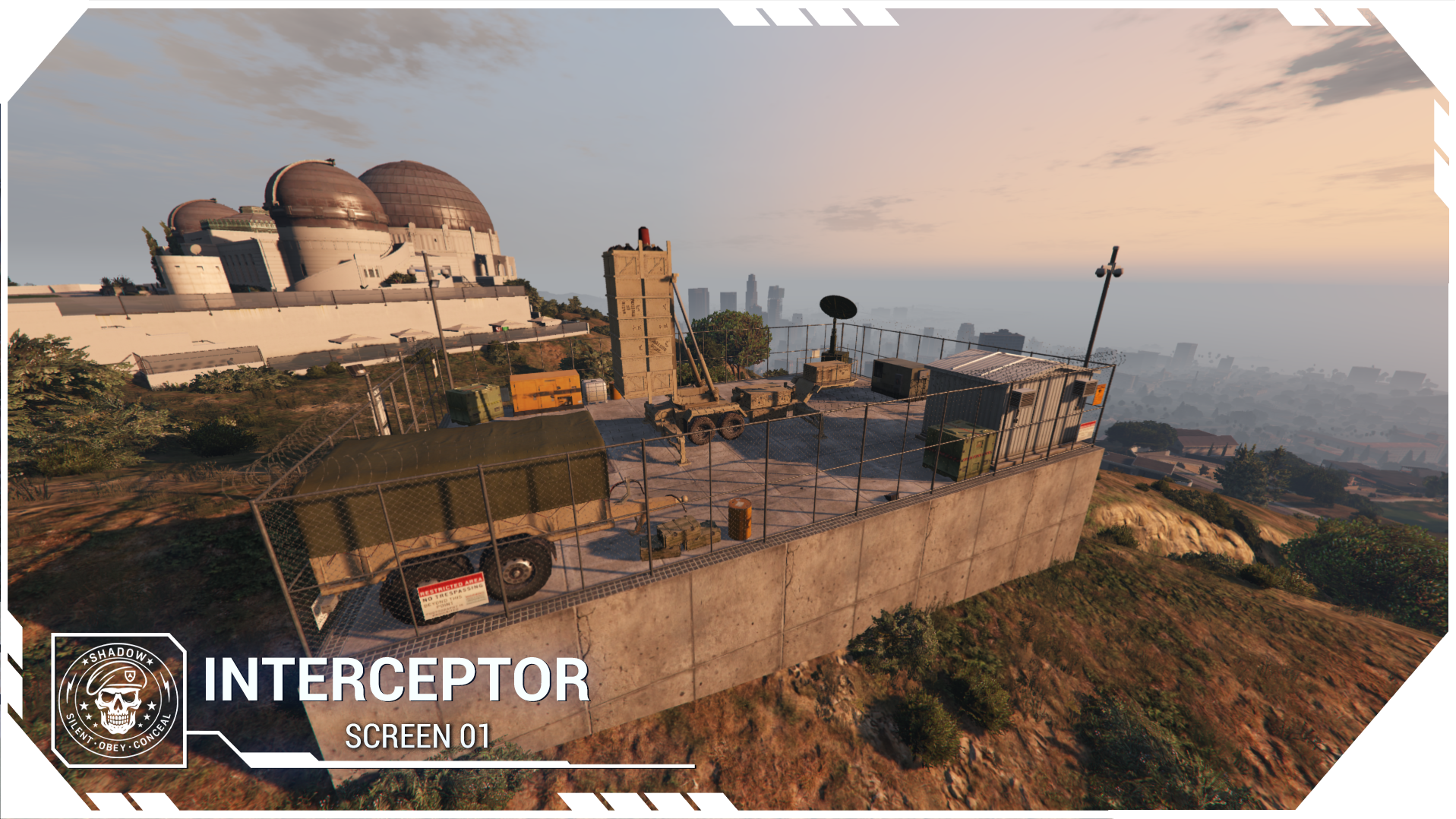
With the interception system, an auto-guided interceptor missile will automatically destroy any incoming missile targeting a protected zone.
I’ve also added an interesting RP opportunity:
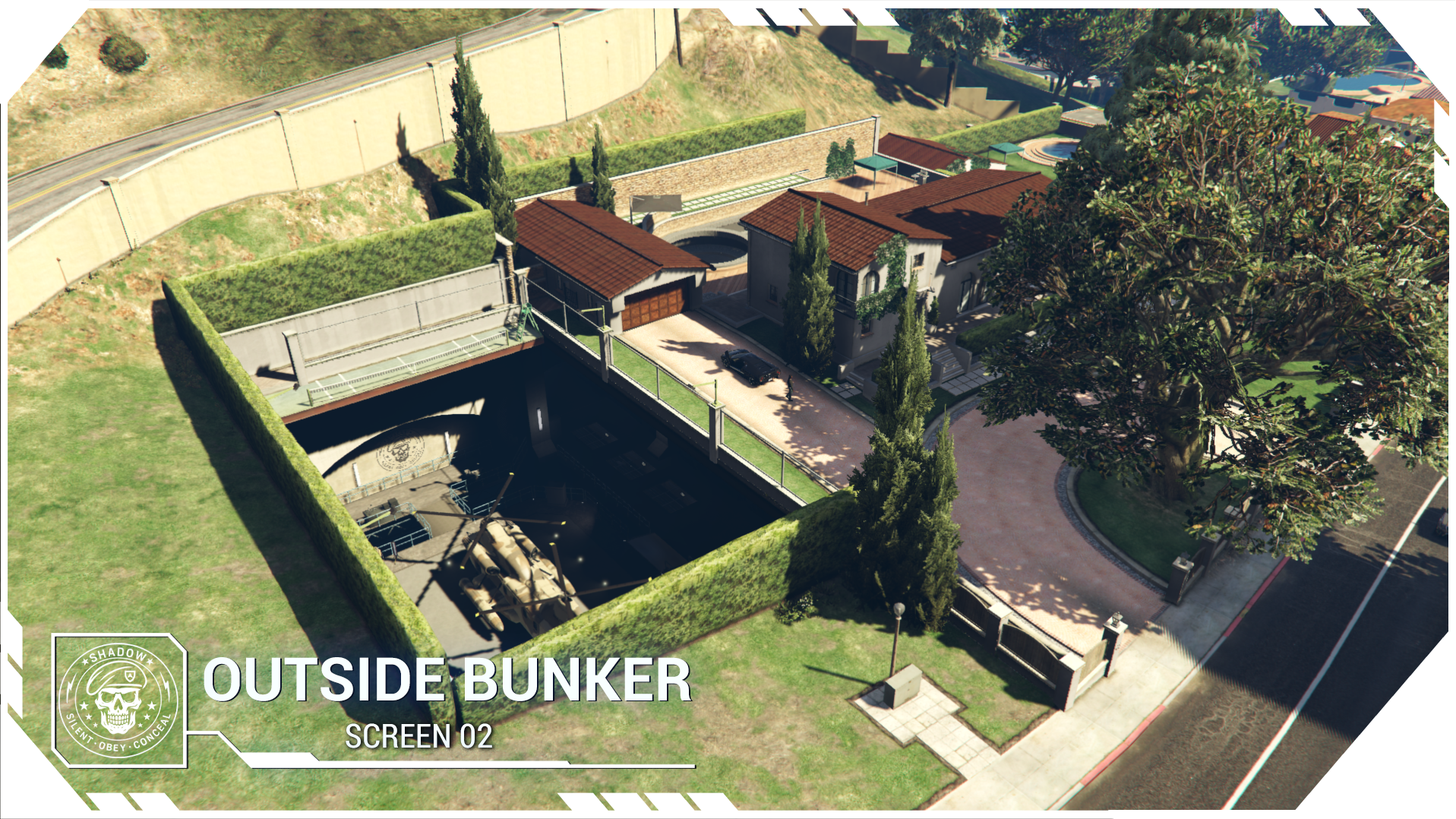
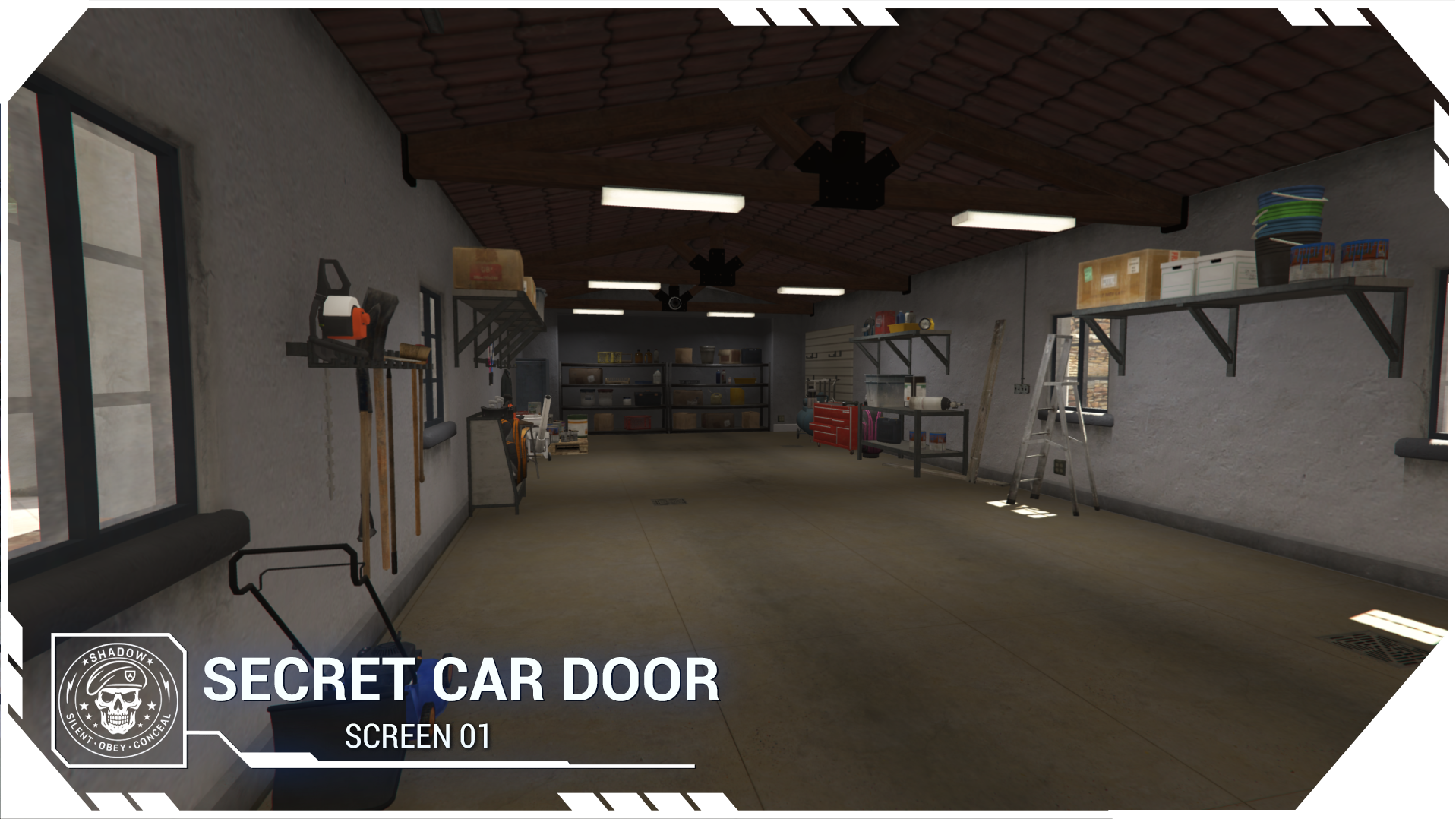
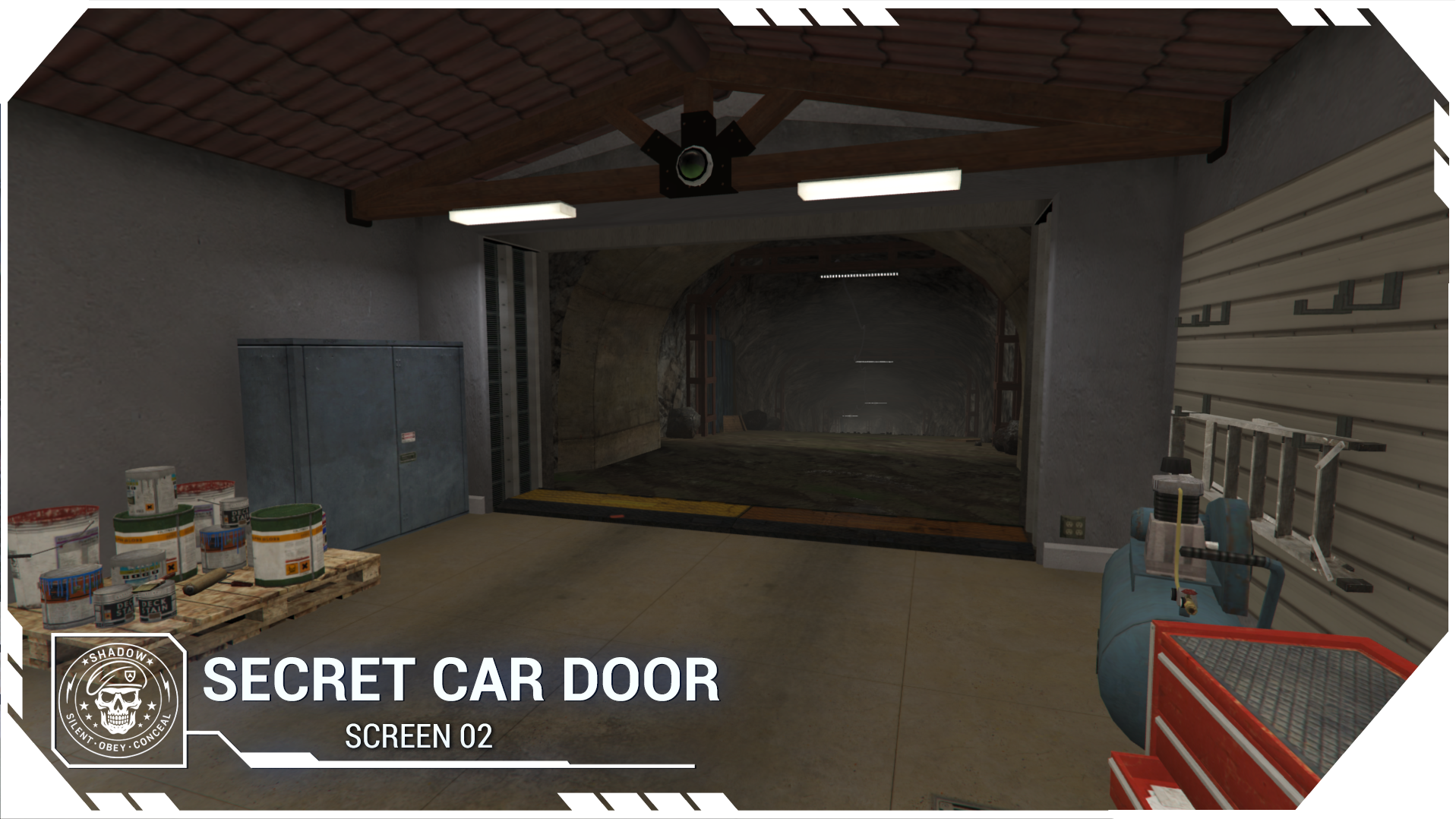
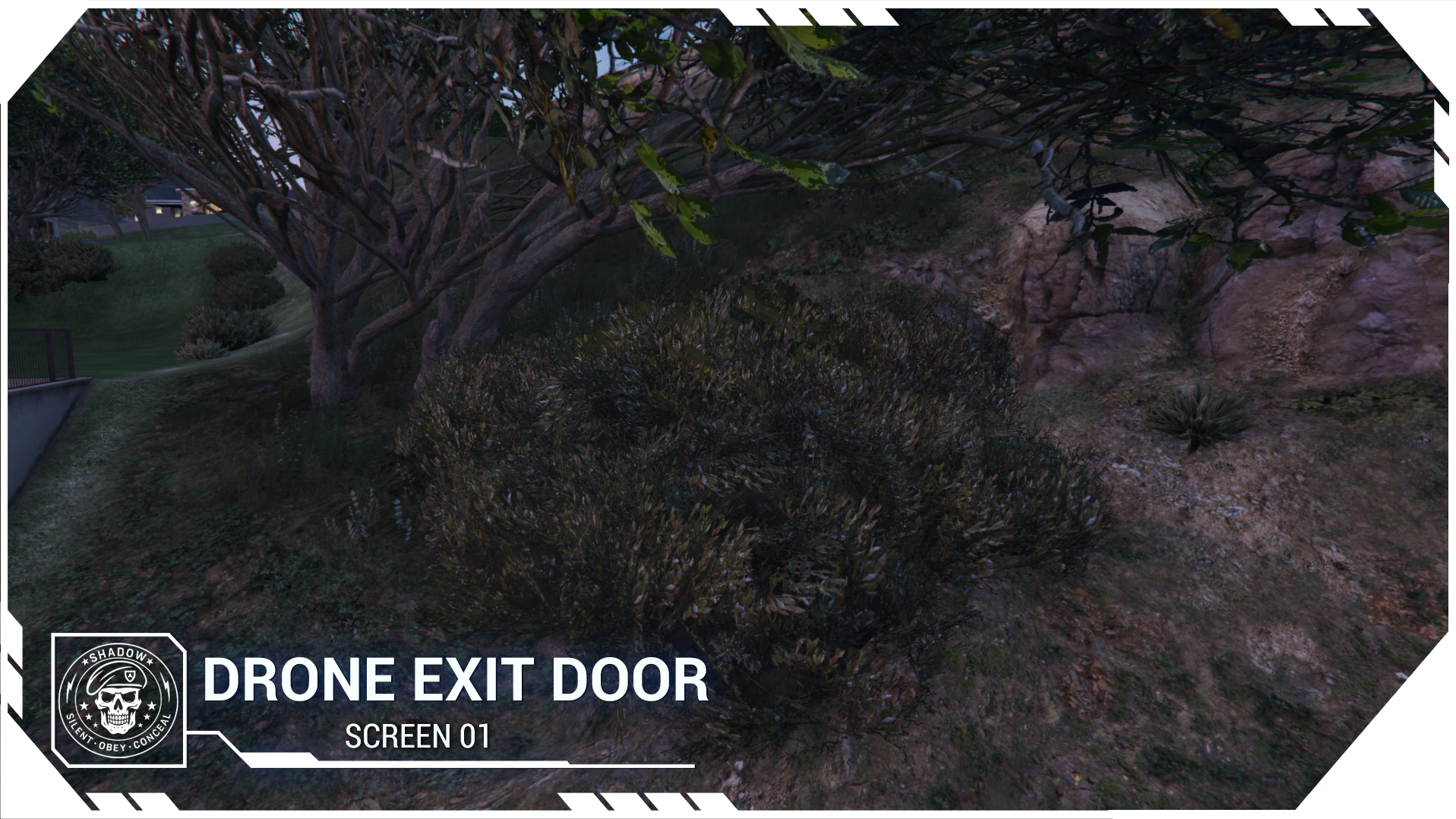
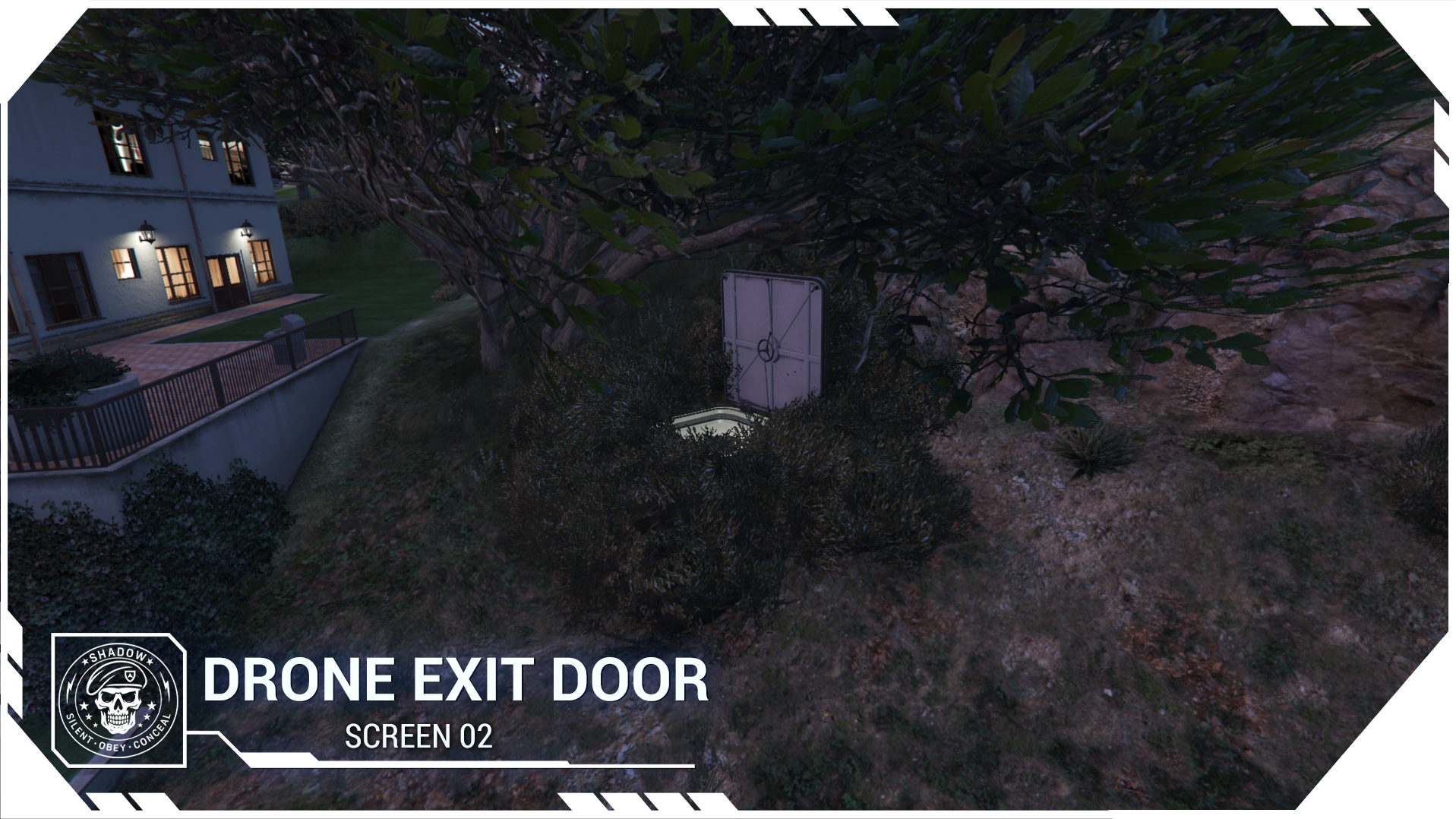
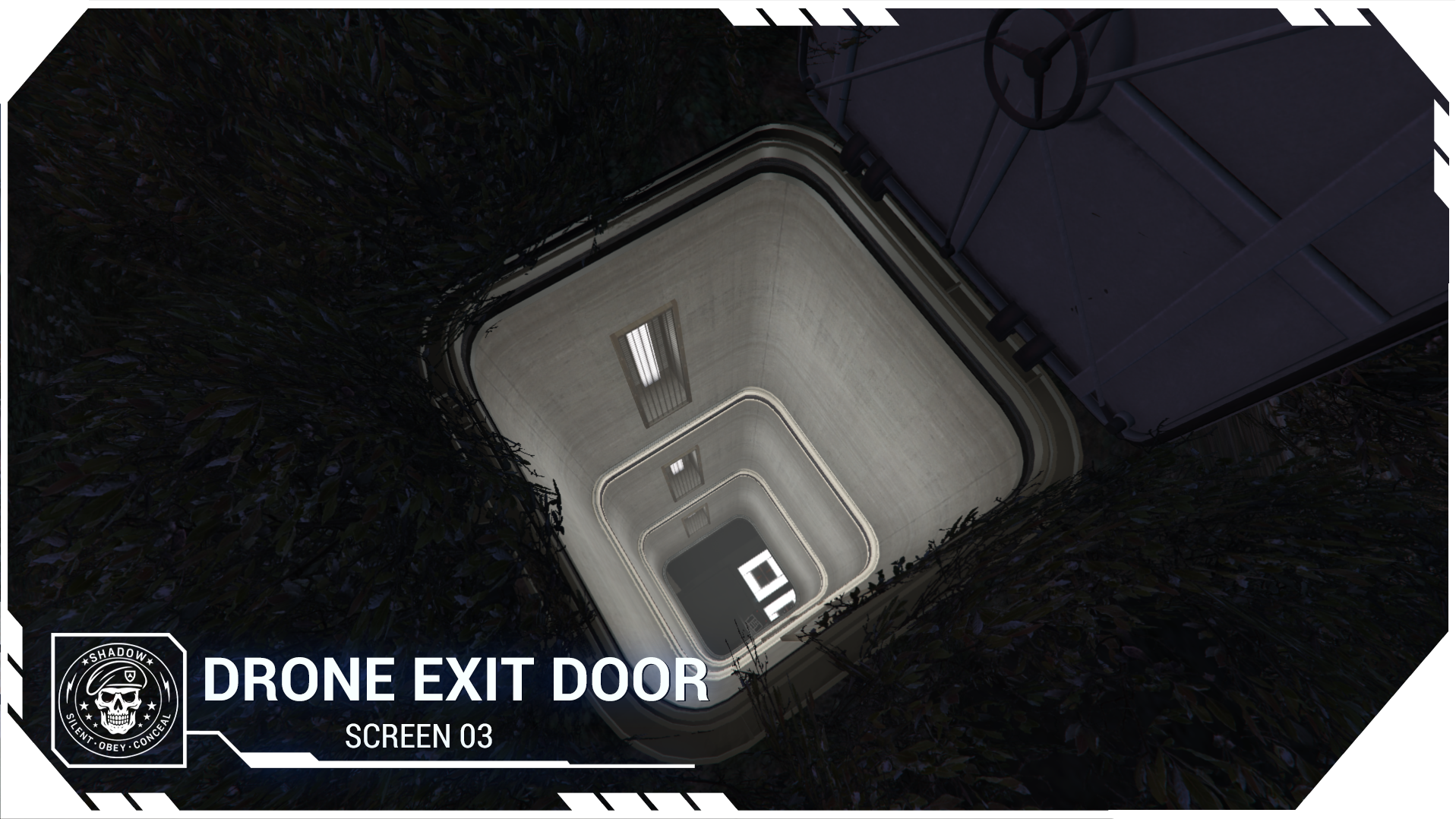
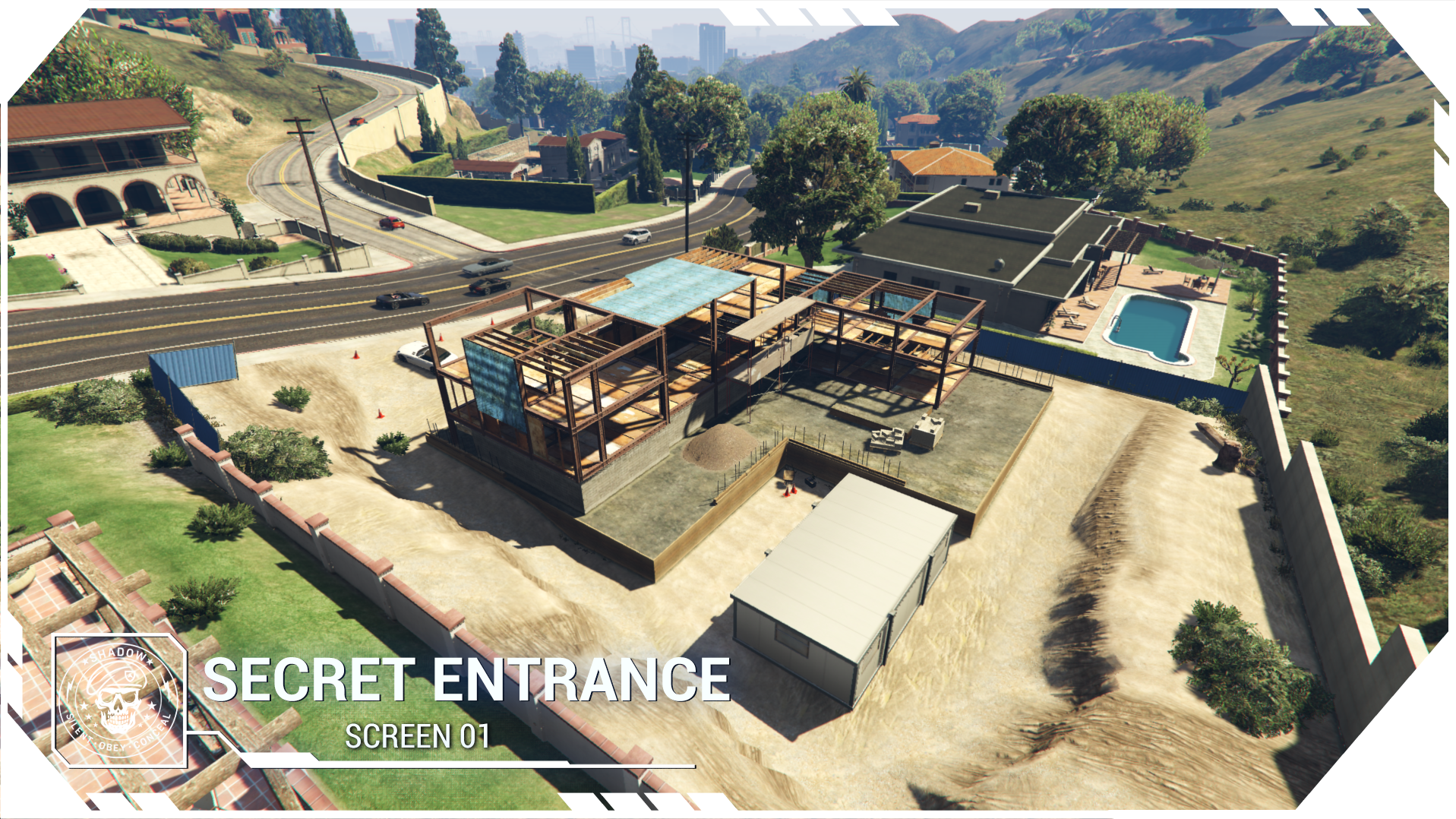
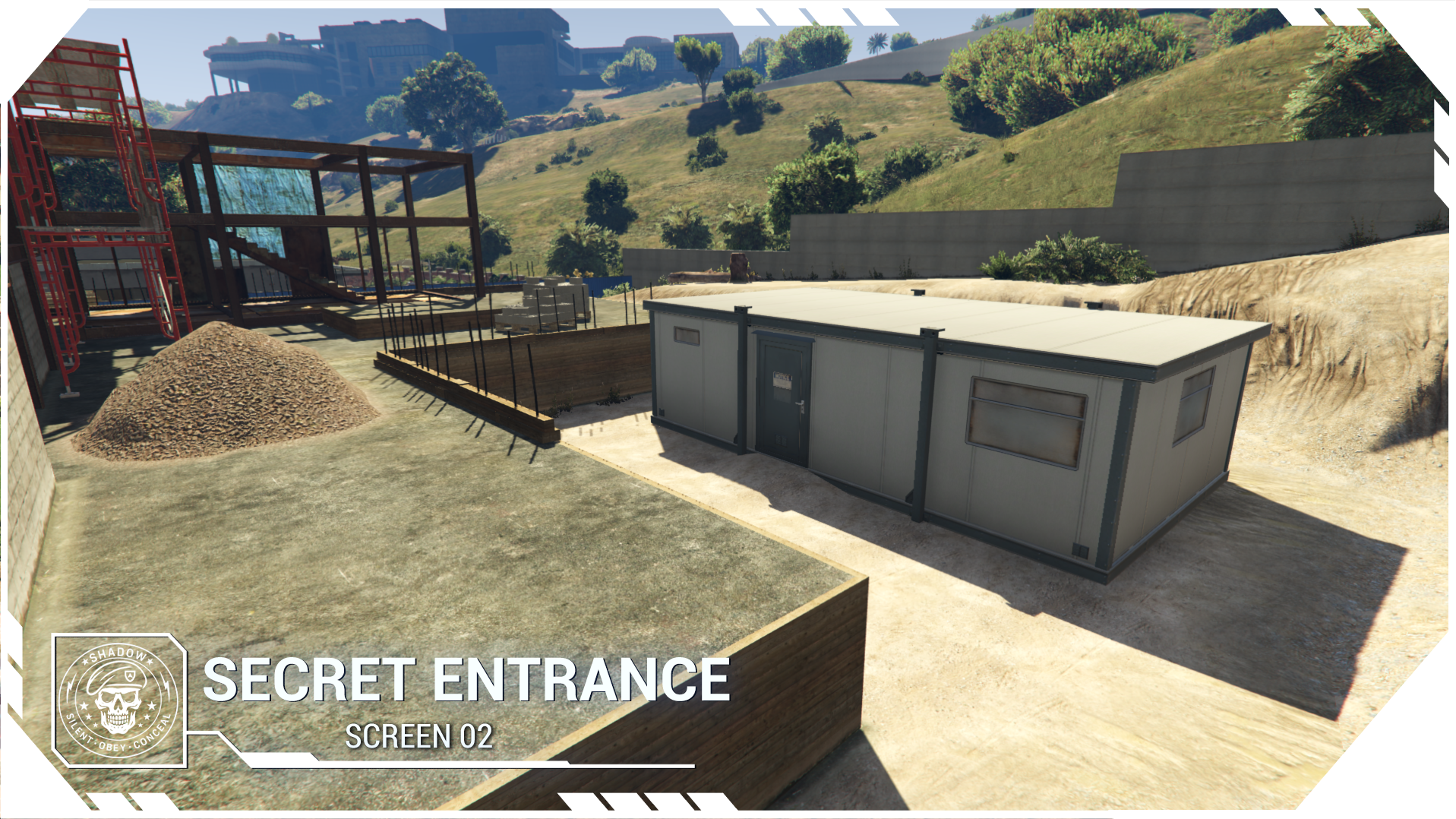
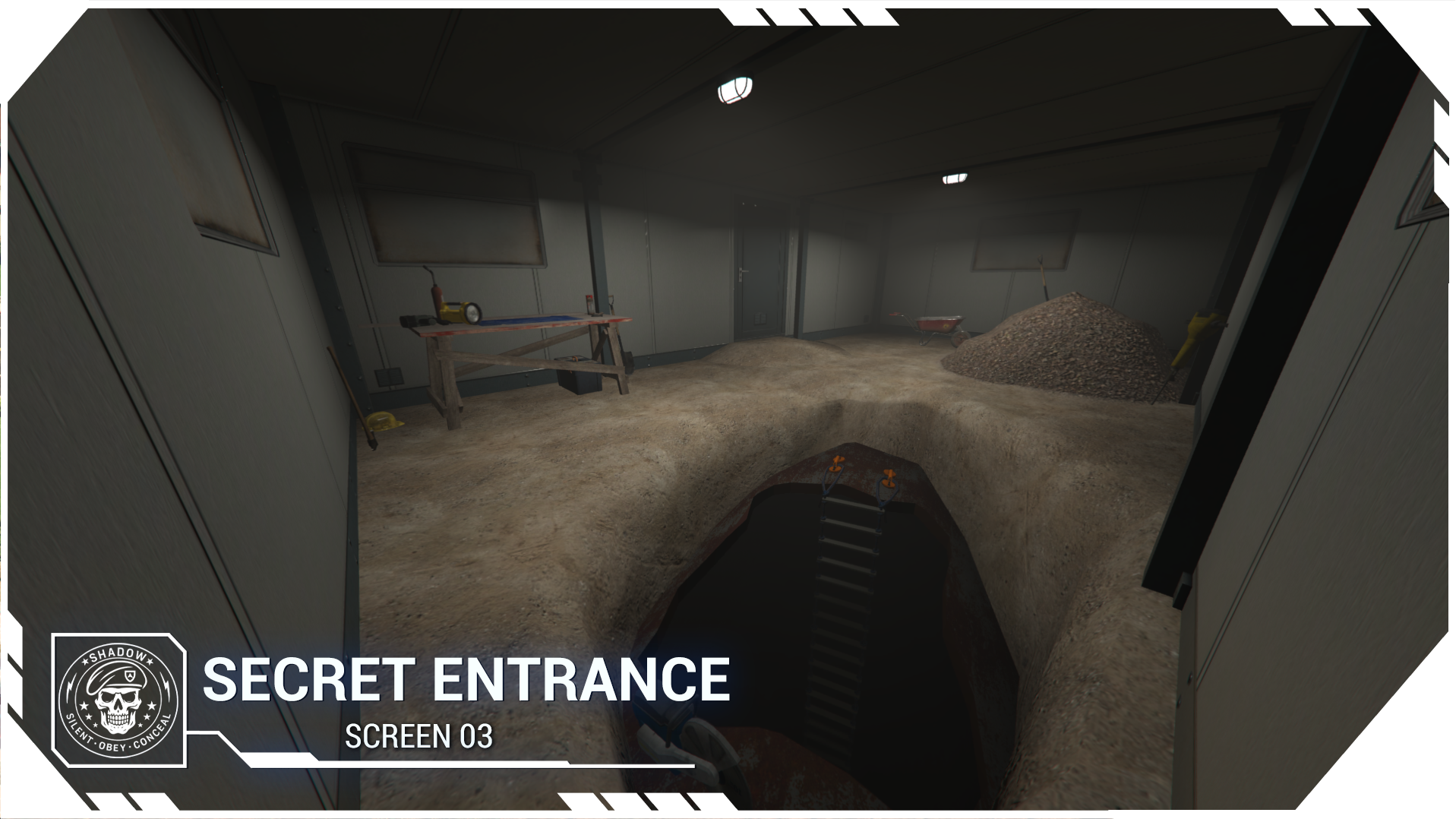
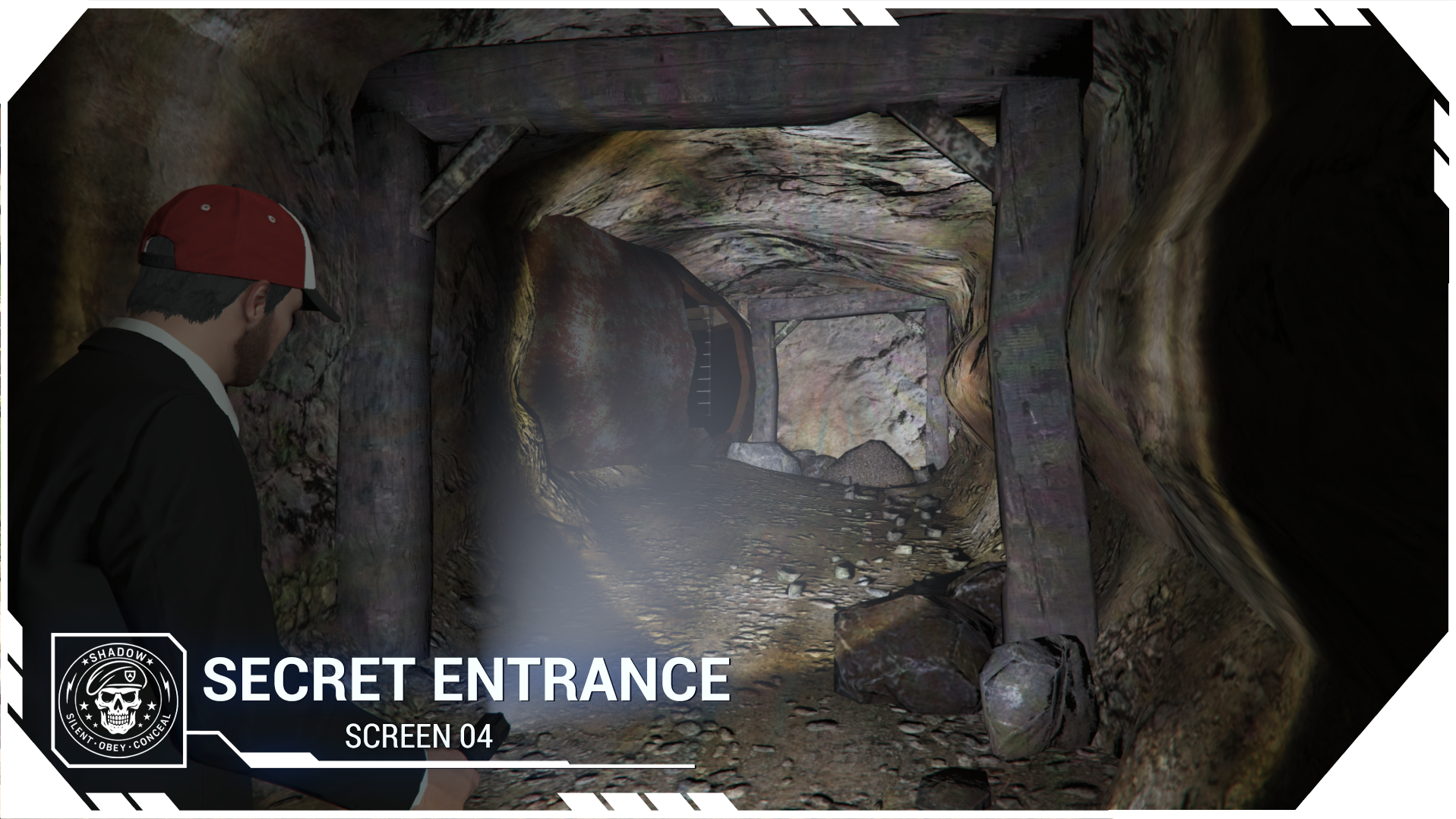
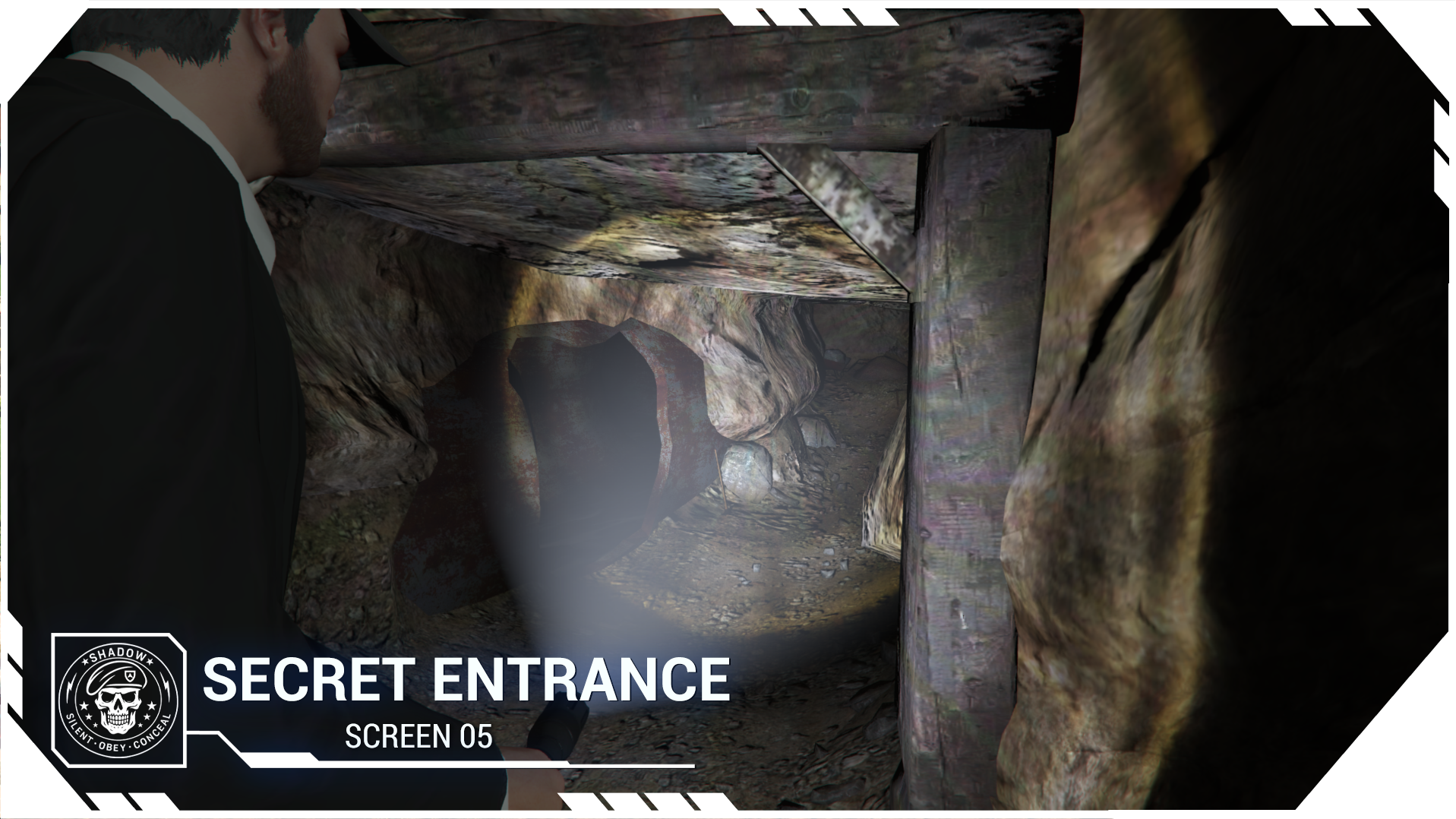
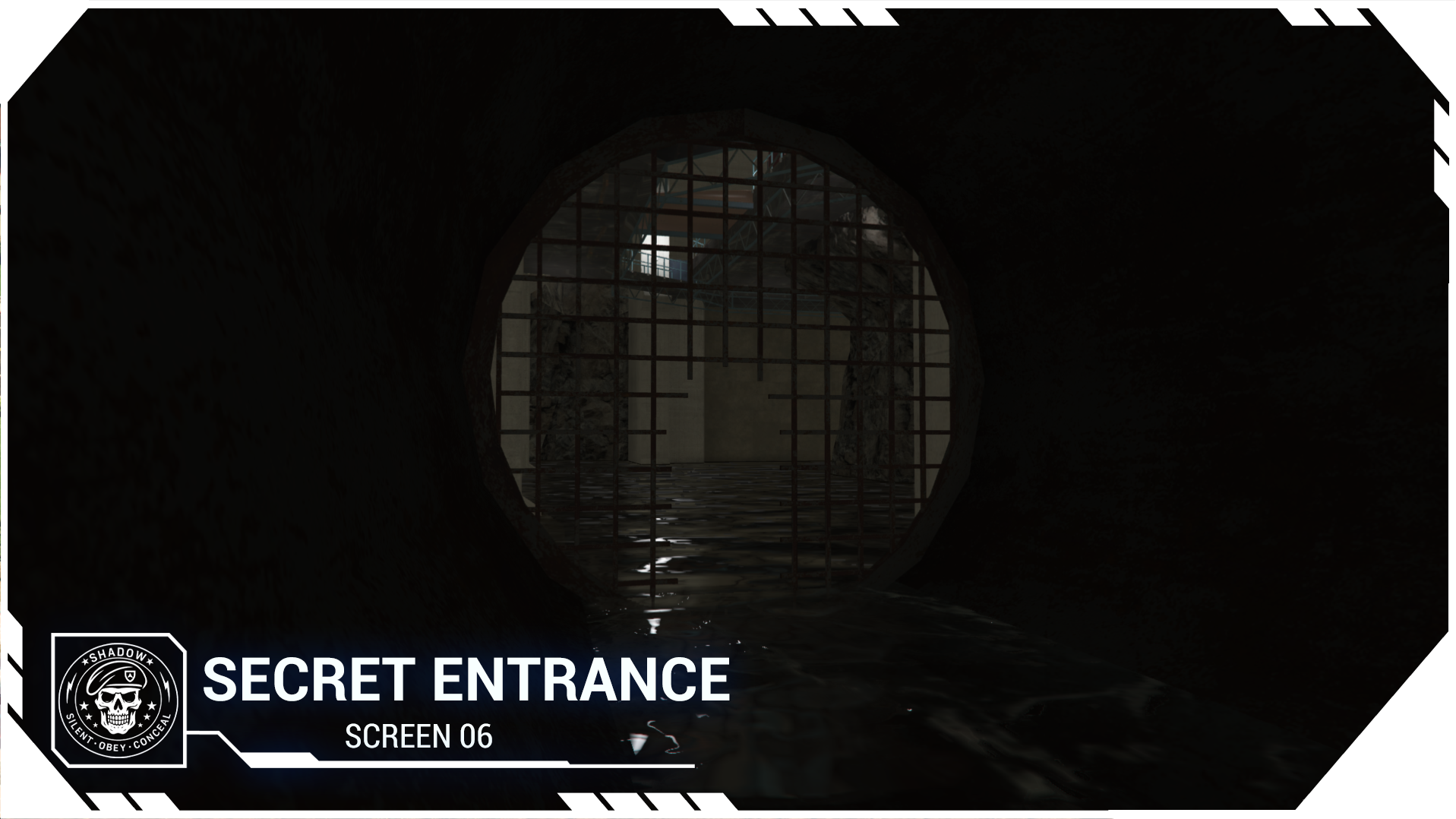
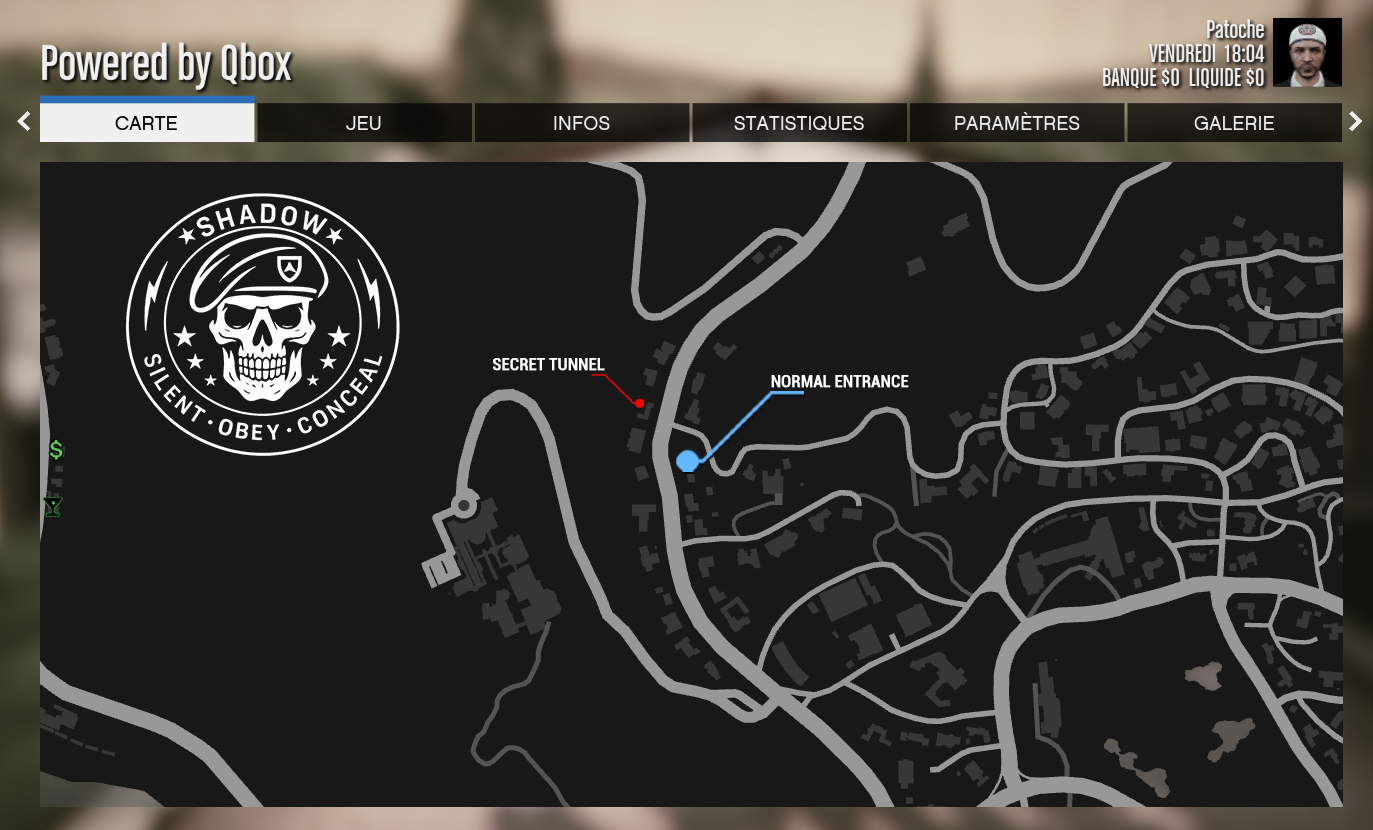
a secret access route that can either be used to escape the bunker discreetly, or to launch an intense infiltration and invade the complex.
Of course, how you use these features is entirely up to your RP.
However, some key moments are scripted, which can help create memorable RP scenes on your server.
The bunker also includes:
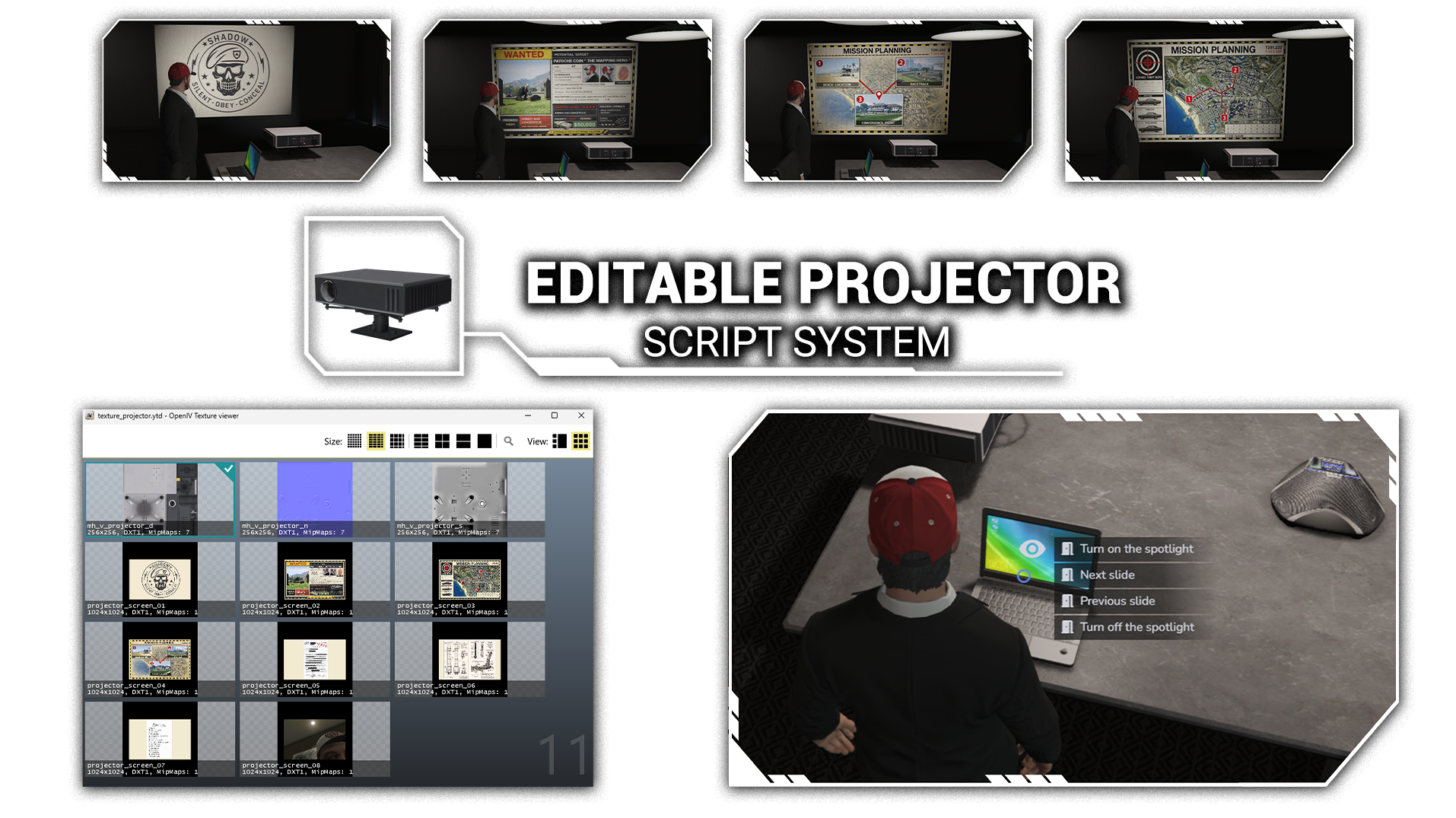
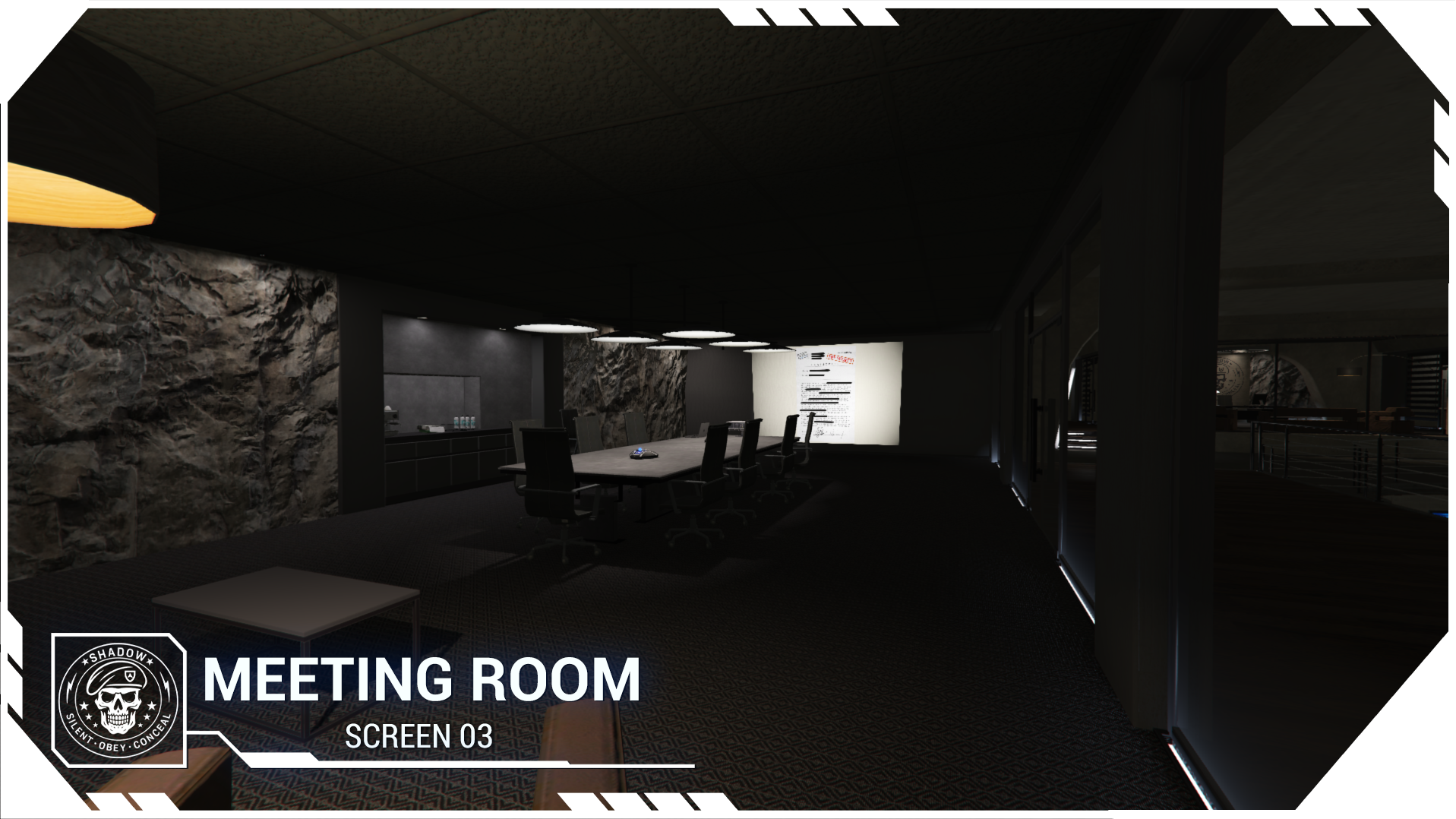
A meeting room with a projection system to prepare your action plans.
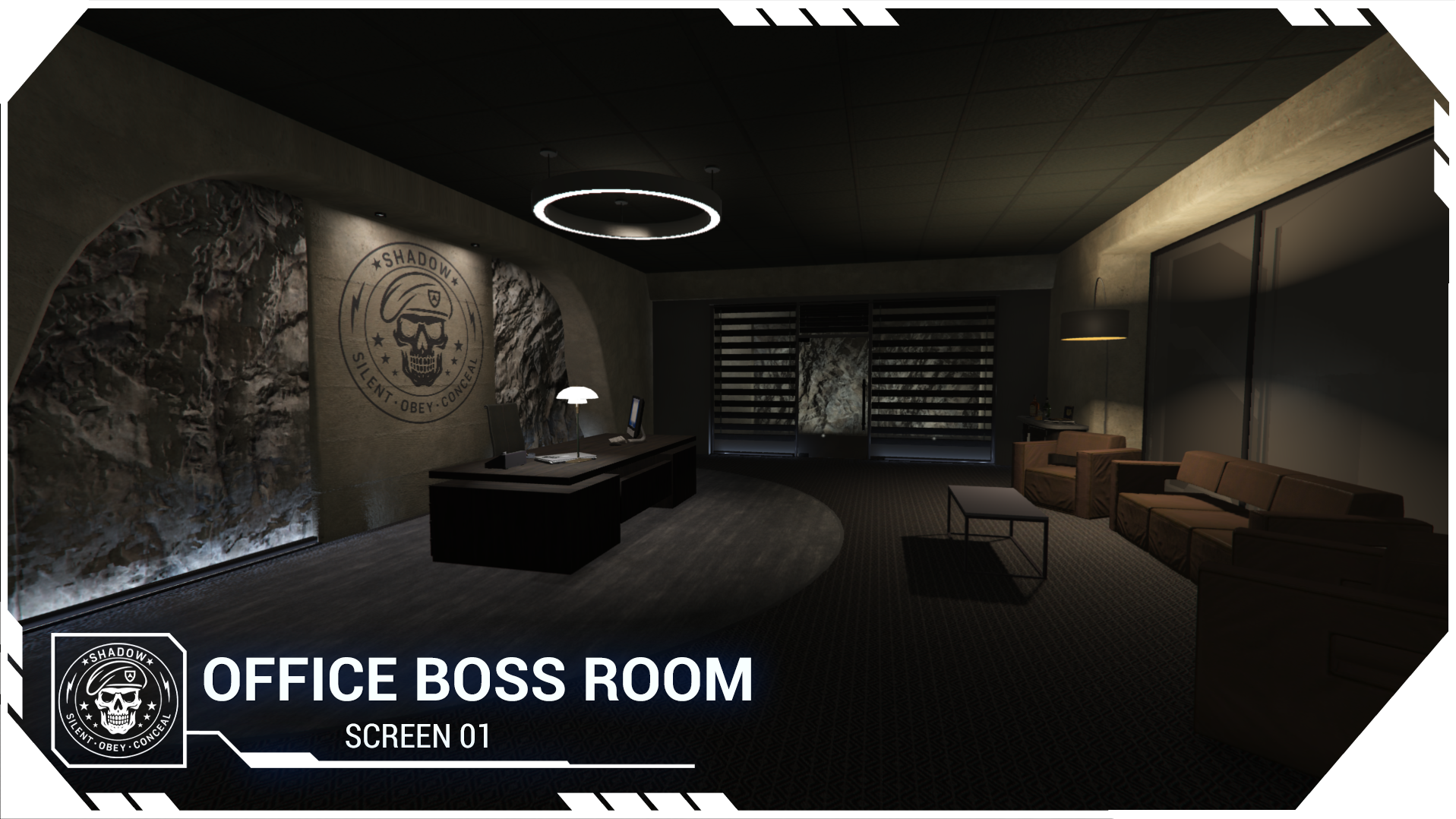
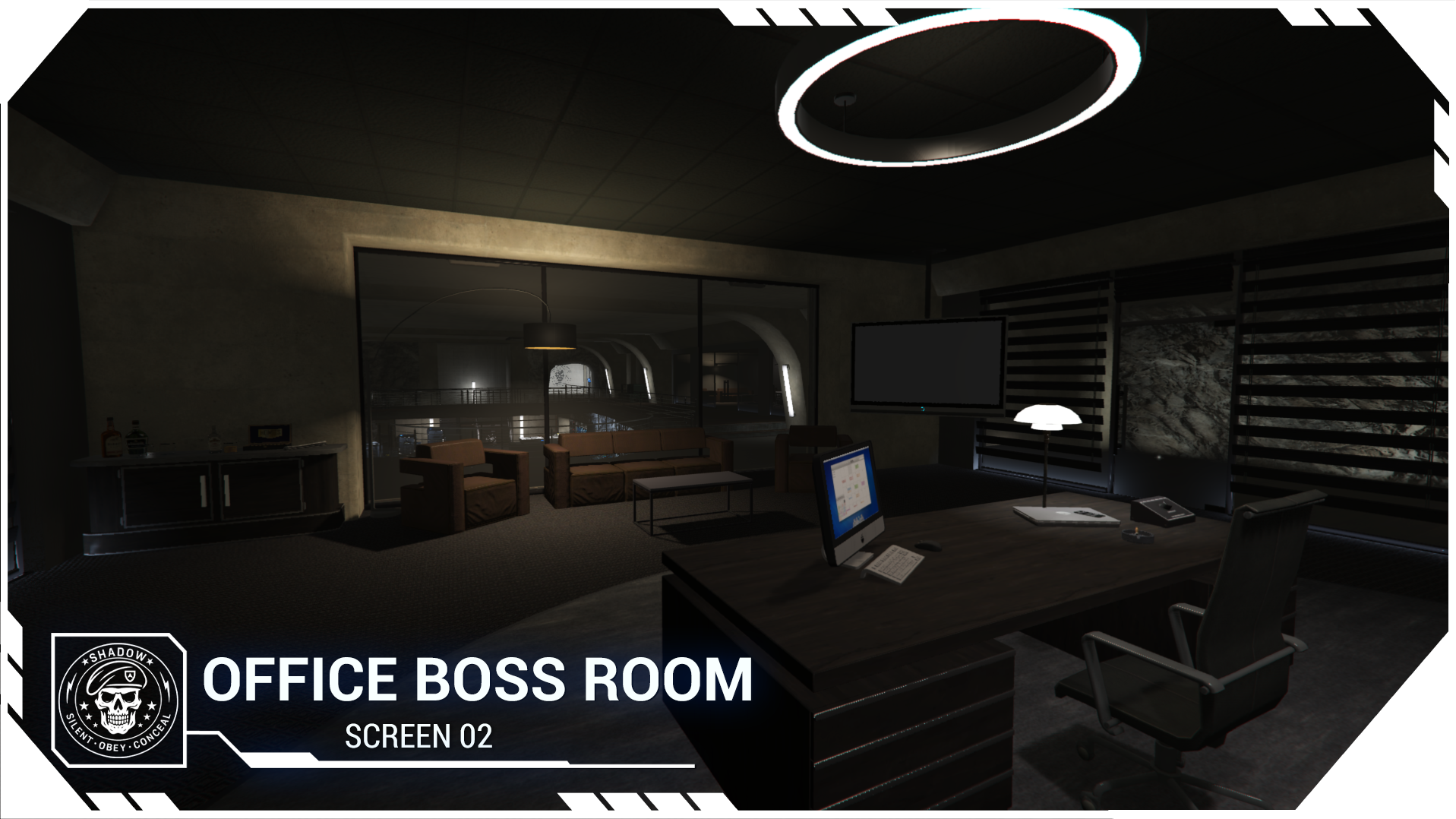
A boss office that can become fully secure thanks to an armored door.
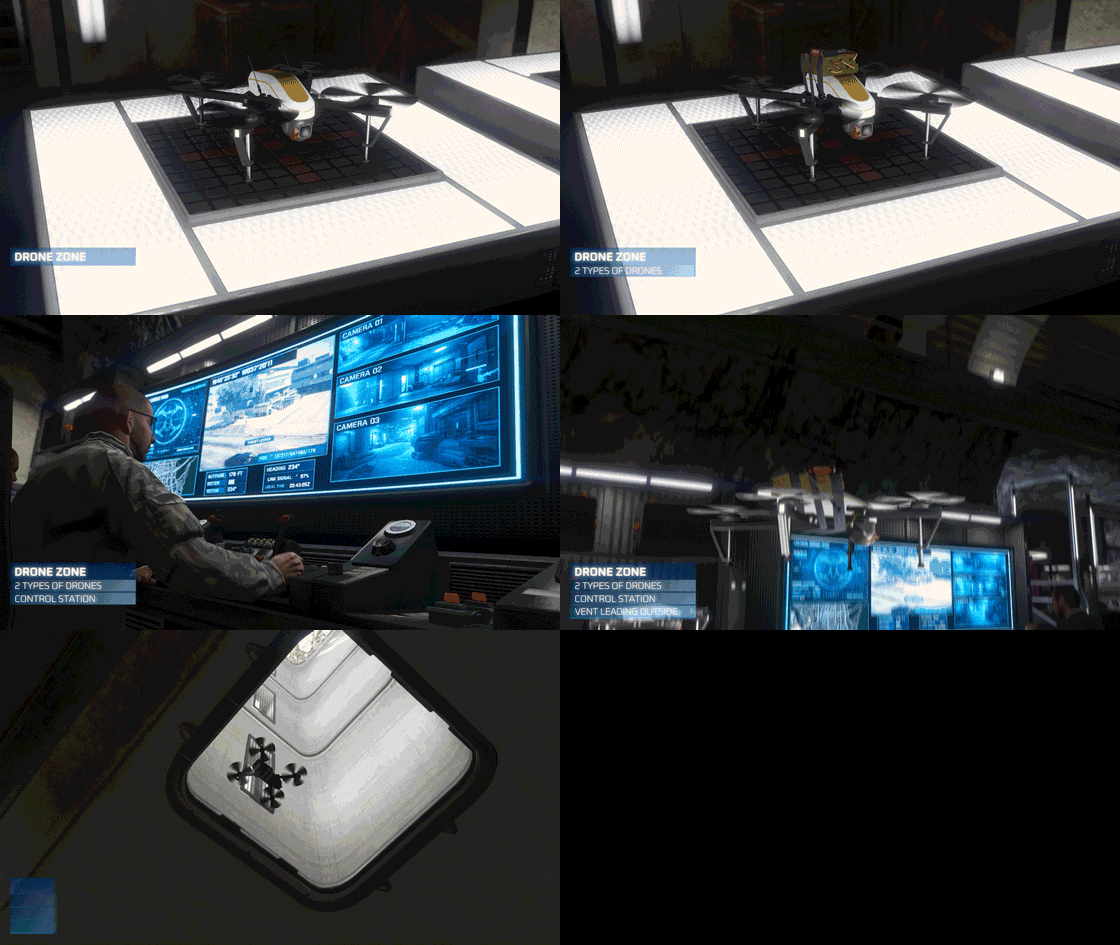
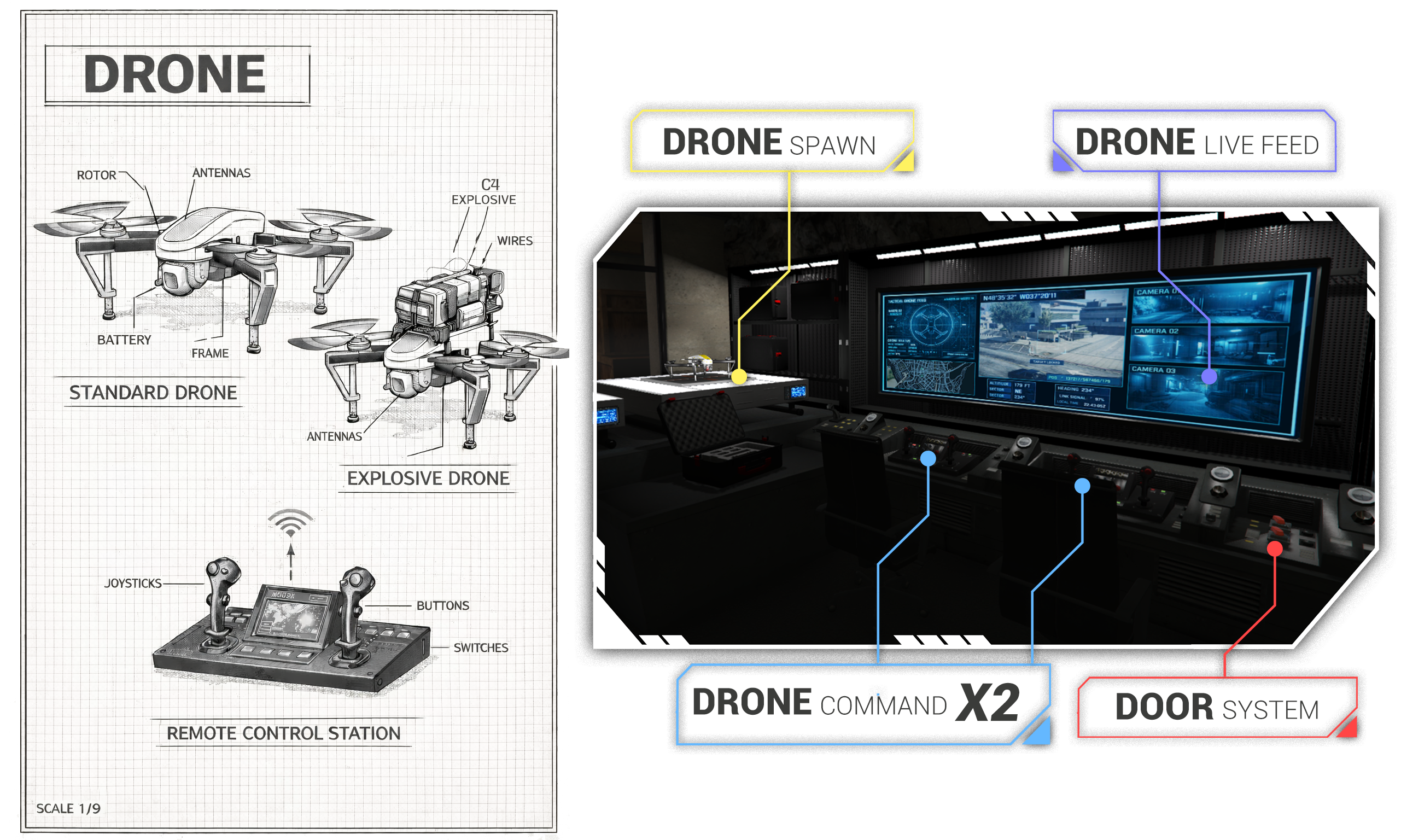
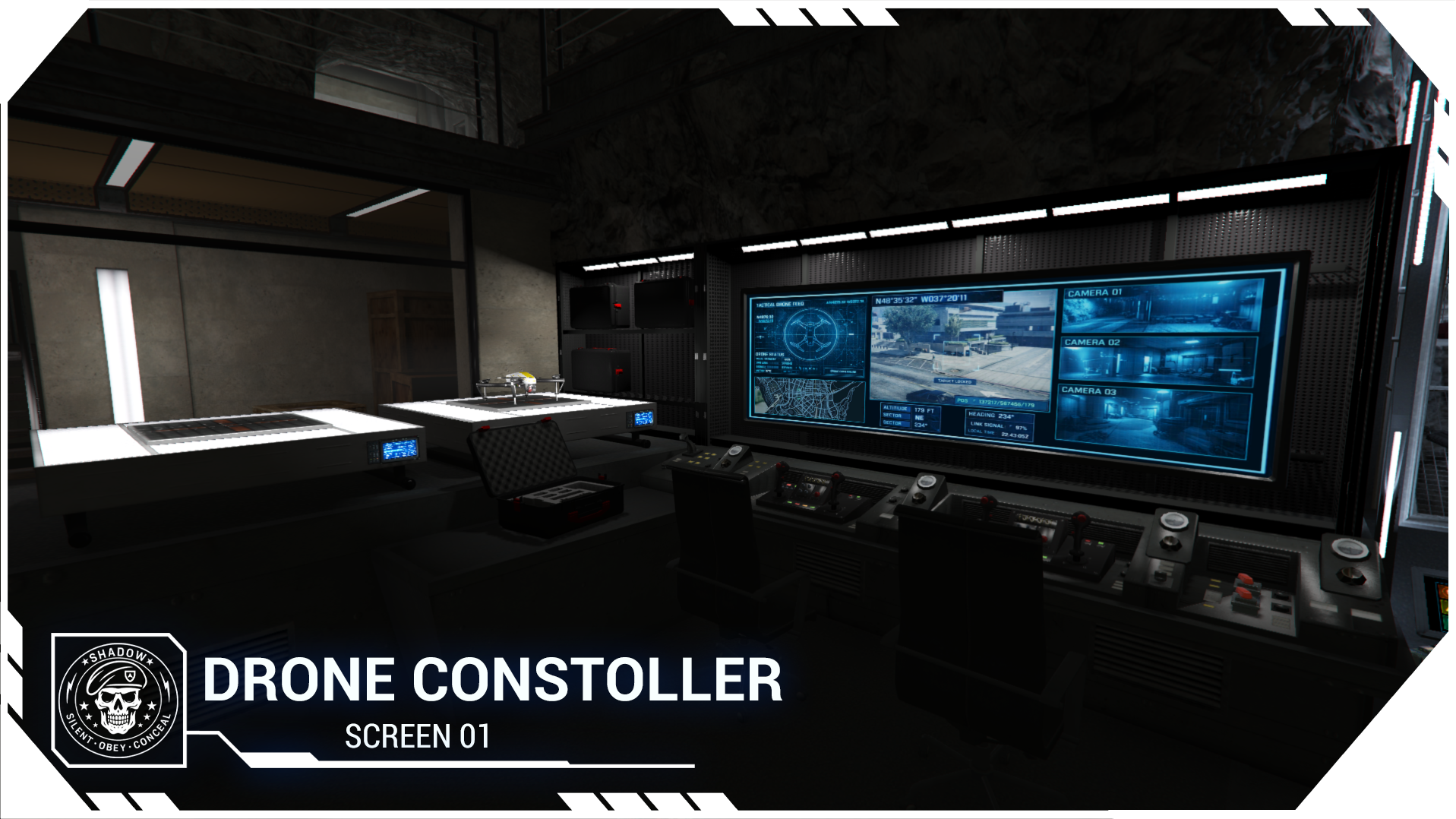
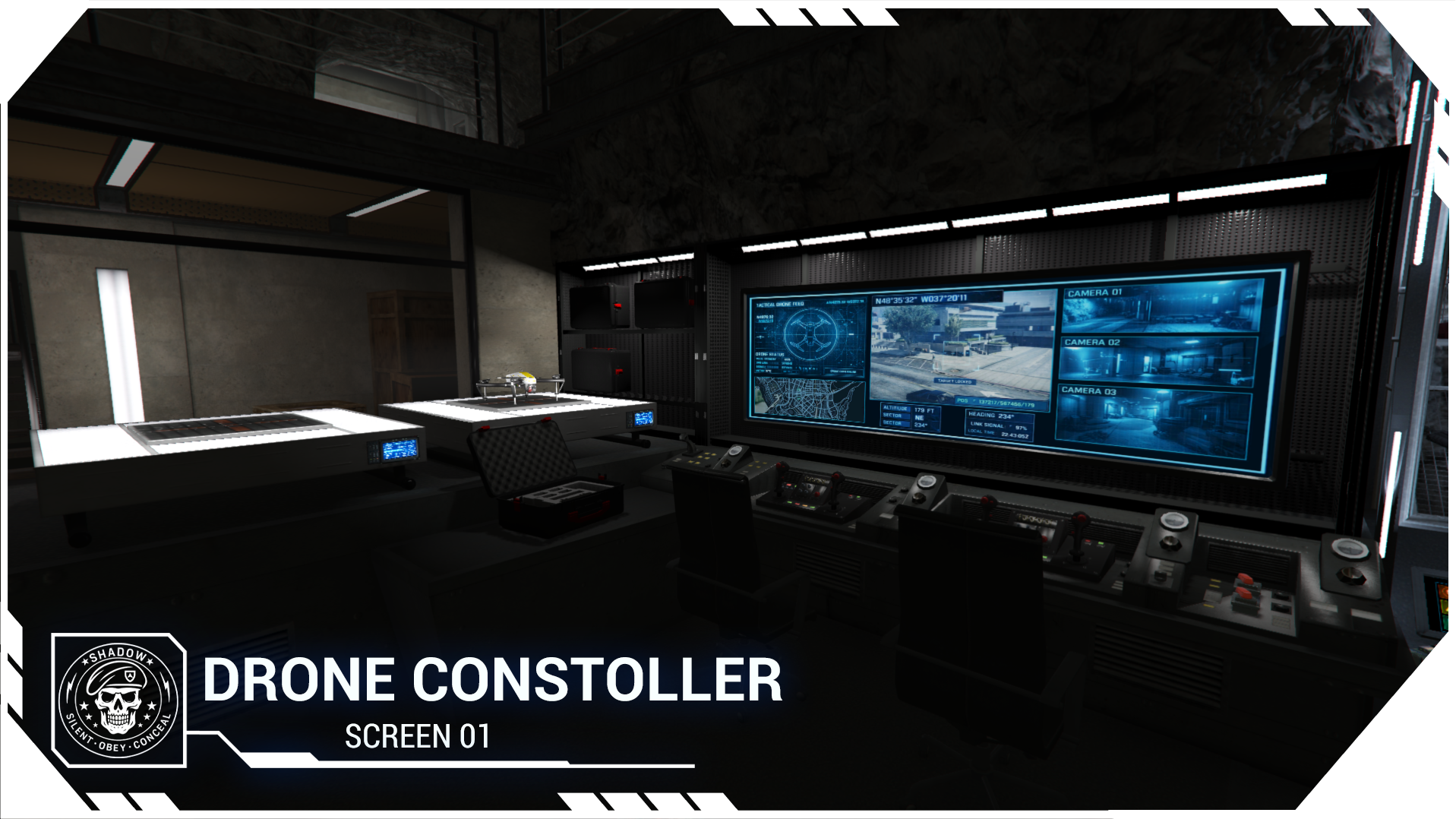
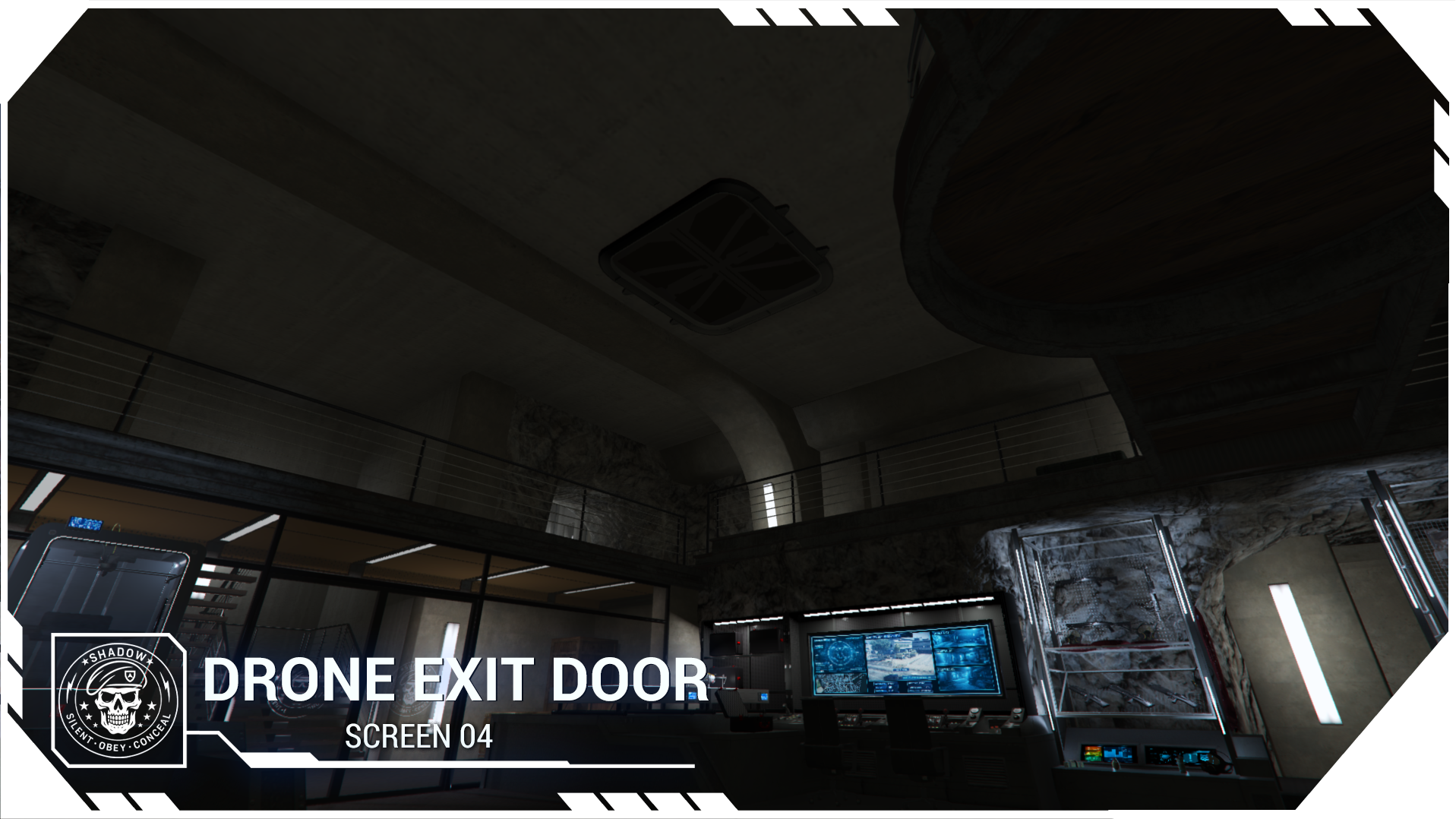
A drone system, including reconnaissance drones and explosive drones.
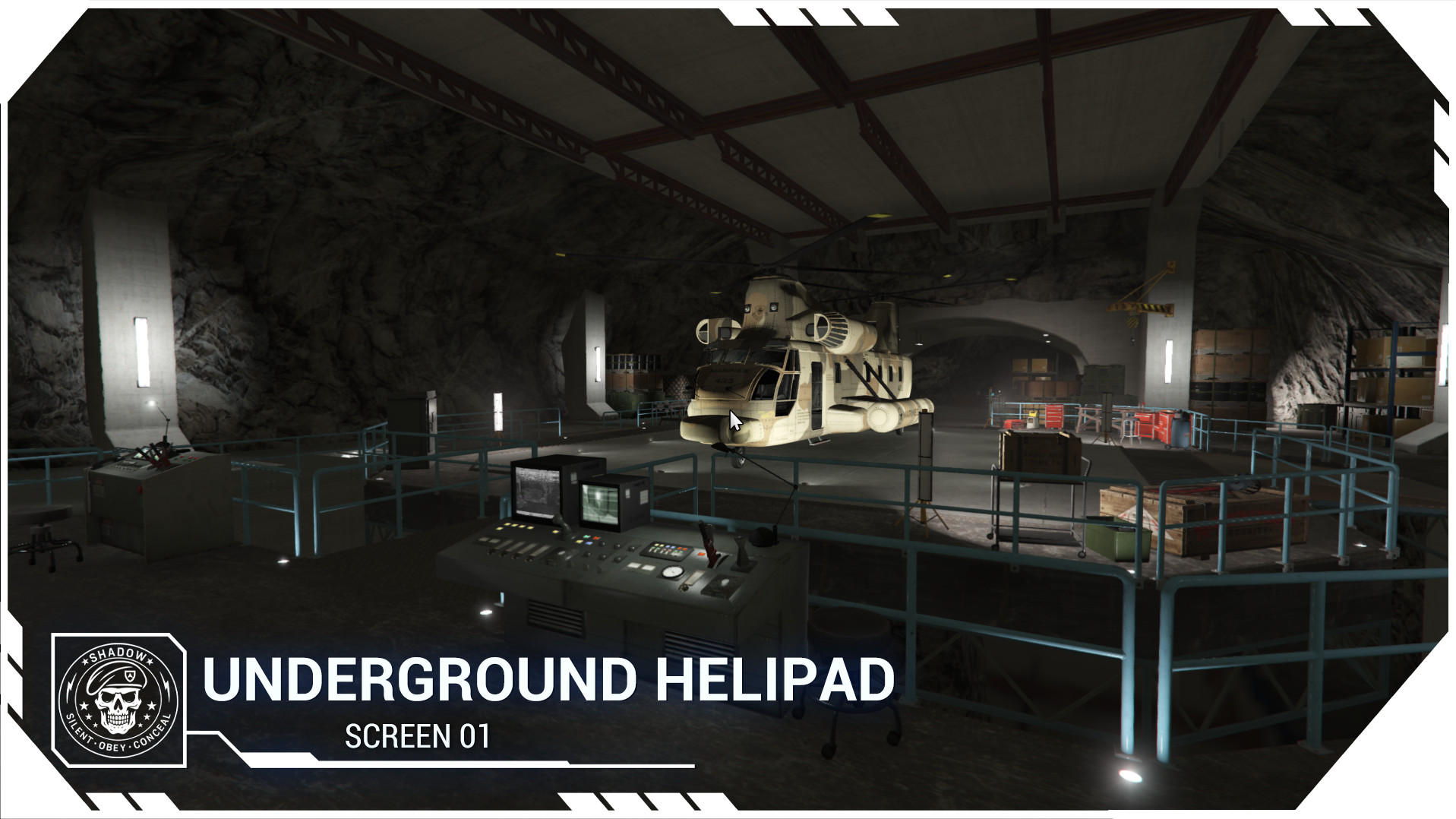
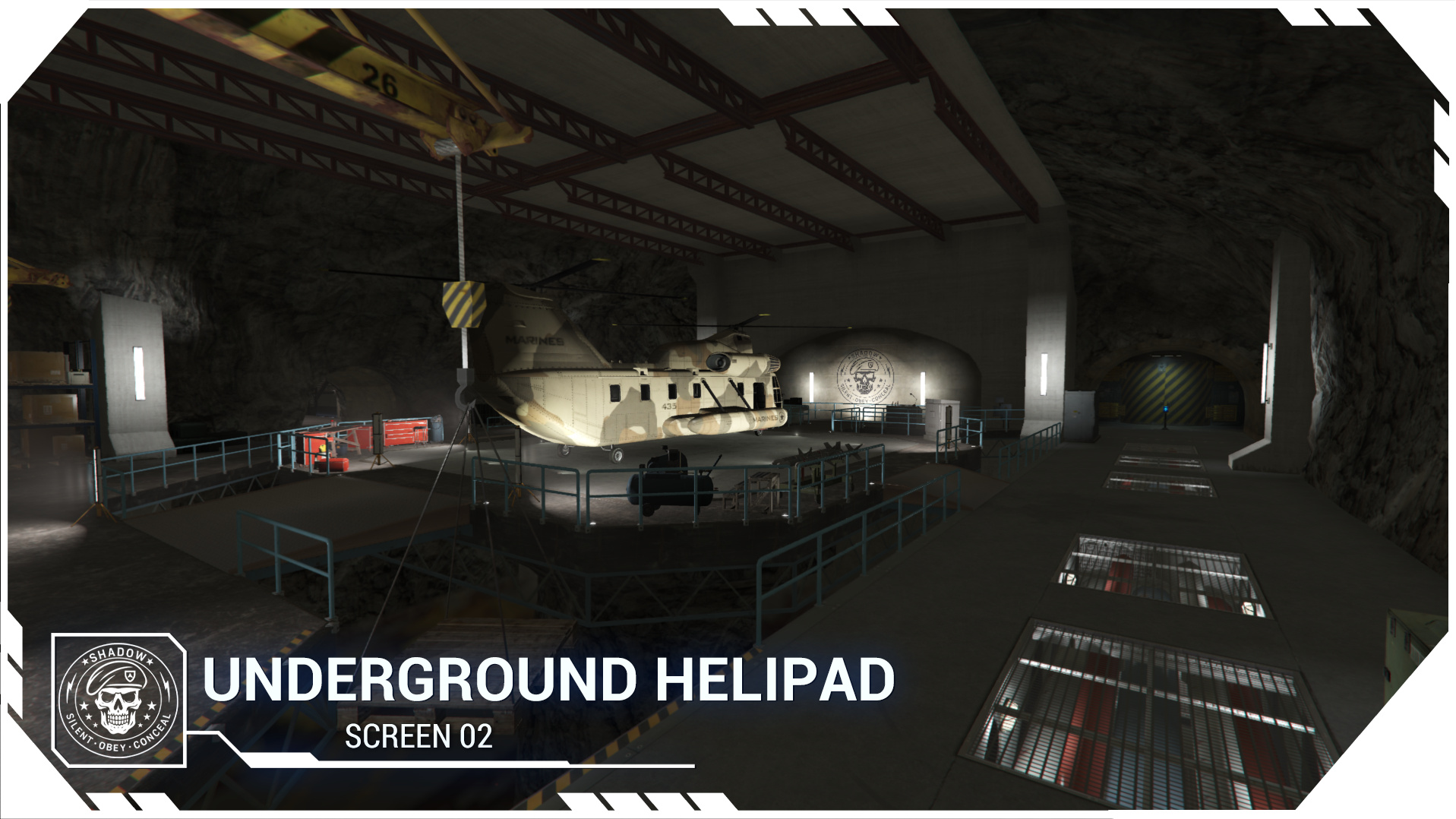
An insane helipad entrance
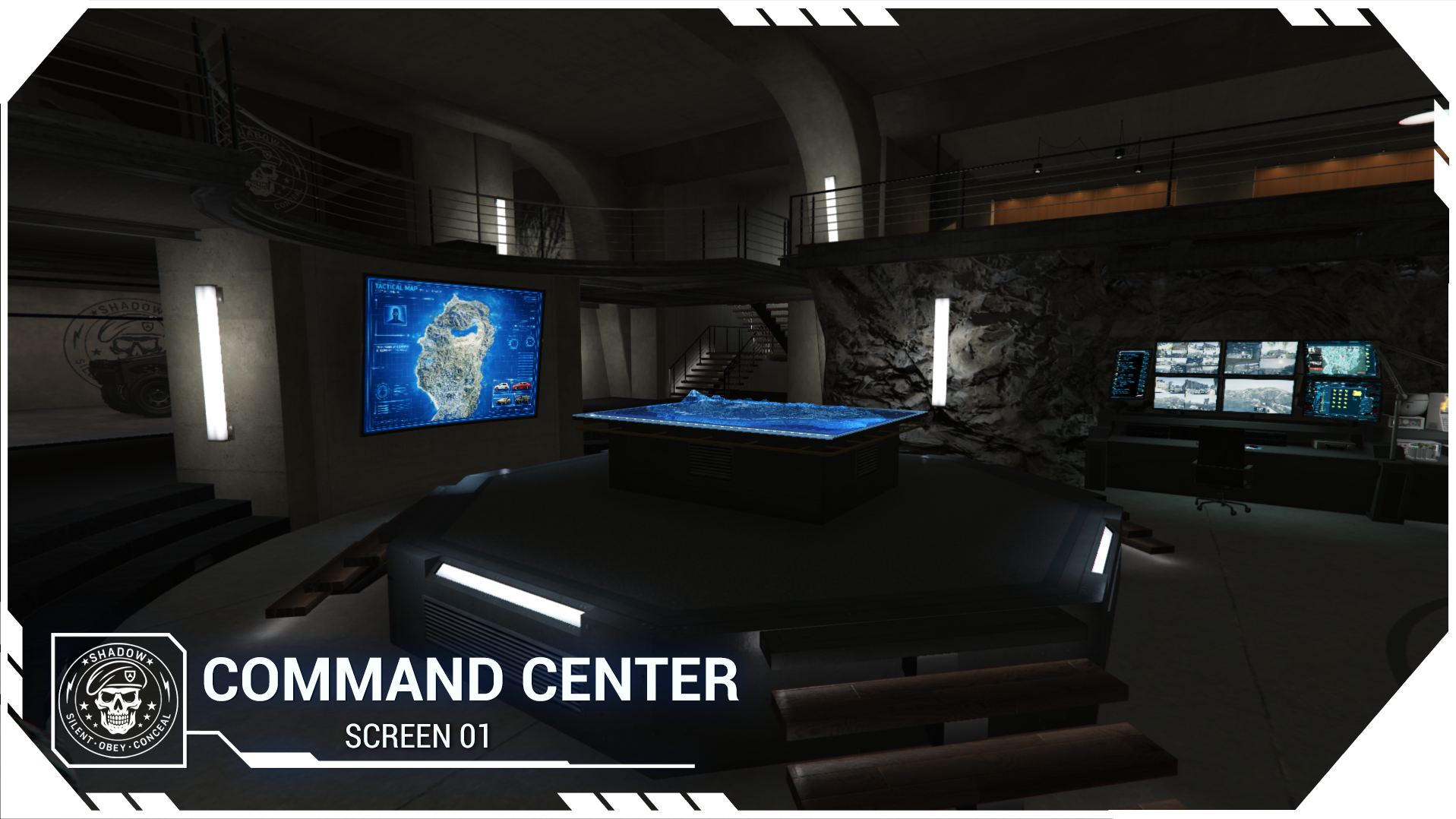
You can deploy multiple drones, position them at strategic locations, and take control of them later from the command station.
Now I invite you to discover more through this post and the videos below.
Like always i hope you enjoy
With Love
Patoche
► This MAP product is obviously in my ULTIMATE subscription ◄ ( Subscription map list : click here )

VIDEO TRAILER MAP DEMO:

In this product you will find :
 AUDIO OCCLUSION :
 TEXTURE EDITABLE:
 LOD MAP :
 LOD LIGHT:
SPECIAL SOUNDFX :

 Mapping Overview
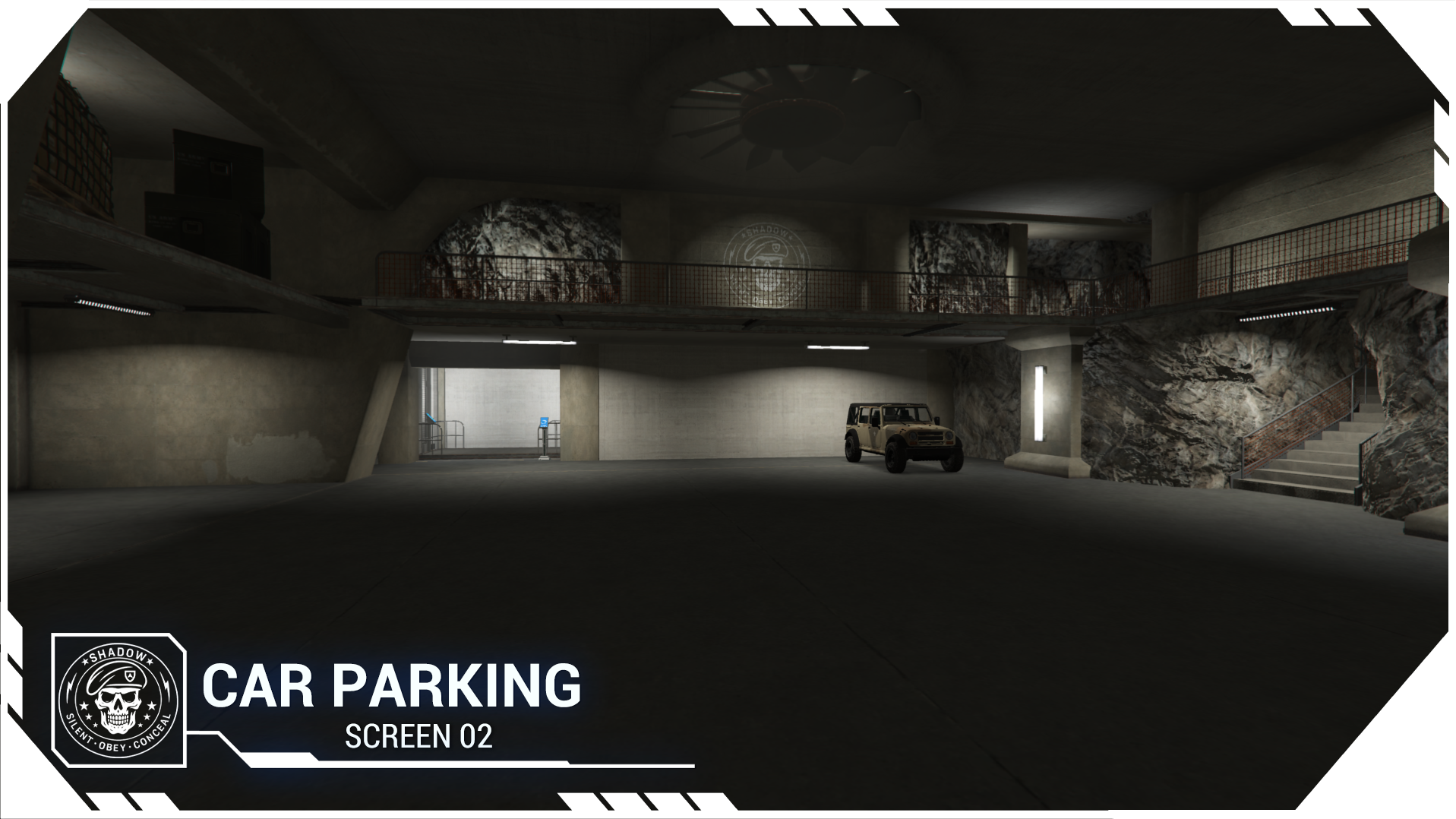
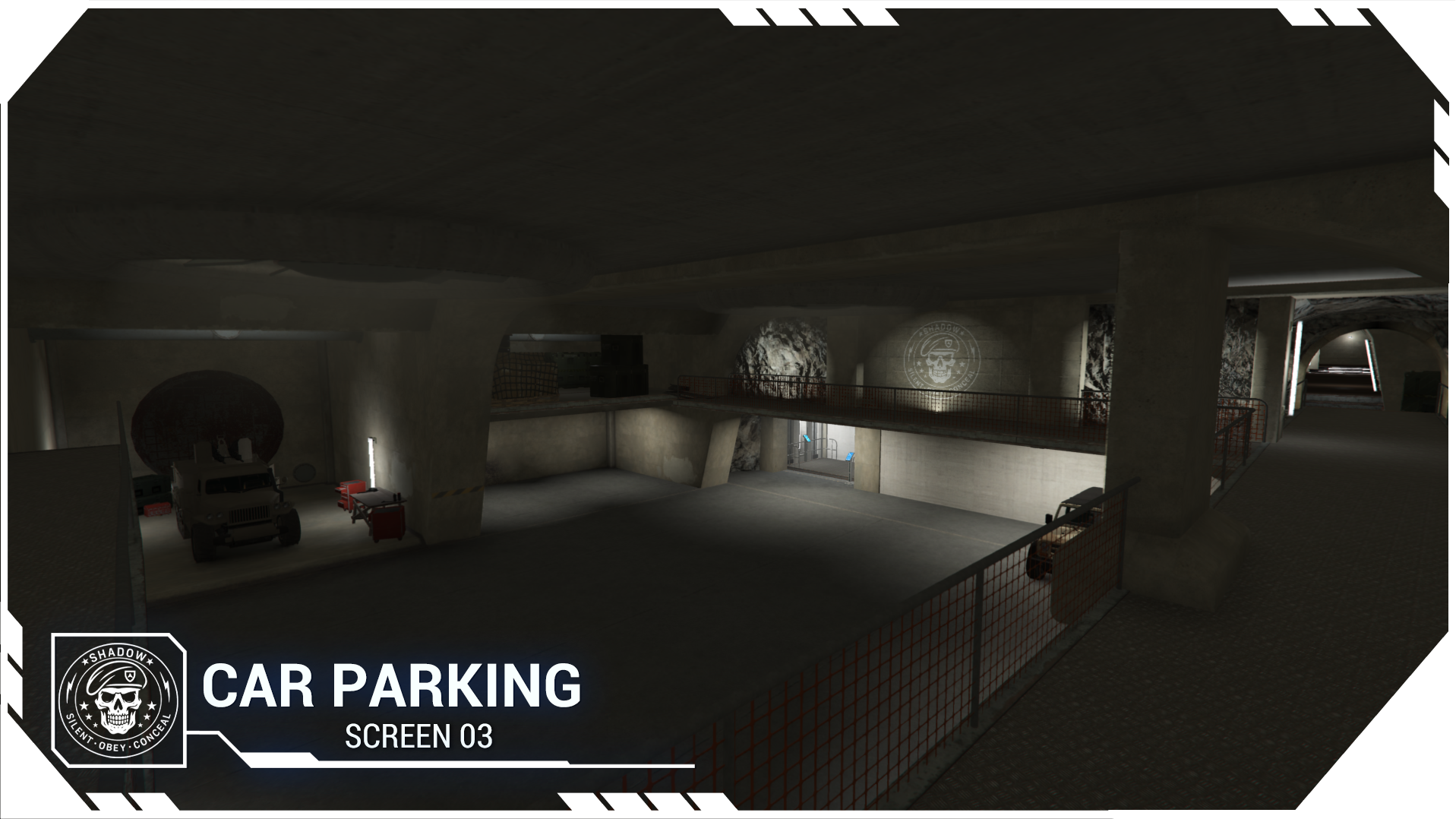
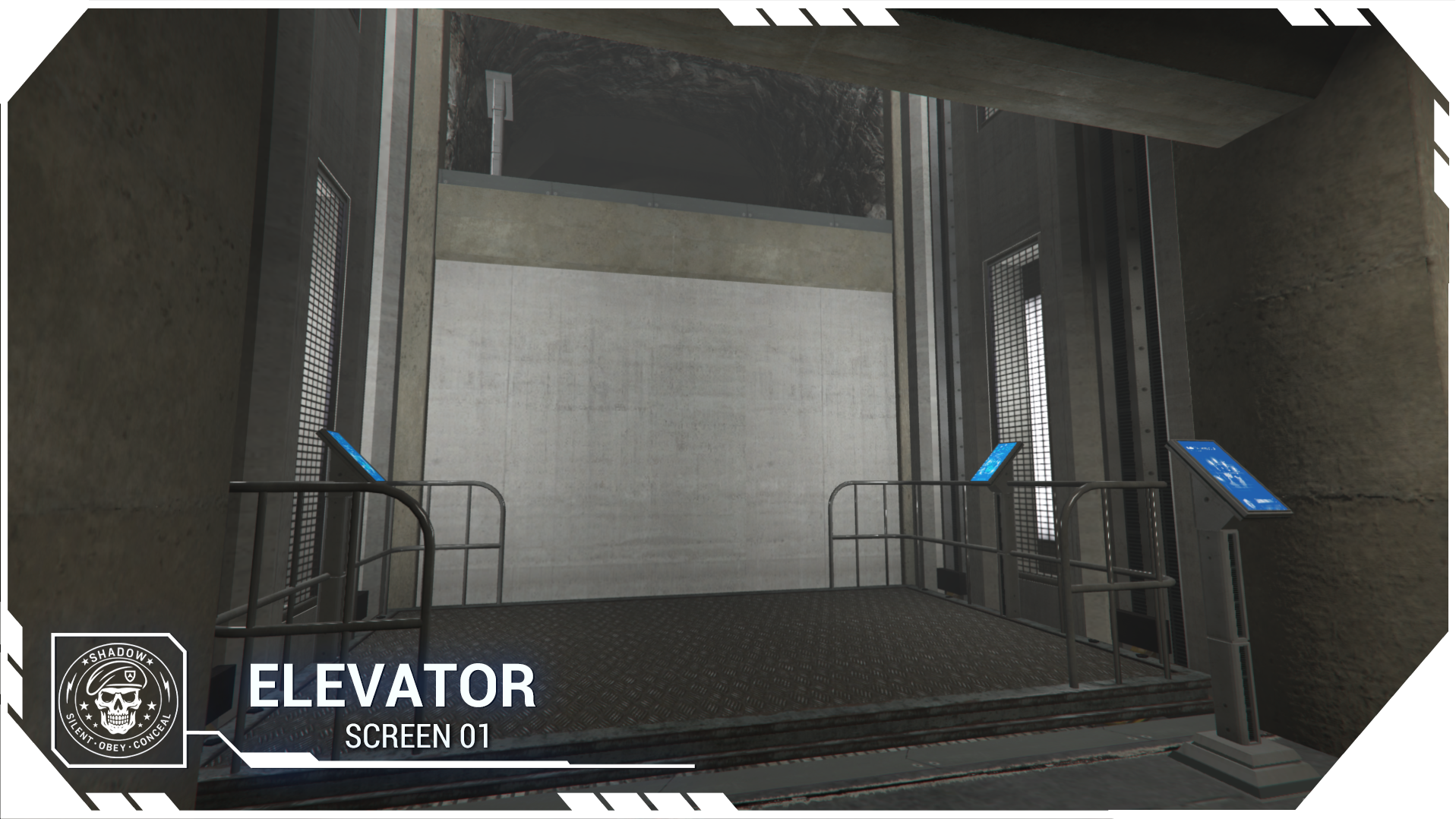
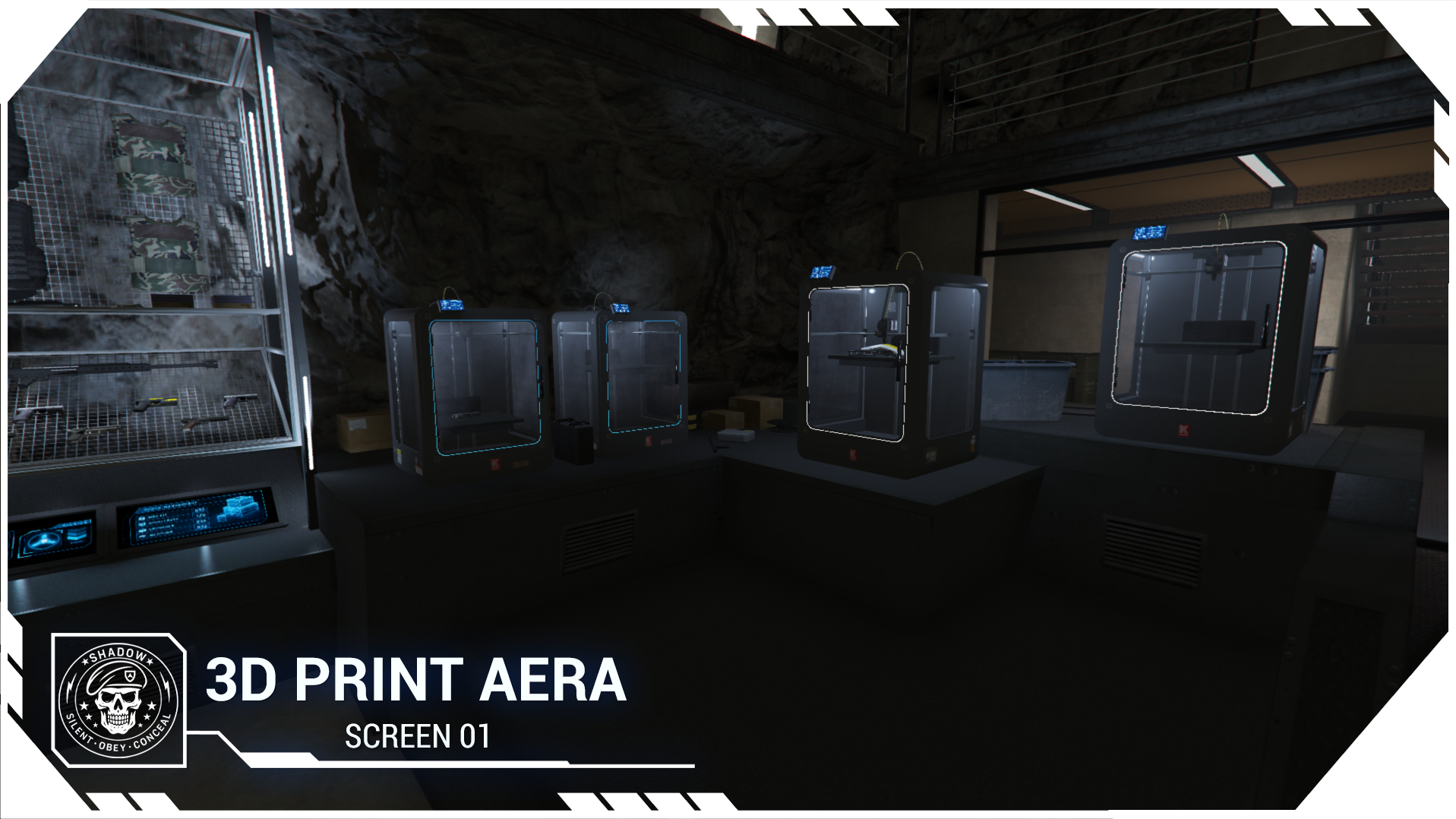
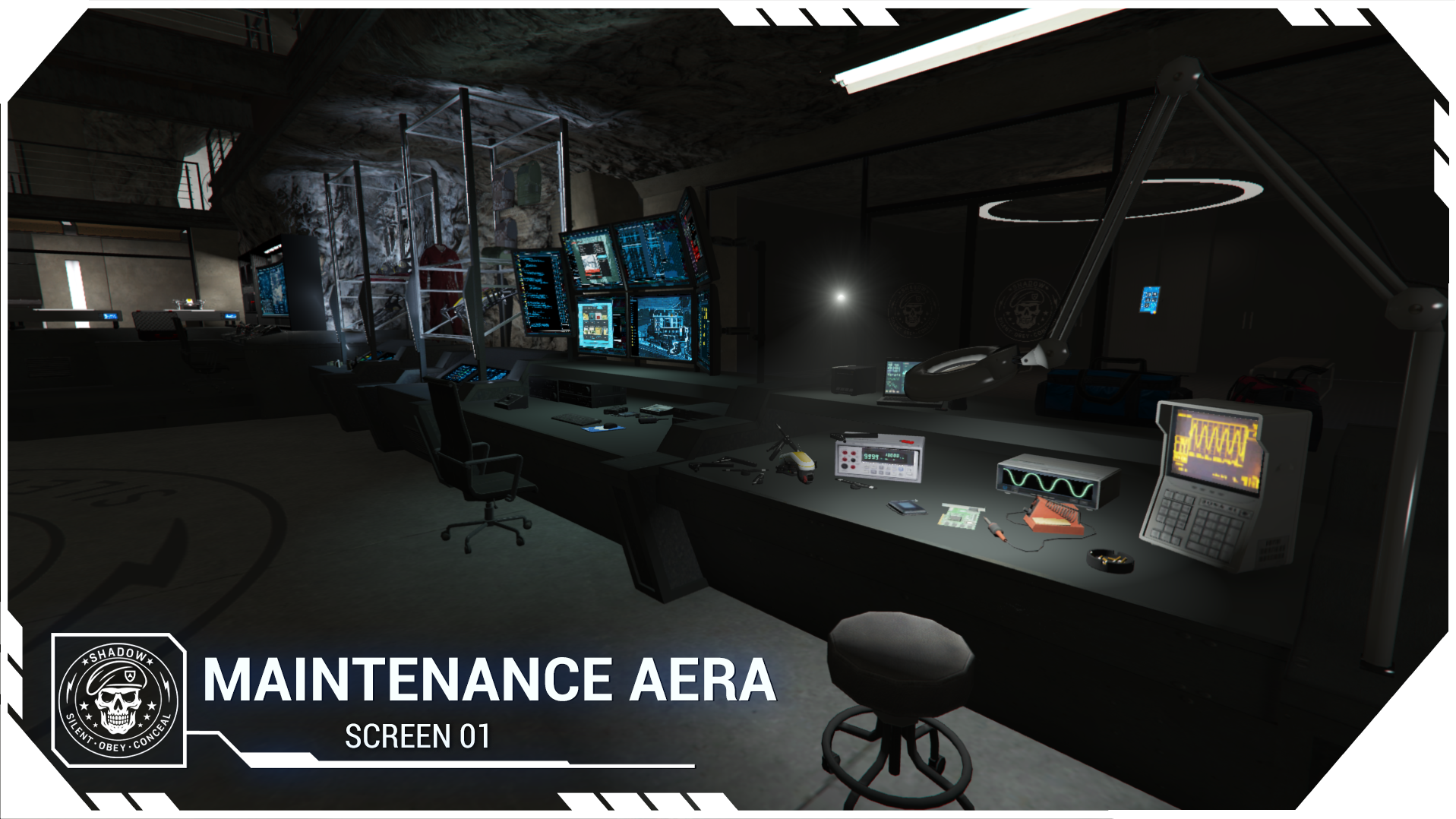
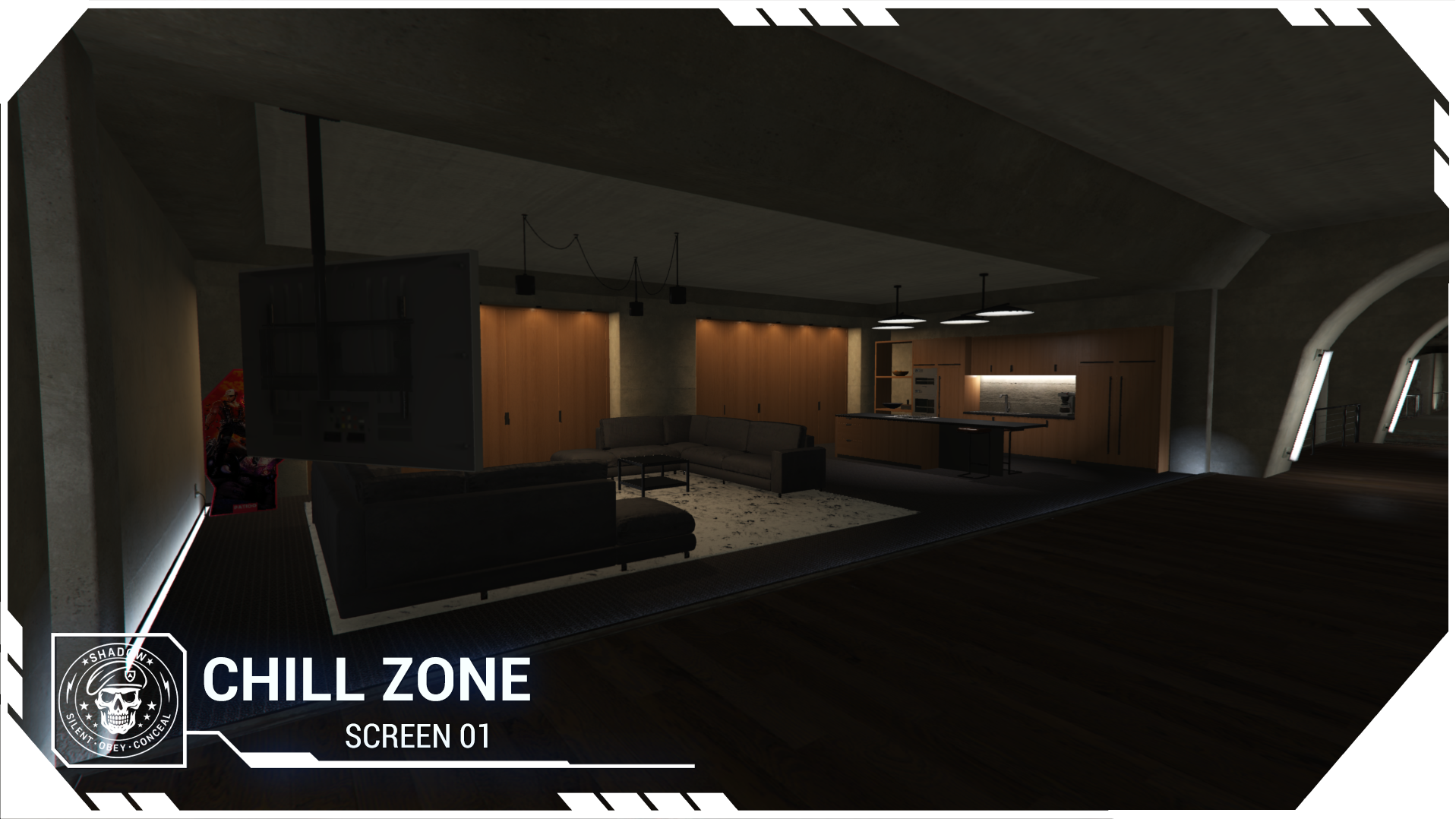
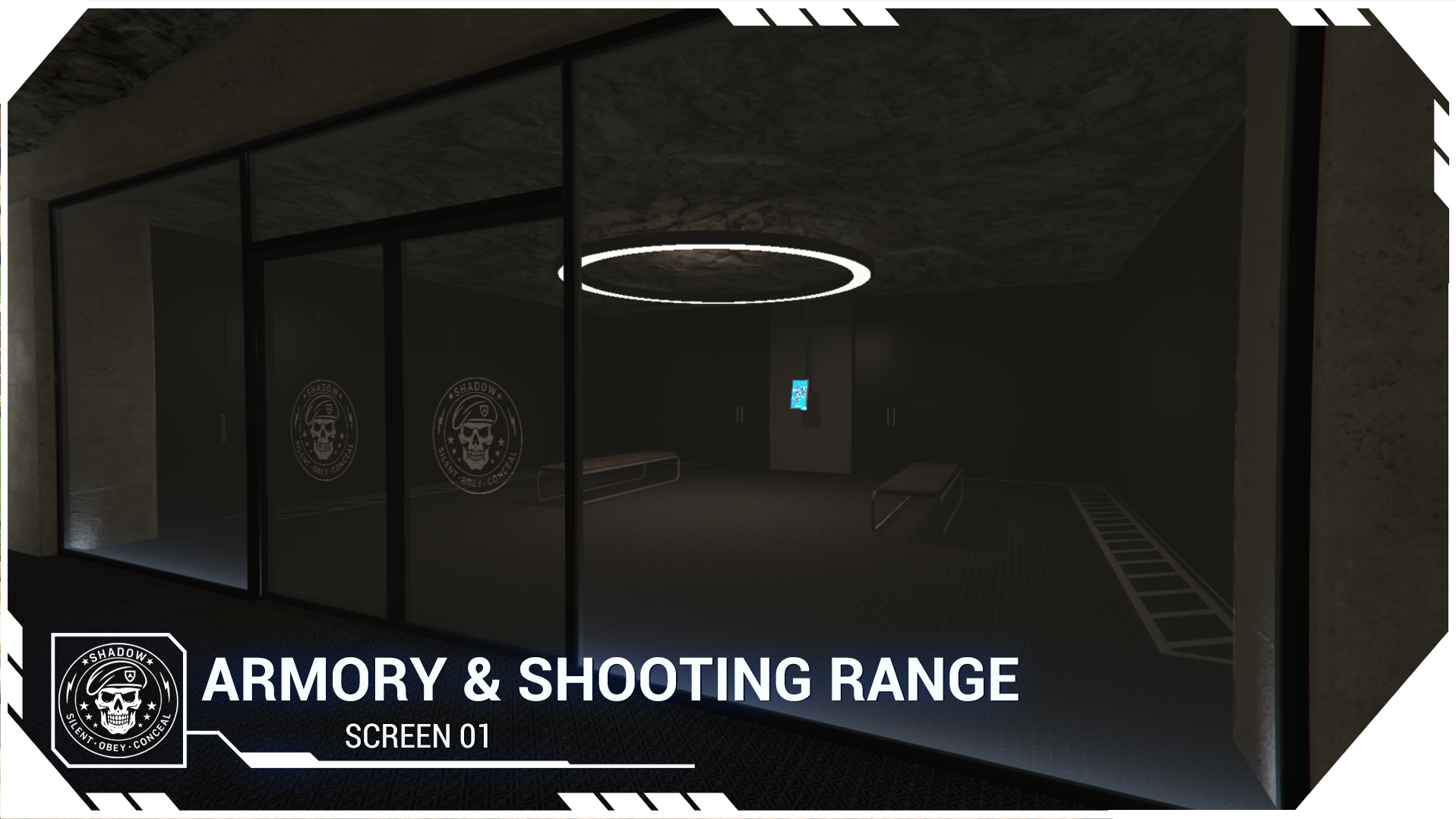
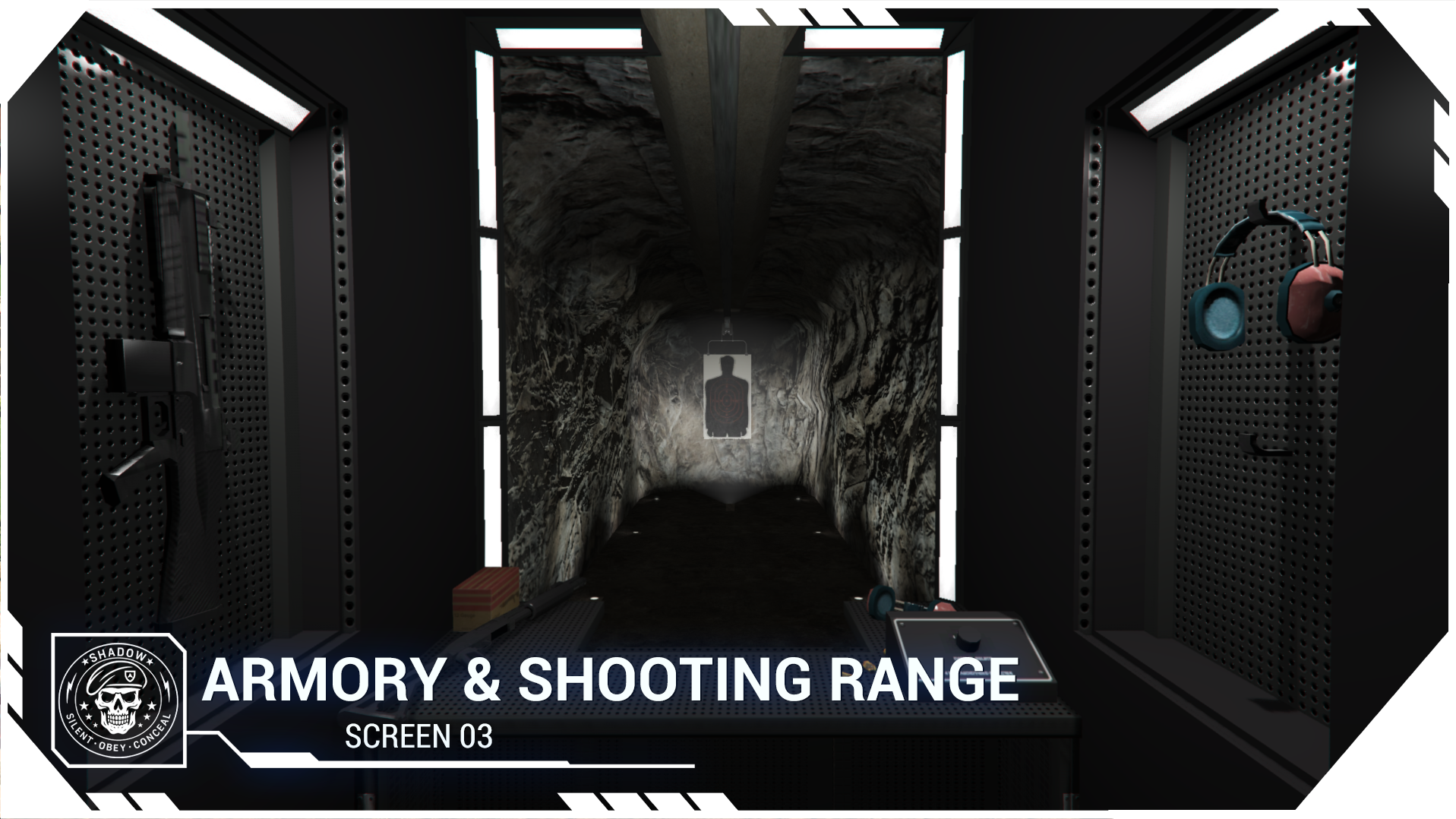
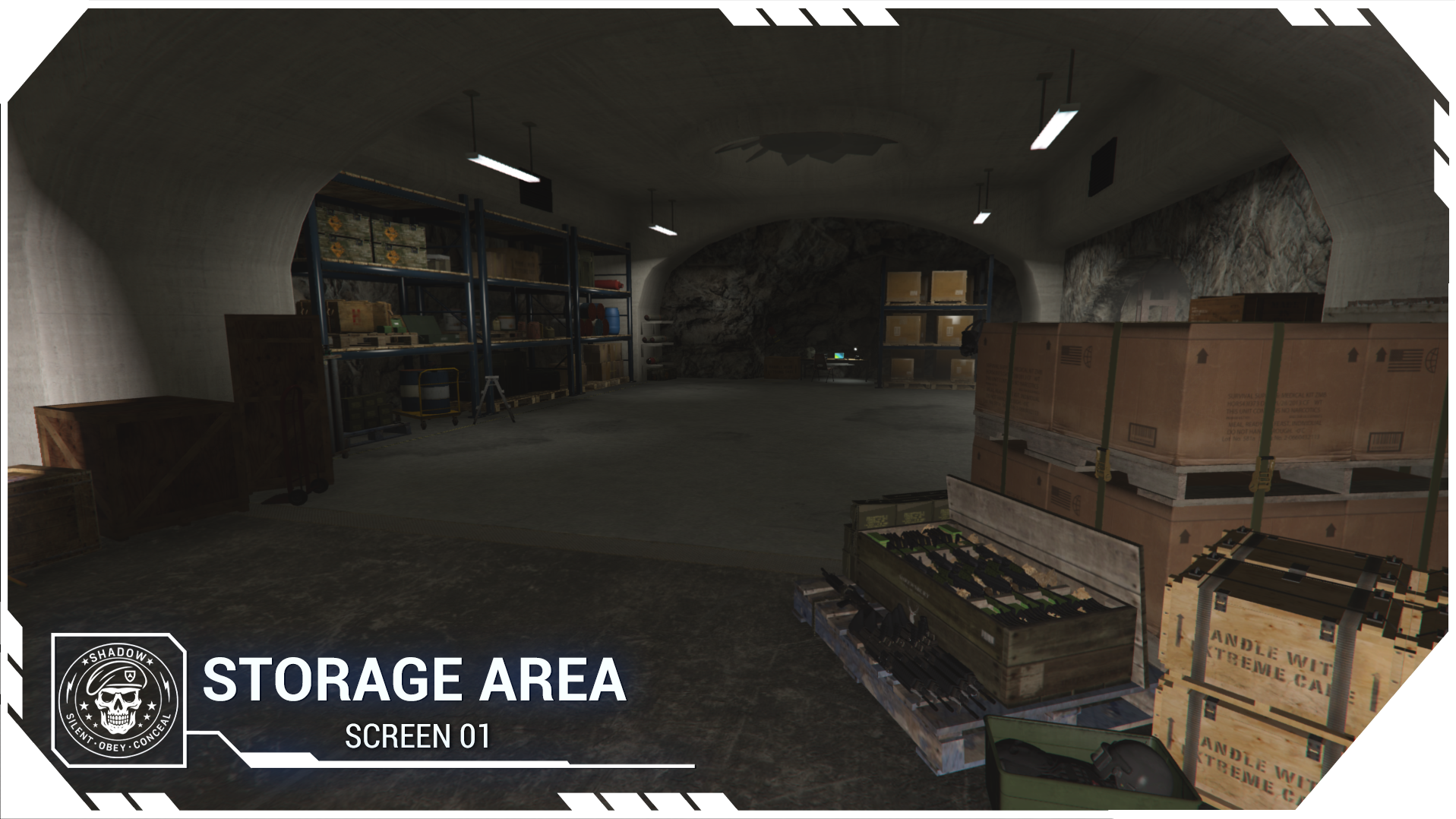
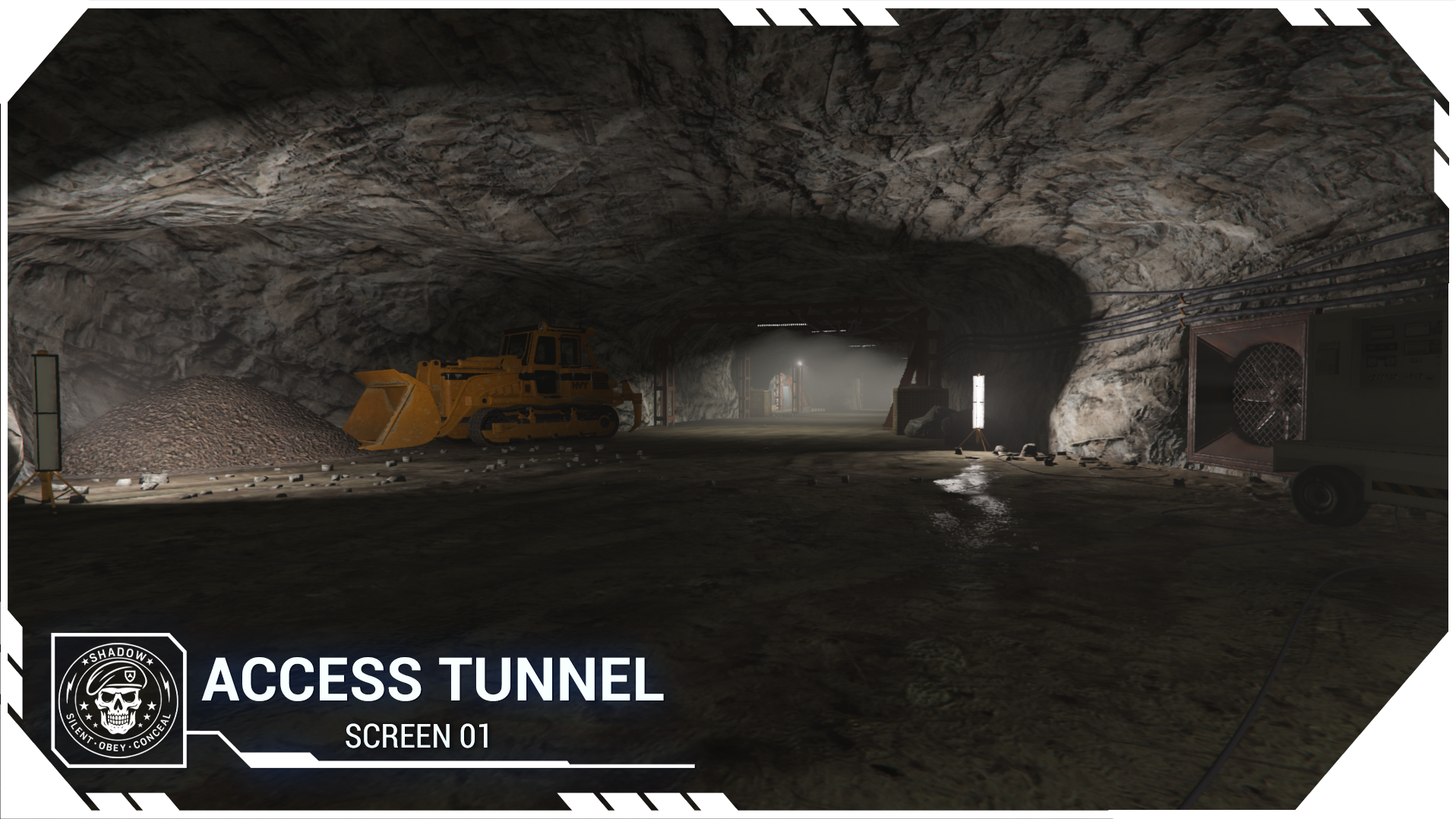
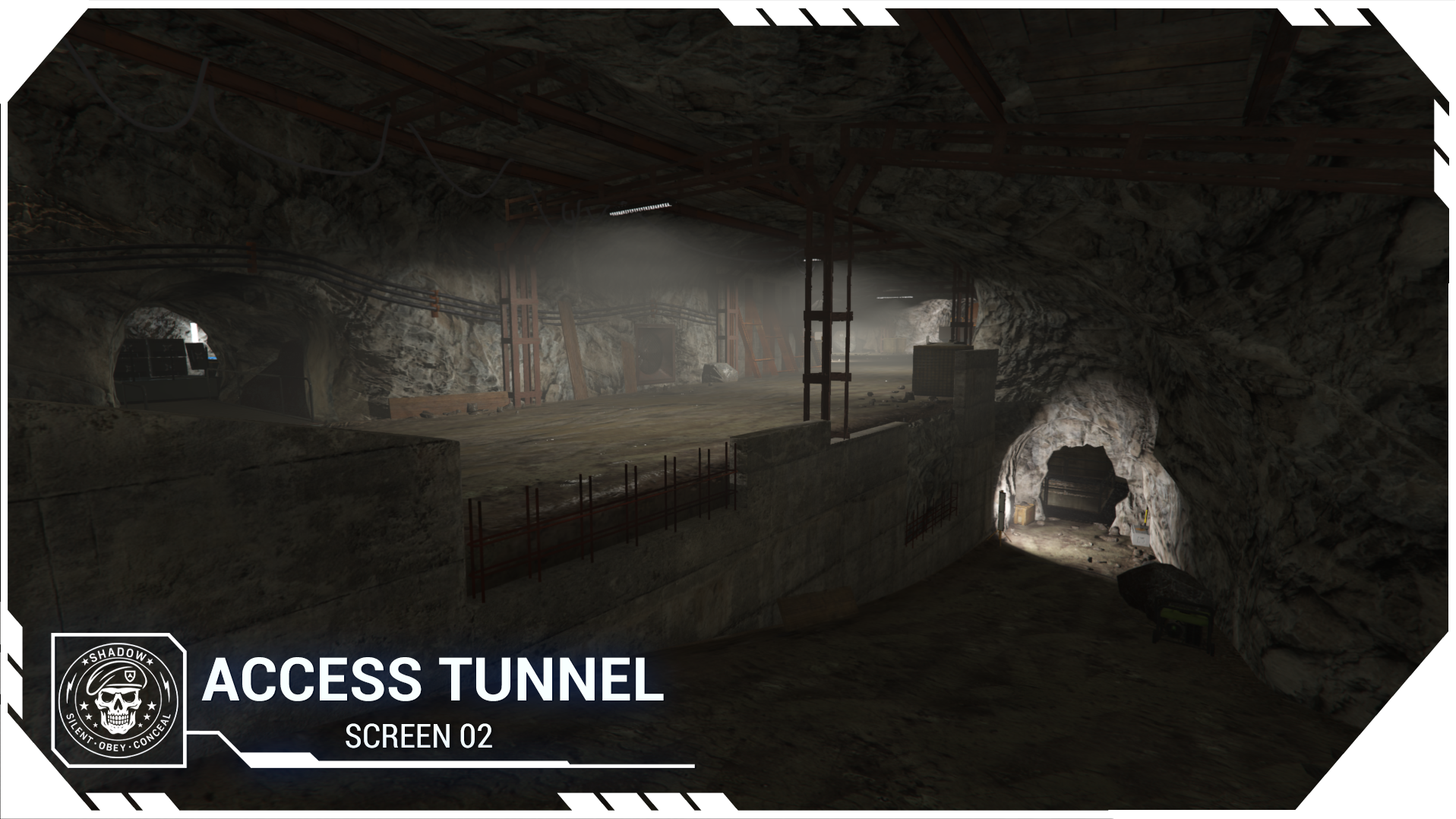
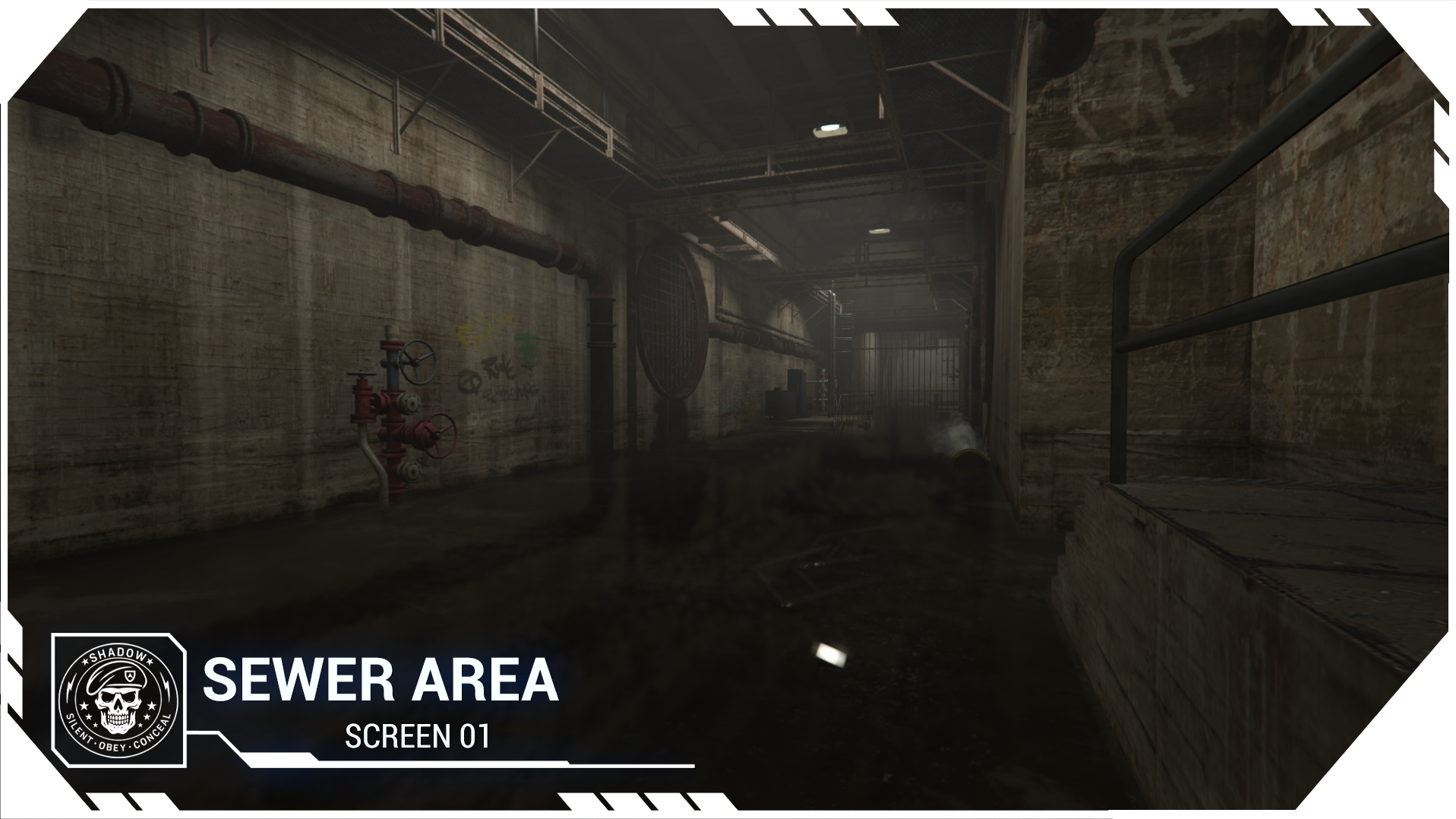
Patoche Shadow Complex is a massive underground facility designed to offer a complete and immersive RP environment.
Every area has been carefully designed to create strategic gameplay possibilities, secret operations, and cinematic scenarios.
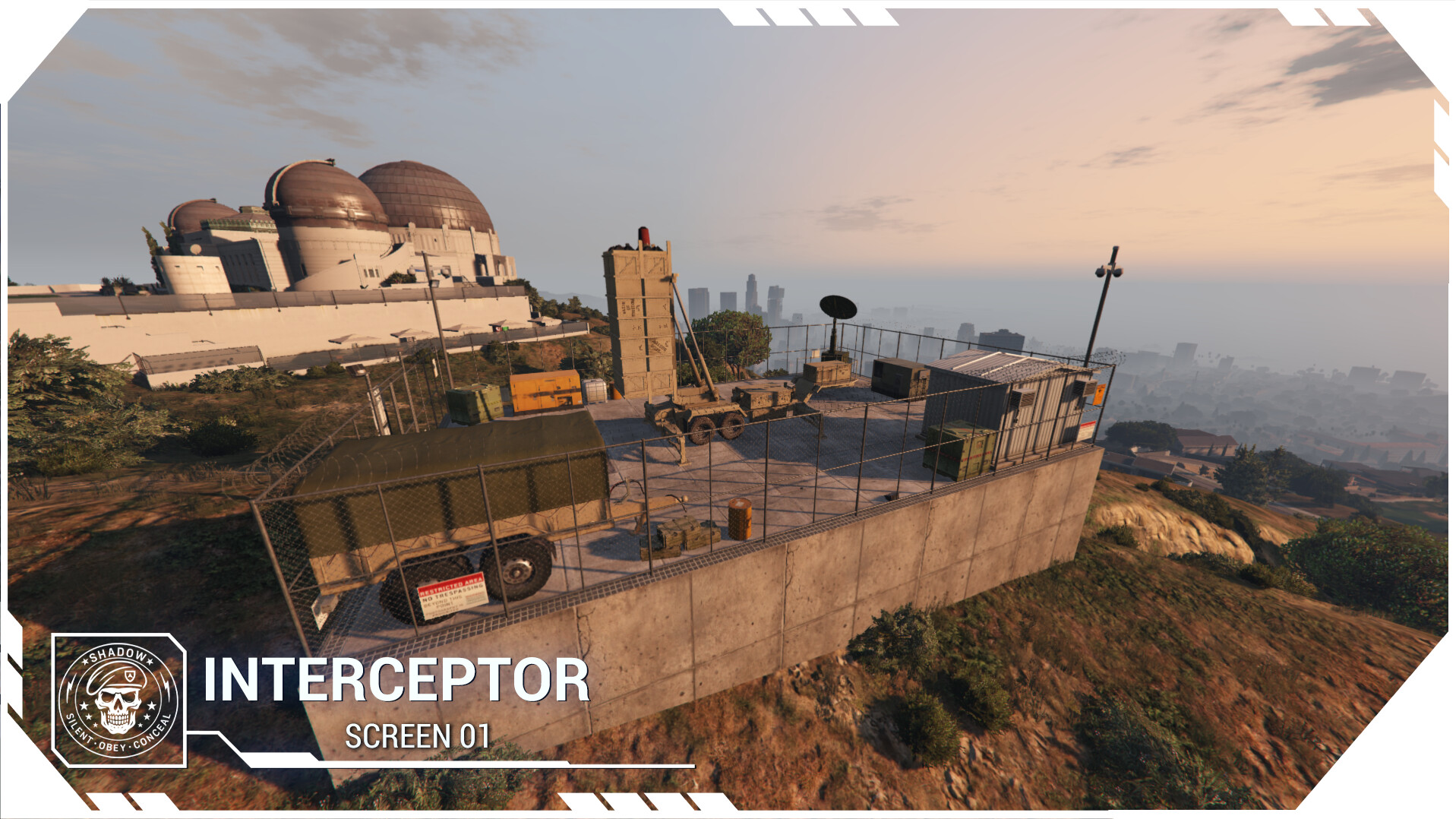
Interceptor launch zone

The script is compatible with: ESX / QBcore / Custom.
DEPENDENCIES :
 WHAT THE SCRIPT DOES :
 - Missile System
**
A complete missile launch system designed for immersive gameplay and advanced control.
Two missile types
Standard missile
Radioactive missile
Fully configurable explosions
Adjustable explosion radius
Adjustable number of explosion waves
Live missile tracking
Custom launch actions
 Radioactive Missile System
After impact, the missile creates a dangerous radioactive zone that you can fully customize.
 Editable Radiation Area :Adjust the size of the radiation zone directly in the configuration files.
 Custom Duration : Define how long the radioactive area remains active after impact.
 **Protective Gear System: ** Players without the proper outfit will gradually lose health while inside the zone.
 Configurable Outfit Requirement : Set which clothing or gear protects players in the configuration files. INTERCEPTOR System
 Missile Interceptor System
Protect specific areas from incoming missile strikes with a fully configurable interceptor system.
 Protected Zones Configuration
 Automatic Interception
 Projection System
An integrated projection system to display custom visual content inside the complex.
Fully functional projector controls
Turn ON / OFF
Next / Previous scene
Editable textures
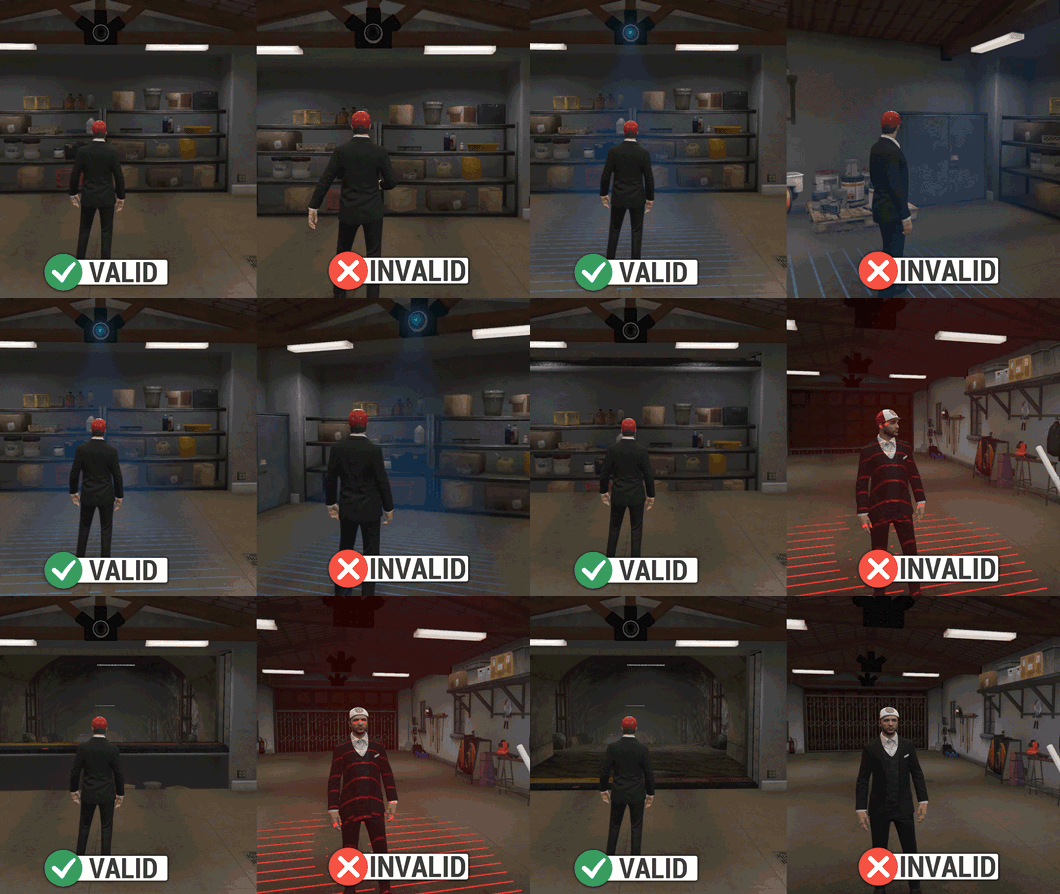
 Access Scan System
A security scanning system controlling access to restricted areas.
Blue scan → Access granted
Red scan → Access denied
Security trap
 Controllable Drone System
A powerful drone system designed for surveillance and tactical operations.
Two pilot seats inside the control room
Live drone camera view displayed on a screen
Unlimited control distance
Drone types included:
Reconnaissance drone for surveillance
Explosive drone for offensive operations
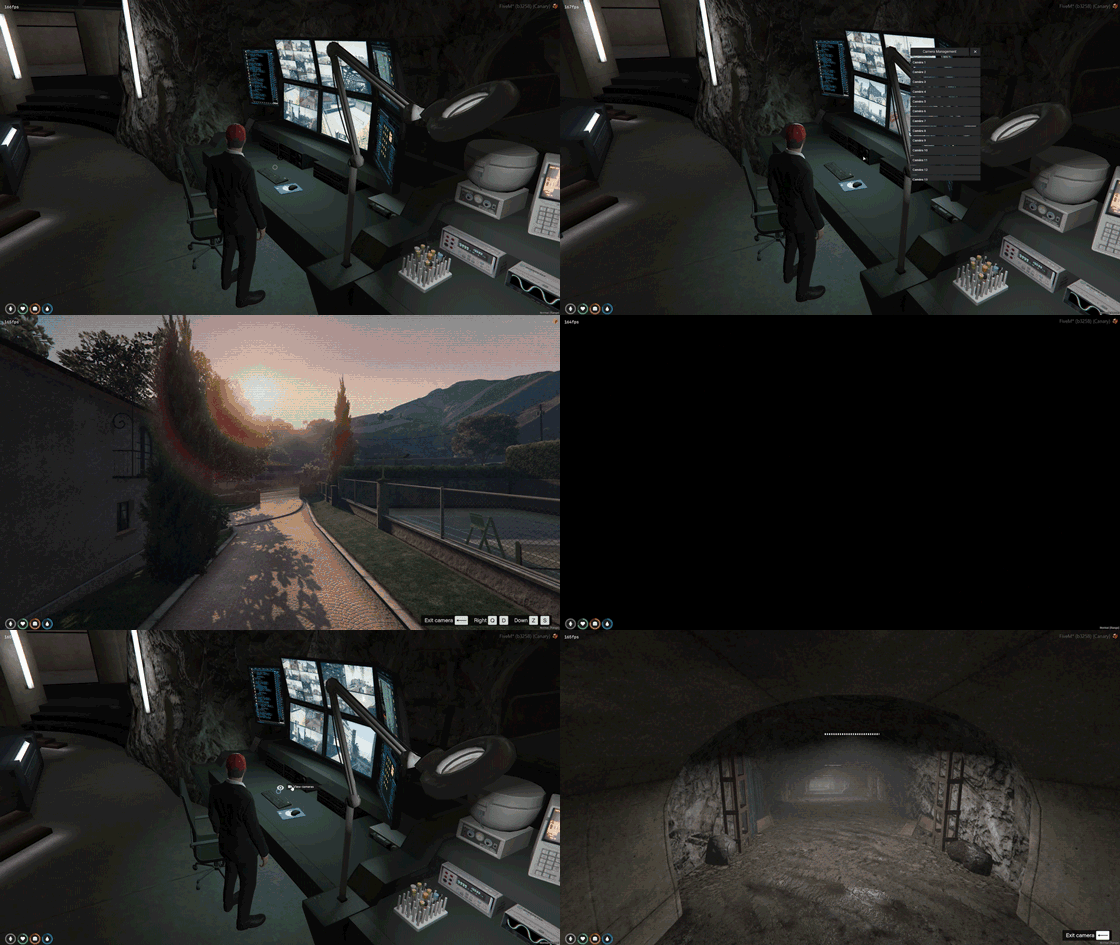
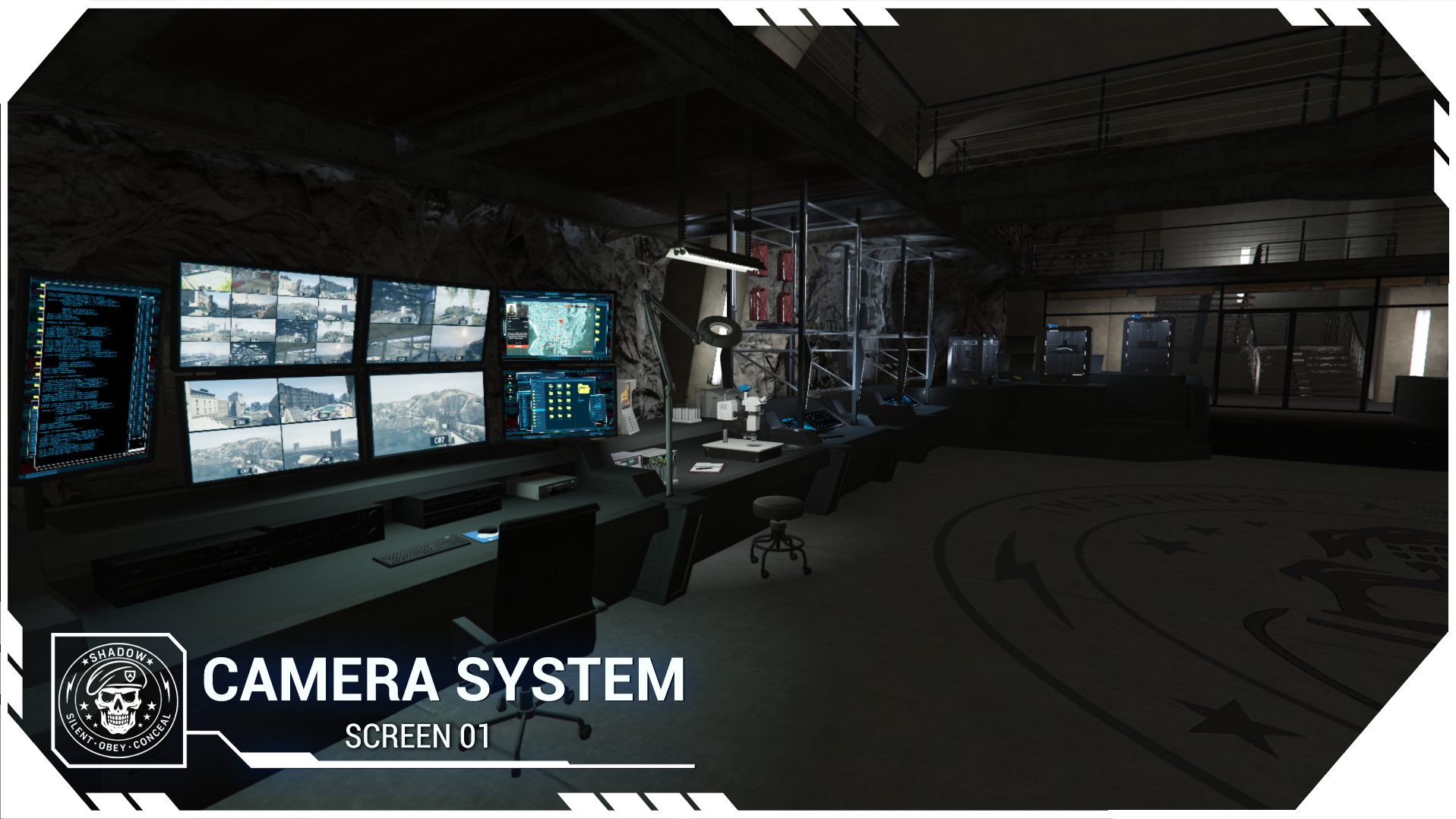
Camera System
Add and manage surveillance cameras with ease.
 Custom Cameras
 PROJECT README DOCUMENTATION
This system allows you to configure job/gang-based access restrictions, select a compatible notification system, define player load/unload events, and enable a fully customizable radiation system.
The groups variable controls job/gang restrictions.
If you set groups = false, the restriction system is completely disabled.
If you want to limit access to specific groups, you can define a table like this:
{ ['police'] = 0, ['ambulance'] = 0, ['ballas'] = 0 }. Remember to use the same group system as in patoche_interact
The key represents the job or gang name, and the value represents the minimum required grade.
A value of 0 means all grades are allowed.
Players not matching the defined groups will not be able to access the related feature.
The notification variable allows you to select which notification system the script should use:
'ox' to use ox_lib,
'qb' to use the native QBCore notification system,
'custom' if you want to implement your own solution.
If you choose 'custom', you must edit the bridge.lua.
The playerLoaded and playerUnloaded variables define the events triggered when a player joins or leaves the server.
For QBCore, use:
'QBCore:Client:OnPlayerLoaded'
'QBCore:Client:OnPlayerUnload'
If you are using ESX, replace them with:
'esx:playerLoaded'
'esx:onPlayerLogout'
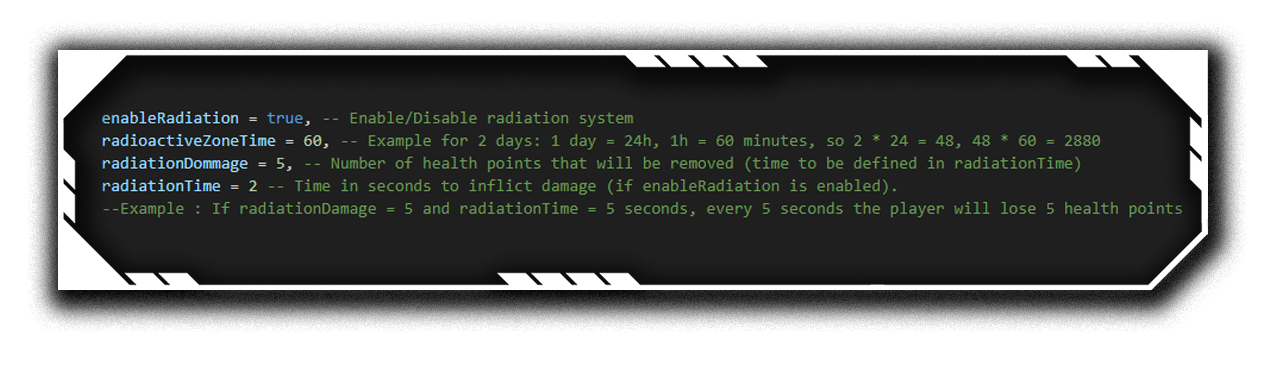
The radiation system is controlled by enableRadiation.
If set to true, radiation is active.
If set to false, it is completely disabled.
The radioactiveZoneTime variable defines how long the area remains radioactive, expressed in minutes.
Example:
2 days = 2 × 24 hours = 48 hours
48 × 60 = 2880 minutes
The radiationDommage variable defines how many health points are removed each tick.
The radiationTime variable defines the interval in seconds between each damage application.
Example behavior:
If radiationDommage = 5 and radiationTime = 5, the player will lose 5 health points every 5 seconds while inside the radioactive area and while the system is enabled.
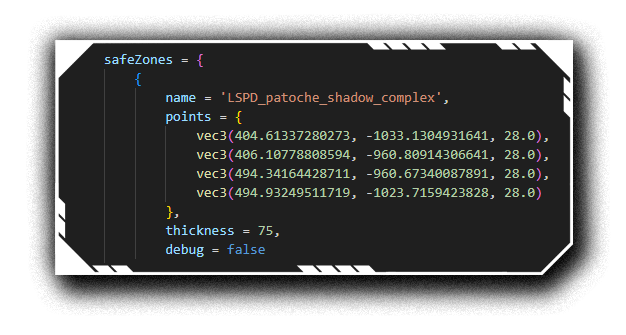
The safeZones block allows you to define PolyZones protected against missiles.
Each entry corresponds to a polyzone defined by several vec3 points.
safeZones = {
    {
        name = 'LSPD_patoche_shadow_complex',
        points = {
            vec3(404.61337280273, -1033.1304931641, 28.0),
            vec3(406.10778808594, -960.80914306641, 28.0),
            vec3(494.34164428711, -960.67340087891, 28.0),
            vec3(494.93249511719, -1023.7159423828, 28.0)
        },
        thickness = 75,
        debug = false
    },

    -- Example to add a new zone: (The Z must be identical on each coordinate as above)
    {
        name = 'New protected zone',
        points = {
            vec3(x.x, y.y , z.z),
            vec3(x.x, y.y , z.z),
            vec3(x.x, y.y , z.z),
            vec3(x.x, y.y , z.z)
        },
        thickness = 75,
        debug = false
    },
}
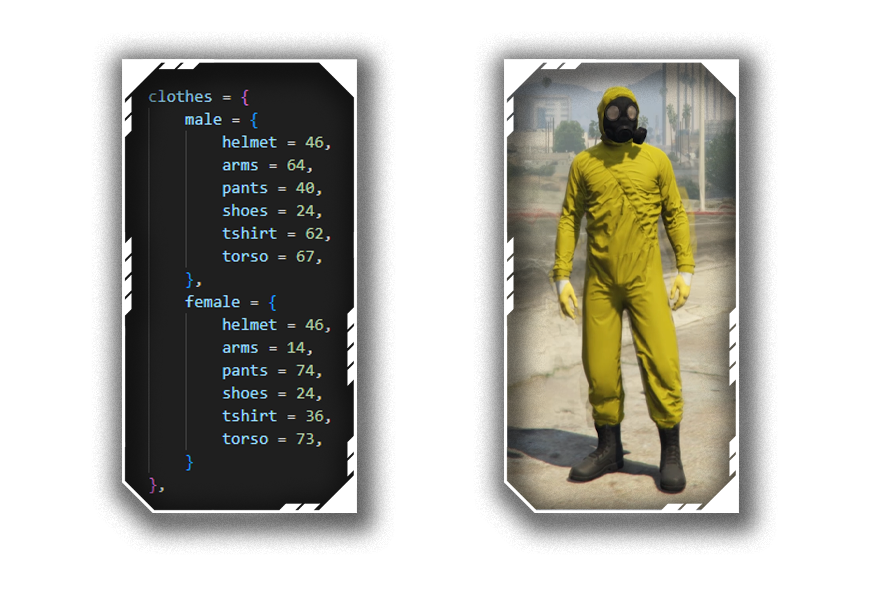
The clothes block allows you to define a protective outfit against radiation.
clothes = {
    male = {
        helmet = 46,
        arms = 64,
        pants = 40,
        shoes = 24,
        tshirt = 62,
        torso = 67,
    },
    female = {
        helmet = 46,
        arms = 14,
        pants = 74,
        shoes = 24,
        tshirt = 36,
        torso = 73,
    }
}
If a radioactive zone is active and a radioactive missile is fired, players will be able to enter the zone without taking damage only if they are wearing exactly the outfit defined in this configuration.
Each value corresponds to the clothing component ID.
You can modify these values to match the outfit you want on your server.
If the player is not wearing the full configured outfit, they will take radiation damage.
Make sure the IDs correctly match the clothing components used on your server to avoid any visual inconsistencies.
A MissileIsLaunch function is available in the bridge file.
This function is automatically called when a missile is launched.
It gives you complete freedom to execute any action: send a global notification, trigger a government alert, activate a siren, log to Discord, or run any other custom logic.
The function receives the missile type as an argument, allowing you to filter actions based on the type (for example, differentiating a standard missile from a radioactive missile).
Make sure your framework events match your server setup and that your notification system is properly installed to avoid errors (Editable in the bridge).
This part of the configuration allows you to manage player load detection according to your framework, enable zones and targets if you use the relevant mapping, handle access restrictions via target (ox-target or qb-target), set permissions for specific characters, define an interaction polyzone, as well as a CCTV camera system.
The playerLoaded and playerUnloaded variables define the events used to detect when a player joins or leaves the server.
For QBCore use:
'QBCore:Client:OnPlayerLoaded'
'QBCore:Client:OnPlayerUnload'
For ESX use:
'esx:playerLoaded'
'esx:onPlayerLogout'
These events must match your framework exactly or certain features may not initialize correctly.
The enableMap variable must be enabled (true) only if you are using the associated mapping.
If you do not have the mapping, leave this value set to false.
The target block configures interaction through ox-target or qb-target.
enabledGroups enables or disables group-based restriction for target interaction.
If using ox-target, configure authorized groups inside OXGroups, for example:
{ ['police'] = 0, ['vagos'] = 0 }
The key represents the job/gang and the value represents the minimum required grade.
If using qb-target, configuration is done via QBGroups.
You must choose either gangs (enableGangs) or jobs (enableJobs).
Example:
Exemple :
{enableGangs = {['vagos'] = 0}, enableJobs = false}
Warning: if you configure both, the player must have BOTH the required job AND gang.
Example:
{enableGangs = {['vagos'] = 0}, enableJobs = {['police'] = 0}}
The distance variable defines the maximum interaction distance.
The authorizedCharacters block allows restriction by specific character identifiers.
If useAuthorizedCharacters is set to true, only listed characters will have access.
If using ESX, you must uncomment line 12 in your fxmanifest.
In the qb section, insert authorized citizen IDs.
In the esx section, insert full character identifiers.
If both enabledGroups and useAuthorizedCharacters are enabled, the player must be authorized AND have the correct job/gang.
The poly block defines a custom polygonal area using multiple vec3 points.
points define the polygon vertices.
thickness defines vertical height.
debug displays the zone visually if set to true.
This zone can restrict or trigger interactions inside a specific perimeter.
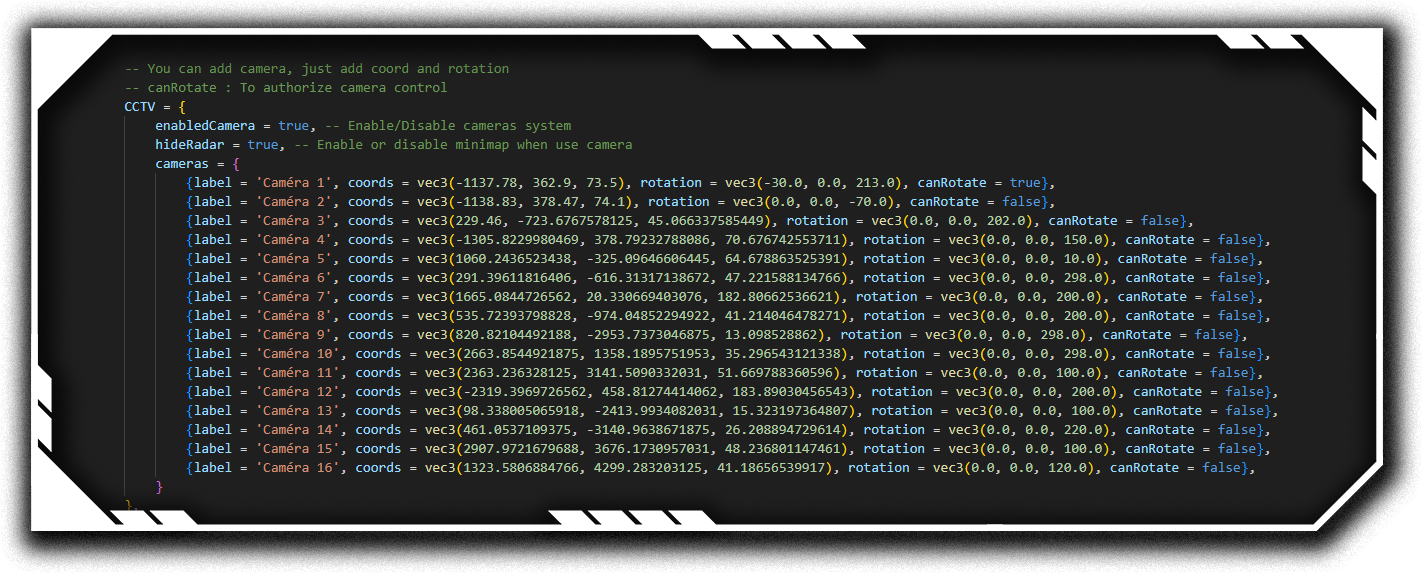
The CCTV block enables a surveillance camera system.
enabledCamera enables or disables the camera system.
hideRadar hides the minimap while using cameras.
Inside cameras, each camera includes:
label: display namecoords: camera positionrotation: camera orientationcanRotate: whether the player can control rotationIf canRotate is true, the player can freely rotate the camera.
If false, the camera remains fixed.
You can add as many cameras as needed following the same structure (coordinates and rotation).
A bridge is available to edit the framework, target, and notification sections.

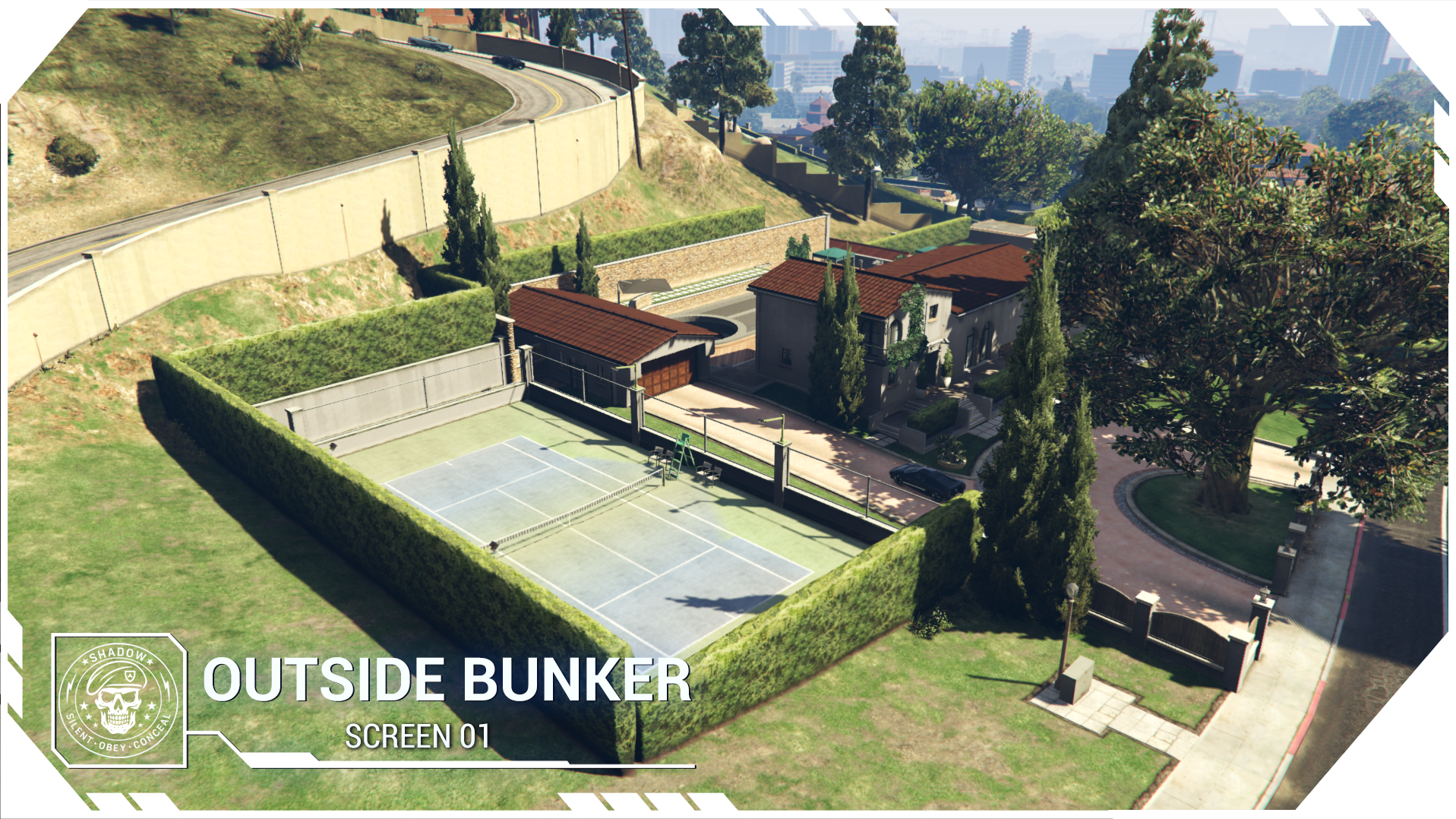
EXTERIOR BUNKER , SECRET HELIPAD DOOR OPEN/CLOSE :
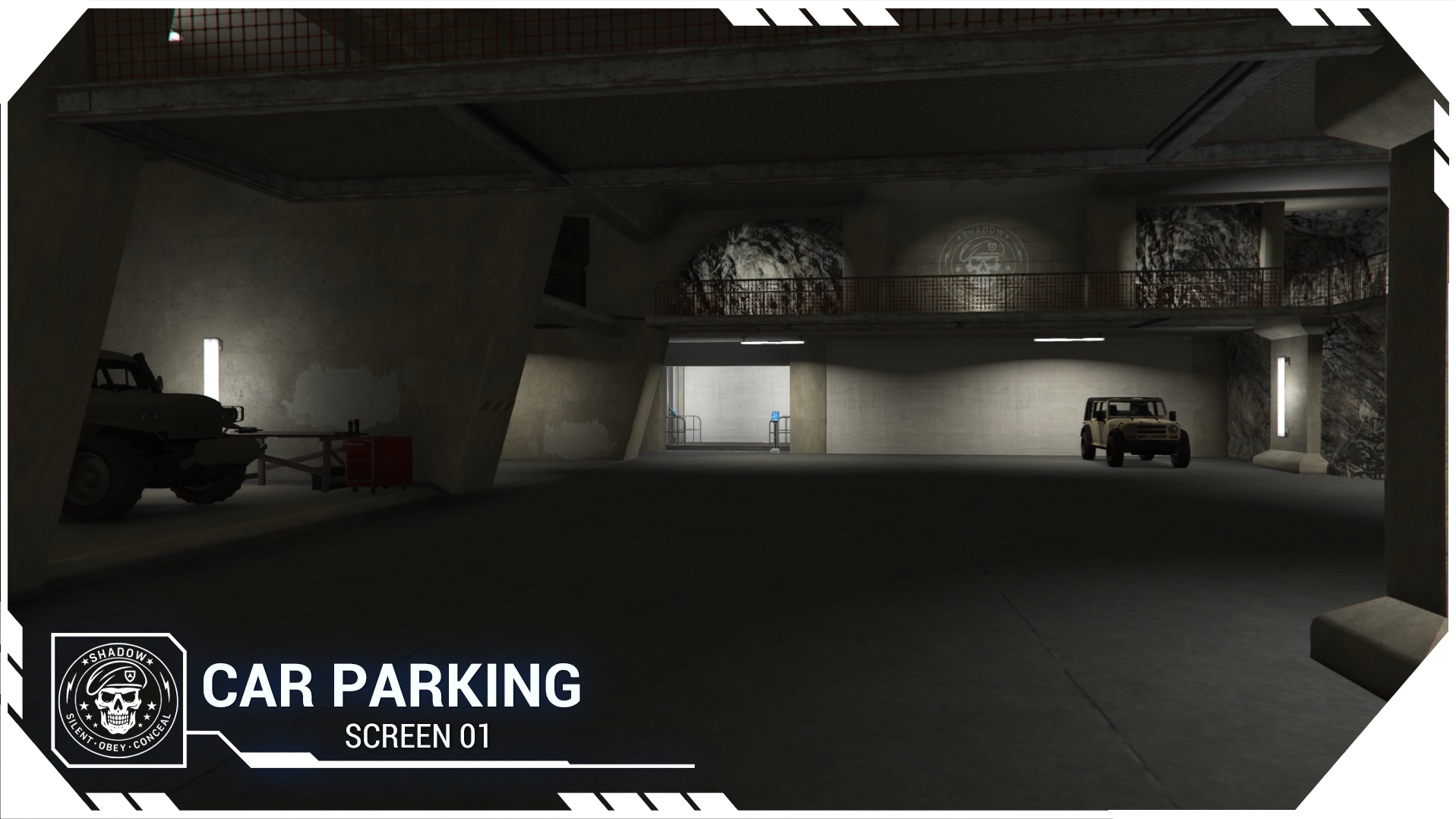
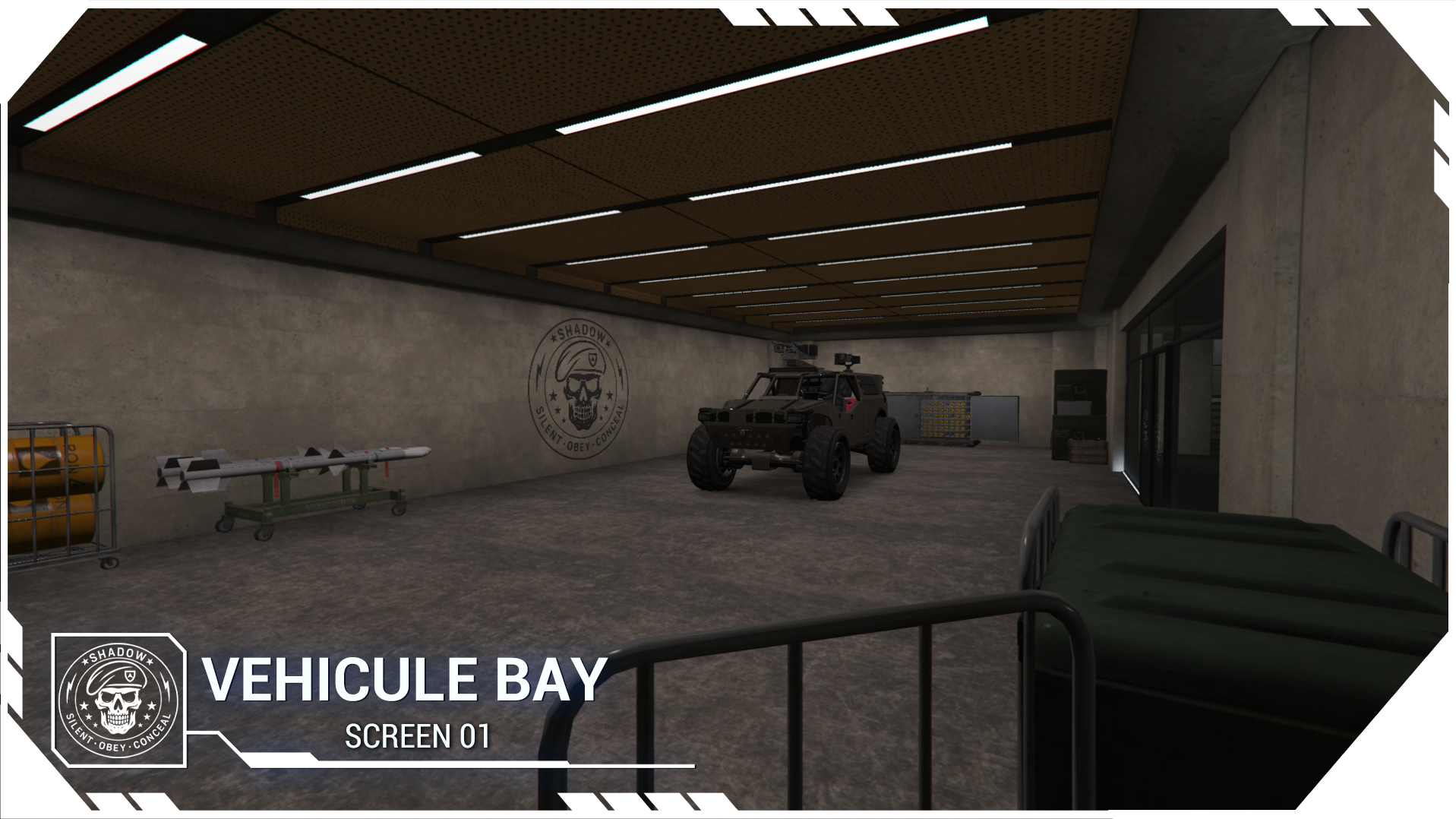
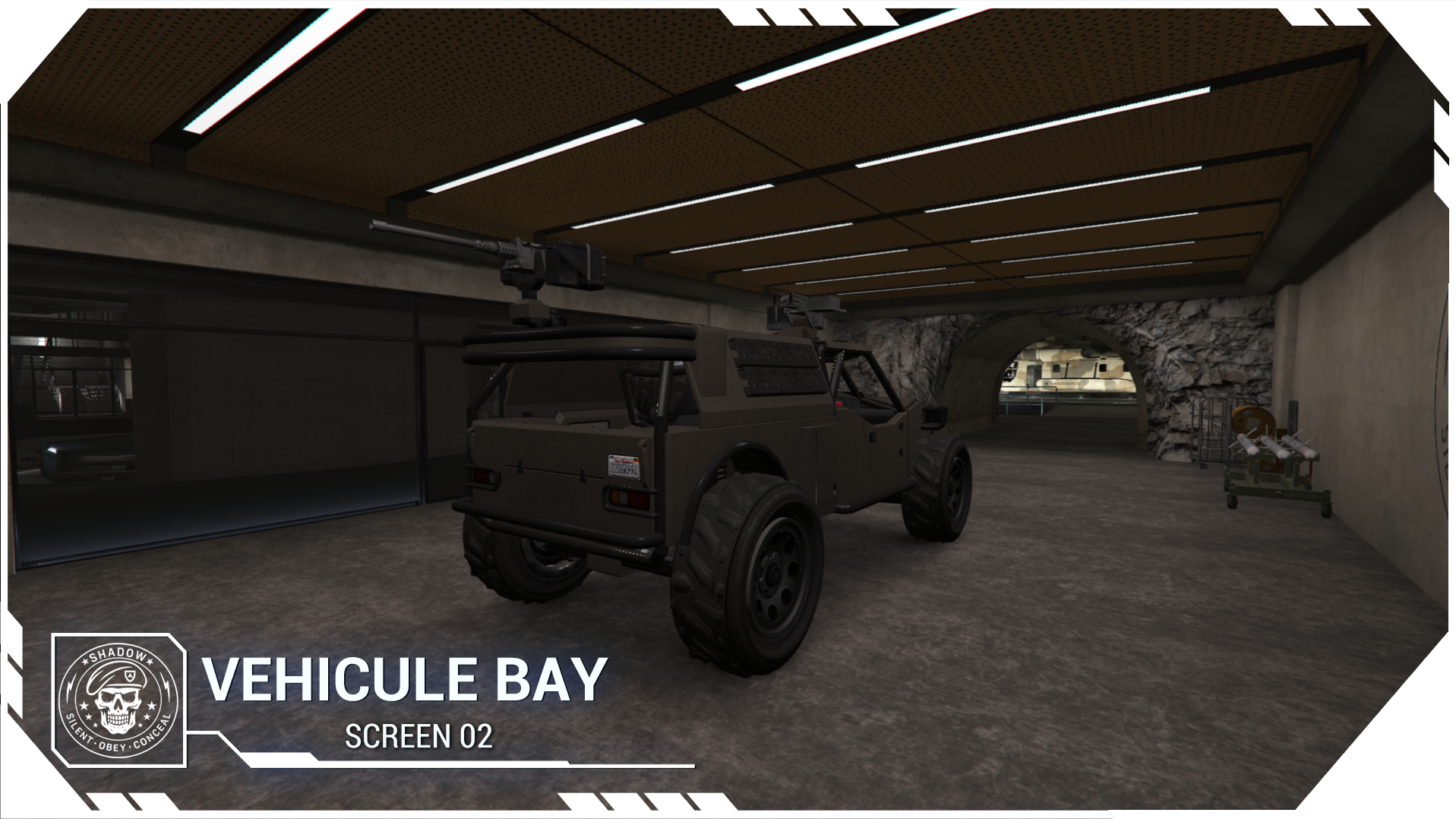
LAND VEHICLE ENTRANCE :
INTERIOR BUNKER :
MISSILE PART :
DRONE PART :
INTERCEPTOR :
HIDEOUT SECRET ENTRANCE :
 Tebex Store : CLICK HERE
 After Purchase Instructions
Make sure to install all required resources to ensure everything works properly:
patoche_shadow_complex — Map patoche_shadow_complex_script — Drone, missile & projector systems patoche_interact — Doors, elevators, scan & camera system Important Notes If you already own patoche_interact (if you are owner of patoche_villa_bunker), you must download and install the latest version of patoche_interact. If your server gamebuild version is above 3750, you need to install a patch.If your server is not using a recent gamebuild version, you can safely ignore this patch.
Shadow_complex_fix_artefact_3751.zip (12.4 MB)
Warning – 
 Helicopter Crash Issue**
 When approaching from outside with a helicopter and trying to land, the engine may suddenly shut off and the helicopter crashes .
Cause : This issue is usually caused by another** gta5.meta** file on your server.
Most of the time, creators edit this file for door tuning or after modifying a water.xml.
It’s also possible that you have multiple gta5.meta files from different creators.
Which is useless, because even if you have several gta5.meta files, only one is actually used by the game.
 Your mission : find it
 Solutions:
 Solution 1 :Delete all other gta5.meta files and keep only mine.
Solution 2 : If you only have one other gta5.meta and want to keep it:
1 - Delete my gta5.meta (located in: patoche_shadow_complex > meta)
2- Open the gta5.meta you kept
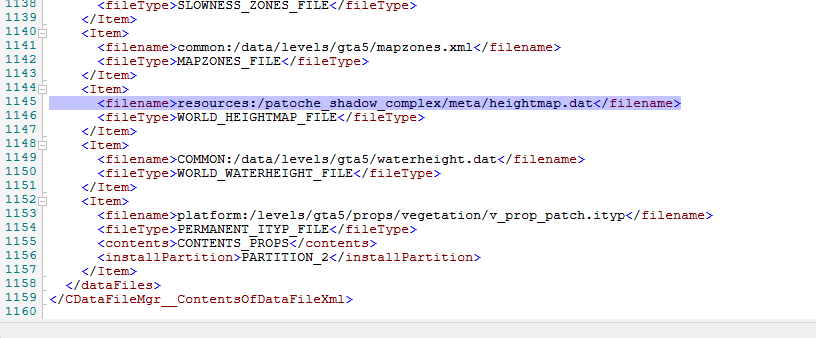
3 - Go to line 1145 , Replace the line with:
(As shown in my screenshot)
This map use the CFX Asset Escrow System.
PLEASE, READ CAREFULLY
- This map is partially encrypted by Tebex and CFX Asset Escrow System. This is licensed on your cfx account that you entered when purchasing the package.
(More information here: https://urlz.fr/gSOL )
| Code is accessible | No / Only : [config] , [bridge] |
| Subscription-based | Yes/No |
| Lines (approximately) | 4105 |
| Requirements | ox_lib / ox_target or QB_target |
| Support | Yes |
| Code is accessible | No / Only : [config] , [bridge] |
| Subscription-based | Yes/No |
| Lines (approximately) | 2798 |
| Requirements | ox_lib / ox_target or QB_target |
| Support | Yes |
| Code is accessible | .YTD (texture) only |
| Subscription-based | No |
| MLO | Yes |
| Number of rooms | 16 |
| Texture editable | Yes |
| Support | Yes |
– More Work :
Crash&Splash ( Total Wipeout like ) : Crash & Splash ( Map + Script )
Crazy racetrack : MULTI TRACK - SEAGULL RACEWAY
Secret Bunker : [MLO][SCRIPT] Secret Bunker + securised villa
Church 4 interior + secret room : [MLO] Church ( 4 interiors , 3 locations + props )
Modern villa : [MLO] Modern Villa
Petshop + 80 props : [MLO] Petshop + 80 props
Meth Lab : [MLO] Meth Lab ( 2 openworld + 1 underground )
Small weed place : [MLO] Secret Weed ( 3 openworld + 1 underground )
Plasmakart DLC : [MLO] Plasmakart DLC ( 2 additional race map )
Plasmakart rework : [MLO] PlasmaKart ( Big rework )
Plasmagame rework : [MLO] Plasmagame - BIG UPDATE - v3
ULTIMATE SUBCIPTION ( All my work & Future work ) : Patoche ULTIMATE Subscription
Game Stand ( Map + Script ): [MAP + SCRIPT + WEAPON ] Game Stand
Wolf Game ( Map + SCRIPT ) : [MAP]+ [SCRIPT] WOLF GAME
Plastick Surgery ( Or private clinic ) : [MLO] Plastic surgery ( Or private clinic )
House boat ( Sandy ) : [MLO] House Boat ( Sandy shores )
Patoche _gang__2 : [MLO] Patoche gang 2 ( editable : Vagos, Ballas, Families, Crips, neutral, etc…)
Casino underground : [MLO] Casino Underground
patoche_gang : [MLO] Patoche Gang custom building Vagos, Bloods, Ballas, Families, Crips, or
70 storage boxes : [MLO] 70 Storage boxes
Karaoké map : [MLO] Karaoke
Editable car dealer :[MLO] Car Dealer ( editable )
Billboard Creator : [Props][SCRIPT] Billboard Creator (Esx/Qbcore)
Bumper Car ( map + script + car ) : Bumper Car ( Update MAP + SCRIPT FREE )
Ammunation : [MLO] Ammunation on city
Studio : [MLO] Patoche editable studio + gift script
PlasmaTron : [MLO] PlasmaTron
– More FREE Work :
Paleto airport : Paleto airport
Little house : [MLO] Patoche Little House
Beach Game : [MLO] Beach Game V2 ( Plastic Beach Castle )
Paleto gas station : [MLO] Paleto gas station
Tiny secret garage : [MLO] Tiny secret Garage
Free Cardealer editable : [MLO] Editable Car Dealer
Cloth shop : [MLO] Clothe Shop
BossRoom V4 : [MLO] Secret bossroom base V4
Beach game : [MAP] Beach Game - Sliding Race
Paleto airport : [MAPPING] Patoche Paleto Airport
Bridge Cayo perico : [MAPPING] Bridge Cayo Perico
Creepy house : [MLO] Patoche Creepy house
Free secret cardealer : [MLO] Secret Weapon dealer Patoche
Cyber Bar V2 : [MLO] Cyber Bar V2
Abandonned village : [MAPPING] Abandonned Village
Tiny House : [mlo] tiny house
See what others are saying about this script.
Share your experience and help others.
