Price
Unknown
A script by OrionStudio
Price
Unknown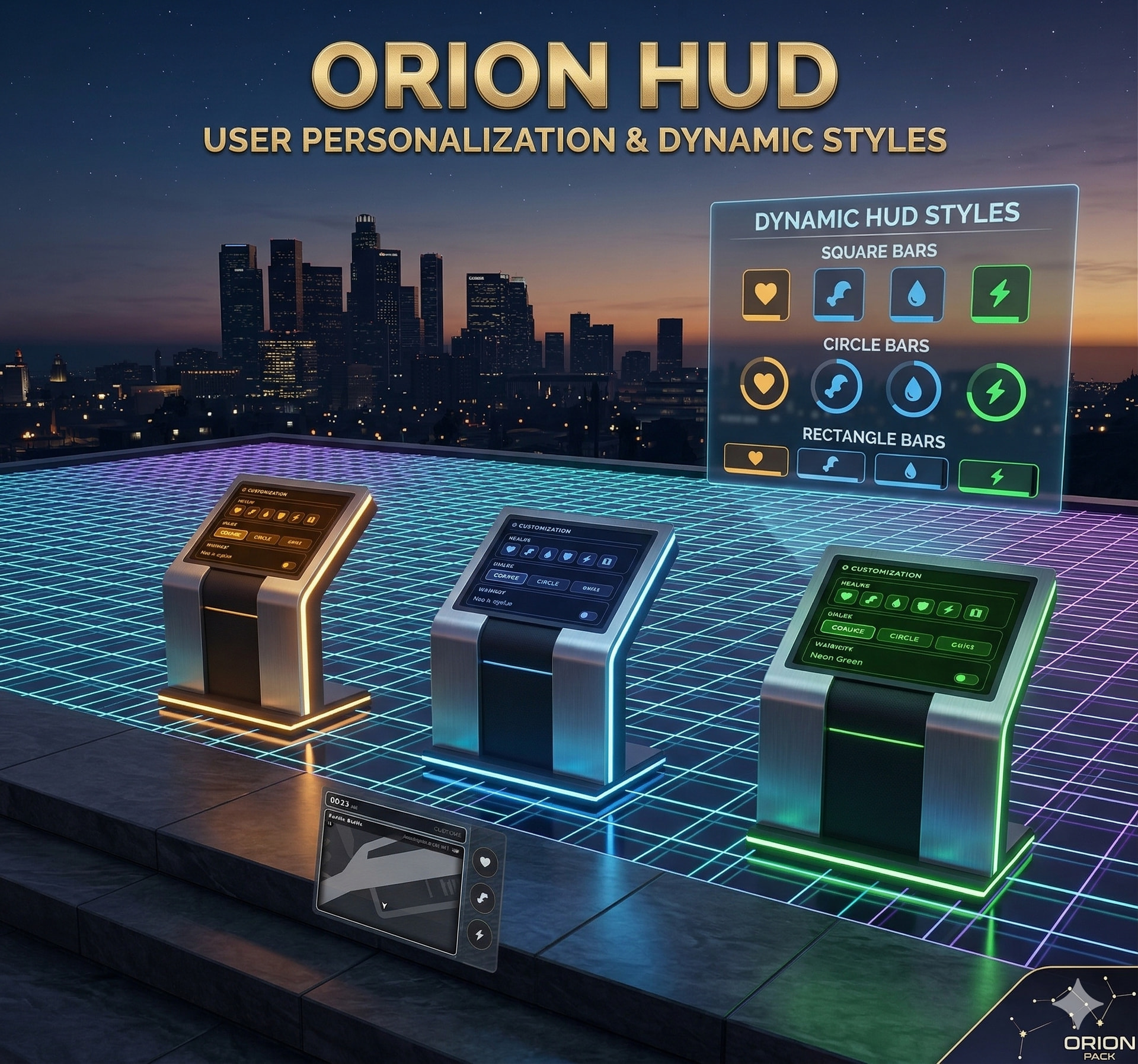

 ORION HUD
A clean, modern and immersive HUD for QBCore with the signature Orion Studios design.
-–
 Features
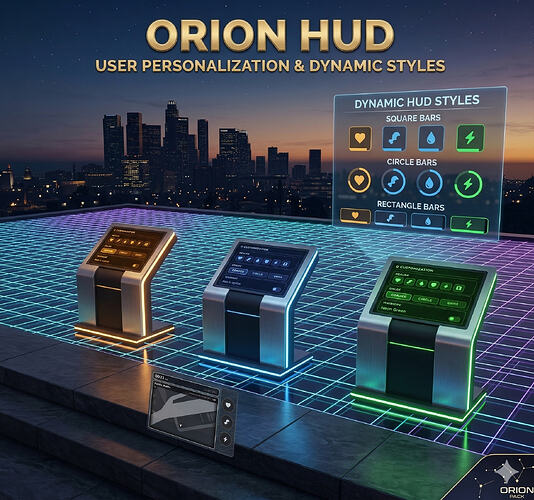
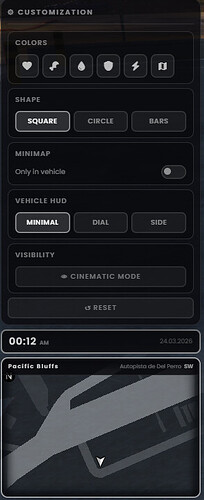
 3 Display Styles: Switch between Minimal, Side and Dial modes at any time via
 /hudmenu — no restart needed.
Full Vehicle Panel: Speed (KMH / MPH), RPM, fuel level, engine health, gear lock and seatbelt indicator — all in one.
14 Fuel Scripts Supported: Auto-detects your active fuel script on startup. No manual wiring — just set “auto” and go.
Seatbelt System: Built-in seatbelt with key binding and physical ejection on crash. Also compatible with external seatbelt scripts via event.
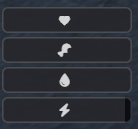
Player Stats: Health, armor, hunger, thirst and stress bars — always visible and color-coded.
Minimap Integration: Clock, date and street name displayed directly on the minimap bar. Fully compatible with cinematic mode.
Voice Activity: Shows active speakers in the current radio channel when using pma-voice.
Custom Logo: Display your server logo in the top-right corner — configurable URL.
Notification System: Built-in toast notifications with sound feedback (info, success, error).
Performance: Slow thread for infrequent data (fuel, lock, engine health) and fast thread only for what needs it (speed, RPM). Near-zero idle impact.
Bilingual: English (en) and Spanish (es) included out of the box, fully extensible.
-–
 Installation
No SQL required — drop and play.
Drop orion-hud into your resources/ folder.
Add to server.cfg after qb-core:
ensure orion-hud
config.lua to set your language, fuel script and preferences.-–
 Configuration
-- config.lua

Config.Language = ‘en’ – ‘en’ | ‘es’

Config.showTime = true – Clock and date above minimap

Config.showStreet = true – Street name on minimap bar

Config.UseMPH = false – true = MPH | false = KMH

Config.showSpeedometer = true – Show vehicle HUD

Config.FuelScript = “auto” – Fuel script (see full list below)

Config.useSeatbelt = true – true = built-in | false = external script

Config.seatbeltKey = ‘b’ – Key to toggle seatbelt

Config.seatbeltEjectSpeed = 100 – Min speed (km/h) for ejection without seatbelt

Config.showLogo = true – Show server logo

Config.logoIcon = “https://your-logo-url.png”

Config.usePMAVoice = true – Show pma-voice radio activity
-–
 Usage
Usage| Key / Command | Action |
|----------------|--------------------------------|
| /hudmenu | Open / close HUD settings menu |
| /togglehud | Show or hide the entire HUD |
| B (default) | Toggle seatbelt on / off |
-–
 Fuel Compatibility
| Config value | Script |
|---------------------|-----------------------|
| “auto” | Auto-detect (recommended) |
| “default” | Native GTA V fuel |
| “LegacyFuel” | LegacyFuel |
| “ox_fuel” | ox_fuel |
| “qb-fuel” | qb-fuel |
| “ps-fuel” | ps-fuel |
| “qs-fuelstations” | qs-fuelstations |
| “Renewed-Fuel” | Renewed-Fuel |
| “ti_fuel” | ti_fuel |
| “x-fuel” | x-fuel |
| “cdn-fuel” | cdn-fuel |
| “esx-sna-fuel” | esx-sna-fuel |
| “lc_fuel” | lc_fuel |
| “BigDaddy-Fuel” | BigDaddy-Fuel |
| “okokGasStation” | okokGasStation |
With
“auto”, the HUD detects your active fuel resource on startup and connects to it automatically. A confirmation message is printed to the server console.
-–
 Localisation
Edit locales/en.lua or locales/es.lua to change any text.
To add a new language: create locales/xx.lua starting with if Config.Language ~= ‘xx’ then return end and fill in the full Lang = { … } table.
-–
 Notes
Notes
Framework: QBCore.
Dependencies: qb-core.
No database — fully event-driven, zero SQL.
Preview: Orion Youtube
Support
Join our Discord: Orion Studio Discord
Purchase
Buy on Tebex: Orion HUD on Tebex
Price: €18.15
| Info Value |
|---|
| Code is accessible No / Partial |
| Subscription-based No |
| Lines (approximately) +~3000 |
| Requirements qb-core |
| Support Yes |
See what others are saying about this script.
Share your experience and help others.
